How to Get a Google Knowledge Panel as a Person, Step by Step
There’s no form to fill in. There is an order of work that makes you easy for Google to recognise and confirm, and it’s the same order whether you coach, found companies, speak or write.
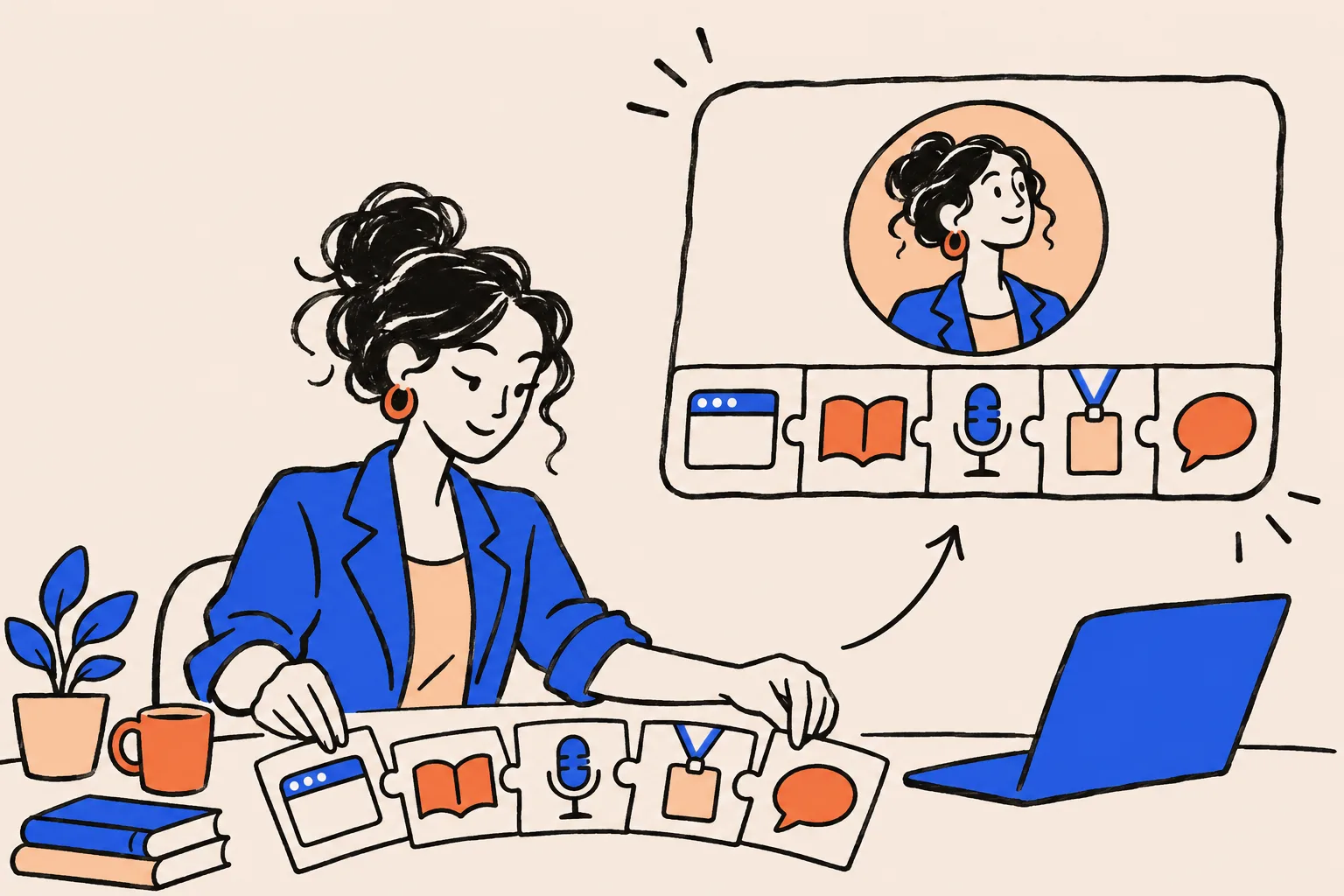
You can’t apply for a Google Knowledge Panel or buy one. You get one by making it easy for Google to recognise you as one distinct person and to confirm the facts about you from several independent sources, and then Google decides whether to show it. For an established coach, founder, speaker or author, that comes down to seven steps done in order: check where you stand, build one home page, write one bio, align your profiles, add markup, earn independent mentions, then get indexed and claim the panel when it appears.
Can you apply for a Google Knowledge Panel?
No. Google says knowledge panels are generated automatically for entities in its Knowledge Graph, from information across the web and, for some topics, from data partners1. There’s no form, no queue and no fee. Google draws on hundreds of sources, from open-source and licensed databases to special coding that content owners add to their pages, and Wikipedia is only one of them2.
Payment doesn’t change that. Google’s Search documentation says it doesn’t accept payment to crawl a site more often or rank it higher3. So anyone who tells you they can “submit” you for a panel is describing something Google doesn’t offer.
What you can do is control the evidence. Google has to decide that the website, the LinkedIn profile, the podcast episode and the conference page all describe one person, and that it’s confident enough about the facts to show them. If you want the background on how Google makes that decision, What Is a Google Knowledge Panel explains it in full. This guide is the build plan.
The seven steps at a glance
Here’s the whole process in order. The order matters: each step makes the next one count for more.
Check where you stand
Search your name like a stranger would, and check whether Google’s Knowledge Graph already holds an entity for you.
Choose one home page for your identity
Usually your About page. It becomes the page every other source points back to.
Write one bio and reuse it everywhere
One name, one role, one sentence that says what you do and for whom, in short and long versions.
Align the profiles you control
LinkedIn, YouTube, X, your firm’s team page, speaker and author profiles. Same name, same role, same photo, links both ways.
Add Person and ProfilePage markup
A small block of code that tells Google, in its own format, who the page is about and which profiles are yours.
Earn independent mentions
Pages about you that someone else wrote: guest appearances, speaker pages, publisher pages, interviews, awards.
Get indexed, wait, then claim
Ask Google to crawl your home page, re-check monthly, and claim the panel as soon as it appears.
Steps 1 to 5 are work you can do yourself, at your own pace. Step 6 is the slow one, because it depends on other people. The rest of this guide takes each step in turn.
Step 1: Where do you stand right now?
Start by finding out what Google already knows, because it decides where you begin. Search your name in a private browser window, so your own history doesn’t colour the results, on both desktop and mobile. Then search your name with your profession, and your name with your city. The Name Search Checklist walks through what to look for on that first page.
Next, check whether Google holds you as an entity at all. Google’s Knowledge Graph Search API returns the entities that match a name, each with an ID and a type such as Person4. Google says the API isn’t suitable as a production-critical service4, so treat the answer as a strong hint rather than a verdict. If you’d rather not set up an API key, our free Knowledge Panel Checker runs the same kind of lookup for you.
You’ll land in one of three positions.
| What you find | What it usually means | Where to start |
|---|---|---|
| No panel, and no Person entity that matches you | Google hasn’t yet recognised you as a distinct person | Steps 2 to 6, in order. This is the full build |
| A Person entity for you, but no panel shows | Google knows you exist but isn’t confident enough, or your name search points at someone else | Steps 3, 4 and 6: fix contradictions and add independent sources |
| A panel shows, and it’s yours | You’re past the hard part | Claim it now, then use steps 3 and 4 to keep it accurate |
| A panel shows, but for a namesake | Google treats your name as theirs | Pick a distinctive form of your name and use it everywhere (step 3) |
Write down what you found, with the date. You’ll compare against it later, and it’s the quickest way to tell whether the work is moving anything.
Step 2: Which page should be your entity home?
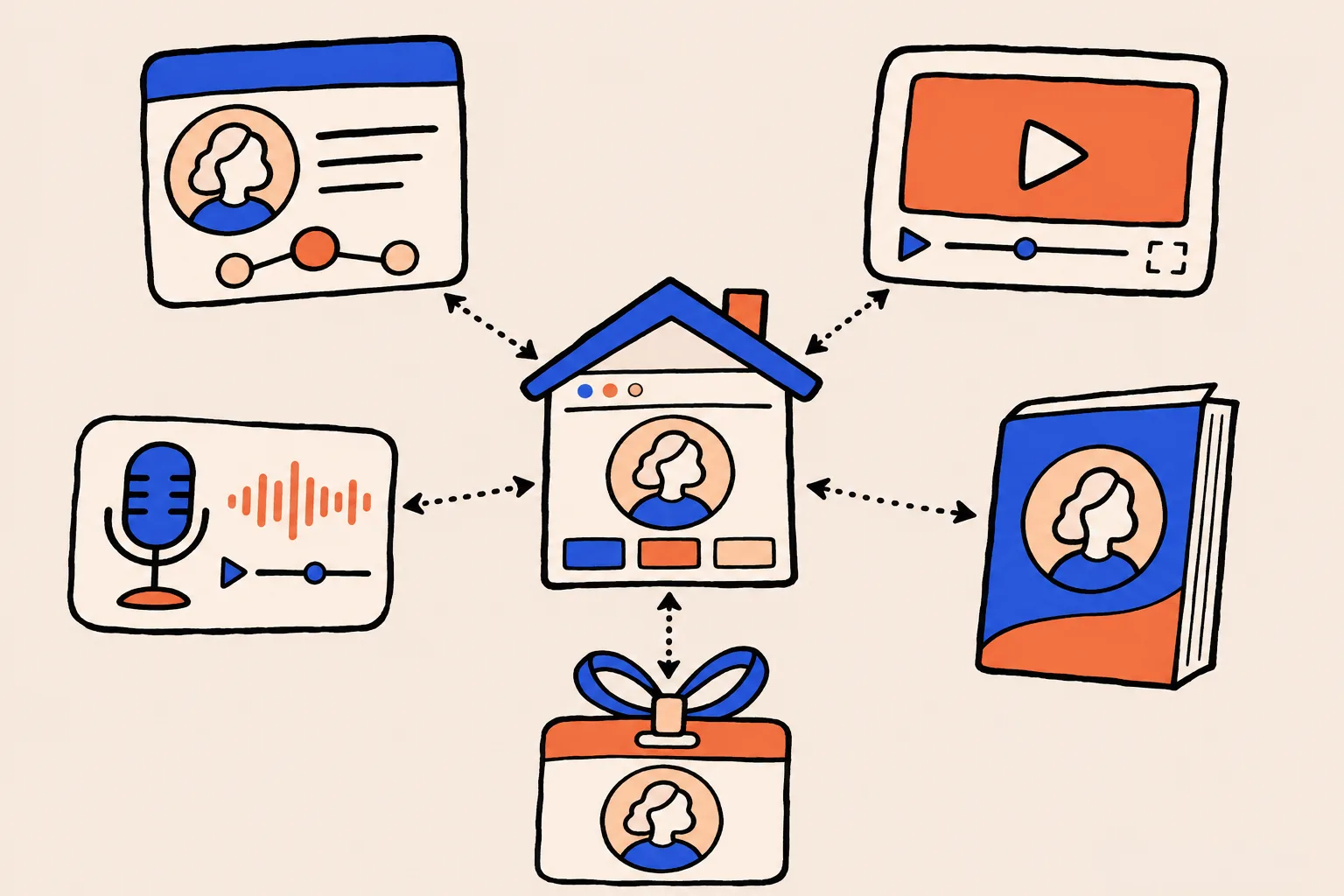
Pick one page you control and make it the definitive statement of who you are. For most professionals that’s the About page on their own website. Practitioners call it an entity home: the page every other source points back to and agrees with.
It should be your own site, not a social profile or your employer’s team page. Those can change or vanish without warning, and you can’t add the markup from step 5 to them. If you run a company, the founder page on the company site can work, as long as it’s a page about you rather than the company.
What goes on it is straightforward. Your name exactly as you want Google to use it, your current role, a clear headshot, your bio, your credentials, books, talks and affiliations, and links out to every genuine profile you hold.
Google’s own guidance points the same way. Its advice on helpful content strongly encourages accurate authorship information such as bylines, and asks whether bylines lead to further information about the author5. Its article markup guidance asks for an author URL that links to a page that uniquely identifies the author6. If you write articles, guest posts or newsletters anywhere, link your byline to this page.
Step 3: How should you write the bio Google reads?
Write it once and reuse it everywhere. Google’s job in recognising you is matching, and matching is easy when every source says the same thing in the same words.
Start with the name. If you’re “Priya Raman” on LinkedIn, “Dr P. Raman” on a conference page and “Priya Raman-Clarke” on your book cover, Google has three names to reconcile. Choose one form and stick to it. If you share your name with someone better known, a middle initial or a consistent profession-plus-city pairing helps Google keep you apart.
Then the role. Pick the single description you most want to be known for, such as “executive coach”, “founder of a fintech company” or “keynote speaker on negotiation”, and lead with it everywhere. A role that changes from profile to profile makes it harder for Google to be sure all those pages describe the same person.
Write three lengths and keep them in one document:
- One line, for headlines and author boxes: name, role, who you serve.
- About 50 words, for speaker pages, podcast show notes and guest-post bylines.
- About 150 words, for your About page and press kit, with credentials, books and notable work in order, most recent first.
Easy for Google to match
- The same name form on every profile
- One lead role, worded the same way
- Current role first, then past roles
- The same headshot, updated everywhere at once
- Facts that can be checked on another site
Hard for Google to match
- Nicknames on some profiles, full names on others
- A different title on every platform
- An old speaker bio still listing a job you left
- A different photo on each profile
- Claims no other source repeats
Hand the 50-word version to every event organiser, podcast host and publisher who asks. They will usually paste what you give them, and that’s exactly what you want.
Step 4: Which profiles matter for coaches, founders, speakers and authors?
The profiles that matter are the ones that clearly belong to you, describe you consistently and link back to your entity home. More isn’t better. A handful of credible profiles in your field does more than dozens of thin directory listings.
Four accounts deserve early attention because Google uses them for verification. When you eventually claim your panel, Google asks you to sign in to an official profile it already associates with you, and it names YouTube, Search Console, Twitter (now X) and Facebook7. If it can’t find one, it asks for more information to confirm who you are7. Search Console is often the easiest of the four, because it only needs your website. Setting it up now saves trouble later.
Beyond those, which profiles to prioritise depends on your work. The table below is our editorial suggestion of where to start, not a list Google publishes: Google doesn’t say which sites it reads for any profession, and the examples are common places professionals appear, not requirements.
| You are a... | Profiles you control (suggestions) | Independent sources we’d aim for first |
|---|---|---|
| Coach or consultant | LinkedIn, your site’s About page, YouTube, your listing on your credentialing body’s directory (for example, ICF’s Credentialed Coach Finder) | Podcast guest pages, conference and workshop speaker pages, articles you’ve been quoted in, client organisations’ event pages |
| CEO or founder | LinkedIn, the founder page on your company site, a Crunchbase person profile, X | Funding and launch coverage that names you, investor portfolio pages, conference speaker pages, podcast interviews |
| Speaker | Your speaker page with a reel, LinkedIn, YouTube | Event programme pages, speaker bureau listings, recorded talks hosted by the organiser, post-event write-ups |
| Author | Your author site, Amazon Author Central, Goodreads author profile | Your publisher’s author page, book reviews in recognised outlets, library and bookseller event pages, podcast interviews |
For every profile on that list, run the same three checks. The name and role match your bio. The photo matches your entity home. The profile links to your entity home, and your entity home links back to it.
Step 5: What markup should you add?
Add Person markup, wrapped in ProfilePage markup, to your entity home. It’s a small block of JSON-LD code that states, in a format machines read reliably, who the page is about and which profiles on other sites are yours. Google recommends JSON-LD for structured data in most cases8.
Google’s ProfilePage documentation describes the shape. The page needs a mainEntity, which is the Person the page is about, with a name and, where they apply, an alternate name, an image, a description and sameAs links to the person’s other profiles9. Those sameAs links are where your step 4 work shows up in code: list every genuine profile, and nothing that isn’t yours.
Two rules keep the markup honest. Google says not to mark up content that isn’t visible to readers of the page10, so everything in the code should also appear on the page itself. And Google doesn’t guarantee that structured data will show up in search results, even when it’s valid10. Markup is one clear signal among many, not a switch.
We won’t repeat the code here. Structured Data in Plain English has a complete Person and ProfilePage example for a professional, line by line, plus where to paste it and how to test it.
Step 6: How do you earn independent mentions?
Get other people to publish pages about you. Everything in steps 2 to 5 is you describing yourself. Independent sources are how those claims get corroborated, and because they depend on other people, this is usually the slowest step.
The most useful sources are pages mostly about you, written by someone else, on sites with their own reputation. For professionals, the reliable ones are:
- Podcast guest pages with your name in the title and your bio in the show notes.
- Conference and event speaker pages, which usually carry your photo, role and bio.
- Publisher and bookseller pages for authors.
- Interviews and profiles in trade publications and local or national press.
- Awards, fellowships and professional memberships that list members by name.
Each time, give the organiser your 50-word bio and your headshot, and ask them to link your name to your entity home. That one request turns a mention into a corroborating source.
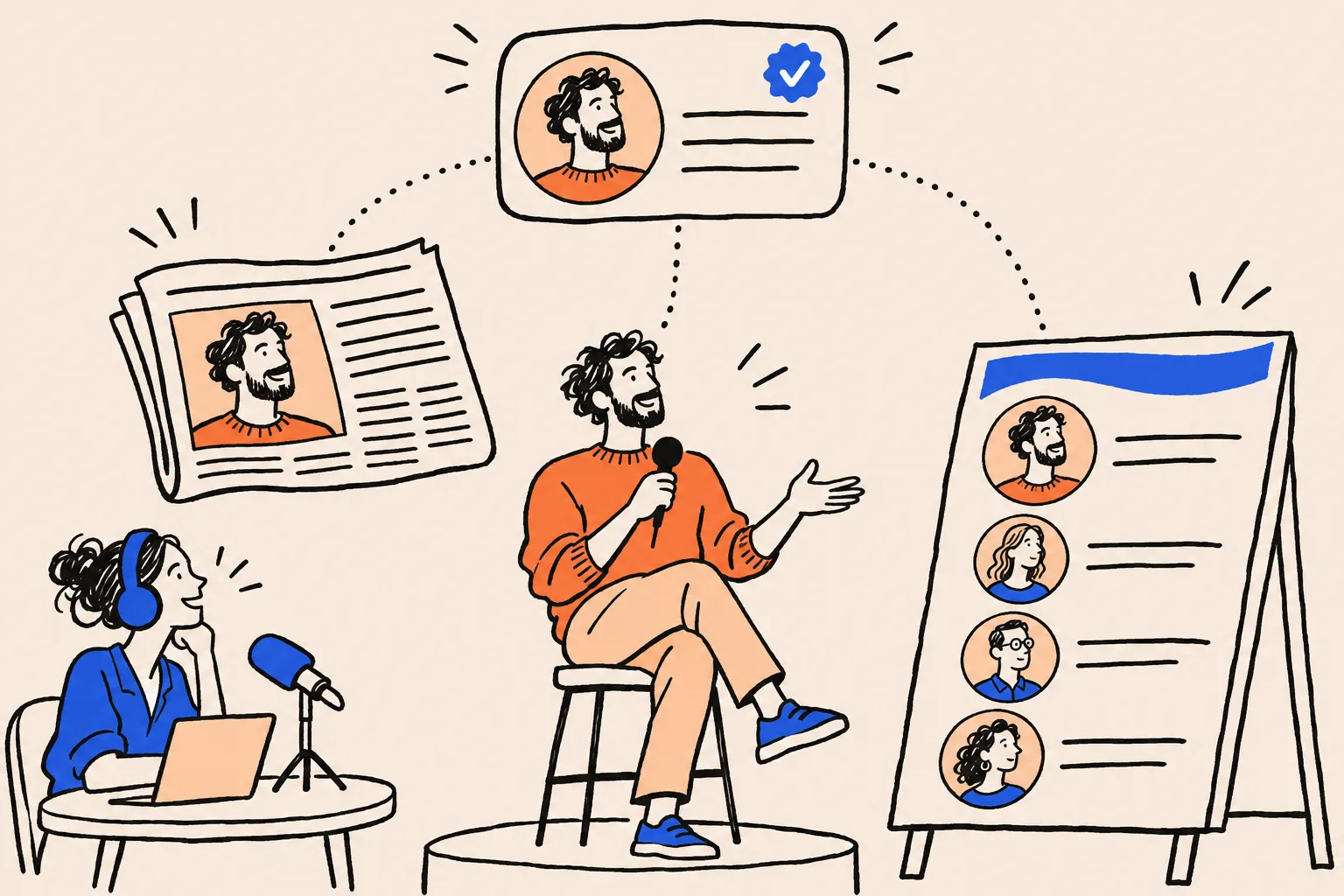
Wikipedia and Wikidata: handle with care
Don’t write a Wikipedia article about yourself. Wikipedia’s conflict of interest guideline says you shouldn’t create or edit articles about yourself, strongly discourages editing by people with a conflict of interest, and requires paid editors to disclose who they work for11. If you’re notable enough, the guideline says, someone else will write the article.
Wikidata, Wikipedia’s sister database of structured facts, comes up in almost every piece of panel advice. Some professionals legitimately qualify for an item, and many don’t. If you think you might, read the Wikidata advice in What Is a Google Knowledge Panel first, including its notability rule and why you should disclose your connection.
Step 7: How long does it take, and what do you do when it appears?
Once your entity home is ready, ask Google to crawl it. In Search Console, inspect the URL and click Request indexing. Google says indexing typically takes a day or so but can take up to a week or two, or longer in some cases, that there’s a daily limit on requests, and that requesting doesn’t guarantee the page will be indexed12. Do the same whenever you substantially update the page.
How long the panel takes
Google doesn’t publish a timeline, so every estimate you’ll see comes from practitioners who sell this work. Kalicube says it typically sees panels verified in three weeks to three months, and in three weeks to six months for its Done-With-You service. It adds that smaller and personal brands can take longer, sometimes several months13. Its page talks about verification and doesn’t say whether that means a new panel appearing or an existing one being confirmed. Reputation Resolutions says it can take a few weeks to well over a year once your facts are aligned across the web14. The spread is the honest answer: it depends on how much of steps 2 to 6 was already in place when you started.
| Stage | Typical timing | Source |
|---|---|---|
| Your entity home is indexed after a request | Typically a day or so; up to a week or two, sometimes longer, and not guaranteed | Google Search Console Help12 |
| Panel verified, as Kalicube sees it in its own work | Three weeks to three months typically; three weeks to six months on its Done-With-You service; smaller and personal brands sometimes several months | Kalicube (practitioner)13 |
| Panel appears, once your facts are aligned across the web | A few weeks to well over a year | Reputation Resolutions (practitioner)14 |
| Panel content updates after you change your sources | No set time; Google says panels update automatically as information on the web changes | Google Knowledge Panel Help1 |
While you wait, re-run your step 1 checks once a month, on the same date, and write down what changed. Resist the urge to rewrite your bio every few weeks. Consistency is what you’re building, and constant edits work against it.
When it appears: claim it
As soon as a panel shows for you, claim it. Sign in to a Google Account, search your name, click “Claim this knowledge panel” (at the bottom of the panel, under About, or in the menu on mobile), review what Google shows and sign in to one of the official profiles it lists7. Not every panel is claimable straight away. Google suggests checking back periodically, and in the meantime anyone can use the Feedback link on the panel7.
Claiming lets you suggest changes. It doesn’t hand you control. How to Claim and Edit Your Knowledge Panel covers the claim process when the button is missing, adding managers, and writing edit requests Google accepts.
Once I’ve done all seven steps, a panel is guaranteed.
Google alone decides whether a panel shows. The steps make you easy to recognise and confirm. They can’t force the outcome.
Do it yourself or get help?
Everything in this guide can be done yourself. There’s no fee to Google: panels are generated automatically1, and Google says it doesn’t accept payment to rank anyone higher3. What outside help buys is time, a second pair of eyes on contradictions you’ve stopped noticing, and experience with the slow part, step 6.
Doing it yourself suits you if
- You already have a website you can edit
- You’re comfortable adding a code block to a page
- You have a few hours a month for outreach to hosts and organisers
- You’re happy to wait without a deadline
Getting help suits you if
- Your name is shared with someone better known
- Your profiles have years of conflicting titles to untangle
- A book launch, fundraise or keynote season gives you a deadline
- You’d rather spend the hours on client work
If you want help, ask any provider exactly what they’ll do, what they’ll need from you, and what happens if no panel appears. Be wary of anyone who promises a panel outright, because nobody outside Google can. At DotVisible, Shobin K Jose’s team builds personal Google Knowledge Panels and AI visibility for professionals. If a panel isn’t live within 150 days of onboarding, you choose: a refund of your deposit, or continued work for free. Google still makes the final call, and we say so up front. You can see how that works on How It Works, and what a Google Knowledge Panel costs compares DIY with done-for-you in more detail.
There are pages for coaches and consultants, CEOs and founders and speakers and authors that go further into each profession.
Where to start
Start with step 1 today. Search your name in a private window, run it through the free Knowledge Panel Checker, and note which of the three positions you’re in. Then open your About page and your LinkedIn profile side by side and make the name, role and photo match. That one fix is the foundation for everything after it.
If you’d like someone to look at what’s helping and what’s holding you back, book a free audit. For everything else on panels, the Knowledge Panels hub collects every guide in one place.
Frequently asked questions
How long does it take to get a Google Knowledge Panel?
Google doesn’t publish a timeline. Practitioner estimates run from a few weeks to more than a year. Kalicube says well-established public figures can take just a few weeks, while smaller and personal brands can take longer, sometimes several months.
Can I get a Google Knowledge Panel for free?
Yes. There’s no application or fee: Google generates panels automatically, and it says it doesn’t accept payment to rank anyone higher. Everything in this guide can be done yourself. What you pay for with outside help is time and experience, not access to Google.
Do I need my own website?
It helps a great deal. Google needs one page that clearly says who you are, and a page you control is the most reliable choice. A profile on someone else’s site can disappear or change without you.
Do I need press coverage or a Wikipedia page?
You don’t need Wikipedia, and Wikipedia’s rules say you shouldn’t write an article about yourself. You do need some independent sources that describe you, such as podcast guest pages, conference speaker pages, publisher author pages or interviews.
What if I share my name with someone more famous?
Pick one distinctive form of your name, for example with a middle initial, and use it everywhere. Pair it with the same role and location on every profile so Google can tell the two of you apart.
Can anyone guarantee me a Google Knowledge Panel?
No one outside Google decides whether a panel shows. A service can commit to doing the work and offer a refund or continued work if a panel doesn’t appear in a set time, but Google alone makes the call.
What do I do once my panel appears?
Claim it. Search your name, click “Claim this knowledge panel” and sign in to an official profile Google links to you, such as YouTube, Search Console, X or Facebook. Then keep your sources consistent so your panel stays accurate.
Sources
- 1About knowledge panelsGoogle Knowledge Panel Help · Accessed 17 Nov 2026↩
- 2A reintroduction to our Knowledge Graph and knowledge panels (Danny Sullivan)Google blog · 20 May 2020↩
- 3In-depth guide to how Google Search worksGoogle Search Central · Updated 18 Dec 2025↩
- 4Knowledge Graph Search APIGoogle for Developers · Updated 26 Apr 2024↩
- 5Creating helpful, reliable, people-first contentGoogle Search Central · Updated 5 Oct 2026↩
- 6Article structured dataGoogle Search Central · Updated 8 Sep 2026↩
- 7Get verified on GoogleGoogle Knowledge Panel Help · Accessed 17 Nov 2026↩
- 8Introduction to structured data markup in Google SearchGoogle Search Central · Updated 10 Dec 2025↩
- 9Profile page (ProfilePage) structured dataGoogle Search Central · Updated 8 Sep 2026↩
- 10General structured data guidelinesGoogle Search Central · Updated 10 Jul 2026↩
- 11Wikipedia:Conflict of interestWikipedia · Accessed 17 Nov 2026↩
- 12URL Inspection toolSearch Console Help · Accessed 17 Nov 2026↩
- 13How long does it take for Google to verify a Knowledge Panel?Kalicube · Modified 8 Jan 2025↩
- 14How to Get a Google Knowledge Panel (Person or Brand), 2026Reputation Resolutions · Accessed 17 Nov 2026↩
Keep reading
 Knowledge PanelsWhat Is a Google Knowledge Panel, and Why Do Some People Get One?Shobin K Jose · 19 Oct 2026 · 23 min read
 Knowledge PanelsIs a Google Knowledge Panel Worth It for a Founder?Shobin K Jose · 18 Nov 2026 · 11 min read
 Knowledge PanelsKnowledge Panel or Google Business Profile: Which Do You Need?Shobin K Jose · 29 Oct 2026 · 18 min read