Knowledge Panel or Google Business Profile: Which Do You Need?
One is about your office and one is about you. Here's how each works, who qualifies for which, how much control you get, and why most professionals end up needing both.
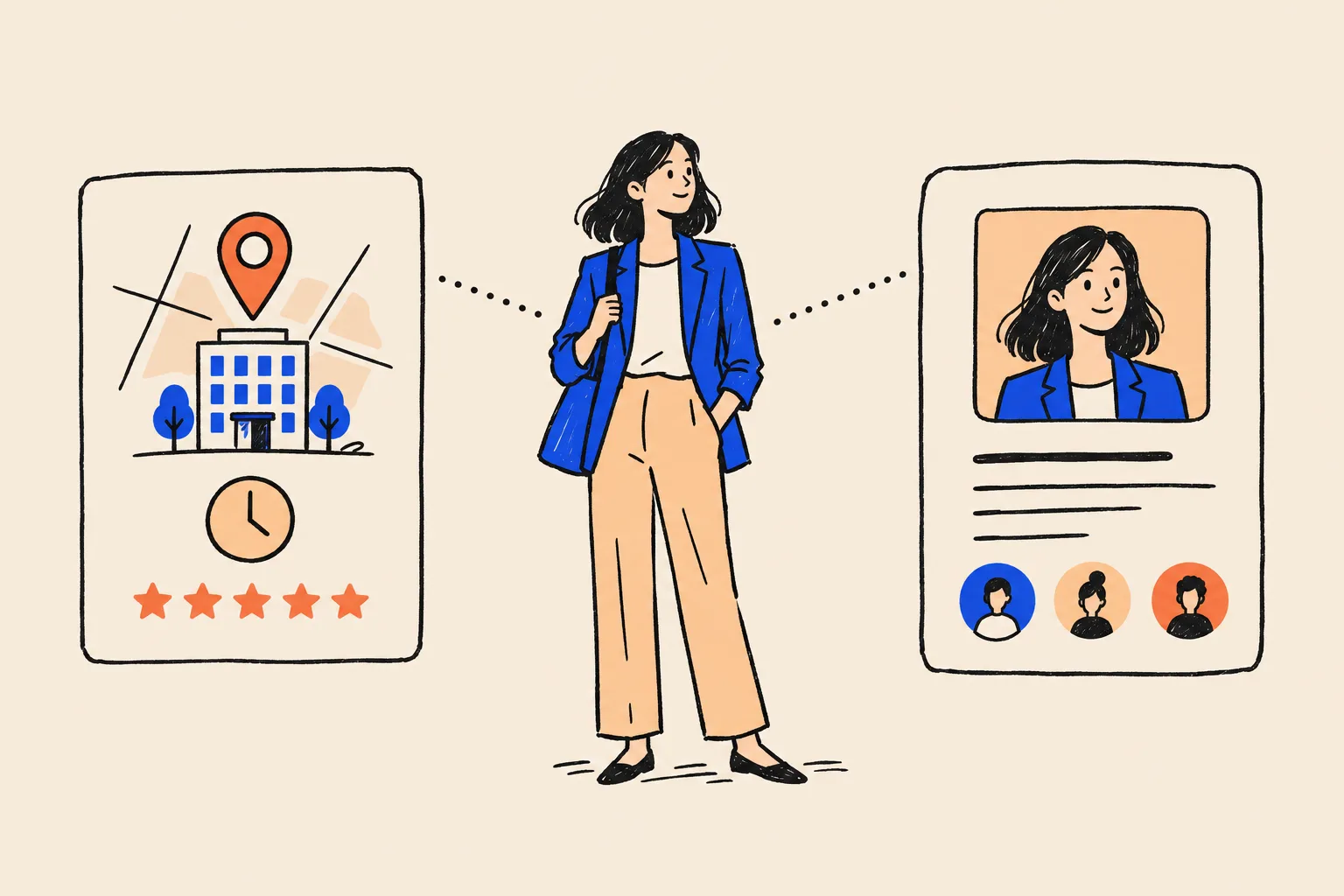
Search for “dentist near me” and Google shows a map with a handful of practices, each with stars, opening hours and a button to call. Search for a particular dentist by name and you might see something else entirely: a box with her photo, a short description and links to her profiles.
Those two boxes look alike, and plenty of professionals assume they’re the same thing. They aren’t. The first is a Google Business Profile, a listing you create and run for a place where you serve customers. The second is a knowledge panel, which Google builds by itself to describe a person or organisation it recognises.
The short version: one is about your office and one is about you. Which one you can get depends on how you work, and for most established professionals the honest answer is that you need both. This guide sets out how each works, who qualifies, how much control you get and how to decide where to put your effort first.
Two boxes that look alike
Google itself admits the resemblance. Its knowledge panel help pages say Business Profiles look similar to knowledge panels, but that they’re specific to businesses serving customers at a particular location or within a service area1.
The similarity is mostly visual. Both appear as a box in the search results, both carry a name, photos and some facts, and both can be claimed. Underneath, they come from different systems with different rules.
A Business Profile is a listing the business owner creates or claims, then verifies and manages2. Google shows it on Search and Maps so customers can find the business3. A knowledge panel is generated automatically from Google’s Knowledge Graph, its database of people, places, organisations and things, and it updates as information on the web changes1. If you’d like the full background on how that works, start with our guide to what a Google knowledge panel is.
The easiest way to keep them apart is to ask what each one is about. A Business Profile is about a place where someone can get a service: an office, a clinic, a branch, or a business that travels to its customers. A knowledge panel is about an entity: you, your firm as an organisation, your book.
What a Google Business Profile is
A Business Profile is Google’s free listing for local businesses. Adding or claiming one costs nothing3. It can carry your opening hours and contact details, photos, posts about offers and news, the services you provide, booking links, and customer reviews you can respond to. Owners also get insights into the searches people used to find them and the calls and bookings that followed4.
It’s built for action. People who see a Business Profile are usually deciding whether to call, book, get directions or walk in.
Who qualifies
This is where many professionals get caught out. Google’s core rule is that a business must make in-person contact with customers during its stated hours2. A few exceptions exist, such as ATMs and seasonal businesses, but they rarely apply to professional services.
Google also lists businesses that don’t qualify. The ones most relevant to experts are:
- Online-only businesses. Google names brands, organisations, artists and other online-only businesses as ineligible2.
- Lead generation. Lead-generation agents or companies don’t qualify2.
- Addresses you don’t really work from. P.O. boxes and remote mailboxes aren’t acceptable addresses2, and nor is a virtual office: a rented mailing address where the business doesn’t operate5.
- Classes or sessions at someone else’s venue. An ongoing service, class or meeting at a location you don’t own or have authority to represent doesn’t qualify2.
A co-working space can qualify, but only if your office there has clear signage, receives customers during business hours and is staffed by your own team5. If you visit clients rather than receive them, you can set up a service-area profile and hide your address. Google says the service area generally shouldn’t extend beyond about two hours’ driving from where you’re based5.
The rules for individual practitioners
Google has a specific category for professionals whose name is their business. It calls them individual practitioners: public-facing professionals with their own customer base, and it names doctors, dentists, lawyers, financial planners and insurance or real estate agents as examples5.
A practitioner can have a dedicated profile if they work in a public-facing role and can be contacted directly at the verified location during stated hours5. The detailed rules matter, because getting the name wrong is a common reason profiles run into trouble:
- Several practitioners at one location. The practice gets its own profile, separate from the practitioners. Each practitioner’s profile uses only their own name, without the practice name5.
- A solo practitioner under a brand. If you’re the only public-facing practitioner at a branded location, you share one profile with the organisation. Google’s format is brand, colon, practitioner name, and its example is “Allstate: Joe Miller”5.
- Credentials are allowed. Titles such as Dr., MD, JD, Esq. or CFA can appear in the name5.
- One profile per person. You shouldn’t have separate profiles for each specialisation5.
- Not everyone qualifies. Sales associates and lead-generation agents for corporations aren’t individual practitioners, and support staff shouldn’t create their own profiles5.
| Your situation | What Google’s guidelines allow |
|---|---|
| Group medical or dental practice | One profile for the practice, plus one per public-facing practitioner, named with the practitioner’s name only |
| Law firm with several partners | A firm profile, plus a profile for each public-facing lawyer who can be reached at that office |
| Solo financial planner under a branded firm | One shared profile, named “Brand: Your Name” |
| Real estate agent in a brokerage office | A personal profile if you’re public-facing and reachable at that office during stated hours |
| Coach or consultant who works only online | Generally not eligible |
| Assistant, receptionist or support staff | Shouldn’t create a profile |
What a knowledge panel is
A knowledge panel is the information box Google shows for an entity in its Knowledge Graph. For a person it typically shows a name, a short subtitle such as “Author” or “Attorney”, photos, a brief description, key facts and links to profiles. On desktop it usually sits to the right of the results; on mobile the same information is split into cards among them6.
Nobody creates a knowledge panel. Google generates it automatically from many sources across the web, and updates it as that information changes1. There’s no form to fill in and no eligibility checklist. What Google needs is to be confident about who you are, which comes from clear, consistent information that independent sources back up.
That has one big consequence for this comparison. A knowledge panel has nothing to do with whether you meet customers in person. An online-only coach, an author or a keynote speaker can have one. So can a surgeon who also has a Business Profile for her clinic.
A Business Profile answers “where can I get this?” A knowledge panel answers “who is this?”
Side by side: the real differences
Here’s the comparison at a glance.
Google Business Profile
- About a place where customers are served
- You create or claim it
- Requires in-person contact with customers
- Shows hours, reviews, directions and booking
- Appears in local results and on Maps
- You edit it directly
Knowledge panel
- About an entity, such as you
- Google generates it
- No location needed
- Shows a description, facts and profiles
- Appears for searches about the entity
- You can only suggest changes
And in more detail:
| Google Business Profile | Knowledge panel | |
|---|---|---|
| What it describes | A business location or service area | A person, organisation or thing in the Knowledge Graph |
| Who creates it | The owner or an authorised representative | Google, automatically |
| Eligibility | In-person contact with customers during stated hours | No formal criteria; Google must be confident about the entity |
| How you prove it’s yours | Business verification (phone, email, video, postcard) | Sign in to an official profile Google links to you |
| Typical content | Address, hours, phone, reviews, photos, posts, services | Subtitle, description, key facts, images, social profiles |
| Where it shows | Google Search and Maps, especially local searches | Searches for the entity, often name searches |
| Your control | Direct edits, subject to Google updates | Suggested edits only |
| Cost | Free | Can’t be bought |
Source: Google Business Profile Help and Google Knowledge Panel Help2317
Where each one shows up
The biggest practical difference is the kind of search that triggers each one.
A Business Profile is built for discovery by people who don’t know you yet. Someone searches “family lawyer Manchester” or “dermatologist near me”, and Google shows a map and a short list of local businesses. Google says local results are ranked mainly on three things: how relevant a profile is to the search, how far the business is from the searcher, and how prominent it is, which includes reviews and links from other sites. It also says there’s no way to pay for better local ranking8.
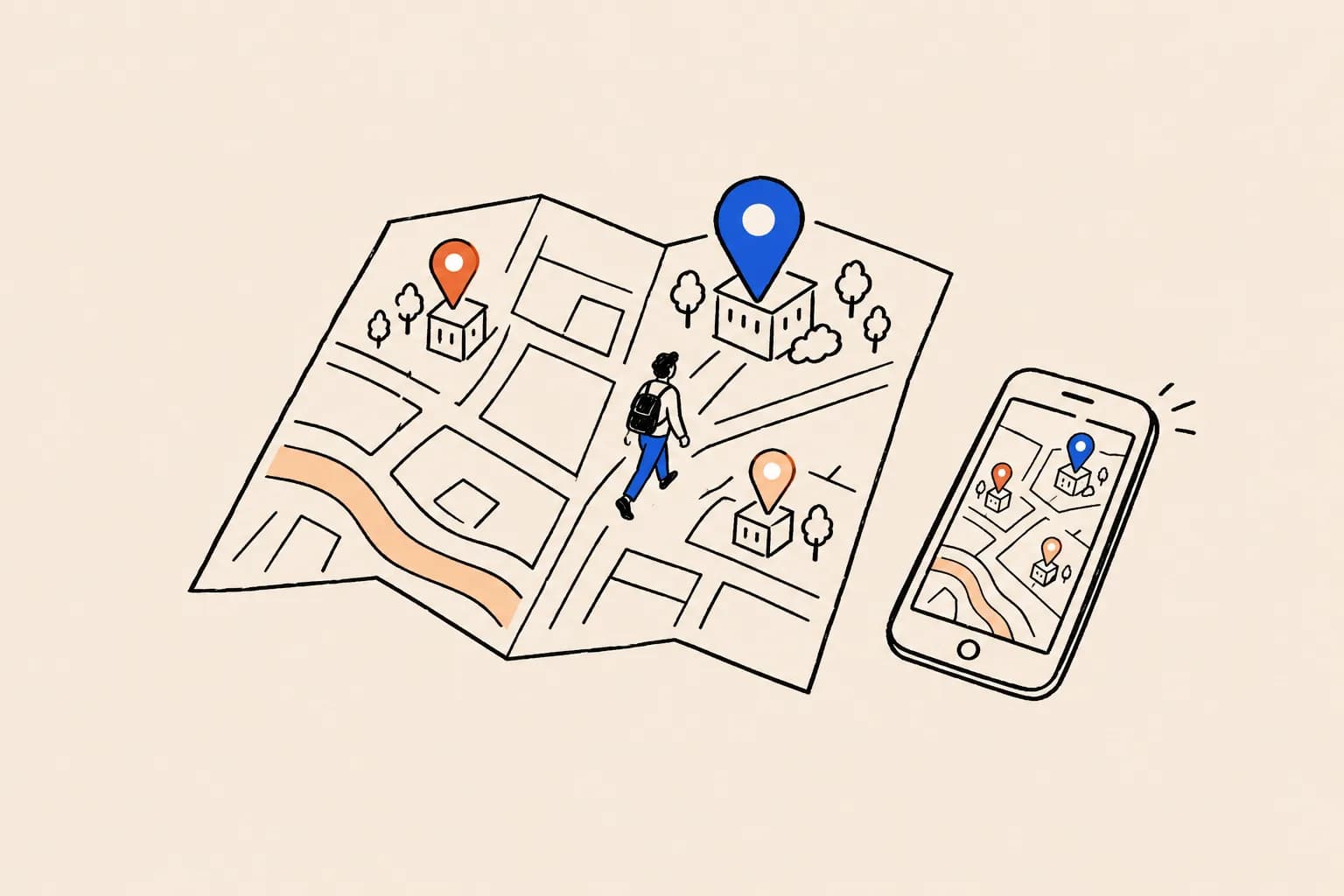
A knowledge panel works for people who already have your name. A prospective client got a referral, heard you on a podcast or read your book, and now they’re checking you out. The panel tells them in a few seconds that you’re real, what you do and where to find more.
What happens when someone searches your name
Google doesn’t publish a rule for which box wins a name search when both could apply. A common pattern, though Google doesn’t document it, is that a search for a doctor or lawyer with a personal practitioner profile brings up that Business Profile, especially when the searcher is nearby. A search for the same person’s name alongside a book title or a topic may bring up a knowledge panel instead. Some people see one box on desktop and a different arrangement on mobile.
Treat that as observation, not a rule. The useful takeaway is that the two can sit side by side in your search results over time, which is one more reason to keep them consistent.
Who’s in control
Ownership feels similar for both, but the control it gives you is very different.
A Business Profile: you edit, Google can still step in
Once verified, you can change your hours, description, services, photos and other details yourself. That’s real control, with limits. Google gathers information from user reports and licensed content, and if those sources suggest your profile is wrong or out of date, it may update the profile. Changes Google made show in blue in the profile editor, where you can review and manage them9.
Members of the public can also suggest edits. For some suggestions Google notifies you first, and you then have four days to accept or reject the change. If you don’t respond, Google may publish it if other public information, such as your website, supports it. Where an edit is needed to meet Google’s policies, it can be applied without asking you first9. Search Engine Roundtable reported the four-day rule as a new section of that help page in September 202610.
A knowledge panel: you suggest, Google decides
Verification on a knowledge panel gives you a voice, not the pen. You can suggest fact changes with public evidence, propose a different featured image if one already exists, and suggest profile links. You can’t write your own description or subtitle, and you can’t reorder your profiles11. Our guide to claiming and editing your knowledge panel walks through each request.
In both cases, the same principle protects you: keep your website and other profiles saying the same thing. Both systems lean on the wider web. Google may accept a suggested edit to your Business Profile because your website supports it, and it builds your knowledge panel from public sources.
How you get each one
The two routes start in completely different places. With a Business Profile, you start the process. With a knowledge panel, Google does, and you join in once it exists.
Getting a Business Profile
You add the business at Google’s Business Profile site, or find an existing unverified listing on Google Maps and claim it. If someone else has already verified it, you can request ownership from them3. Only owners or authorised representatives may verify and manage a profile2.
Verification proves you’re entitled to manage the listing. Google chooses the methods available to you, and you can’t change them. They include a code by phone or text, email, a live video call during business hours, a recorded video, and a postcard to your address. Reviews can take up to five business days, and postcards usually arrive within 14 days, with codes that expire after 3012.
Getting a knowledge panel
You can’t apply for one. Google generates a panel when it’s confident it knows who you are, so the work is making that easy: one clear home page about you, the same bio and title everywhere, and independent sources that confirm the facts.
Once a panel exists, you claim it by clicking “Claim this knowledge panel” and signing in to an official profile Google already associates with you. Google lists YouTube, Search Console, X (Twitter) and Facebook; if it can’t find one, it asks for more information7. If someone else has already claimed it, the current owners get three business days to respond to a recovery request7.
| Step | Google Business Profile | Knowledge panel |
|---|---|---|
| Starting point | You add the business or claim an existing listing | Google recognises you as an entity |
| Proof | Phone, email, video or postcard verification | Sign in to a linked official profile |
| Typical wait | Up to 5 business days for review | No official timeline for a panel to appear |
| If someone else holds it | Request ownership from the current owner | Owners get 3 business days to respond |
Source: Google Business Profile Help and Google Knowledge Panel Help3127
Which do you need? A quick decision flow
Work through these questions in order. Most people have their answer by the third.
Do clients meet you in person at a place you run?
An office, clinic, branch or studio that is staffed and open during set hours. If yes, the business itself qualifies for a Business Profile. If no, go to question 3.
Are you a public-facing practitioner at that location?
Doctors, dentists, lawyers, financial planners and agents who clients can reach directly may also qualify for a personal profile under Google’s practitioner rules. Check how your practice should be named first.
Do you visit clients rather than receive them?
If you travel to clients, a service-area profile with a hidden address may fit. If you only work online, a Business Profile generally isn’t open to you.
Do people search for you by name?
Referrals, speaking, media, a book or a podcast all send name searches. If they do, you want those searches to show a clear, accurate picture of you, which is the knowledge panel’s job.
Does your name carry the business?
If clients hire you rather than a firm, invest in the signals that earn a knowledge panel, whether or not you also have a Business Profile.
Here’s how that usually lands, profession by profession.
- Doctors and specialists: a Business Profile for the practice, a practitioner profile if you see patients directly, and a knowledge panel for your name, especially if you publish, teach or speak.
- Lawyers: a firm profile for each office, practitioner profiles for public-facing lawyers, and a knowledge panel for partners whose reputation brings in work.
- Financial advisors: a profile if clients visit your office, following the solo or multi-advisor naming rules, plus a knowledge panel for the advisor people search by name.
- Real estate agents: a personal practitioner profile if you’re reachable at your brokerage office, and a knowledge panel if your personal brand reaches beyond one office.
- Accountants: a profile for each office where clients come in. A knowledge panel matters most for partners who write, speak or advise on specialist areas.
- Coaches and consultants and speakers and authors: usually online or on the road, so the knowledge panel is the main route. A Business Profile only applies if you run a location where clients meet you.
When you need both
If you have a practice and a reputation, you need both, because they answer different searches. Someone looking for a service nearby finds your Business Profile. Someone who has your name, from a referral, an article or a talk, wants to know who you are.
The two also cover each other’s blind spots. A Business Profile says nothing about your book, your board seats or the conference you keynoted. A knowledge panel won’t tell a patient your opening hours or how to get to your clinic. A practice can have a Business Profile while the person who runs it has a knowledge panel, and Google’s own help pages describe the two as different products1.
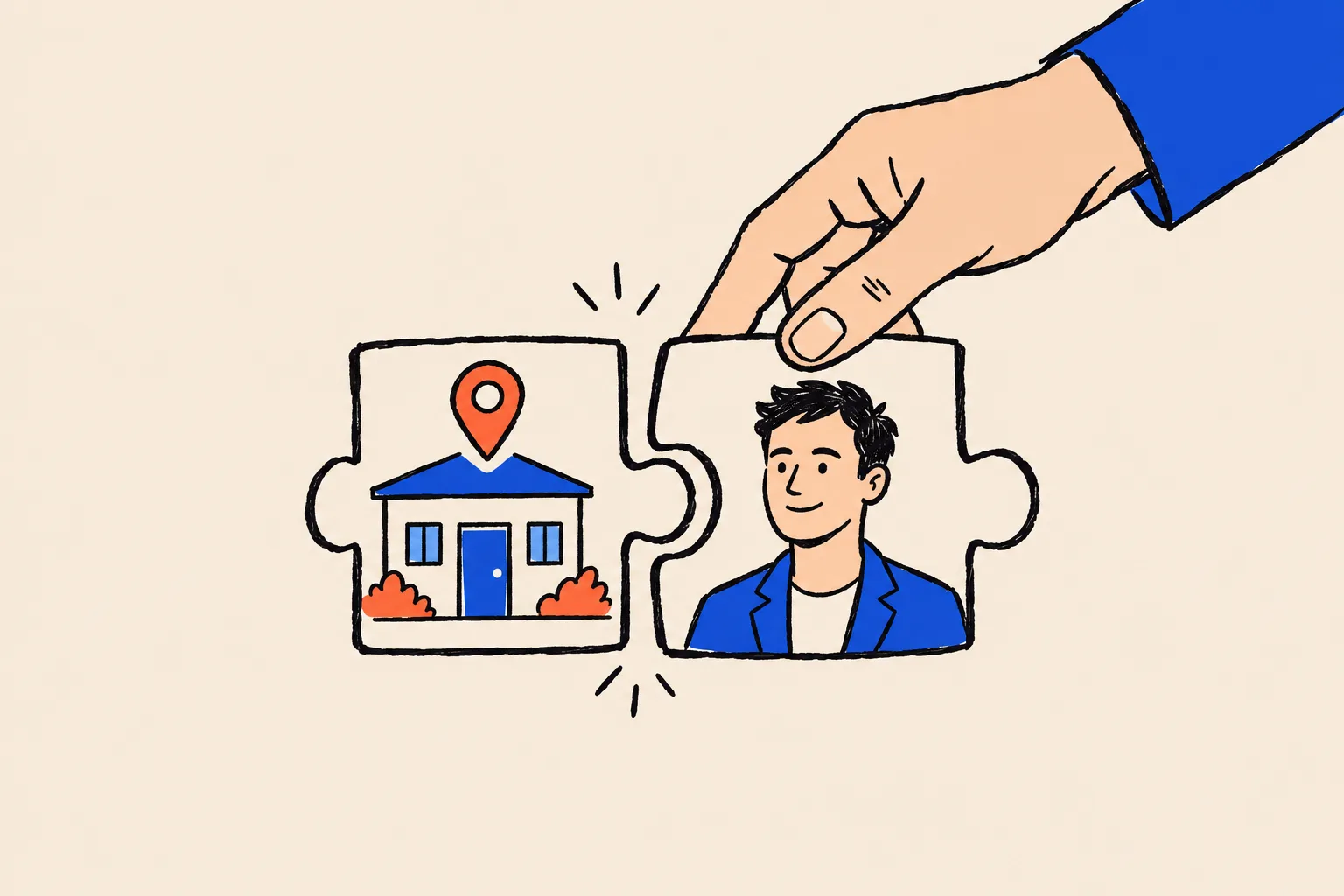
If I have a Business Profile, I already have a knowledge panel.
They come from different systems. A Business Profile describes your location. A knowledge panel describes you as an entity in Google’s Knowledge Graph, and Google generates it separately.
A knowledge panel can replace my Business Profile.
A panel won’t put you in the local map results or show hours, directions and reviews. If clients visit you, the Business Profile does work the panel can’t.
A note for regulated professions
Reviews on a Business Profile raise extra questions for some professions. For broker-dealers, FINRA’s guidance says posts by customers and other third parties on social media and websites a firm or its people set up generally aren’t the firm’s own communications. A firm can become responsible for them if it paid for or helped prepare them, or endorsed them, and FINRA treats liking or sharing a favourable comment as endorsing it13. FINRA’s notice doesn’t mention Business Profiles by name, so ask your compliance team how it applies to your reviews. Investment advisers also have the SEC’s Marketing Rule, which covers testimonials and endorsements14. Doctors and lawyers have their own professional rules on advertising and patient or client confidentiality, which can affect how you reply to reviews.
Getting the two to agree
If you have both, make them tell the same story. Both draw on what the web says about you, so a mismatch in one place tends to create work on both sides.
- Use one version of your name. If your practitioner profile says “Dr Priya Raman”, your website, directory listings and LinkedIn should use the same name, with or without credentials, consistently.
- Link your website to both. Your Business Profile should point to your practice website, and that site should have a clear page about you as a person.
- Match the basics. Address, phone and opening hours on your website should match your Business Profile, since Google may use your website to decide whether to accept suggested edits9.
- Keep your role consistent. Google picks your knowledge panel subtitle automatically11, so the same job title on your website, LinkedIn and speaker pages gives it one clear answer.
- Check both regularly. Look at your Business Profile editor for blue Google updates, and search your name in a private window every month or two.
Where to start
If clients come to an office you run, set up or claim your Business Profile first. It’s free, it’s in your hands, and it starts working for local searches as soon as it’s verified. If you’re a practitioner, check how Google wants your profile named before you create it.
Then turn to your name. Search it in a private window and see what appears. If nothing describes you clearly, the work is building the signals that let Google recognise you. Our guide to what a knowledge panel is covers that in depth, and the free Knowledge Panel Checker shows whether Google already holds an entity for you. If you’d like help working out which route fits your practice, book a free audit or see how it works.
Frequently asked questions
What is the difference between a knowledge panel and a Google Business Profile?
A Google Business Profile is a listing for a business that serves customers in person at a location or within a service area. You create it, verify it and edit it yourself. A knowledge panel is a summary Google generates automatically for an entity in its Knowledge Graph, such as a person. You can claim it and suggest changes, but Google decides what it says.
Can I get a Google Business Profile if I only work online?
Generally not. Google requires a business to make in-person contact with customers during its stated hours, and it lists brands, organisations, artists and other online-only businesses as ineligible. Online-only coaches, consultants and authors usually rely on a knowledge panel and a strong website instead.
Can a doctor or lawyer have their own Business Profile separate from their practice?
Yes, if they are public-facing and can be contacted directly at the verified location during stated hours. Google calls these individual practitioners. When several practitioners share a location, the practice gets its own profile and each practitioner's profile uses only their own name. A solo practitioner at a branded location shares one profile named in the form brand: practitioner.
Can I have both a knowledge panel and a Google Business Profile?
Yes. They are separate systems. A practice can have a Business Profile while the person who runs it has a knowledge panel, and an individual practitioner can have a personal Business Profile as well as a knowledge panel.
Which one appears when someone searches my name?
It depends on how Google reads the search. Google doesn't publish a rule for this. In practice, a name search can show a person's knowledge panel, a practitioner's Business Profile, or neither, depending on what Google is confident about. Search your name in a private window to see what appears today.
Can I edit my knowledge panel the way I edit a Business Profile?
No. A verified Business Profile owner edits details directly, although Google can still apply updates from other sources and user suggestions. A verified knowledge panel owner can only suggest changes, backed by public evidence, and can't write the description or subtitle.
Do either of them cost money?
No. Creating and managing a Google Business Profile is free, and knowledge panels can't be bought. Google also says there's no way to pay for better local ranking.
Sources
- 1About knowledge panelsGoogle Knowledge Panel Help · Accessed 19 Oct 2026↩
- 2Business eligibility and ownership guidelinesGoogle Business Profile Help · Accessed 19 Oct 2026↩
- 3Add or claim your Business ProfileGoogle Business Profile Help · Accessed 19 Oct 2026↩
- 4Stand out on Google with a free Business ProfileGoogle · Accessed 19 Oct 2026↩
- 5Guidelines for representing your business on GoogleGoogle Business Profile Help · Accessed 19 Oct 2026↩
- 6A reintroduction to our Knowledge Graph and knowledge panels (Danny Sullivan)Google blog · 20 May 2020↩
- 7Get verified on GoogleGoogle Knowledge Panel Help · Accessed 19 Oct 2026↩
- 8Tips to improve your local ranking on GoogleGoogle Business Profile Help · Accessed 19 Oct 2026↩
- 9Understand Google updates on your Business ProfileGoogle Business Profile Help · Accessed 19 Oct 2026↩
- 10Google Business Profiles gives you four days to reject user editsSearch Engine Roundtable · 23 Sep 2026↩
- 11Submit feedback on content about youGoogle Knowledge Panel Help · Accessed 19 Oct 2026↩
- 12Verify your business on GoogleGoogle Business Profile Help · Accessed 19 Oct 2026↩
- 13Regulatory Notice 17-18: Guidance on social networking websites and business communicationsFINRA · 25 Apr 2017↩
- 14Marketing Compliance: Frequently Asked QuestionsSEC Division of Investment Management · Updated 15 Jan 2026↩
Keep reading
 Knowledge PanelsWhat Is a Google Knowledge Panel, and Why Do Some People Get One?Shobin K Jose · 19 Oct 2026 · 23 min read
 Knowledge PanelsHow to Claim and Edit Your Knowledge PanelShobin K Jose · 22 Sep 2026 · 17 min read
 GuidesThe Name Search Checklist: 12 Things Prospects See Before They CallShobin K Jose · 6 Oct 2026 · 18 min read