Why ChatGPT Says the Wrong Thing About You (and How to Fix It)
A wrong job title, a namesake’s career, a firm you left years ago. Here’s how to work out where ChatGPT’s mistake about you comes from, fix it at the source, and when to use OpenAI’s official request to stop it appearing.
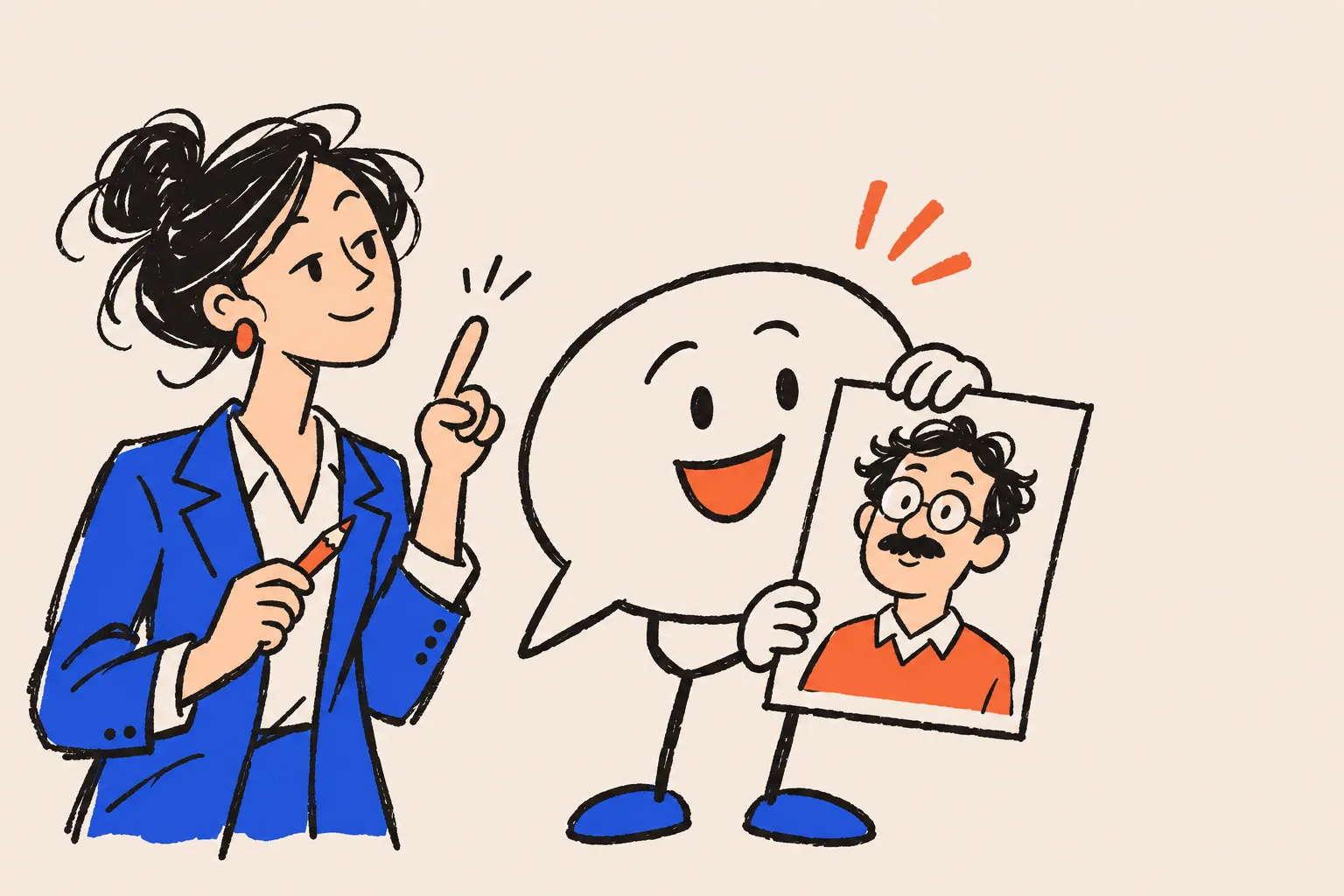
ChatGPT says the wrong thing about you because it is either guessing from patterns it learned in training, confusing you with someone else who shares your name, or repeating an outdated or wrong page it found when it searched the web. The fix is to work out which of those happened, correct the pages it reads, and, if the error persists, use OpenAI’s official “Remove personal data from ChatGPT responses” request.
Many people find out by accident. A prospect mentions something odd on a discovery call. A colleague forwards a screenshot. Or you ask ChatGPT “Who is [your name]?” out of curiosity and it describes a career you never had, a firm you left in 2019, or a person in another country who happens to share your name.
It feels personal, and it matters commercially. Before people hire an adviser, coach or consultant, they look them up, and some of that looking up now happens in a chat window. If you want the numbers on how often AI gets people wrong, our roundup of every published error rate has them. This guide is the practical companion: why it happens to you, how to diagnose it, and what you can actually do.
Why does ChatGPT say the wrong thing about you?
Because it either doesn’t know enough about you, knows about the wrong person, or read something out of date. ChatGPT isn’t looking you up in a verified database. It predicts the most likely words in response to a question1, and it fills gaps with what sounds plausible.
OpenAI describes the two ways information about a person gets into an answer. First, its models learn from publicly available internet content, data from partners, and information from users, trainers and researchers2. As a result of learning language, responses may include personal information about people whose information appears multiple times on the public internet3. Second, depending on the question, ChatGPT may search the web and cite sources, which can also bring information about you into a response3.
Each route fails in its own way, and the fix for one doesn’t always help the other. So before you change anything, it’s worth finding out which route produced the mistake. Our explainer on where ChatGPT gets its information about people maps the sources in detail. Here’s the short version that matters for fixing errors.
From training (memory)
- No citations under the answer
- Learned from public pages before the model’s cutoff
- Often vague, dated or blended with a namesake
- Changes only when OpenAI trains a new model
From web search
- Shows citations or a Sources button
- Pulled from pages found for a rewritten query
- Repeats whatever those pages say, right or wrong
- Can change once the source page changes and is re-crawled
Is the mistake coming from memory or a search?
Look under the answer. When ChatGPT uses web search, responses may include citations, and a Sources button lists the pages it used4. No citations usually means the model answered from what it learned in training. Citations mean it read something, and you can open the exact page that misled it.
OpenAI is candid that the search route isn’t automatically right. Its help page says search results and citations “can be incomplete, outdated, or incorrect”, and tells people to open the cited source and check it4. When ChatGPT searches, it typically rewrites the question into one or more targeted queries and sends them to third-party search providers4. A wrong page that ranks for your name can end up quoted as fact.
There’s one more variable when you test from your own account. If memory is on, ChatGPT may use saved memories when it rewrites a search query4. Your own chats shouldn’t be what a stranger sees, so test in a clean session.
Open a temporary chat and choose Unpersonalized
Pick this before your first message. An unpersonalized temporary chat doesn’t use your memories, custom instructions or plugins5.
Ask the plain question
Type “Who is [your full name]?” exactly as a prospect would. Save the answer and note whether it shows citations.
Ask again with context
Try “Who is [your name], [profession] in [city]?” If the answer flips from wrong to right, a namesake is the likely problem.
Force a web search
Open the tools menu and choose Search, or type / and select Search4. Open every cited page and note which one carries the error.
Repeat on another day
OpenAI says the same question may yield different answers2, so one result proves little. Keep a dated log of the question, the answer and the cited sources.
If you’d rather not do this by hand, our free AI mention checker asks the questions buyers ask and puts the answers side by side.
Why does ChatGPT guess instead of saying “I don’t know”?
Because the way models are trained and scored rewards a confident guess. That’s not our reading. It’s OpenAI’s. In its research post on why language models hallucinate, OpenAI argues that standard training and evaluation procedures reward guessing over acknowledging uncertainty6.
Its example is about a person. Asked for someone’s birthday, a model that guesses has a 1 in 365 chance of being right, while “I don’t know” scores zero, so over thousands of test questions the guesser looks better6. OpenAI adds that arbitrary, low-frequency facts can’t be predicted from patterns alone, and so lead to hallucinations6. Your job history, your current firm and the year you qualified are exactly that kind of fact for most professionals.
The trade-off shows up clearly in the SimpleQA test OpenAI quotes from its GPT-5 system card. The older o4-mini model almost never declined to answer and got 75% of questions wrong. The newer gpt-5-thinking-mini declined on 52% and got 26% wrong, with similar accuracy6.
| Item | gpt-5-thinking-mini | OpenAI o4-mini |
|---|---|---|
| Declined to answer | 52% | 1% |
| Right answer | 22% | 24% |
| Wrong answer | 26% | 75% |
Source: OpenAI, “Why language models hallucinate”, citing the GPT-5 system card6
Newer models hedge more, which helps. But a model that says less about you isn’t the same as one that knows more about you. The lasting fix is to make the true facts easy to find.
Is ChatGPT mixing you up with someone who shares your name?
It can, especially if your name is common or you’re less documented online than a namesake. Ask about a common name and the model has to decide which of the many people with it you mean. If one of them has a Wikipedia page, press coverage or a large following, there is simply far more written about them than about you.
Research backs this up. The WildHallucinations benchmark tested 15 language models on 7,919 real-world entities that people had actually asked chatbots about, across 118,785 generated answers. Half of those entities had no Wikipedia page, and the models consistently hallucinated more about the ones without one7. The same study found that adding a retrieval (search) step only slightly reduced the errors7.
Most working professionals are in the “no Wikipedia page” half. That doesn’t mean you need one. It means the pages that do describe you have to be clear enough that a machine can tell you apart from everyone else with your name.
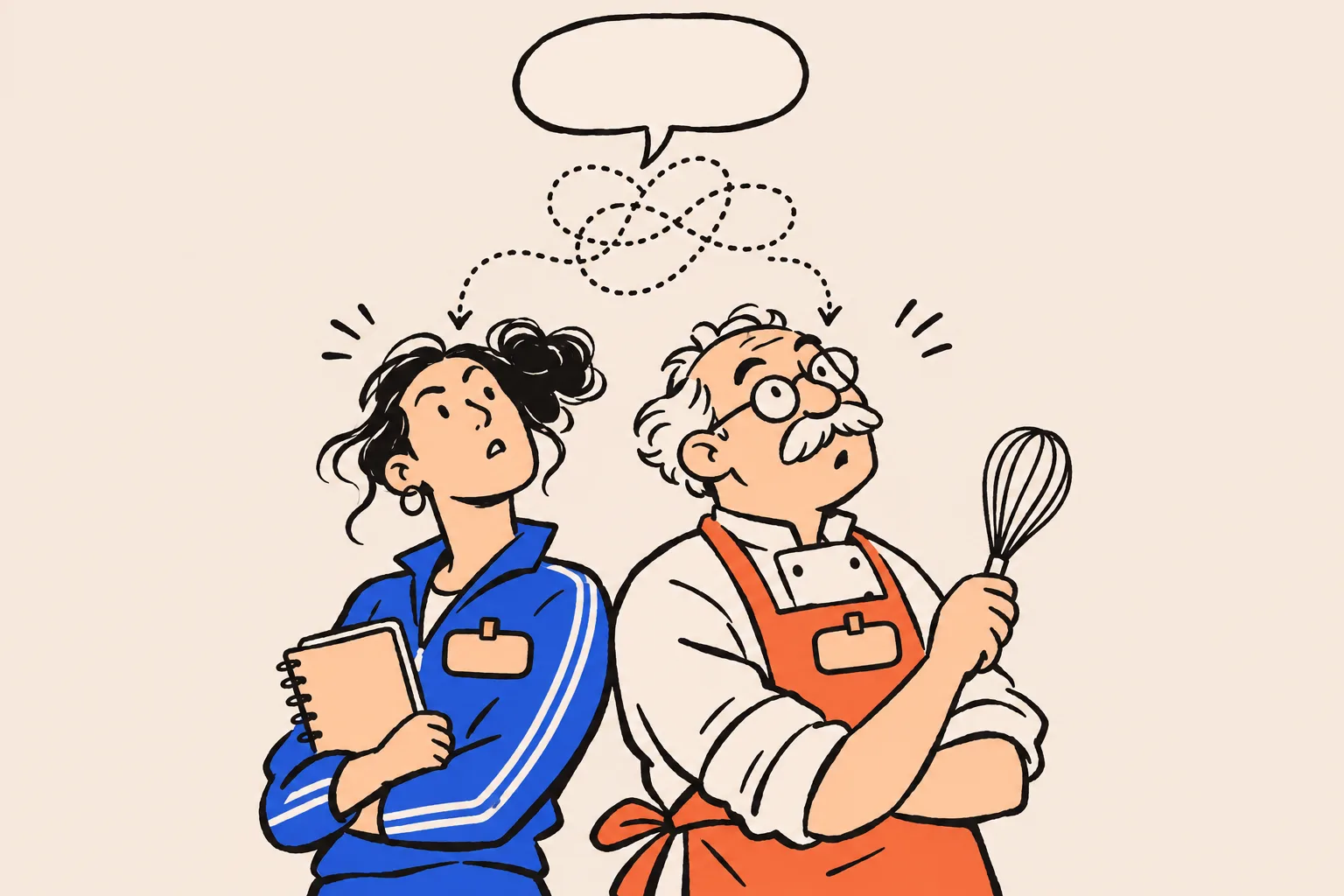
Signs it’s a namesake problem
- The answer is right when you add your profession or city, and wrong without them.
- It mentions a country, industry or age that fits someone else entirely.
- The cited sources belong to another person, or to a people-search page that has merged two people.
- Your Google results show another person’s photo or a Google Knowledge Panel about someone else.
Why does ChatGPT repeat your old job title?
Because the old version is still out there, and may outnumber the new one. Training data is a snapshot, and the model only updates when OpenAI trains a new one. Web search can pick up an old speaker bio, a conference page from three years ago or a cached directory listing just as easily as your current website.
Stale profiles are the most fixable cause on this list. Every former employer’s team page, every podcast show note and every association directory that still lists your old role is a vote for the wrong answer. When a large share of what’s public about you says “Senior Manager at Firm X”, a model has good reason to repeat it.
Google has a tool for one version of this problem. If a page you don’t own has been taken down or significantly changed, but Google still shows the old snippet, the Refresh Outdated Content tool asks Google to update that result8. It isn’t for information you think is wrong but that is still live on the page, and an approved request expires after 180 days8. A cleaner Google result helps the people who look you up on Google. It isn’t a direct fix for ChatGPT, which uses its own search partners.
How do you diagnose the error you’re seeing?
Match the symptom to the likely cause before you act. Here’s the triage we suggest.
| What ChatGPT says | Likely cause | Start here |
|---|---|---|
| A job or firm you left years ago | Stale pages, in training data or search results | Update every profile and ask third-party sites to correct old bios |
| A career, country or age that isn’t yours | A namesake | Add context everywhere: full name, profession, city, photo, links between profiles |
| Invented awards, books or degrees | The model guessing about a thinly documented person | Publish the real facts clearly on your own site and earn independent mentions |
| A specific wrong claim with a citation | One page saying the wrong thing | Open the cited page and contact its owner to correct it |
| Your phone number or home address | A people-search or directory page | Ask the site to remove it, and use Google’s Results about you |
| Something damaging that is false or outdated | Any of the above | Fix the source if you can, then file OpenAI’s removal request |
How do you fix the pages ChatGPT reads?
Start at the source, because the same pages feed ChatGPT’s search, Google, Gemini, Perplexity and the next model OpenAI trains. Correcting the answer without correcting the source is like mopping the floor under a leaking pipe.

Make one page the definitive statement of who you are
Your About page should say, in plain sentences, your full name, current role, firm, city, specialism and the main facts of your career. Present first, then work back.
Update every profile you control
LinkedIn, X, YouTube, speaker sites, podcast guest pages, association directories, your firm’s team page. Same name, same title, same photo, same short bio.
Ask third parties to correct old pages
Email the editor or webmaster of any page carrying the error. Be brief, point to the exact sentence, and give them the corrected line to paste.
Link your profiles both ways
Your site should link to your genuine profiles and they should link back, so any system can tell they describe the same person.
Check you’re not blocking ChatGPT’s search crawler
Sites that opt out of OAI-SearchBot aren’t shown in ChatGPT search answers. GPTBot, the training crawler, is controlled separately, and a robots.txt change takes about 24 hours to reach ChatGPT search9.
Correct Google’s view of you too
Anyone can suggest edits to a Google Knowledge Panel. If you’ve verified that the panel is about you, Google reviews your feedback within a few days. Panel descriptions can’t be edited directly, so Google tells you to fix the source10.
Re-test on a schedule
Repeat the clean-session test every few weeks and compare it with your log. Search answers can change once pages are re-crawled. Training-based answers change more slowly.
On the Google side, our guide to claiming and editing your knowledge panel walks through the feedback process. There’s no evidence that ChatGPT reads Google’s Knowledge Graph, so treat the panel as one more place where the facts about you should be right, not as a switch for ChatGPT.
How do you ask OpenAI to remove wrong information about you?
Use OpenAI’s Privacy Portal and choose “Remove personal data from ChatGPT responses”. Under some privacy laws, including the GDPR, you may be able to ask OpenAI to stop certain personal information about you appearing in ChatGPT responses when it is inaccurate, excessive, irrelevant or no longer appropriate3. You don’t need a ChatGPT account to ask, and a legally authorised representative can file on your behalf3.
OpenAI frames this right around privacy laws and says it assesses each request “in light of applicable privacy laws”3. It doesn’t say whether people in places without GDPR-style rights, including much of the US, get the same review, so don’t count on it.
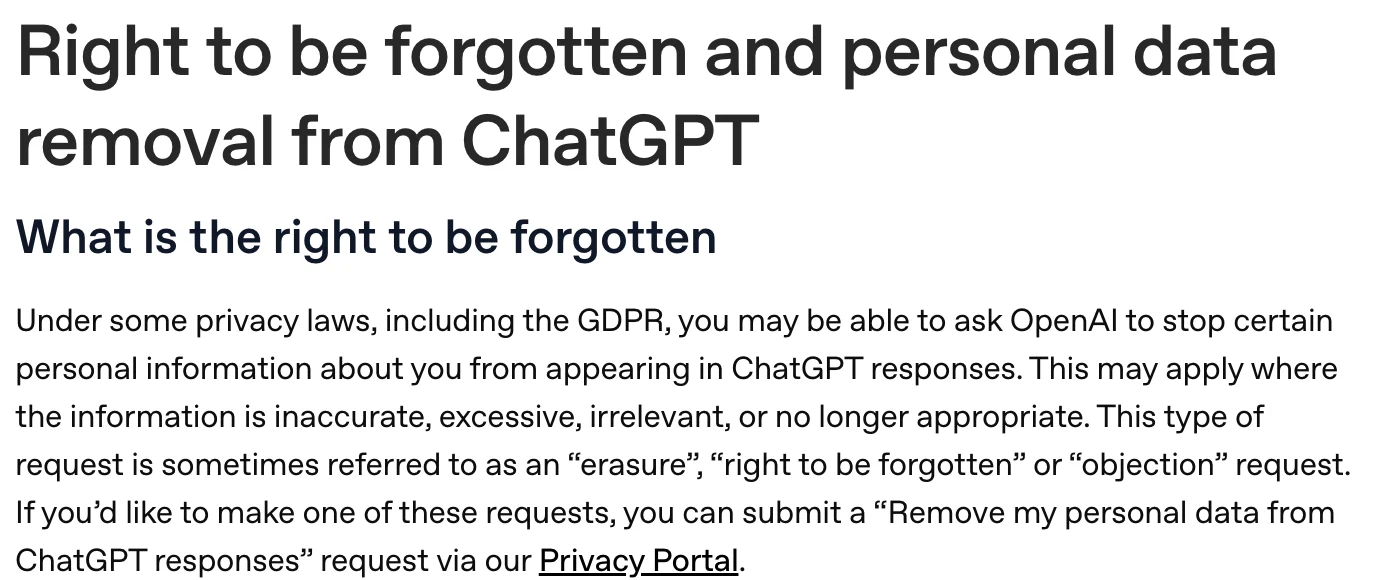
Go to OpenAI’s Privacy Portal
privacy.openai.com
Click Make a Privacy Request
You can file whether or not you have a ChatGPT account.
Select “Remove personal data from ChatGPT responses”
This is the request type OpenAI names for information about you appearing in answers.
Provide the details and submit
Include links to the chats, the URLs cited in them, the type of data, why it should be removed, and proof of identity. OpenAI may contact you for more information3.
OpenAI’s own advice for a successful request is to be specific. Give examples of where the information appears, including links to chats and the URLs referenced in them. Say whether it’s a name, an email address, a phone number or a URL. Explain why it’s inaccurate, excessive, irrelevant or out of date. And have a government-issued ID or alternative proof ready, because it will be required3.
OpenAI’s privacy policy for Europe adds a note about accuracy. It says you shouldn’t rely on the factual accuracy of its models’ output, and that if ChatGPT gives inaccurate information about you, you can request a correction or removal through privacy.openai.com or dsar@openai.com, considered “based on applicable law and the technical capabilities of our models”1.
What OpenAI weighs before it says yes
Each request is balanced against freedom of expression and the public interest3. OpenAI lists the factors it may consider:
- Role in public life. Whether you’re a private individual or have a public or professional role, and whether the information relates to that role.
- Accuracy. Whether the information is wrong, misleading or missing context. OpenAI says it assesses accuracy from what you provide and can’t independently investigate disputed facts, so bring evidence.
- Ongoing relevance. How old the information is and whether it still reflects your situation.
- Sensitivity and impact. Whether it involves sensitive personal information, and the effect its continued appearance has on your private life, safety or opportunities.
- Public interest. Including whether it helps users assess a person’s professional services and expertise.
- Official sources, criminal matters and children. Where the information comes from, whether it concerns convictions or allegations, and whether it relates to someone who was a child at the time.
That public-interest factor matters for professionals. OpenAI says information closely connected to a person’s professional activities may be more likely to remain relevant. On the other side, information that is clearly incorrect or outdated may weigh in favour of removal, so bring reliable evidence3.
A removal request makes ChatGPT say the right thing about you.
It can stop certain personal data appearing in responses. It doesn’t write a correct bio for you. That still has to come from the pages ChatGPT reads.
What can Google’s Results about you do, and what can’t it?
Results about you is narrower than most people expect. It lets you check whether your phone number, home address or email address appear in Google Search results and request that those results be removed11. You can turn on alerts, and Google sends an initial alert within a few hours about matching results11.
It doesn’t correct wrong facts, and it doesn’t remove anything from the web. Google says the information still exists on the source site whether a request is approved or denied, so you’d need to contact the site owner11. Results from government, educational, news or business websites may not offer a removal option, and some features are rolling out to users over 18 in certain markets11.
| Route | Use it for | It won’t |
|---|---|---|
| OpenAI “Remove personal data from ChatGPT responses” | Inaccurate, excessive, irrelevant or outdated personal information in ChatGPT answers | Remove pages from the web or from search engines |
| Google Results about you | Search results showing your phone number, home address or email | Correct wrong facts, or delete the source page |
| Google Refresh Outdated Content | A page you don’t own that has been removed or significantly changed, but still shows the old snippet | Act on information that is still live on the page |
| Google Knowledge Panel feedback | Wrong facts, links or images on a Google Knowledge Panel about you | Let you write your own description or subtitle |
| Contacting the site owner | Any wrong or outdated page about you | Guarantee a reply, but it fixes the problem where it starts |
Source: OpenAI Help Center3; Google Search Help11; Google Search Console Help8; Google Knowledge Panel Help10
What should you do this week?
Run the clean-session test, find the page or pattern behind the error, and fix the sources you control. Then ask third-party sites to correct their pages. File OpenAI’s removal request when the information is plainly inaccurate or outdated and you can prove it, or when it involves contact details or sensitive information that shouldn’t be there.
ChatGPT can only be as accurate about you as the pages it reads.
Keep your expectations honest. Nobody can make ChatGPT say a particular thing about you, and no one outside OpenAI controls its answers. What you can do is make the truth easy to find and hard to confuse. That’s the work DotVisible does for people whose name is their business. Optional ongoing AI visibility work is a commitment to keep working on your sources, not a guarantee that any assistant will mention or describe you a particular way. Read more about our services, browse more AI search guides, or run the free audit to see how Google and AI describe you today.
Frequently asked questions
Why is ChatGPT wrong about me?
Usually for one of three reasons. The model is guessing from thin training data, it has mixed you up with someone who shares your name, or it searched the web and found an outdated or wrong page. OpenAI says its search results and citations can be incomplete, outdated or incorrect.
Can I ask OpenAI to correct what ChatGPT says about me?
You can ask. OpenAI’s Privacy Portal has a “Remove personal data from ChatGPT responses” request for information that is inaccurate, excessive, irrelevant or no longer appropriate. OpenAI ties it to privacy laws such as the GDPR and reviews each one case by case under applicable law, so approval is not guaranteed, and it doesn’t say whether people without GDPR-style rights get the same review.
Do I need a ChatGPT account to make a removal request?
No. OpenAI says you can make the request whether or not you have a ChatGPT account. You will need specific examples, such as chat links and URLs, and a government-issued ID or other proof of identity.
Will OpenAI remove the information from Google too?
No. OpenAI says removing your personal data from ChatGPT responses does not remove it from other websites or search engines. You have to contact those sites separately, and Google has its own tools, such as Results about you.
How do I stop ChatGPT confusing me with someone who has the same name?
Make the pages about you unmistakable: one clear About page, the same name, title, city and photo everywhere, and links between your profiles. When you test, ask with your name plus profession and city, and check which sources ChatGPT cites.
Does correcting my LinkedIn fix ChatGPT straight away?
Not reliably. Answers that use web search can pick up a corrected page once it has been re-crawled, but what the model learned in training only changes when it is retrained. Fix the sources, then re-test over the following weeks.
Can Google’s Results about you remove wrong information about me?
Only a narrow kind. Results about you finds Google Search results that show your phone number, home address or email address and lets you request their removal from Google. It does not correct wrong facts, and the information stays on the source site.
Sources
- 1Europe privacy policy, “Your rights” and “A note about accuracy”OpenAI · Accessed 17 Nov 2026↩
- 2How ChatGPT and our foundation models are developedOpenAI Help Center · Accessed 17 Nov 2026↩
- 3Right to be forgotten and personal data removal from ChatGPTOpenAI Help Center · Accessed 17 Nov 2026↩
- 4Searching the web with ChatGPTOpenAI Help Center · Accessed 17 Nov 2026↩
- 5Temporary chat in ChatGPTOpenAI Help Center · Accessed 17 Nov 2026↩
- 6Why language models hallucinateOpenAI · Accessed 17 Nov 2026↩
- 7WildHallucinations: Evaluating Long-form Factuality in LLMs with Real-World Entity Queries (Zhao et al.)arXiv · 24 Jul 2024↩
- 8Refresh Outdated Content toolGoogle Search Console Help · Accessed 17 Nov 2026↩
- 9Overview of OpenAI CrawlersOpenAI · Accessed 17 Nov 2026↩
- 10Submit feedback on content about youGoogle Knowledge Panel Help · Accessed 17 Nov 2026↩
- 11Find and remove personal info in Google Search resultsGoogle Search Help · Accessed 17 Nov 2026↩
Keep reading
 AI searchGEO vs SEO: What Changes When Clients Ask AI About YouShobin K Jose · 17 Nov 2026 · 15 min read
 AI searchHow to Get ChatGPT to Recommend You (for Professionals)Shobin K Jose · 17 Nov 2026 · 17 min read
 AI searchWhat Is AI Visibility for a Person (Not a Brand)?Shobin K Jose · 17 Nov 2026 · 16 min read