How Google Reads Your LinkedIn Headline
Your headline is one of the first things Google reads on your LinkedIn profile, because LinkedIn puts it in the page title. A few words change what that page says about your role.
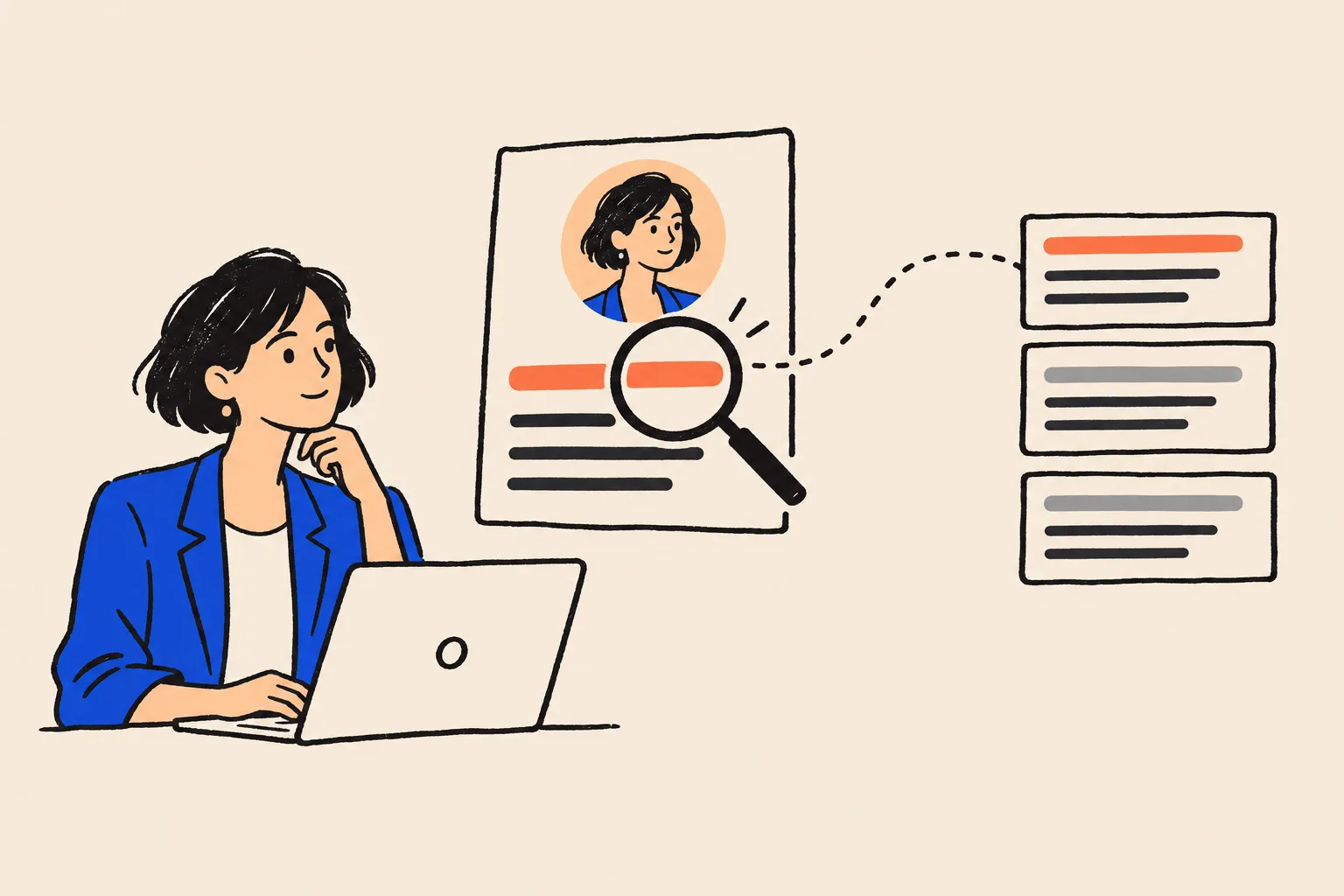
Google your own name and there's a good chance your LinkedIn profile is one of the first results. Look at the blue link. After your name, the words Google shows are usually your LinkedIn headline, the short line under your photo.
LinkedIn's own help page notes that the headline is displayed in search results1. It's also among the first descriptions of your role that a prospective client sees, and one of the first pieces of text Google reads on that page.
That gives a dozen words an outsized job. If they say "Helping leaders unlock their potential 🚀", the result tells a searcher (and a search engine) very little about what you do. If they say "Executive Coach for First-Time CEOs | Ellis Leadership", it tells them a role, a specialism and a firm.
This guide explains what Google actually takes from your LinkedIn profile, which parts of that are documented and which are simply observed, and how to write a headline that describes your role clearly and consistently.
What Google actually sees on your profile
When Google crawls your LinkedIn profile, it sees the public version: the one a person who isn't signed in to LinkedIn would see. You control which sections appear there (more on that later).
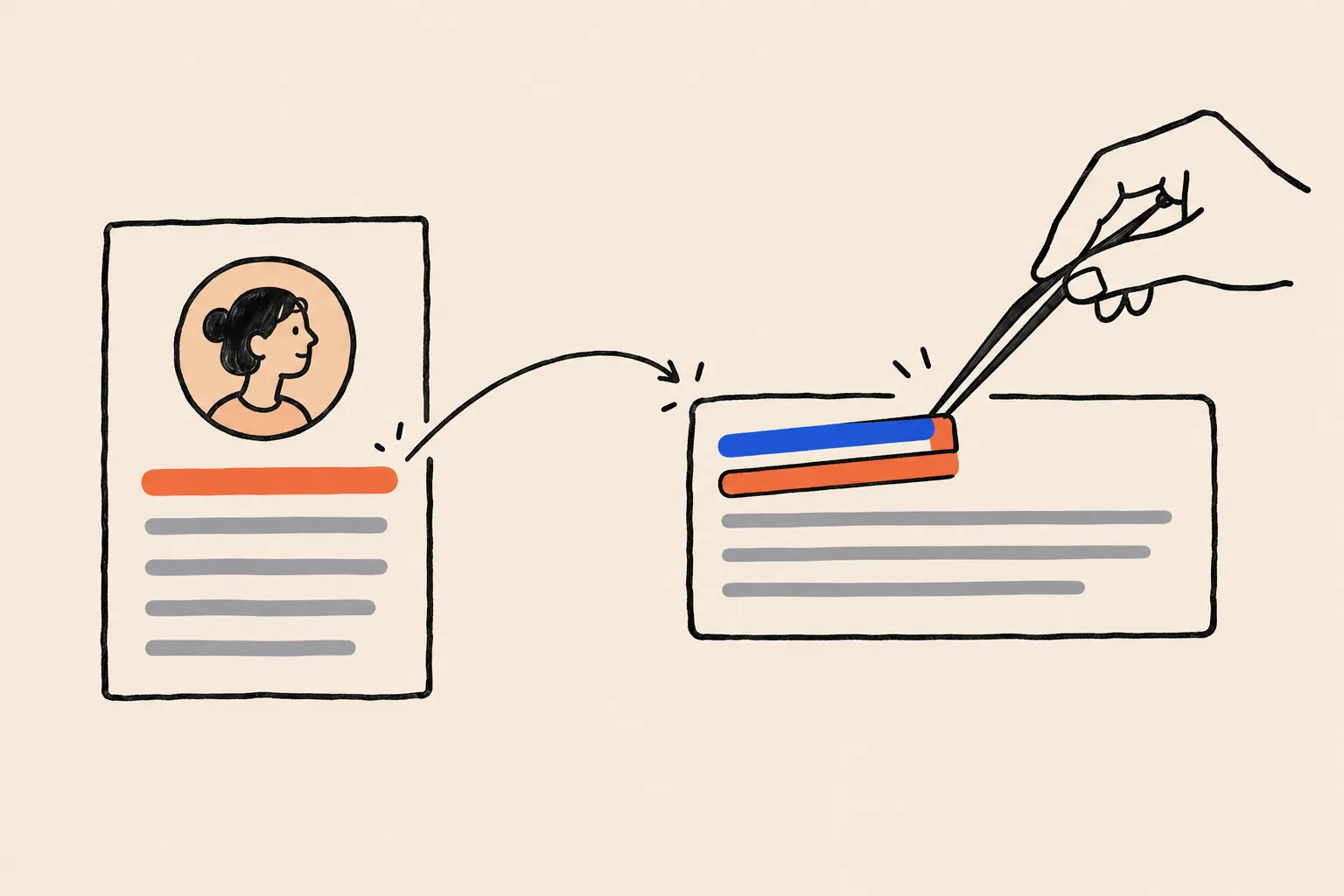
On that public page, LinkedIn writes your headline into the parts of the page's code that tell search engines what the page is. On 19 October 2026 we checked the public profile pages of three well-known people, Satya Nadella, Bill Gates and Jeff Weiner, purely as examples of the format, and found the same pattern on each2. It's a dated snapshot of how LinkedIn builds the page, not a comment on anyone's headline. The page title, and the separate social-sharing title that sites use for previews, both read:
Name - Headline | LinkedIn
So on that date, Satya Nadella's profile title read "Satya Nadella - Chairman and CEO at Microsoft | LinkedIn", because "Chairman and CEO at Microsoft" is his headline. Bill Gates's read "Bill Gates - Chair, Gates Foundation and Founder, Breakthrough Energy | LinkedIn"2.
You may have read that the format is "Name - Job Title - Company | LinkedIn". That isn't what we saw. A company appears only when it's written into the headline itself. LinkedIn has changed these templates before and may again, so treat the exact pattern as current behaviour rather than a fixed rule.
The headline also opens the page's meta description, the short summary that search engines can use for the grey text under a result. On the pages we checked, that description ran in this order: headline, then the start of the About section, then experience, education and location2.
From headline to title link
The blue clickable line in a Google result is what Google calls the title link. Google's documentation lists the places it draws title links from. The list starts with the page's title element, then the main visible title, headings and the social title tag (og:title), followed by other prominent text, other page text, anchor text, the text of links pointing to the page and site-level structured data3.
On a LinkedIn profile, two of those, the title element and og:title, contain your headline. That's why, in practice, the title link for your profile is usually your name plus your headline.
Three details from the same documentation explain why it doesn't always look exactly like the page title.
- Long titles get cut. Google truncates title links to fit the width of the device. It doesn't publish a character limit, but it does advise keeping titles concise3.
- Google sometimes rewrites them. It may show something other than the page title when a title is half-empty, outdated, inaccurate or repeated as boilerplate across many pages3. Google generates title links automatically and says it can't change them by hand for individual sites.
- The site name moves out. Google shows the site's name separately from the title link4, and may drop a site name from the title link when it would repeat the one already shown3.
All three showed up in the same check, when we searched for "satya nadella linkedin profile". Google's title link read "Satya Nadella - Chairman and CEO at Microsoft", with the "| LinkedIn" part removed and "LinkedIn · Satya Nadella" shown above the result as the site line2.
The grey snippet under that result didn't use the headline at all. It quoted his experience entries. That's consistent with Google's documentation, which says snippets are created automatically from page content, may use the meta description, and can change depending on what someone searched for5.
What's documented, and what's only observed
You'll often hear that your headline is one of the first facts Google uses to understand your role. That's a reasonable shorthand, and a few words really can change what your result says about you. But it's worth being precise about what supports it.
| Statement | Status | Basis |
|---|---|---|
| Your headline is displayed in search results | Documented | LinkedIn Help |
| Google builds title links mainly from the page title and similar tags | Documented | Google Search Central |
| LinkedIn puts your headline in the page title and og:title | Observed | Three public profile pages, 19 Oct 2026 |
| Your Google title link is usually "Name - Headline" | Observed | Google US results, 19 Oct 2026 |
| Google uses the headline to decide your role in its Knowledge Graph | Not documented | Google doesn't publish how it weights sources |
| The headline is the first or most important fact Google uses about you | Not documented | No evidence either way |
Source: Google Search Central, LinkedIn Help and DotVisible checks123
So the defensible version is this: your headline is one of the first things Google reads on your LinkedIn page, because LinkedIn places it in the page title. Whether Google gives it any special weight when deciding who you are is something nobody outside Google can confirm.
The same check turned up one hint of how the headline travels. In an AI Overview Google showed for "jeff weiner linkedin", the LinkedIn profile was listed as a source under the title "Jeff Weiner - Founding Partner Next Play Ventures": his headline, cut where a semicolon split it. The Overview's opening sentence described him in the same terms as that headline2. It's one example, not proof of a mechanism. It does show the headline turning up in places beyond the blue link.
Google says its AI features draw on pages that are indexed and eligible to show a snippet in normal Search, with no special markup required6. A public LinkedIn profile usually qualifies, which is one more reason the words on it should be right.
Why your headline matters for who Google thinks you are
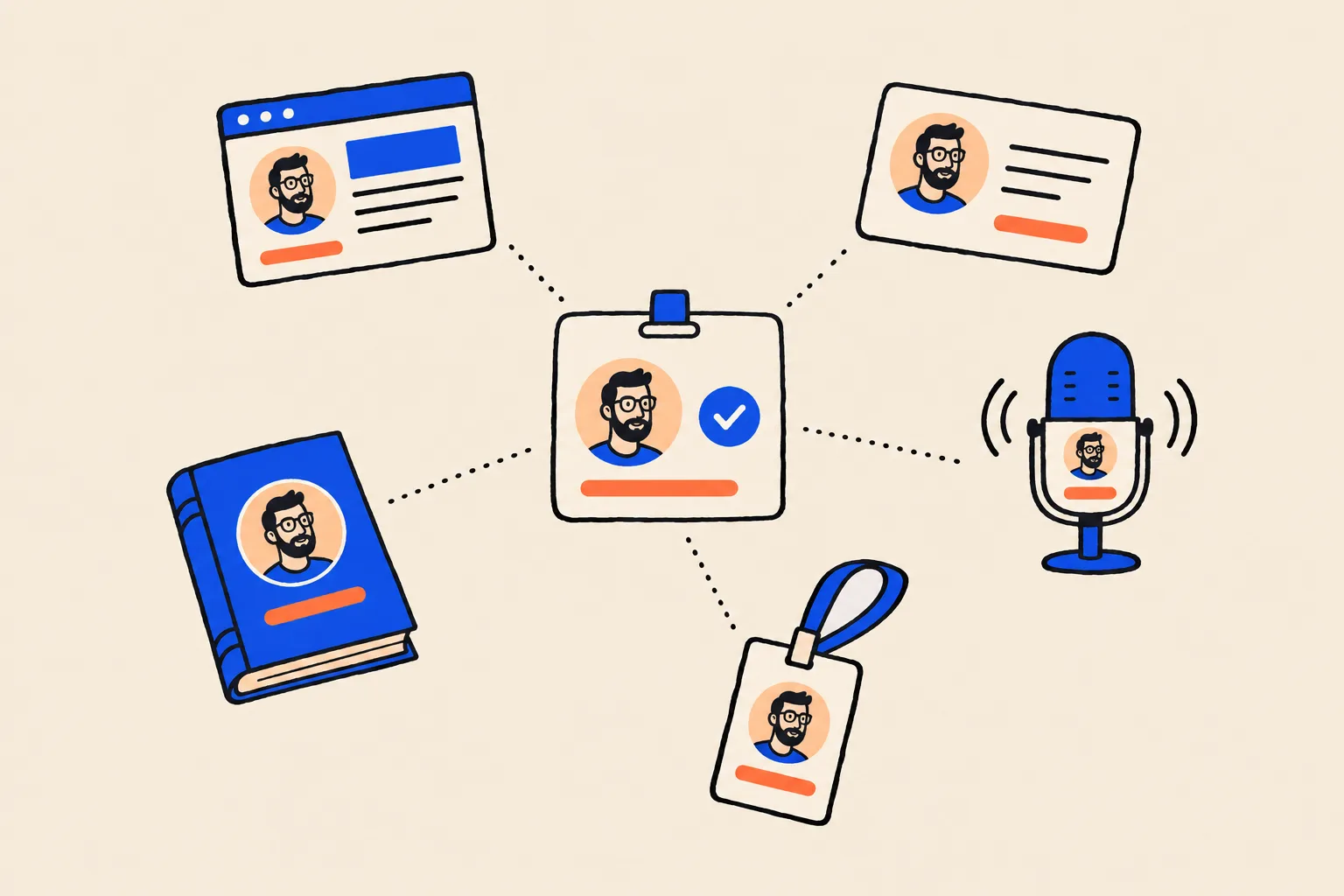
A Google knowledge panel, the box that can appear beside results for your name, is tied to an entity in Google's Knowledge Graph: Google's database of people, organisations and things7. Google builds those entities from hundreds of sources, not one8. Your LinkedIn profile is one of them. Your website, bios, directory listings and press mentions are others. (Our guide to what a Google knowledge panel is covers this in depth.)
The role line under a person's name in a panel, the subtitle, is generated automatically, and Google doesn't accept or create custom subtitles9. Subtitles also shift when Google updates its graph. Around one July 2023 update, Kalicube's tracking found the share of Person entities with a subtitle fell from 57.1% to 16.58%10.
You can't set your subtitle, but you can make the dominant role obvious. Practitioners most often name inconsistency, such as one profile saying "consultant" and another "managing director", as the reason Google fails to settle on who someone is11. A LinkedIn headline that disagrees with your About page is exactly that kind of inconsistency, sitting on one of your most visible pages.
Google can only agree with you about your role if you agree with yourself first.
The headline isn't the only role signal on LinkedIn
There's a second layer most people miss. LinkedIn's public pages also carry structured data, machine-readable code describing you as a Person. On the three pages we checked on 19 October, the job title and employer in that code came from the Experience section, not the headline2. Satya Nadella's listed "Chairman and CEO" with Microsoft; Bill Gates's listed his positions at the Gates Foundation, Breakthrough Energy and Microsoft.
That means your profile can send two role signals at once: whatever your headline says, and whatever your current position says. If your headline reads "Leadership Coach" and your only current position is "Director, Operations" at a company you left, Google is reading two different people. Make them agree.
The first few words do the work
According to widely repeated third-party guides, LinkedIn's headline field allows up to 220 characters12. We couldn't find the limit stated anywhere in LinkedIn Help, so treat the counter in your own Edit intro window as the final word.
Using all 220 characters is rarely wise. Google cuts title links to fit the screen3, and "Name - " already takes up the opening. Inside LinkedIn, long headlines are often shortened too. Guides disagree about exactly how many characters survive, which is why we haven't quoted a figure. The safe rule is that anything after the first few words may never be seen.
Write in this order:
- Your role, in the words a client would type: "Family Law Solicitor", "Executive Coach", "Fractional CFO".
- Your specialism or audience: "for first-time CEOs", "Divorce and Children", "for SaaS Companies".
- Your firm or practice, if it carries weight or matches your website.
- Proof, if there's room: a book, a credential, a recognisable client type. This part can be cut without losing the meaning.
Before and after: clearer headlines for experts
The examples below are invented for illustration. The names, firms and books don't exist. Each "before" shows a common pattern, and each "after" puts the role first and keeps it consistent with what the person's website would say.
| Profession | Before | After |
|---|---|---|
| Executive coach | Helping leaders unlock their full potential 🚀 Speaker / Mentor / Dad | Executive Coach for First-Time CEOs | Ellis Leadership Partners |
| Financial advisor | Making money simple. Let's talk about your future! | Financial Advisor to Business Owners | Partner, Harlow Wealth |
| Cardiologist | Passionate about hearts ❤️ | Consultant Cardiologist, Heart Rhythm Specialist | Northgate Heart Clinic |
| Employment lawyer | Partner at Brook & Vale LLP | Employment Lawyer for Employers | Partner, Brook & Vale LLP |
| Accountant | Numbers person. Coffee lover. | Chartered Accountant for Medical Practices | Founder, Ledgerline |
| Founder | Building the future of work 🌍 | Ex-Big Tech | Angel | Advisor | Podcaster | Founder and CEO, Shiftwise (scheduling software for clinics) |
| Speaker and author | Keynote speaker | Author | Coach | Consultant | Trainer | Facilitator | Keynote Speaker on Workplace Resilience | Author of The Steady Team |
| Real estate agent | Your dream home awaits 🏡 | Real Estate Agent, North Shore Family Homes | Coastline Realty |
Notice what the "after" versions have in common. Each one starts with a role a client would search for. Each has one specialism, not six. None relies on emoji to carry meaning. And each could appear, word for word, as the first line of the person's website bio.
The same habits apply in every field. Our pages for coaches and consultants and financial advisors show how they fit into a wider name-search strategy.
Headline habits that confuse Google and people
Most weak headlines fail in one of a few predictable ways. Each makes it harder for a reader, and plausibly for Google, to say in one phrase what you do.
Reads as a role
- A plain job title a client would search for
- One specialism or audience
- Your firm, if it matches your website
- The same words as your About page and bios
- Current, and matching your current position
Reads as noise
- A slogan with no job title ("Helping you thrive")
- Five or six roles separated by pipes
- Emoji doing the work of words
- Just an employer name, with no role
- A job you left two years ago
Packing your headline with keywords helps you rank.
Google advises against keyword stuffing in titles, and a keyword list tells people less than a clear role does.
Google's title-link guidance warns that repeating the same words in a title can look spammy to people and to Google3. The headline that serves you best is the one a person can read in two seconds and repeat to a colleague.
Your headline should be different on LinkedIn so it stands out.
Stand out through specifics, not through a different description of your job.
You can be more conversational on LinkedIn than on a firm's team page. The role itself shouldn't change between them.
Check your public profile settings
None of this matters if Google can't see your profile. LinkedIn's public profile setting controls which sections are eligible to show to people who aren't signed in, including people who find you through search engines such as Google or Bing13. Not every section can be made public, and you can switch public visibility off entirely14.
There's a second setting, "Profile discovery and visibility", that people often confuse with it. LinkedIn says changing that one doesn't limit how your public profile appears in search tools. The public profile setting is the one that does14.
Open your public profile settings
From your profile, select Edit next to Public profile & URL. This shows the version people see when they aren't signed in.
Make sure public visibility is on
If it's off, search engines can't show your profile to anyone who isn't signed in to LinkedIn.
Turn on the sections that describe your role
Your headline, current experience and About section do the most to explain what you do.
Claim a clean custom URL
Use your name as it appears on your website, so the address itself matches.
Link your website and your profile both ways
Add your website to LinkedIn's contact info and link to your LinkedIn from your About page.
Then be patient. LinkedIn notes that it can take several weeks or months at times for search engines to detect profile changes and refresh, and that it doesn't control that process13. If your old headline is still showing in Google next week, that's normal.
A five-minute headline checklist
Open your LinkedIn profile, your website's About page and your most recent speaker or author bio side by side. Then check:
- Role first. Do the first three or four words of your headline name a role a client would search for?
- One specialism. Is there one clear audience or focus, not a list of six?
- Same words everywhere. Does your headline describe your role the way your About page and bios do?
- Current position agrees. Does your current Experience entry match the role in your headline, and have you ended old positions?
- No emoji or slogans carrying the meaning. Would the headline still make sense read aloud?
- Public and visible. Is your public profile switched on, with headline and experience showing?
- Checked in Google. Search your name in a private window. Is the title link what you'd want a prospect to read?
That last check is part of a wider routine. Our name search checklist walks through the other things prospects see when they look you up, from your website to your reviews.
Where to start
Your LinkedIn headline isn't a magic switch for your knowledge panel, and Google has never said it's the first fact it uses about you. What's clear is simpler: LinkedIn puts your headline in the page title, Google builds its blue link from that title, and every page that describes your role either confirms or contradicts the others.
So write the headline you'd want read aloud by a stranger who has never heard of you. Put your role first, keep it consistent with your website, make sure the profile is public and give Google time to notice.
If you'd like to see what Google currently understands about you, try the free Knowledge Panel Checker or the AI Mention Checker. If you'd rather have someone review your headline, bio and profiles together, book a free audit or read how it works.
Frequently asked questions
Does Google read my LinkedIn headline?
Google reads your public LinkedIn profile page, and LinkedIn currently puts your headline in that page’s title and social title tags, in the form “Name - Headline | LinkedIn”. Google lists both of those tags among the sources it uses to write the title link in search results. Google hasn’t said how much weight it gives the headline when working out who you are.
Will my LinkedIn headline become my knowledge panel subtitle?
Not directly. Google generates subtitles automatically and doesn’t accept or create custom ones. A clear headline that matches your website and other profiles helps every source describe your role the same way, but no single page decides it.
How long can a LinkedIn headline be?
The editor allows 220 characters, according to widely repeated third-party guides. LinkedIn Help doesn’t state the limit, so check the counter in the Edit intro window. In Google, long titles are cut to fit the screen, so put your role in the first few words.
How long does it take for Google to show my new headline?
LinkedIn says it can take several weeks or months at times for search engines such as Google or Bing to notice profile changes. LinkedIn doesn’t control that, and neither do you.
Should my LinkedIn headline match my website?
The role should match. You can add more detail on LinkedIn, but the core description of what you do should use the same words as your About page, bios and directory listings, so every source tells Google the same thing.
My LinkedIn profile doesn’t show up when I Google my name. Why?
Check your public profile setting first. If public visibility is off, or key sections are hidden from people who aren’t signed in, search engines may not see them. If it’s on, give it time, and make sure your website links to your profile.
Should I stuff keywords into my headline?
No. Google’s title-link guidance advises against keyword stuffing because it looks spammy to people and to Google, and a string of keywords tells people less than a plain role does. One clear role, a specialism and where you work is enough.
Sources
- 1Edit your headlineLinkedIn Help · Accessed 19 Oct 2026↩
- 2Observed format check (dated snapshot): public LinkedIn profile pages of Satya Nadella, Bill Gates and Jeff Weiner, and Google US desktop results for related searchesDotVisible · Observed 19 Oct 2026↩
- 3Influence your title links in Google SearchGoogle Search Central · Updated 10 Dec 2025↩
- 4Site names in Google SearchGoogle Search Central · Updated 10 Dec 2025↩
- 5Control your snippets in search resultsGoogle Search Central · Updated 20 Apr 2026↩
- 6AI features and your websiteGoogle Search Central · Updated 10 Dec 2025↩
- 7About knowledge panelsGoogle Knowledge Panel Help · Accessed 19 Oct 2026↩
- 8A reintroduction to our Knowledge Graph and knowledge panels (Danny Sullivan)Google blog · 20 May 2020↩
- 9Submit feedback on content about youGoogle Knowledge Panel Help · Accessed 19 Oct 2026↩
- 10Google Knowledge Graph algorithm updates and volatilityKalicube · 29 Dec 2023, updated 5 Sep 2024↩
- 11Your Instruction Manual for Google Knowledge Panels (Jason Barnard)Kalicube Academy · c. 2022-23↩
- 12LinkedIn character limit by categoryLinked Helper · Updated 29 Sep 2026↩
- 13LinkedIn public profile visibilityLinkedIn Help · Accessed 19 Oct 2026↩
- 14Manage your profile's visibility on and off LinkedInLinkedIn Help · Accessed 19 Oct 2026↩
Keep reading
 Knowledge PanelsWhat Is a Google Knowledge Panel, and Why Do Some People Get One?Shobin K Jose · 19 Oct 2026 · 23 min read
 GuidesThe Name Search Checklist: 12 Things Prospects See Before They CallShobin K Jose · 6 Oct 2026 · 18 min read
 AI searchHow ChatGPT Decides Which Coaches to RecommendShobin K Jose · 9 Oct 2026 · 14 min read