The Ultimate Knowledge Panel Playbook for Speakers & Authors
Event planners, bureau agents, podcast hosts, editors and readers all search your name before they say yes. This playbook shows you, step by step, how to make that search work for you, from your author name and book records to your speaker page, your panel and the AI answers that now sit beside it.
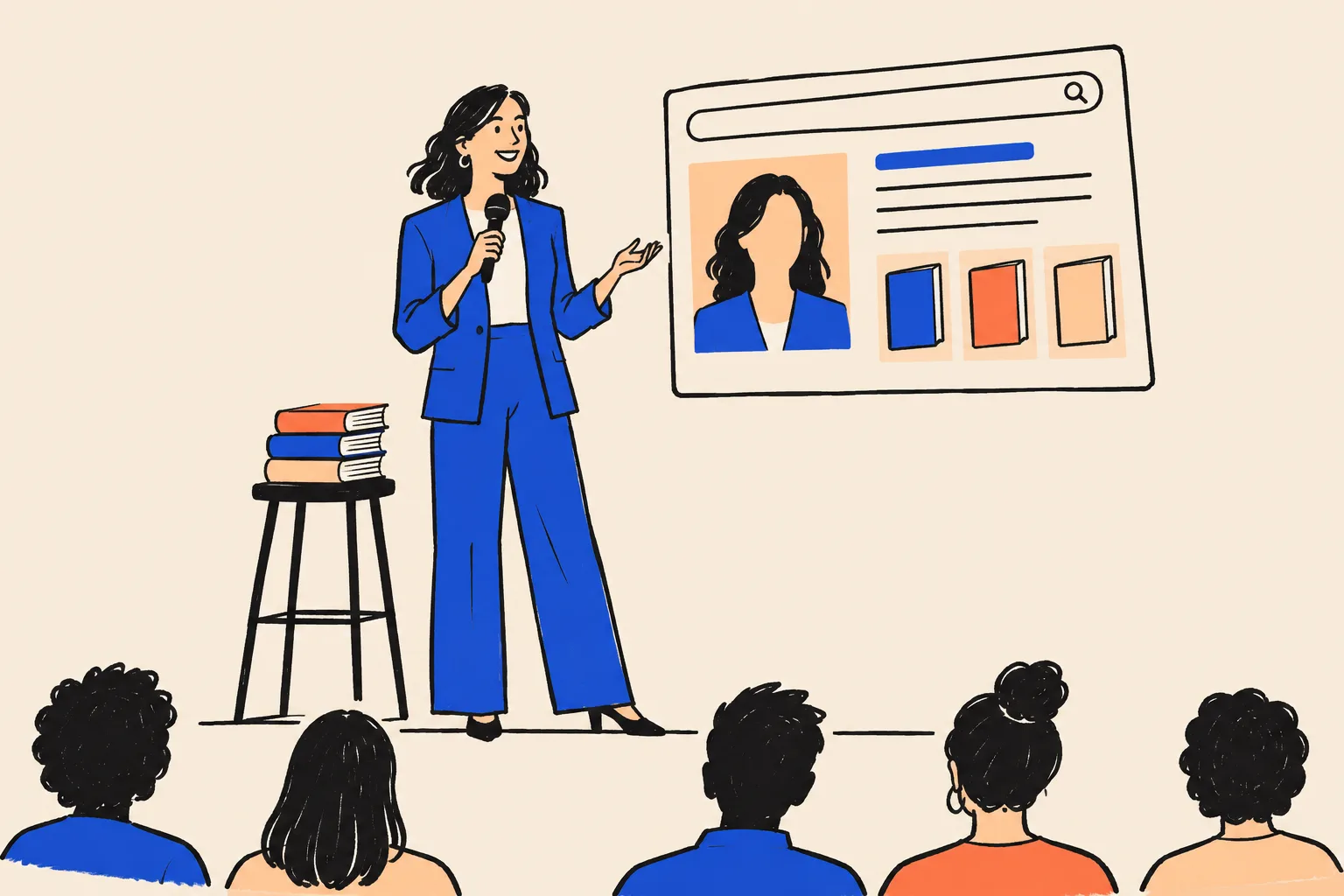
The shortlist has four names on it. A conference planner in Denver is putting together a leadership summit for 900 people, and her committee wants to pick a closing keynote by Friday. She opens a new tab and types your name.
Somewhere else, a bureau agent is deciding whether to send your one-sheet to a client. A podcast producer is checking whether you’re worth a slot in the spring schedule. A journalist wants a quote for a feature on workplace burnout and has your name from a press release. A reader heard you on the radio, can’t remember the title of your book and searches the only thing she remembers: your name.
None of them tell you they did it. They look for a minute, maybe two, and then they decide. If the search shows a clear picture of a working speaker and author, with your photo, your books, your talks and a site that confirms it all, they carry on. If it shows an old corporate bio, a namesake, three different job titles or nothing much at all, many of them move on to the next name on the list, and you never hear about it.
This playbook is about that minute. It’s for keynote and professional speakers, business authors, first-time and established non-fiction authors, and anyone whose ideas are the product. It walks you through everything we know about earning a Google Knowledge Panel (the box of facts Google shows about a recognised person), keeping your books attached to it, and being described correctly by AI tools such as ChatGPT, Gemini and Perplexity. Every step is written for someone with no technical background. If you can send an email and edit a LinkedIn profile, you can follow it.

Who this playbook is for, and who it isn’t for
It’s for you if:
- you speak for a living or want to (keynotes, breakouts, corporate workshops, conference panels, TEDx, webinars);
- you’ve written a book, are writing one, or have a book launch coming up;
- people hear about you through referrals, podcasts, talks, LinkedIn or a bureau, and then look you up;
- your real track record is bigger than what a search for your name currently shows.
It isn’t the right guide if:
- Google already shows a panel for you that belongs to someone else entirely (that needs specialist help, and we cover it briefly in Part 5);
- you want a panel for a company or a brand rather than for yourself;
- you’re looking for a shortcut that bends the rules. We explain why those shortcuts tend to cost you a year or more.
How to use it
There are three ways in, depending on how much time you have:
- Ten minutes. Do the Quick Check in the next section. It tells you where you stand today.
- One weekend. Work through Parts 2 and 3 and the first half of Part 4. You’ll finish with an audited name search, one locked set of facts about yourself, a bio in several lengths and the plan for your own home page.
- Ninety days and beyond. Follow the full roadmap in Part 6.
By the end you’ll have:
- an audit of what people see when they search your name;
- one source-of-truth profile that every bio, one-sheet and retailer page copies from;
- a bio ladder from a one-line headline to a full biography and a 30-second introduction for hosts to read aloud;
- an Entity Home (your own page that Google treats as the official word on you) with structured data;
- your Amazon, Goodreads, Google Books, YouTube, LinkedIn, speaker directory and publisher pages all saying the same thing and pointing back to it;
- an AI baseline so you can see how ChatGPT, Gemini and the others describe you now;
- a maintenance routine for every new book, talk or title.
Before you start: the 10-minute Quick Check
Do this now, before you read any further. It costs nothing and it gives you a baseline you can compare against in three months.
Set up a clean search
- Open a private browser window. In Chrome, press Ctrl+Shift+N on Windows or Cmd+Shift+N on a Mac. In Safari, choose File, then New Private Window. A private window stops Google from tailoring the results to your own history, so you see roughly what a stranger sees.
- Go to google.com.
- Keep a notes app or a piece of paper next to you.
Run six searches
Type each of these into Google exactly as written, with your own details in place of the brackets, and press Enter after each one. Look at the whole first page, and look at the right-hand side of the screen on a computer or the top of the screen on a phone.
- Your name exactly as it appears on your book cover or speaker page. Throughout this playbook we use a fictional speaker and author, Maren Holt, for the examples, so this would be Maren Holt.
- Your name in quotation marks: "Maren Holt". The quotes tell Google to look for that exact phrase.
- Your name plus your main label: Maren Holt speaker or Maren Holt author.
- Your name plus your book title: Maren Holt The Calm Ask.
- who is Maren Holt
- Your name plus your city or country: Maren Holt Denver.
Ask three AI tools
Open ChatGPT, Gemini (gemini.google.com) and Perplexity. Free accounts are fine. In each one, type:
- Who is [your name]?
- Who is [your name], the [your label] who wrote [your book] / speaks on [your topic]?
- Recommend three keynote speakers on [your topic] for a [type of event] in [your region]. If you’re mainly an author, use Recommend three books on [your topic] for [your reader].
Read each answer. Note whether it describes you, describes someone else, or says it doesn’t know.
Score yourself
Give each line a colour.
| Check | Green | Amber | Red |
|---|---|---|---|
| A Knowledge Panel appears for your name | Yes, with your photo and correct label | A panel appears but something is wrong (old title, wrong photo, no books) | No panel, or someone else’s |
| Your own site is the first result | Yes | It’s on page one but not first | Not on page one, or you have no site |
| Page one is about you | 8 or more of the 10 results | 5 to 7 | 4 or fewer |
| Your books show up (if you’re an author) | Book carousel or book results under your name | Books appear only on retailer pages | Books don’t appear, or a namesake’s do |
| Your talks show up (if you speak) | A filmed talk or event page on page one | Only your own reel | Nothing about speaking |
| Your label is consistent | The same label everywhere you look | Two labels | Three or more labels |
| ChatGPT, Gemini and Perplexity describe you correctly | All three | One or two | None, or they describe someone else |
| An AI tool names you for your topic | Yes, in at least one tool | You appear only when you name yourself | No |
Source: DotVisible self-check. A rough guide for your own use, not a Google measure.
If you scored red on three or more lines, start with Part 2 and work through in order. If you’re mostly green with one or two reds, jump to the chapter that covers each red. And if you’d rather have someone run a fuller version of this check for you, our free audit does it and emails you the report within one business day.
Part 1. Why your name search is your first audition
The search nobody tells you about
Speakers and authors live on word of mouth. In SpeakerFlow’s 2026 survey of professional speakers, referrals and word of mouth accounted for 64.7% of respondents’ revenue, while social media took 31.5% of their working hours and brought in 2.3%.8 SpeakerFlow sells software to speakers and the survey had 216 respondents, so treat it as one useful snapshot. It still matches what most working speakers will tell you: someone recommends you, and then the person who heard the recommendation goes and checks.
That check is the moment this playbook is about. A recommendation gets you onto the shortlist. The search decides whether you stay there.
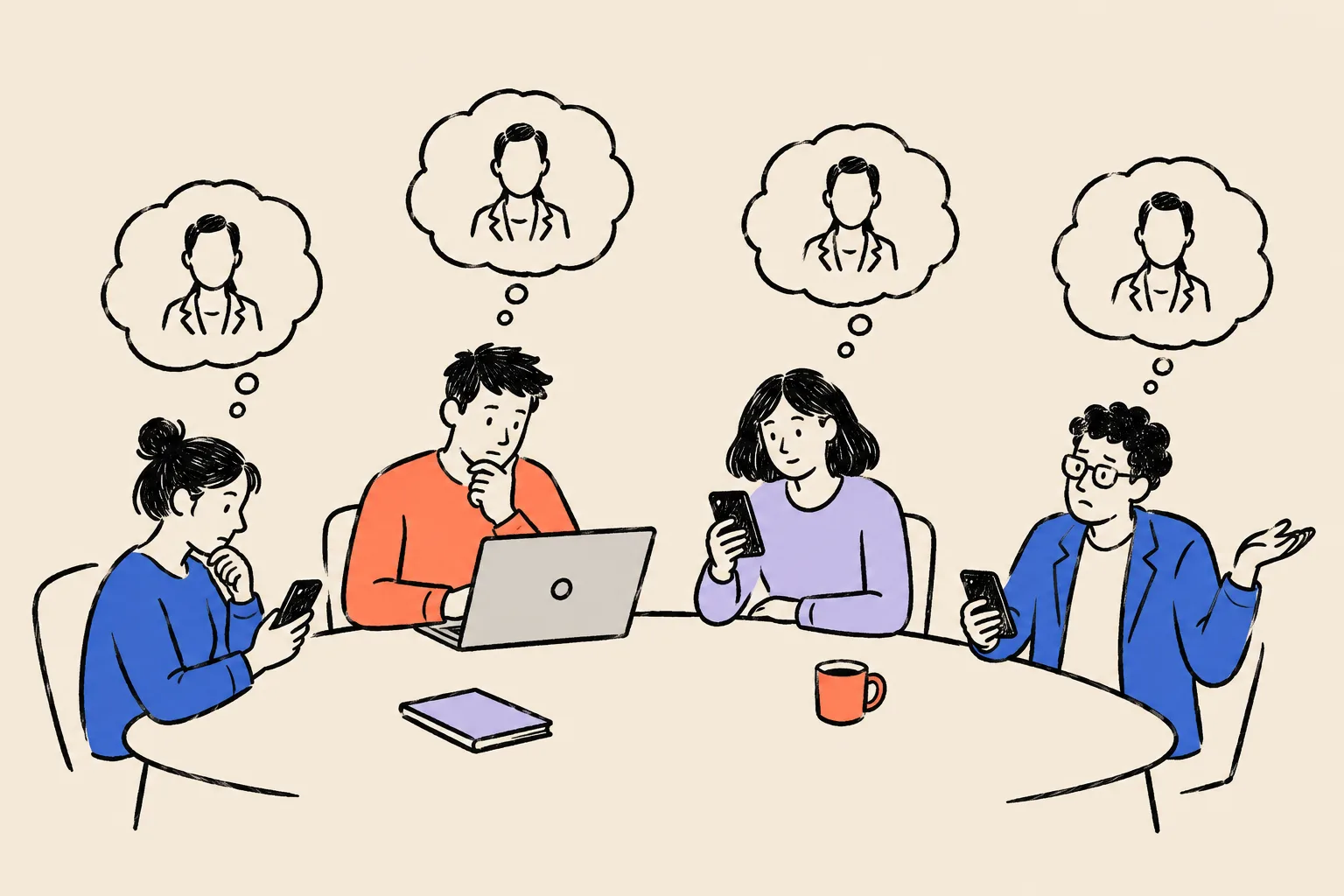
For speakers, the decision is rarely one person’s. In All American Entertainment’s 2024 benchmark survey of event organisers, reported by PCMA, fewer than 8% said they make speaker decisions alone, and about seven in ten involve between two and five people.9 Every one of those people can search your name independently, on their own phone, at their own time. You might impress the person who found you and still lose the booking because the finance director searched you and found a namesake.
For authors, the people searching are different but the pattern is the same. Readers who hear about a book on a podcast often remember the author’s name better than the title. Booksellers, festival programmers, librarians, reviewers and journalists check who you are before they give you space. Acquiring editors and literary agents look up a non-fiction author’s platform as part of deciding whether to take the book on.
The audience is there. Pew Research Center found in 2026 that 75% of US adults had read all or part of at least one book in the previous 12 months.28 The income is harder won. The Authors Guild’s 2023 survey of 5,699 authors found a median book income of $10,000 for full-time authors, rising to $20,000 once speaking, teaching and related work were included.10 For most non-fiction authors, the book and the stage feed each other, and both depend on people being able to find and trust you.
Who searches you, and what they’re deciding
It helps to name each searcher and the question in their head. Your whole online footprint should answer those questions in a few seconds.
| Who | When they search | The question they’re really asking |
|---|---|---|
| Meeting or event planner | After a colleague’s suggestion, before shortlisting | Is this person a real, booked, professional speaker who fits my audience? |
| Booking committee member | Before the final decision | Will this choice make me look good, or will I have to defend it? |
| Speaker bureau agent | Before sending your details to a client | Can I put my reputation behind this name? Will my client find anything awkward? |
| Corporate L&D or HR buyer | Before booking a workshop | Is this credible enough to put in front of our leadership team? |
| Podcast host or producer | Before confirming a guest slot | Will this guest bring something new, and will they look established to my listeners? |
| Journalist or editor | Before quoting you | Can I verify who this is and what they’ve done, fast? |
| Reader | After hearing about you | Which book is it, and is this the right person? |
| Bookseller, librarian or festival programmer | Before stocking or programming you | Is this author real, current and worth the space? |
| Acquiring editor or agent | Before taking on your next book | What platform does this author already have? |
Three kinds of research about you
Jason Barnard, who runs the knowledge-panel consultancy Kalicube, splits the research people do about you into three kinds. The split is useful because each one needs slightly different work.
- Explicit research. Someone types your name, or asks an AI tool “Who is [your name]?”. This is the planner, the agent, the reader who remembers your name. Your Knowledge Panel and page one of your results answer it.
- Implicit research. Someone researches a topic and you appear in the answer. “Keynote speakers on burnout for a healthcare conference.” “Best books on negotiation for new managers.” “Women speakers on AI for a finance summit.” You don’t control these searches, but you can make yourself a likely answer.
- Ancillary research. AI tools mention or describe you inside other products: an assistant drafting an email to you, a document sidebar summarising a conference programme, a planning tool suggesting speakers. You’ll rarely see these, which is why getting the basic description of you right matters so much.
Explicit comes first. If Google and the AI tools can’t describe you correctly when someone asks for you by name, they won’t recommend you when someone asks for a topic.
What they find today, and what it signals
Here is what we most often see when we search a speaker or author’s name, and what the person searching tends to conclude.
| What the searcher finds | What it signals to them |
|---|---|
| An Amazon book page ranks first, and little else | “An author, maybe. Is there a person behind this?” |
| A speaker one-sheet PDF from 2021 | “Has this person been booked since?” |
| A corporate bio from your last employer | “Is this a speaker or a sales director?” |
| A podcast page calling you a coach, your site calling you a strategist and LinkedIn calling you a keynote speaker | “I’m not sure what they do.” |
| A namesake: a dentist, an actor, an interior designer in another country | “Is this even the same person?” |
| A reel on YouTube with 200 views and no description | “Where was this? Who booked them?” |
| Three different headshots, ten years apart | Small doubt, but doubt |
| Nothing at all on page one | “Too new for us,” or simply nothing, and they move on |
| An AI answer that names three other speakers on your topic | You weren’t even on the list |
Each of these can happen to an excellent speaker. The internet simply hasn’t been given one consistent version of your story.
The silent loss: a worked example
People who search you and leave never show up in your inbox, your CRM or your bureau’s reports. You can’t measure them directly, but you can estimate what they might be worth using your own numbers.
Here’s how. You need three figures:
- How many people search your name in a typical month because they’re considering you. If you have Google Search Console set up (Part 5 shows you how), look at the searches for your name. If not, estimate it from your inquiries: if you get four inquiries a month, it’s reasonable to assume more people looked than wrote.
- What share of them quietly choose someone else after searching. You can’t know this, so pick a cautious figure for the exercise, such as one in ten.
- What one booking or one reader is worth to you. For a speaker, your average fee. For an author, the value of a reader across your books, courses and talks.
Then multiply: searches per month × quiet drop-off × value. Multiply by 12 for a year.
| Item | Value |
|---|---|
| $2,500 fee | 15,000 USD |
| $7,500 fee | 45,000 USD |
| $15,000 fee | 90,000 USD |
| $25,000 fee | 150,000 USD |
Source: Illustration using made-up inputs. Replace them with your own numbers.
The same logic works for fees. Published bureau guides group keynote fees into bands. National Speakers Bureau’s 2026 guide, for example, puts entry-level speakers (including first-time authors) at $1,500 to $5,000, established professionals at $5,000 to $15,000, and a professional tier that includes bestselling authors at $15,000 to $30,000.11 Those are one bureau’s marketing bands, not survey data, but they show the point: the jump from one band to the next is partly about how established you look. A planner who pays $15,000 needs to see a speaker who looks like a $15,000 speaker when she searches.
What good looks like
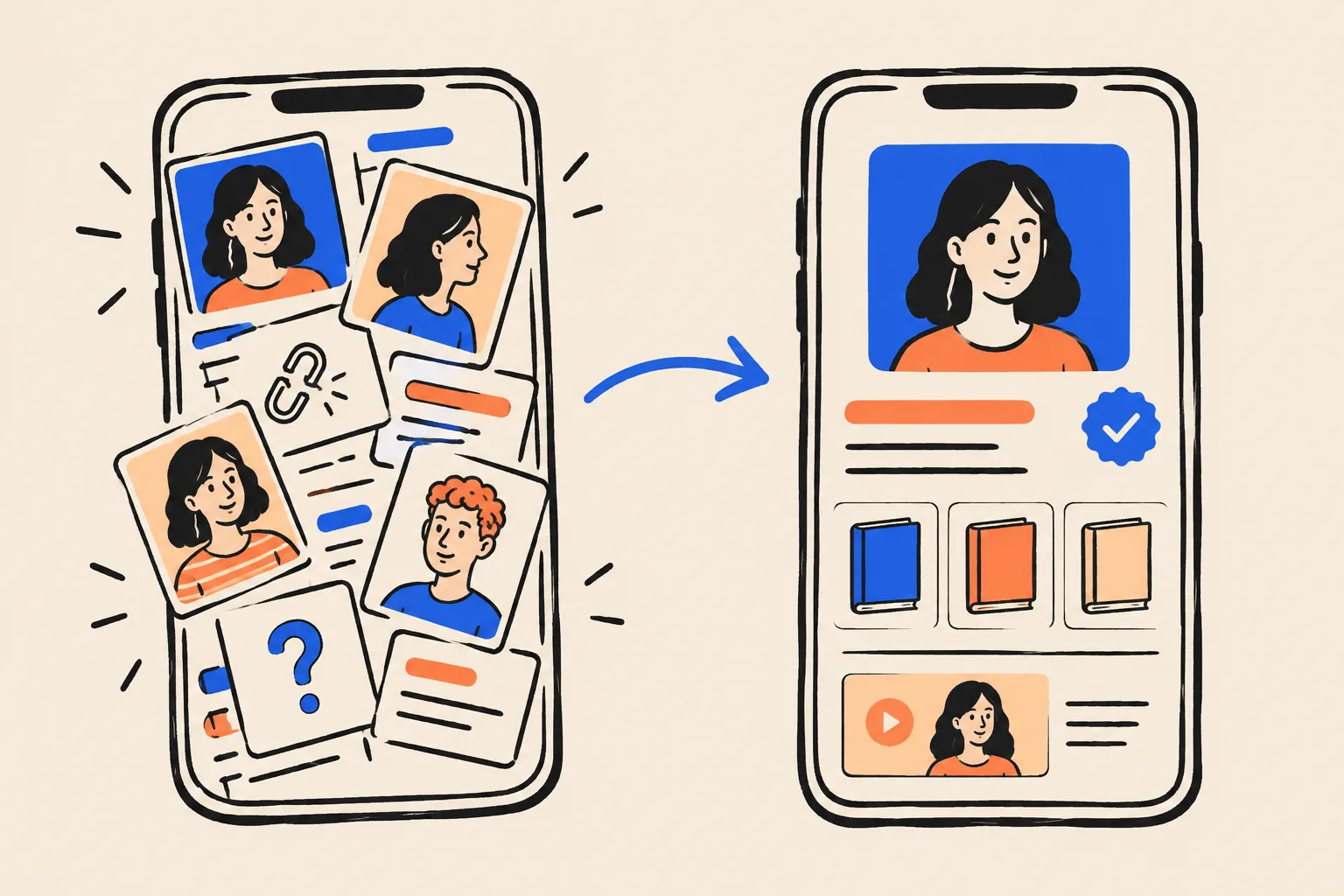
When someone searches a well-presented speaker and author, page one does most of the selling before any conversation starts. Ideally they see:
- A Knowledge Panel with your name, your photo, a label such as Author or Speaker, a short description, your website, your books and your profiles.
- Your own site first, with a page title that says who you are.
- Your books, ideally on your panel, plus your Amazon author page and Goodreads profile.
- Proof of stages: a filmed talk, an event speaker page, a TEDx video if you have one.
- Independent pages about you: podcast episodes, interviews, articles, a publisher page.
- AI answers that describe you accurately and, over time, name you for your topic.
Tie it to what you want
Every step in this playbook connects to something speakers and authors tell us they want. Keep your own goal in mind as you read. Common ones:
- Moving from free talks to paid keynotes. SpeakerFlow’s survey found that speakers who did four or more free engagements in 2025 earned about $80,000 less on average than those who didn’t.8 A search result that looks like a professional speaker makes it easier to ask for a fee.
- Raising your fee. Planners compare you with speakers in the band above. Your search result is part of that comparison.
- Getting a bureau to say yes. BigSpeak, for example, says it works by invitation and looks for established, paid keynote speakers with video and a published book, and other large bureaus work by invitation too.34 An agent will search you before inviting you.
- Bigger stages and TEDx. Organisers check you before they invite you to apply or put you on a programme.
- Podcast tours and media. Hosts and journalists check you before they confirm.
- A book launch that people can find. Readers search your name the week you launch.
- Corporate workshops and training contracts. L&D buyers have to justify their choice internally.
- A book deal or a better one. Agents and editors look at your platform.
What a Knowledge Panel is, and what it isn’t
A Knowledge Panel is the box of facts Google shows when you search for a person, place or thing it recognises. On a computer it usually sits on the right of the results or across the top. On a phone it appears at the top. Google describes these panels as information boxes that are generated automatically to give a quick snapshot of what Google knows about a topic, drawn from information across the web.1
Think of it as Google’s own short biography of you, written from what it has read and checked. You can’t write it directly. You can only make sure the things Google reads about you are clear, consistent and confirmed by sources it trusts.
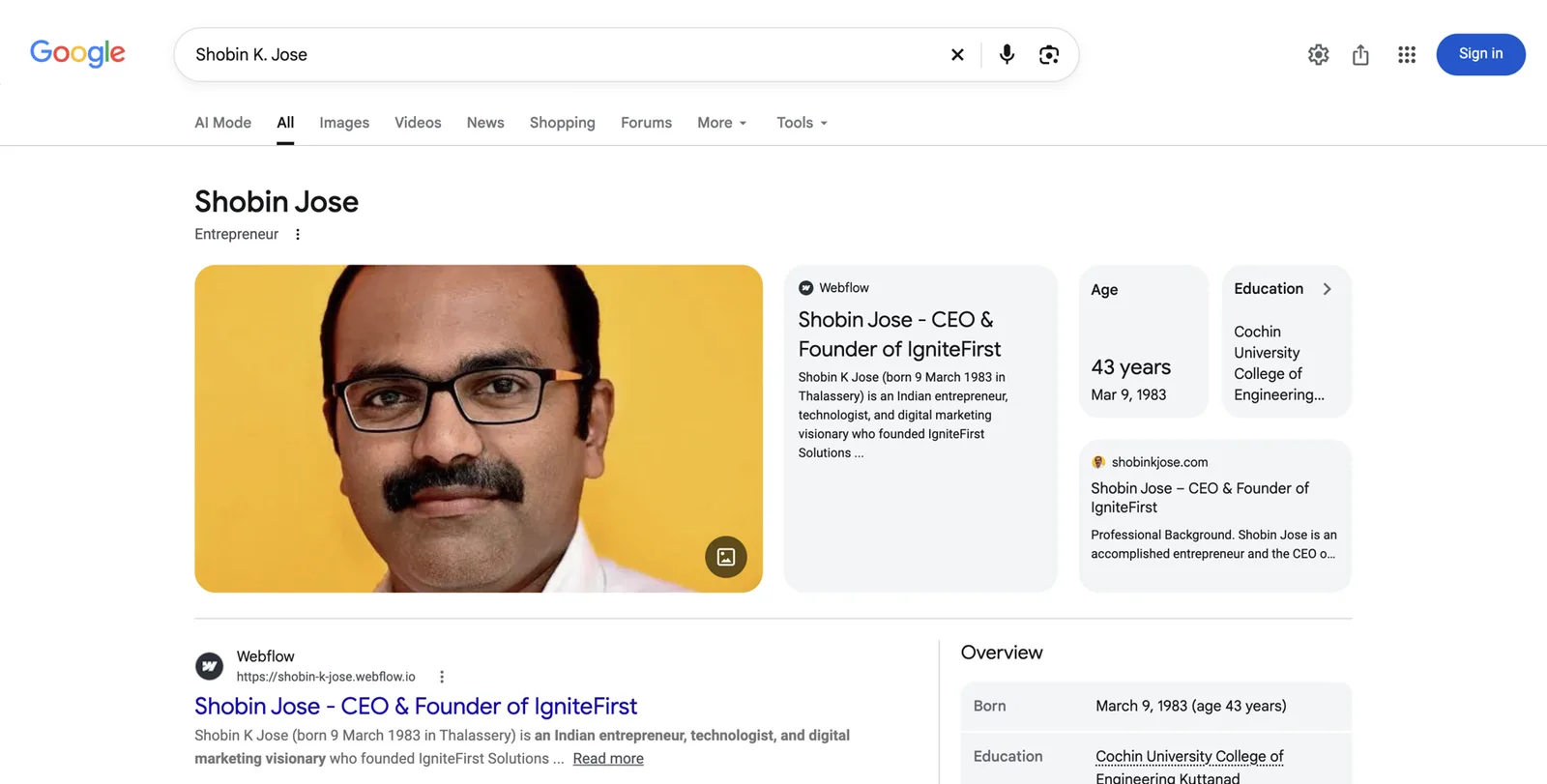
The parts of a panel, one by one
Using the screenshot above as a guide, here is what each part is and where it usually comes from.
- Name. The name Google has settled on for you. Notice that the search was for “Shobin K Jose” but the panel title reads “Shobin Jose”. Google chooses the form it sees most often in trusted sources. For authors this is why one consistent author name matters so much.
- Subtitle. The short label under the name: here, “Entrepreneur”. For you it might be Author, Writer, Public speaker, Motivational speaker, Professor, Journalist or something else. Google chooses it. You influence it by using one label first and consistently everywhere (Part 3 covers this in detail).
- Photo. One or more images of you. Google tends to prefer an image it has seen repeatedly on pages it trusts.
- Website and source cards. Links to pages Google associates with you. In this example, Shobin’s personal site and a profile page appear as cards.
- Description. A short paragraph about you, usually with a link to where it came from. If you have a Wikipedia article, it’s usually the first sentence of that. If not, Google takes a description from another page it trusts, often your own About page or a profile.
- Facts (attributes). Born, education, spouse, organisations founded, and for authors, books. These come from structured sources and from pages that state them plainly.
- Profiles. Links to your social accounts, such as LinkedIn, YouTube, Instagram or X.
- Books and other works. For authors, Google often shows a row (a carousel) of book covers or a Books tab. These covers usually come from Google Books records.
- People also search for. Other people Google thinks are related. For speakers and authors this is often peers on the same topic, co-authors or other speakers from the same events.
- Claim this knowledge panel. A link that lets you verify you’re the person in the panel. It doesn’t appear on every panel.
Panels come in many sizes. A new one might show only a name and a subtitle. Kalicube calls a thin early panel a “sprout”. Over time, as Google’s confidence grows, it can add a photo, a description, facts, books, profiles and tabs such as Overview, Books and Videos.
What an author’s panel can show
Authors have a special relationship with Google because of Google Books. Google Books keeps its own records of books and of the people who wrote them. Kalicube describes Google Books as one of several “vertical” knowledge graphs (specialist databases) that sit beside Google’s main Knowledge Graph and can each give a person an ID of their own.6
In everyday terms: Google may already know you as “the person who wrote this book”, even if it doesn’t yet know you as a speaker, a consultant or a former executive. That’s useful, because it gives Google a solid fact to start from. It’s also a risk, for three reasons:
- The record may not be yours. If you share a name with another author, Google Books may join your book to their record, or theirs to yours.
- Google Books describes the book, not you. A panel built only from a book record tends to be thin: a name, perhaps a subtitle, and the book.
- Books can drop off. In Jason Barnard’s course, he describes Kalicube data from late 2021 showing that when many authors were moved from the Google Books record into Google’s main Knowledge Graph, their books were often left behind and disappeared from their panels. His fix: have an Entity Home for the author and a page for every book, ready before that move happens. This is Kalicube’s observation, not a statement from Google, but it matches what authors report.
Kalicube goes further and says a Google Books listing will always trigger a panel for a published author, while arguing that your own site makes a much better home for your information because it’s the only place you control completely.6 We wouldn’t promise the first part (we’ve seen published authors with no panel at all), but the second part is the heart of this playbook.

What a panel isn’t
Several things look like a Knowledge Panel and aren’t. Knowing the difference saves you chasing the wrong fix.
Knowledge Panel
- About a person, organisation, book or topic
- Created by Google automatically
- Can be claimed but not edited directly
- Shown for your name when Google is confident
Google Business Profile
- About a business location or service area
- Created and edited by the business owner
- Shows a map, hours, reviews and a phone number
- Rarely right for a speaker or author working as an individual
Other look-alikes
- A featured snippet: a quoted paragraph from one page
- An AI Overview: a generated summary at the top
- A See results about box: Google unsure which person you mean
- Your LinkedIn result: an ordinary search result
If you see a box with a map and opening hours, that’s a Google Business Profile. Our article on the difference between a Knowledge Panel and a Google Business Profile goes into more detail. A “See results about” box is worth noticing: it means Google has more than one candidate for your name and isn’t sure which one you mean.
The machinery behind it, in plain words
You don’t need to be technical to do this work, but a few terms will come up again and again. Here they are, each with an everyday comparison.
- Knowledge Graph. Google’s database of things and the facts about them. Think of it as a giant card index, where each card is a person, a book, a company or a place, and the cards are linked to each other (“this book” was “written by” “this person”).
- Entity. A thing Google can identify as distinct from everything else. You, as a person, are an entity. So is each of your books.
- KGMID. Your ID number in Google’s card index, a short code that starts with /g/ or /m/. Two people with the same name have two different IDs. Having an ID means Google knows you exist as an entity. It doesn’t mean a panel will show.
- Entity Home. The one web page that Google treats as the authoritative statement of who you are. Ideally it’s an About page on a domain you own. Part 4 shows you how to build it.
- Corroboration. Other trusted pages that confirm what your Entity Home says. Your publisher’s author page, your Amazon Author Central page, a conference’s speaker page, a podcast episode about you.
- Structured data (schema). A short block of code on your page that states facts in a format machines read reliably: “This page is about a Person called Maren Holt, who is an author, who wrote this Book.” Part 4 explains it in plain English.
- Brand SERP. The whole first page of results for your name. SERP stands for search engine results page. Your panel is one part of it.
Only celebrities get Knowledge Panels.
Google needs confidence about who you are, not fame.
Plenty of mid-career authors, working speakers and niche experts have panels. Plenty of well-known people don’t, because their information is messy or contradictory.
You need a Wikipedia article.
Most people with panels don’t have one.
Kalicube’s tracking of Google’s Knowledge Graph suggests that most person panels, including author panels, aren’t based on a Wikipedia page. Wikipedia helps when you genuinely qualify, and it’s rarely the right first step.
You can pay someone to put a panel on Google, or edit it directly.
Only Google creates panels, and nobody can edit one directly.
You can claim a panel and suggest changes. Anyone who promises a panel “in two weeks” is either using shortcuts that tend to be reversed, or promising something they can’t control.
Once you have a panel, it’s yours for good.
Panels change, shrink and sometimes disappear.
Google rebuilds its knowledge regularly. A panel that rests on weak or inconsistent sources can vanish in an update. Maintenance (Part 5) protects it.
Why AI answers matter for bookings and book sales
Planners, producers and readers have started asking AI tools the questions they used to type into Google. “Who are good keynote speakers on resilience for a nurses’ conference?” “Recommend a podcast guest who knows B2B pricing.” “What are the best books on negotiation for new managers?” The answer usually names two to five people or books, with a line about each.
How these tools decide whom to name
Each tool works differently, and none of them publishes a full recipe. In simple terms, they draw on three ingredients:
- What the model learned in training. Large language models are trained on large amounts of text from the web and elsewhere. If you were described clearly and consistently in that text, the model may “know” you.
- Live web search. ChatGPT, Gemini, Perplexity, Copilot and Google’s AI Overviews and AI Mode can search the web while answering. They read the pages that rank and summarise them. Perplexity shows its sources openly; the others often do too.
- Knowledge graphs. Google’s Gemini, AI Overviews and AI Mode can use Google’s own Knowledge Graph. Other tools use their own data.
All three ingredients come from the same web. A clean, consistent footprint, with one home page, consistent profiles and independent pages about you, feeds all three at once. That’s why the work in this playbook helps with AI as well as with Google.
What a clean footprint does for AI, and what it doesn’t
It helps AI tools:
- identify you as one person and not confuse you with a namesake;
- describe you accurately, with your current label, books and topics;
- treat you as a safer name to mention, because several sources agree about you.
It doesn’t:
- guarantee that any tool will recommend you for a topic;
- feed ChatGPT directly from your Google panel. There’s no public evidence of that link, even though you’ll read the claim in places.
Kalicube suggests AI recommendation results can take nine to 24 months to show. That’s their observation from their own clients, and a reminder that this is long-term work. Start with explicit questions (“Who is [your name]?”), then move to topic questions. Part 5 has the practical routine.
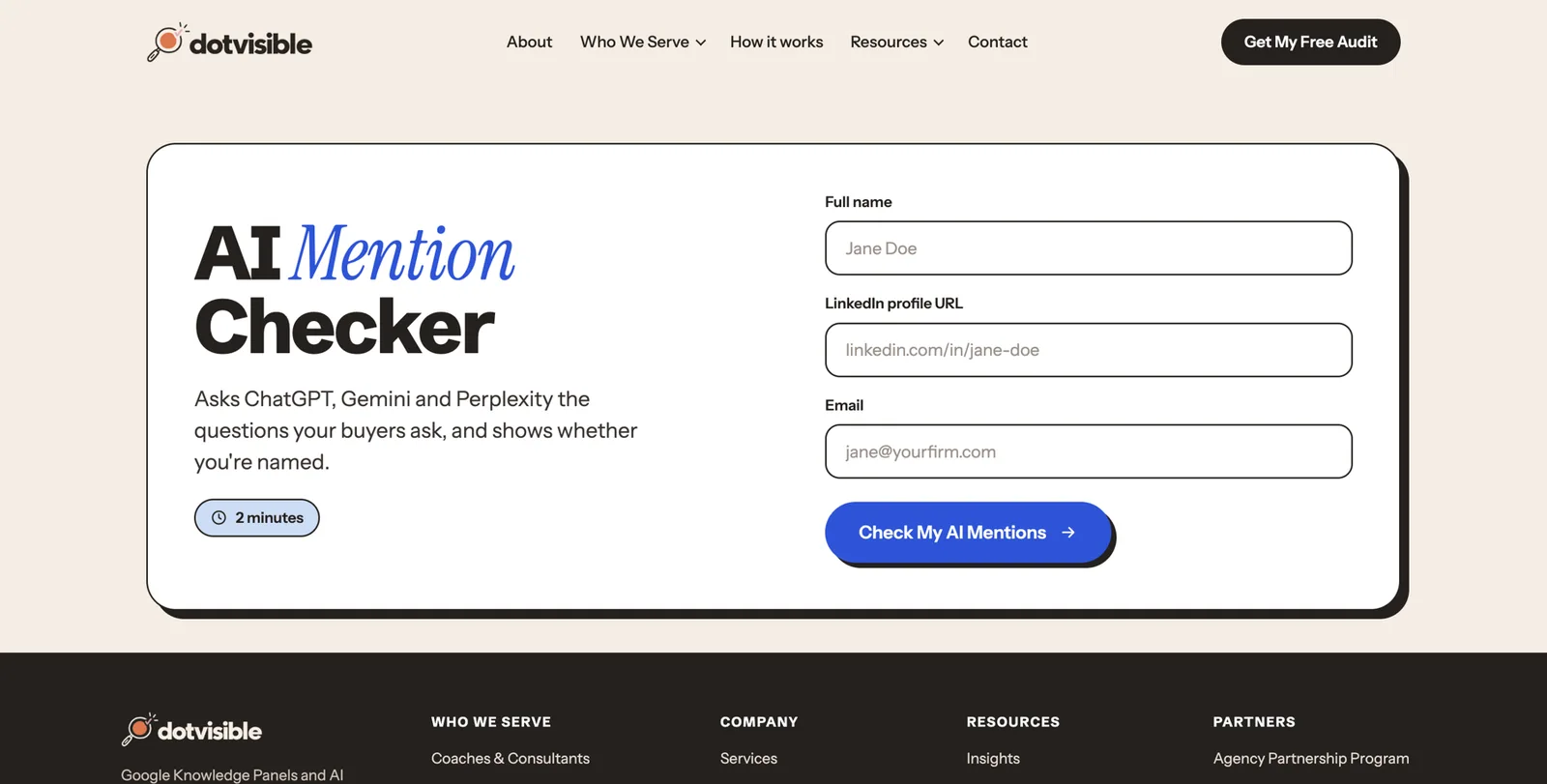
How Google decides to show you a panel
Everything in Parts 2 to 5 follows from one idea. Google shows a person panel when three things are true:
- Google understands who you are. It has a clear account of you: your name, what you do, what you’ve written, where you’re based.
- Google is confident that account is right. Several trusted sources agree with each other and with your own page.
- Google judges you’re the person most searchers mean. If three people share your name, it needs to decide which one to show for a plain search. This often depends on location. An author can have a panel in the UK and not in the US.
How Google learns: like teaching a child
Barnard compares the process to teaching a child, and the comparison holds up well.
- A child starts by listening to what you say about yourself. Google starts with your Entity Home.
- A child checks with people it trusts. Google checks your publisher, Amazon, Goodreads, event pages, podcast pages and other sources it already relies on.
- Hearing the same thing from many trusted voices builds confidence.
- Hearing contradictory things (“speaker” here, “consultant” there, “sales director” somewhere else) makes the child unsure. When Google is unsure, it stays quiet.
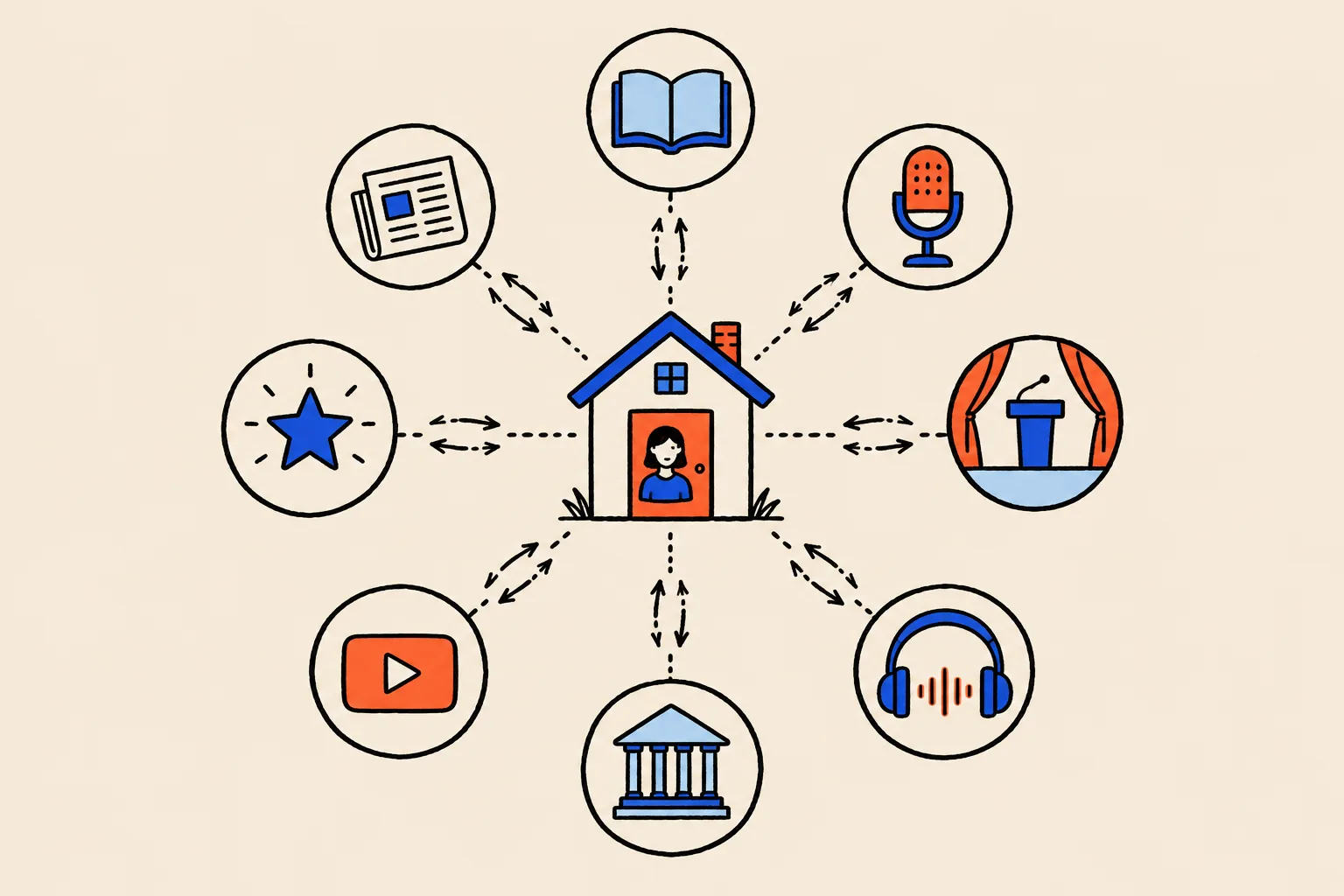
The three-part method everyone in this field uses
The same method appears in almost every serious guide to Knowledge Panels, including Google’s own description of how its Knowledge Graph gathers facts from public sources and content owners.4
- An Entity Home you control. One page that states the facts about you clearly.
- Corroboration from sources that agree. Pages on trusted sites that confirm those facts.
- A loop of links between them. Your Entity Home links out to each source, and each source links back to your Entity Home.
Structured data on your Entity Home ties the loop together by telling machines, in their own format, which other pages are about you.
Three kinds of source
- First party: yours. Your website, your newsletter, your own blog.
- Second party: profiles you partly control. LinkedIn, YouTube, Amazon Author Central, Goodreads, SpeakerHub, your bureau profile. You can edit them, but the platform owns them.
- Third party: independent. Your publisher’s author page, a conference speaker page, a podcast episode, a newspaper interview, a library catalogue record, a review in a trade magazine. You don’t control these, which is why Google trusts them more.
Independent sources carry the most weight. Extra profiles add less and less after the first dozen or so. Kalicube’s observation is that around 20 consistent sources is typical, and about 30 relevant ones usually does it for people without Wikipedia or Wikidata. Treat that as a rough guide from one consultancy, not as a Google rule.
Why consistency beats volume
The most common reason a speaker or author has no panel is contradiction, and it shows up even in people with plenty of material online. A typical speaker-author we audit has:
- “Keynote speaker” on their website;
- “Author and leadership consultant” on LinkedIn;
- “Executive coach” in a podcast’s show notes;
- “Writer” on Goodreads, because that’s the default the profile filled in;
- a former job title still on a conference page from five years ago.
To a person, these all fit together. To a machine, they look like five different people, or one person Google can’t pin down. A hundred inconsistent profiles help less than twenty that agree.
What slows it down
- A common name. Google has to decide which of you to show.
- A famous namesake. An actor or athlete with your name will usually win the plain search for a long time. You may need a distinguishing form of your name (Part 3).
- Old wrong information Google has already joined together. Untangling it takes longer than starting clean.
- A social profile acting as your home. If Google treats your LinkedIn or Amazon page as your main source, your panel will reflect that page, which you don’t fully control.
- A pen name used inconsistently. Half your books under one form, half under another.
How long it takes
Honest answer: it varies a lot. Practitioners report anything from a few weeks to a year or more. Most practitioners say two to six months for a first panel when the work is done well, and longer for it to become stable and detailed. The spread depends on your starting point (how much clear, consistent material exists already), how common your name is, and how many strong independent sources you can gather. We won’t give you a DIY promise, because nobody honestly can.
Part 2. Diagnose: see what planners and readers see
Before you change anything, find out exactly what’s there. This part takes about an hour the first time. Do it in one sitting if you can, and write everything down in the worksheets as you go.
The name-search audit, step by step
Set up.
- Open a private browser window (Ctrl+Shift+N on Windows, Cmd+Shift+N on a Mac in Chrome).
- Go to google.com. If you’re outside the US, also try the Google for the country where most of your bookings or readers are, for example google.co.uk or google.ca.
- Have your phone ready too. Results on a phone look different, and many planners and readers search on their phones.
- Optional: also search on bing.com. Bing powers parts of Copilot and some other AI tools, so it’s worth a look.
Run these searches. Type each one, press Enter and scroll the whole first page.
- Your name as it appears on your books or speaker page.
- Your name in quotation marks.
- Your name + speaker, keynote speaker or author, whichever applies.
- Your name + your book title (one search per book).
- Your name + your main topic, for example Maren Holt negotiation.
- Your name + your city or country.
- who is + your name.
- about + your name.
- Your name + TEDx, if you’ve given a TEDx talk.
- Your name + podcast.
- Your name + reviews (for authors, this often brings up Goodreads and Amazon).
- Every other form of your name people might use: with and without a middle initial, with “Dr”, a nickname, a maiden name, a pen name.
Record what you see. For each search, note:
- Is there a Knowledge Panel? Yes or no.
- If yes: what name does it show? What subtitle? Which photo? Where does the description come from (the small link under it)? Which website does it link to? Which books? Which profiles?
- What appears under “People also search for”?
- Is there a “See results about” box? If so, which other people does it list?
- Results 1 to 10: is each one about you, about someone else, or unclear? Is it accurate and current?
- Is anything outdated, wrong or negative?
- Do any namesakes appear on page one?
A1. Name-search audit
One row per search. Fill in the example row for the fictional speaker-author Maren Holt as a guide, then add your own.
| Search typed | Panel? (Y/N) and subtitle | Position of your site | Results about you (of 10) | Namesakes on page one | Wrong or outdated items |
|---|---|---|---|---|---|
| Maren Holt | Y, Writer | 3 | 6 | Maren Holt, Danish actor | Old employer bio at #4; 2021 one-sheet at #6 |
| Maren Holt speaker | N | 1 | 8 | None | SpeakerHub profile has old headshot |
Check whether Google already has an ID for you
Even if no panel shows, Google may already have a card for you in its Knowledge Graph. Here’s how to check, from easiest to most technical.
- Use our free checker. Go to the Knowledge Panel Checker, type your name and see whether Google’s Knowledge Graph returns a result for you.
- If you have a panel, find its ID. Click the share icon on the panel (it may be under the three dots), copy the link and paste it somewhere you can read it. Look for kgmid= followed by a code such as /g/11abc123. That code is your KGMID.
- Open your panel directly. Type google.com/search?kgmid= followed by your code into the address bar. If your panel appears, the ID is live.
- More than one ID? If you find two different codes that both seem to be you (for example one from a book search and one from a name search), Google sees more than one of you. That’s fixable, and Part 5 explains how.
Author checks: Google Books, Amazon and Goodreads
If you’ve published a book, check how each major book platform lists you. This is where most author panels go wrong.
Google Books.
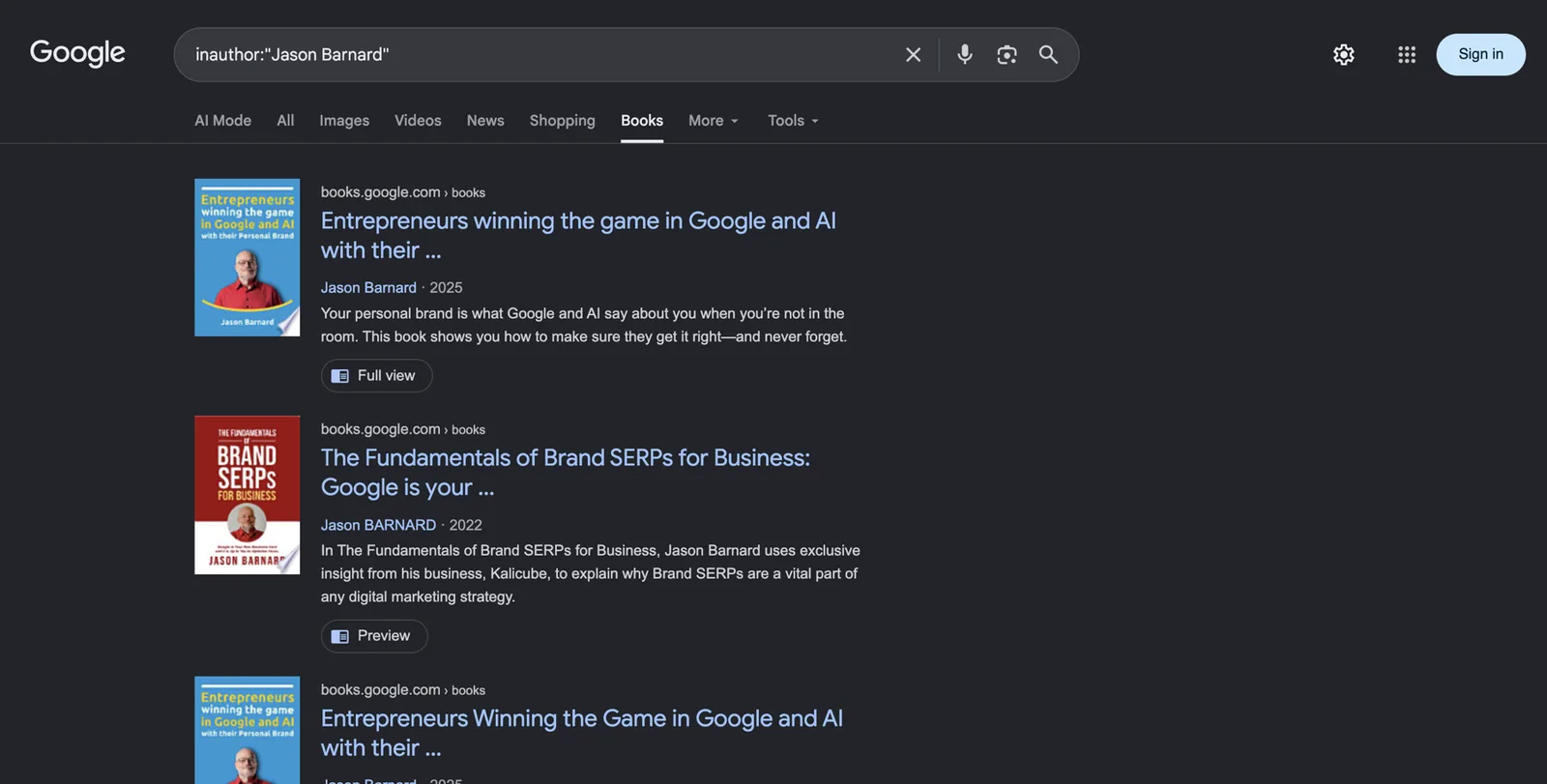
- Go to books.google.com.
- Search for your name.
- Click each of your books. Under the title, check the author name exactly as shown. Is it the same form on every book? Is a co-author listed correctly?
- Click your author name on a book. Does it show only your books, or does it mix in someone else’s?
- Note any book that’s missing, any edition that appears separately, and any wrong author.
Amazon.
- Go to amazon.com (and your own country’s Amazon if different).
- Search for your name.
- Click your name under one of your books. Does it go to an Author Page with your photo and bio? Or to a plain search for your name?
- Check that every format of every book (hardback, paperback, ebook, audiobook) appears on that page.
- Note any book by a namesake that appears on your page, and any of your books that appear under a different form of your name.
Goodreads.
- Go to goodreads.com and search your name.
- Open your author profile. Is there a photo and bio? Does it show a small “Goodreads Author” badge (which means you’ve claimed it)?
- Check the list of books for strays and missing titles.
Speaker checks: your stages on the record
- Search YouTube for your name. Which videos come up first? Are they full talks, a reel or interviews? Does each one say where and when it was filmed?
- Search Google for your name + the name of your last three events. Does each event’s page still list you? Does it link to your site?
- Search for your bureau listings, if you have any. What bio and photo do they use?
- Search SpeakerHub, eSpeakers and any association directory you belong to.
- Find every version of your one-sheet (the one-page PDF summary of your talks) that’s online. Note the dates.
The AI baseline
Now record how AI tools describe you today. This is your starting point.
- Open ChatGPT, Gemini, Perplexity and Copilot (copilot.microsoft.com). Use Google’s AI Mode too if it’s available where you are (it’s the AI Mode tab at the top of Google results).
- Ask each tool these prompts, one at a time, in a fresh chat:
- Who is [your name]?
- Who is [your name], the [label] who [wrote your book / speaks on your topic]?
- Recommend keynote speakers on [your topic] for a [type of event] in [region].
- What are the best books on [your topic] for [your reader]? (authors)
- What has [your name] written? (authors) or What does [your name] speak about? (speakers)
- For each answer, mark it Accurate, Inaccurate or Absent, and copy down any sources the tool cites.
A2. AI answer test card
Mark each answer Accurate, Inaccurate or Absent and note the sources cited. Repeat monthly.
| Tool | Who is [name]? | Name + label + book/topic | Topic recommendation | Sources cited |
|---|---|---|---|---|
| ChatGPT | Inaccurate: calls her a sales trainer | Accurate | Absent | LinkedIn, an old podcast page |
| Perplexity | Accurate | Accurate | Absent | Her site, Goodreads |
Inventory your footprint
Now turn everything you found into one list of every place your name lives online. This is your footprint inventory.
Group the sources by priority.
- Priority 1: your website, LinkedIn, YouTube, Amazon Author Central, Goodreads, Google Books, your publisher’s author page, any Wikipedia or Wikidata entry.
- Priority 2: speaker directories and bureaus, association directories, press articles, guest articles, your author page on any outlet you write for.
- Priority 3: event speaker pages, podcast episodes, TEDx and other filmed talks, award pages, your own blog or newsletter.
- Priority 4: forums, old social accounts, data broker sites, anything else.
Apply the “how much is about you” rule. This comes from Barnard’s course and keeps you focused.
- If a page is 80% or more about you (your Goodreads profile, a podcast episode where you’re the only guest, your publisher’s author page), it’s a core source. Fix it and link to it.
- If a page is 20 to 80% about you (a conference programme with a paragraph on your session, a panel discussion), list it on your press or speaking page, but don’t treat it as a core source.
- If it’s under 20% about you (a passing mention), ignore it for this work.
Check consistency, field by field. For every Priority 1 and 2 source, check:
- name (exact form, including initials);
- label (speaker, author, keynote speaker, writer…);
- company or practice name;
- topics;
- location;
- photo;
- bio;
- website link;
- books listed;
- credentials and memberships.
Rate each problem. This is a self-assessment to help you decide what to fix first, not a Google score.
- Critical: the wrong person, someone else’s book or photo, a namesake’s details.
- High: an outdated label or employer, a missing book, a broken link to your site.
- Medium: different bios, achievements missing, an old headshot.
- Low: formatting, capitals, small typos.
- Info: facts you could add.
If you like a number, start at 100 and subtract 20 for each critical issue, 10 for each high, 5 for each medium and 2 for each low. It’s a rough way to see progress month to month.
Group by control. Sort the fixes into three columns: things you control directly (your site, your profiles), things you partly control (Amazon, Goodreads, bureau pages, where you can request changes) and things you don’t control (articles, event pages). Work left to right.
A3. Footprint inventory and inconsistency log
One row per source. Use the 80/20 rule and the severity scale.
| Source and URL | Party (1st/2nd/3rd) | % about you | Label used | Photo matches? | Links to your site? | Issue and severity |
|---|---|---|---|---|---|---|
| Amazon Author Page | 2nd | 100% | Author and sales trainer | No (2019) | No | Old label, old photo: High |
| Leadership Summit 2023 speaker page | 3rd | 60% | Executive coach | Yes | No | Old label: Medium |
The usual speaker and author problems
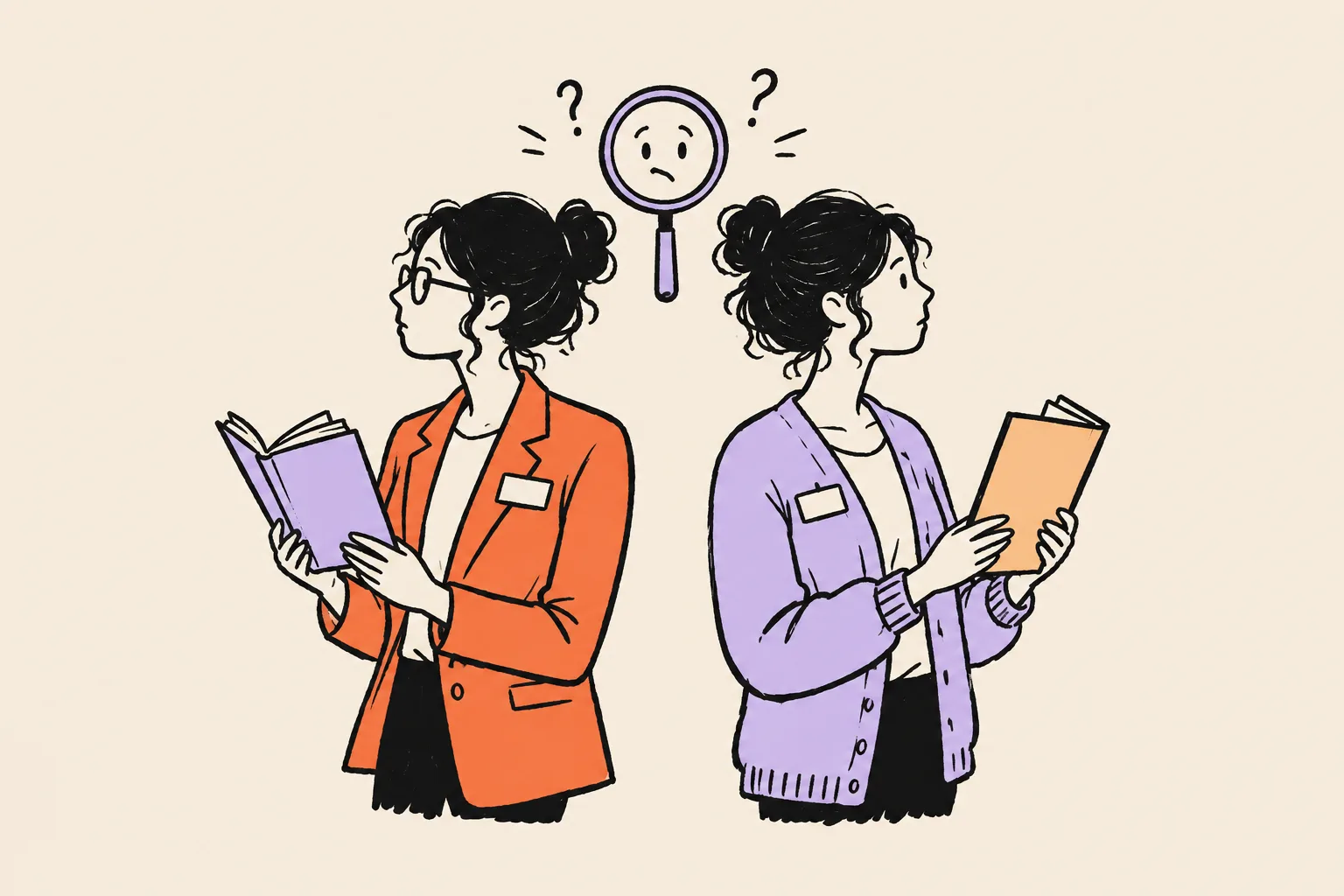
These come up again and again in audits. Check yourself against each one.
- A corporate past that outranks the speaking present. Your old employer’s bio for you ranks higher than your own site.
- The book page as your only page. Amazon is doing the job your own site should do.
- Several labels at once. Speaker, author, coach, consultant, strategist, facilitator, all in different places.
- Host-written bios. Podcast hosts and event organisers rewrite your bio in their own words, and some of them guess.
- One-sheets that live forever. A 2019 PDF with old topics and an old photo still ranks.
- Reels with no context. A YouTube reel with no title, description or link back to your site.
- Different headshots everywhere.
- A pen name used inconsistently, or a co-author credited differently on different editions.
- Book editions split. The paperback and ebook appear as separate books with different author names.
Which situation are you in?
Use what you’ve found to choose your route.
| What you found | What it means | Where to focus |
|---|---|---|
| No panel and little online about you | Google doesn’t have enough to work with | Parts 3 and 4 in full |
| No panel, but plenty online | Google has material but isn’t confident | Consistency, your Entity Home and the loop |
| A panel built mainly from Google Books, with little about you as a person | Google knows the book better than the author | Entity Home, author pages, speaker sources |
| A panel that exists but rarely shows | Low confidence or a namesake problem | Name form, corroboration, location (Part 5) |
| A panel with the wrong label, photo or description | Google is reading the wrong sources | Fix the sources, then suggest edits (Part 5) |
| Books missing or a namesake’s book on your panel | Book records aren’t joined to you correctly | Author name and book pages (Parts 3 to 5) |
| A panel that disappeared | Lost confidence or a lost source | Recovery steps (Part 5) |
| More than one ID for you | Google sees more than one of you | Merge steps (Part 5) |
| Your name shows someone else’s panel entirely | Another person dominates the name | Specialist help; a distinguishing name form |
Part 3. Define: decide who you are to machines
This is the part people skip, and it’s the part that matters most. Before you build anything, decide exactly how you want to be described, then lock it.
Choose your primary identity
You probably do several things. You speak, you write, you might coach, consult, run workshops or host a podcast. All of that can appear in your story. But Google’s subtitle is one or two words, and it needs one main answer to the question “what is this person?”.
Choose one primary label. Common options for this audience:
- Author
- Keynote speaker
- Public speaker
- Motivational speaker
- Writer
- Journalist
- Professor or researcher (if that’s your main role)
- Business author, leadership author or a similar compound label, used in your bios even though Google will usually shorten it
How to choose:
- What do the people who pay you call you? If planners book you and books are your calling card, “keynote speaker” may be right. If your income and reputation mostly come from books, “author” probably is.
- What will Google recognise? Google appears to pick subtitles from a set list of roles rather than inventing new ones. “Speaker”, “Author” and “Writer” are labels it uses. “Thought leader”, “visionary” and “change catalyst” aren’t, and they make machines less certain.
- What can be verified? Kalicube observed in 2023 that Google’s subtitles grew for professions where it could check expertise (writers, researchers, professors) and fell away for vaguer ones.7 A label backed by books, talks and event pages is easier for Google to confirm.
Author, Writer or Speaker: the subtitle question
Many authors are surprised to find Google calls them “Writer” rather than “Author”. Kalicube tracked this closely. In its data, the number of panels with the subtitle “Author” fell from 825 in May 2023 to 11 by August 2023, while “Writer” rose from 149 to 916, after a large Knowledge Graph update in July 2023.7 That’s one consultancy’s tracking, not an official Google statement, but it explains why so many authors saw the change at the same time.
What this means for you:
- You can’t type over the subtitle. It isn’t one of the things Google lets you change by request.
- You can influence it over time, by making your chosen label the first one used in every description of you, on your own site and on the trusted sources Google reads.
- “Writer” isn’t a bad result. It means Google has recognised you as someone who writes. If “Author” matters to you, keep it first and consistent, and give it time.
- “Speaker” is harder to verify than “Author”. A book has an ISBN, a publisher and a library record. A speaking career has event pages that come and go. If you want a speaker label, you’ll need more speaking-specific sources (Part 4 lists them).
Multi-hyphenates: one main identity, several facets
“Speaker, author, coach and podcaster” reads well to people and badly to machines. Pick one as the main identity and treat the others as facets of it. Your bios can still mention all of them, in a fixed order:
- Primary identity, plus any company you founded.
- Who you serve and where.
- Your books.
- Your talks and topics.
- Your other work: coaching, consulting, podcast.
- Credentials, memberships and media.
- Background and earlier career.
The order stays the same everywhere, even when the length changes.
Career changers: from executive to speaker or author
If you spent twenty years as a sales director and now you speak and write, Google probably knows the old you better than the new one. Here’s how to shift it:
- Lead with the new identity on every profile you control, starting today.
- Update old references instead of deleting them. Ask your former employer to change your bio to “former VP of Sales”, or to remove it. Keep LinkedIn experience entries, but make your current role the speaker or author business.
- Join the new peer group. Speaker associations, author organisations, event pages, podcast appearances as an author. Google learns who you are partly from who you appear alongside.
- Watch the subtitle. The moment it changes from your old job title to your new label is the clearest sign the shift has worked.
Your name, decided once
For authors especially, this is the decision that saves or costs the most time. Choose one exact form of your name and use it everywhere: book covers, copyright pages, retailer listings, Google Books, your site, every profile, every bio.
Rules for your name:
- Same spelling, same initials, same punctuation. “Maren J. Holt”, “Maren Holt” and “M.J. Holt” are three names to a machine.
- If your name is common or shared with someone better known, add a distinguishing element and use it every time: a middle initial, a full middle name or a second surname. Do it before your next book, not after.
- List other forms as alternate names. On your Entity Home and in your structured data, you can say “also known as” for a maiden name, a nickname or an older form.
- Don’t name your company, podcast or book exactly after yourself. “The Maren Holt Show” competes with you for your own name.
- Any rename is a full rebrand. It takes months for Google to catch up. If you must rename (marriage, a new pen name, a rebrand), update every major source within the same week, keep your domains and social handles, and add the old name as an alternate name.
Pen names. A pen name is fine. Treat it as a public identity in its own right:
- Use exactly the same form on every book, retailer and profile.
- Give it its own Author Central page and Goodreads profile, or decide deliberately to link it to your main name.
- If you want readers and Google to connect the pen name to your real name, say so plainly on your site (“Maren Holt also writes thrillers as M.J. Hale”) and list it as an alternate name.
- If you want them kept apart, keep them completely apart: separate site, separate photo, separate profiles. Mixing the two at random is what causes trouble.
- The ISNI system (an international identifier for public identities, explained in Part 4) issues a separate number for each pen name, which shows how the book world treats them: as distinct identities.23
Co-authors. Agree with your co-author on how both names appear, in which order, and make sure the publisher’s metadata, Amazon, Google Books and Goodreads all match. Each co-author should have their own author page that lists the joint book.
Your ideal audience, written for machines
Google and AI tools match people to questions. The more specific you are about who you serve, the easier it is to match you. Write down:
- Who books you or reads you: for example, HR leaders at mid-size healthcare organisations, or first-time managers in tech.
- The event types: sales kickoffs, association conferences, leadership retreats, corporate workshops.
- Your topics: two to four, in the words your buyers use.
- Geography: where you speak, and whether you speak virtually.
- The problem you solve: in one sentence.
“Business audiences” isn’t findable. “Sales kickoffs and leadership retreats for B2B companies in North America, on high-trust selling and calm negotiation” is.
A5. Identity and subtitle picker
Choose one primary label, one name form and up to four topics. These go into every bio.
| Field | Your choice | Why (what buyers call you / what can be verified) |
|---|---|---|
| Primary label | Keynote speaker | Planners book her; 40+ paid talks with event pages |
| Secondary label | Author | Two books with a traditional publisher |
| Name form | Maren Holt | No middle initial needed; namesake is an actor in Denmark, different country |
| Topics | Negotiation; high-trust selling; sales leadership | Words used in event briefs |
Build your source-of-truth profile
Now write down every fact about you in one place. This is your source of truth: a locked fact sheet that every bio, one-sheet, retailer page and profile will copy from. When something changes, you change it here first.
The fields to fill in:
- public name, exact form, and any alternate names (pen names, maiden name, nickname);
- primary label and secondary labels;
- company or imprint, if you have one, and the year it was founded (only if you can show it);
- city and country, and where you work;
- who you serve and your topics;
- talks: titles, formats (keynote, workshop, breakout, virtual), length;
- books: exact title and subtitle, publisher or imprint, publication date, each format’s ISBN, co-authors, series;
- awards and list placements, with the exact name, the year and a link;
- events you’ve spoken at, with year and a link to the event page if one exists;
- filmed talks, including any TEDx talk, with links;
- podcast appearances, with links;
- media: articles about you, interviews, columns you write;
- education;
- credentials and memberships, worded exactly as the issuing body words them (for example, Certified Speaking Professional, the designation the National Speakers Association awards);
- boards and advisory roles;
- languages you speak and present in;
- every profile URL;
- your chosen headshots, with file names.
A4. Source-of-truth profile
One row per fact. Add the evidence link and a status: Verified, Partial (confirm), Self-reported, or Exclude until confirmed.
| Field | Exact wording | Evidence (link) | Status |
|---|---|---|---|
| Book 1 | The Calm Ask: Negotiating Without Pressure (Example Press, 2024), hardback ISBN 978-0-00-000000-2 | Publisher page | Verified |
| Talk | Closing keynote, Lakes Leadership Forum 2025 | Event programme page | Verified |
| Award | Finalist, regional business book award 2025 | None found online | Exclude until confirmed |
Evidence rules: what you can say and how
The facts on your Entity Home, your one-sheet and your bios should be facts you can show. Here’s the ladder of evidence, strongest first:
- Official records and issuers: an ISBN record, a library catalogue entry, a credential issuer’s directory, an award body’s own list.
- Your Entity Home and verified profiles.
- Institutional pages: your publisher, a university, an association.
- Independent editorial coverage: interviews, reviews and articles.
- Directories and listings.
- Paid press releases and self-published reposts (weakest; fine to keep, but don’t lean on them).
Never invent or infer:
- “Spoken to over 500,000 people” unless you’ve counted.
- Years of experience worked out from an incomplete timeline.
- Founding dates you can’t show.
- Client logos you weren’t hired by directly. (“As seen at” is a claim; make sure it’s true and that you’re allowed to use the logo.)
- Podcast or stage credits you can’t link to.
- “Award-winning” for a paid inclusion.
The rules that limit what speakers and authors can claim
Speakers and authors aren’t a licensed profession, but several rules still apply to what you publish. Here are the main ones, in plain English. This is general information, not legal advice. If you’re unsure about a claim, ask a lawyer who knows advertising law in your country.
Testimonials and endorsements (US: the FTC Endorsement Guides). The US Federal Trade Commission’s Endorsement Guides, revised in 2023, say endorsements must reflect the honest experience of the person giving them, and that any “material connection” between you and the endorser (payment, a free product, a family tie, a business relationship) must be disclosed clearly. The FTC’s own FAQ uses an example close to home: authors who agree to review each other’s books need to disclose that arrangement even if no money changes hands.12 What this means for you:
- Use real testimonials from real people, with their permission, in their words.
- If a quote comes from a friend, a client you gave a discount to, or an author you swapped reviews with, say so.
- Don’t use a testimonial that implies results most people won’t get (for example, a workshop attendee who “tripled sales in a month”) without making clear what’s typical.
Fake reviews and fake followers (US: the FTC rule on reviews and testimonials). Since 21 October 2024, a US federal rule bans fake reviews and testimonials, buying positive reviews, undisclosed reviews by insiders, company-run “independent” review sites, suppressing negative reviews through threats, and buying fake followers or views to look more influential.13 For speakers and authors that rules out:
- invented or composite testimonials on a one-sheet;
- paying for five-star reviews of your book;
- buying views for your speaker reel or followers for your LinkedIn.
Amazon reviews. Amazon’s community guidelines don’t allow authors to review their own books or to pay for reviews, and they remove reviews from people with a close personal relationship to the author or a financial interest in the book. You can give away free copies, but you can’t require a review or offer anything beyond the copy in return. Review swaps aren’t allowed. Check the current wording in Amazon’s help pages before you plan a launch, because the details change.
Bestseller claims. “Bestselling author” should mean something specific. The New York Times list is curated and marks books it believes were boosted by bulk sales with a dagger symbol. The USA Today list returned in June 2023 after a pause and now ranks 150 titles each week.18 Amazon’s “#1 Best Seller” badge is awarded hourly across thousands of narrow categories; Bloomberg reported in 2022 that sellers place products in unrelated categories to win it, and Amazon now limits how many categories a book can rank in.1716 The safe approach:
- Name the list: “a USA Today bestseller” or “a Wall Street Journal bestseller”, only if it’s true.
- For Amazon, name the category and date: “reached #1 in Amazon’s Sales and Selling category, March 2025”.
- Don’t write “bestselling author” on its own based on an hour at the top of a micro-category. Planners and editors can check, and it undermines everything else you say.
TEDx. TEDx events are organised independently under a free licence from TED. TED’s rules require every TEDx event to be identified clearly as a TEDx event, use its full licensed name (one word, lowercase x, such as TEDxCityName), and never use the TED logo.14 TED also says TEDx speakers aren’t paid and can’t use the stage to promote their own books or businesses.15 So:
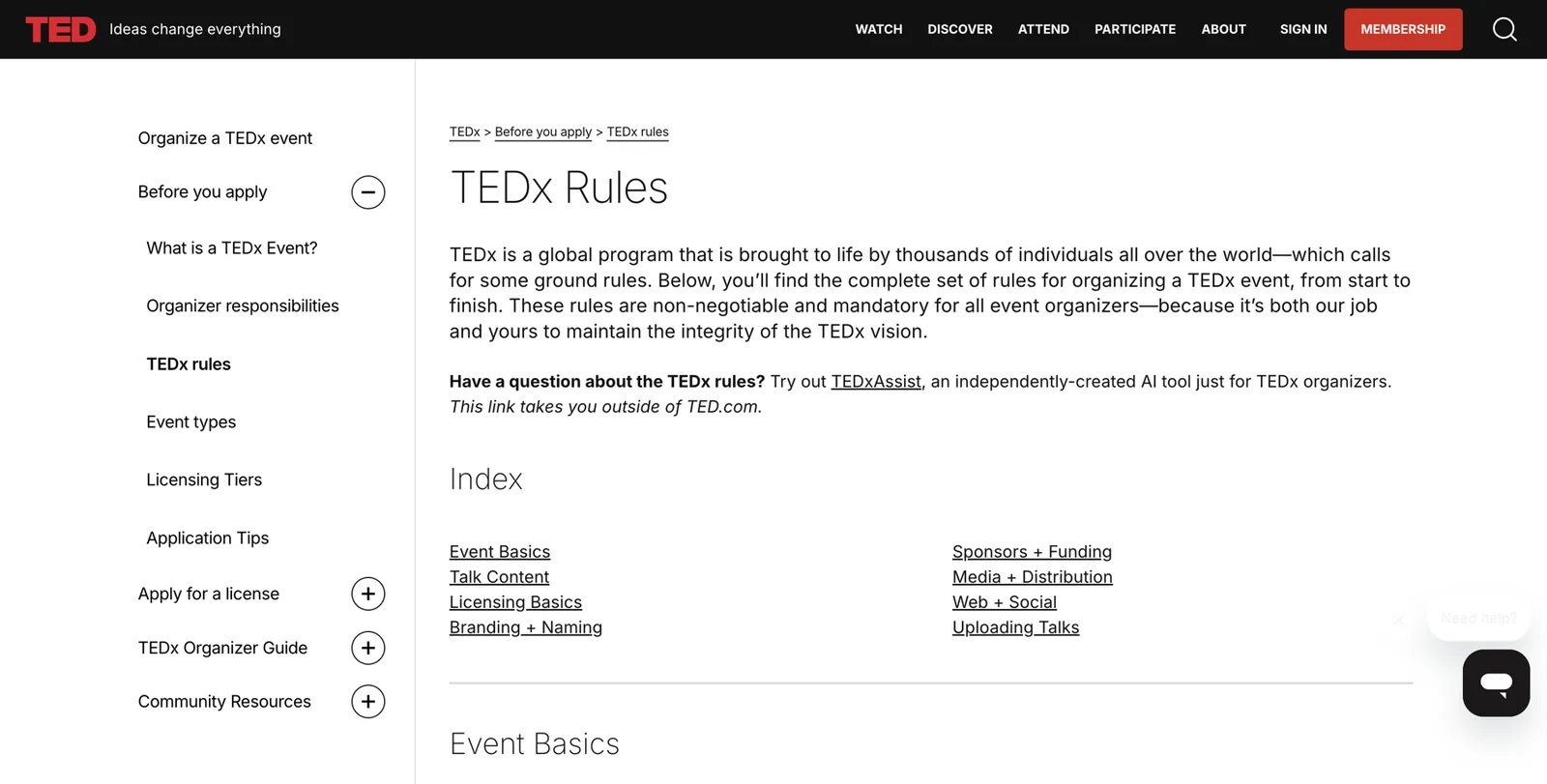
- Write “speaker at TEDxCityName 2025” and link to the video.
- Don’t write “TED speaker” or “TED talk” unless you spoke at a TED conference.
- Don’t put the TED logo on your one-sheet or site.
Fees and client names. Don’t publish client names or fees that clients asked you to keep confidential. Check your contracts.
Quoting other writers. If you quote other books on your site or in your talks’ promotional material, keep it short and credited. Fair use has no fixed word count in the US, and song lyrics and poetry almost always need permission.
Lock the profile. Once your source of truth is complete and every fact has a status, approve it. From now on, when you write a bio, change only the length, the person (first or third) and the format, never the facts.
Write your bio ladder
A bio ladder is the same set of facts written at several lengths, so you always have the right version ready for a host, a planner, a retailer or a directory.
Start with the identity sentence. One sentence, in this pattern:
[Name] is a [primary label] and [secondary label] who helps [audience] [outcome].
Then add one sentence with your strongest proof (your book, your stages).
Then build the ladder:
- Headline (for LinkedIn, X, YouTube): your label, your topic, your book.
- One-liner (about 150 characters): the identity sentence, trimmed.
- Short bio (about 50 words): identity sentence + book + one proof point.
- Standard bio (100 to 150 words): for speaker directories, Amazon, Goodreads, podcast show notes.
- Full bio (300 to 500 words): for your Entity Home and press kit.
- First-person version: for your LinkedIn About section and newsletters.
- Introduction to be read aloud (about 30 seconds, 75 words): for emcees and podcast hosts. Write it to be spoken, with your name said twice.
- Entity Home page title and description: for your About page (Part 4).
Writing rules that help machines:
- Short sentences: subject, verb, object.
- Capitalise names of people, books, events and organisations exactly.
- Mention places to help with namesakes (“Denver-based”).
- Name relationships to known organisations: your publisher, the events, your university, your association.
- No superlatives (“world-renowned”, “most sought-after”). Machines ignore them and planners distrust them.
- Third person on your Entity Home and in directories. First person where the platform expects it.
- Repeat the same wording everywhere. Search engines don’t penalise you for using the same bio on many profiles, and the repetition is what builds Google’s confidence.
Fictional example 1: a keynote speaker and author.
- Identity sentence: Maren Holt is a keynote speaker and author who helps sales teams negotiate with calm instead of pressure.
- Short bio: Maren Holt is a keynote speaker and author who helps sales teams negotiate with calm instead of pressure. She is the author of The Calm Ask (Example Press, 2024) and speaks at sales kickoffs and leadership events across North America. She is based in Denver.
- Read-aloud introduction: Our closing speaker spent fifteen years leading sales teams before she noticed the deals she won best were the ones she pushed least. Maren Holt is a keynote speaker and the author of The Calm Ask. She works with sales teams across North America on negotiating without pressure. Please welcome Maren Holt.
Fictional example 2: a first-time business author.
- Identity sentence: Theo Lindqvist is an author and operations consultant who helps manufacturing firms cut waste without cutting people.
- Short bio: Theo Lindqvist is an author and operations consultant who helps manufacturing firms cut waste without cutting people. His first book, Lean Without the Layoffs, is published in March 2027. He spent 18 years in plant operations and is based in Minneapolis.
Fictional example 3: a speaker without a book.
- Identity sentence: Priya Raman is a public speaker who helps hospital teams recover from burnout.
- Short bio: Priya Raman is a public speaker who helps hospital teams recover from burnout. A former ICU nurse manager, she speaks at nursing and healthcare leadership conferences and runs workshops for hospital teams. She is based in Toronto and presents in English and Tamil.
All three are fictional examples. Notice that each one leads with the same identity sentence and adds facts in the same order.
A6. Bio ladder
Write each length from your locked source of truth. Check the first sentence is identical in every version.
| Version | Length | Where it’s used | Your text |
|---|---|---|---|
| Identity sentence | 1 sentence | Everywhere, first | Maren Holt is a keynote speaker and author who helps sales teams negotiate with calm instead of pressure. |
| Short bio | About 50 words | Podcast notes, event programmes | Identity sentence + book + region + city |
| Platform | Lead with | Notes |
|---|---|---|
| Your Entity Home | Identity sentence, full bio | Third person; every fact linked |
| Headline with label, topic and book | About in first person; website link to your Entity Home | |
| YouTube | Channel description with identity sentence | Each talk’s description names the event, year and your site |
| Amazon Author Central | Standard bio, author first | Books and photo; mention speaking second |
| Goodreads | Standard bio, author first | Same photo; link to your site |
| Speaker directories and bureaus | Standard bio, speaker first | Talk titles, formats, video link |
| Podcast show notes | Short bio and read-aloud intro | Ask the host to link to your Entity Home |
| Event programmes | Short bio | Same headshot as everywhere else |
| Publisher author page | Standard bio, author first | Ask them to link to your site |
Part 4. Build: the foundation Google trusts
Now you build. This part has eight steps: your Entity Home, the structured data on it, a clean-up of what you already own, your book records, your corroborating sources, the loop of links, the shortcuts to avoid, and the third-party proof you earn over time.
Step 1. Build your Entity Home
Your Entity Home is the one page on the web that states the facts about you, which you control completely and which Google can treat as your own account of who you are. Every other source will be checked against it.
Where it should live, best option first:
- An About page on your own domain, ideally your name (marenholt.com/about).
- The homepage of your own site, if it’s mainly about you.
- A page about you on a company site that you own and control, if you run a speaking or publishing company under another name.
Where it should never live:
- your Amazon author page, Goodreads profile or LinkedIn profile (you don’t control them, and they can change);
- your publisher’s author page (imprints restructure, editors move, and pages disappear);
- a speaker bureau profile;
- a shared team page.
Kalicube’s ranking for authors puts your own author site first, then an active social profile, then a publisher or agent page, and Google Books last.6 We’d go further: start with your own domain and only fall back if you truly can’t.
The minimum version. If you have no site at all, two pages on a domain in your name is enough to start: a homepage and an About page. Choose a .com, or your country’s domain (.co.uk, .ca, .com.au) if you work mainly in one country. Simple website builders such as Squarespace, Wix, WordPress.com or Webflow are fine.
How to buy a domain, step by step.
- Go to a domain registrar (Squarespace Domains, Namecheap, Cloudflare or the registrar your website builder suggests).
- Type your name with no spaces, for example marenholt.
- If the .com is available, buy it. If not, try a middle initial (marenjholt.com), your label (marenholtspeaker.com) or your country domain.
- Buy it for several years and turn on auto-renew. A lapsed domain can be bought by someone else, and your Entity Home goes with it.
The page blueprint. Build your About page in this order.
- Page title (the H1, the big heading): your name, or “About [your name]”.
- First sentence: your identity sentence, word for word.
- Your main headshot near the top, with alt text (a short written description for screen readers) such as “Maren Holt, keynote speaker and author”.
- A short summary of three or four lines: who you are, what you speak on, what you’ve written, where you’re based. Kalicube calls this an “AI cheat sheet” at the top of key pages, and it helps people too.
- Sections with their own headings, in your fixed order:
- What I do today (speaking, topics, formats)
- Who I work with (event types, audiences, regions)
- Books (each with cover, title, publisher, year, link to its own book page)
- Talks and stages (selected events with years and links; filmed talks embedded)
- Podcasts and media (selected appearances with links)
- Credentials and memberships (exact wording, linked to the issuing body’s directory if possible)
- Background (earlier career, education)
- A “Find me elsewhere” list linking to every profile and source that’s at least 80% about you: Amazon, Goodreads, LinkedIn, YouTube, your publisher page, speaker directories.
- Contact details: a booking enquiry form or email, a media contact, and your city.
- A “last updated” line with the month and year, for example “Updated October 2026”.
Add a page for every book. Each book gets its own page on your site with the cover, the exact title and subtitle, the publisher or imprint, the publication date, each format and its ISBN, a description, real endorsements (with the endorser’s permission) and links to every retailer. That page is what keeps the book tied to you when Google rebuilds its records.
Add a speaking page. One page listing your talks: titles, a short description of each, formats (keynote, workshop, virtual), audiences, a filmed clip, selected past events and a booking form. This is the page a planner wants, and it’s where Google learns that you speak.
Add a media or press page. Your press kit lives here: short and long bios, high-resolution headshots, book covers, your one-sheet, and a list of coverage with links. Planners, hosts and journalists will download from it, which keeps their copy of your bio identical to yours.
Choose it before Google chooses for you. If Google already shows a website link in your panel, check which one. If it’s your own site, build on that exact page rather than moving to a new one. If it’s a profile you don’t control, building your own page and pointing everything at it is how you change Google’s mind, slowly.
The photo rule. Google tends to hold on to an image it has seen early and often. Choose your main headshot now, publish it on your Entity Home first, then use the same image everywhere. Use a real photograph, at least 1200 by 1200 pixels, with your face clearly visible. Name the file after yourself (maren-holt-keynote-speaker.jpg rather than IMG_4471.jpg).
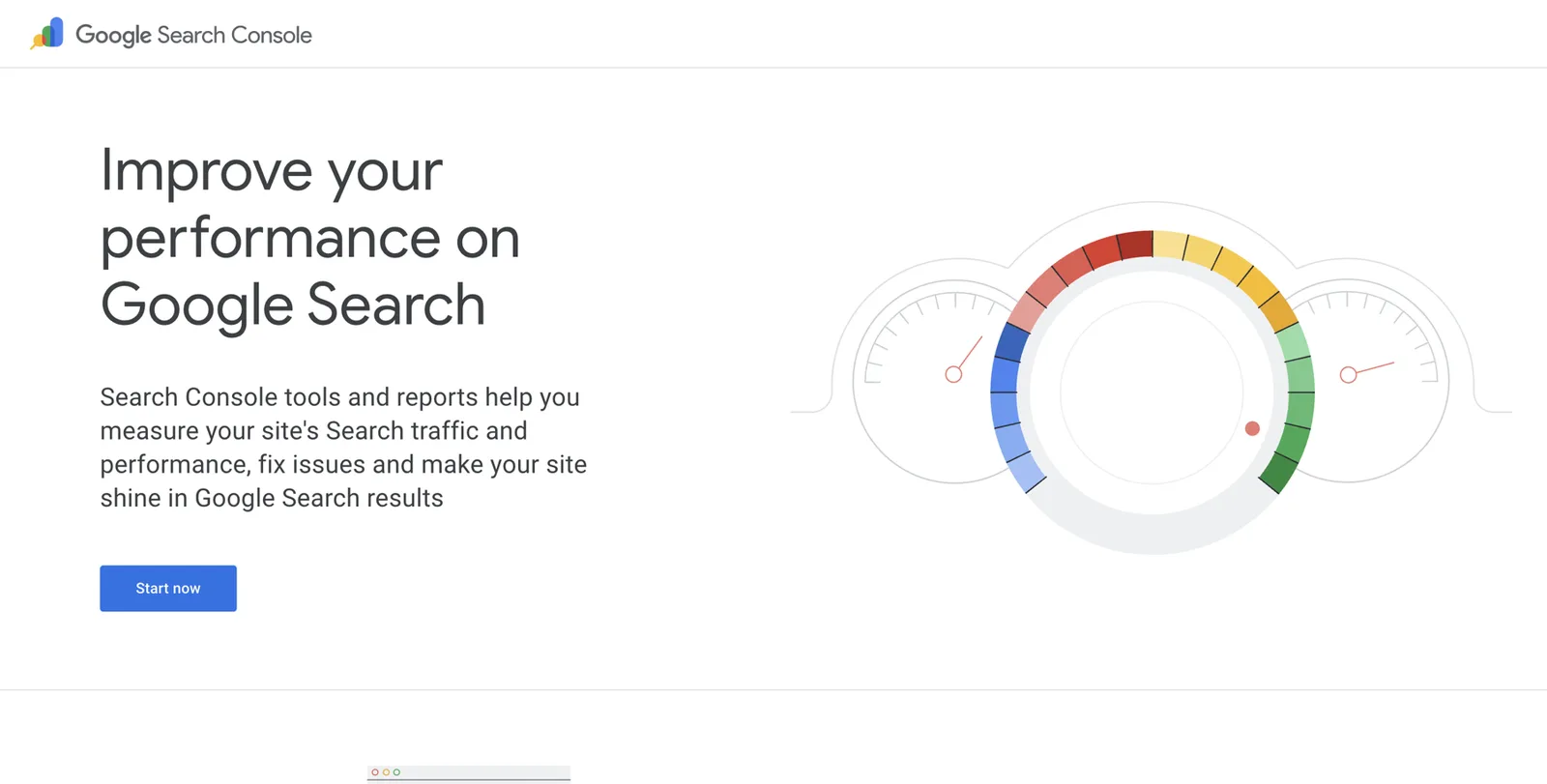
Verify the site in Google Search Console. Search Console is Google’s free tool that shows how Google sees your site. It’s also one of the routes for claiming your panel later.
- Go to search.google.com/search-console and sign in with the Google account you’ll use for everything related to your panel.
- Click Add property and choose Domain. Type your domain (marenholt.com).
- Google shows you a line of text to add to your domain’s DNS settings (the settings at the company where you bought the domain). Copy it.
- In another tab, sign in to your domain registrar, find DNS settings, add a new TXT record and paste the text. Many website builders have a one-click option for this.
- Back in Search Console, click Verify. It can take a few minutes or a few hours.
- Once verified, use the URL Inspection box at the top. Paste your About page address and click Request indexing. Do the same for each book page and your speaking page.
A7. Entity Home pre-launch checklist
- The page is on a domain you own, in your name
- The heading is your name, exactly as you chose it
- The first sentence is your identity sentence, word for wordSame as LinkedIn, Amazon and every directory
- Your main headshot is near the top, with alt text and a descriptive file name
- Sections follow your fixed order: today, audiences, books, talks, media, credentials, background
- Each book links to its own page on your site with ISBNs and retailer links
- A speaking page lists talks, formats and selected past events with links
- A Find me elsewhere list links to every profile at least 80% about youOnly profiles you have already corrected
- Contact details include a booking route and a city
- An Updated month and year line is visible
- Structured data is added and validated (next step)
- The site is verified in Search Console and the page submitted for indexing
Step 2. Add Person schema, in plain English
Structured data, often called schema, is a short block of code on your page that tells machines the facts in a fixed format. People read your About page. Search engines and AI tools read it too, but they’re much more confident when the same facts are also stated in a format built for them. Think of it as the label on a filing folder: the papers inside say the same thing, but the label makes it quicker to file correctly.
The vocabulary comes from schema.org, a shared standard used by Google, Microsoft and others. For you, two types matter. Person describes you.26 Book describes each book, with properties such as ISBN, format and author.27 Google also documents a ProfilePage type for pages whose main subject is one person, which suits an About page well.33
Where it goes. Only on your Entity Home (and a Book block on each book page). Not on every page of your site.
The properties you need, in plain words:
- @id: a permanent label for you, usually your About page address with #person on the end. It lets other blocks point to you.
- name: your chosen name form.
- alternateName: pen names, maiden names, other forms.
- url: your Entity Home address.
- image: the address of your main headshot.
- description: your short bio.
- jobTitle: your primary label (“Keynote speaker”), and a second if you want (“Author”).
- worksFor or founder: your speaking or publishing company, if you have one.
- address: your city and country (not your home address).
- alumniOf: your university.
- hasCredential: a credential such as the Certified Speaking Professional designation, if you hold it.
- memberOf: associations you belong to.
- award: genuine awards, exactly named.
- knowsAbout: your topics.
- sameAs: links to profiles that are clearly you and mostly about you (Amazon author page, Goodreads, LinkedIn, YouTube, publisher author page, Wikidata if you have an item).
- subjectOf: pages about you, such as a podcast episode or an interview.
- Book blocks with author pointing back to your @id.
A full example for a fictional speaker and author. Every name, address and number below is a placeholder. Don’t copy the values; copy the shape.
{
  "@context": "https://schema.org",
  "@graph": [
    {
      "@type": "ProfilePage",
      "@id": "https://www.marenholt.com/about#page",
      "url": "https://www.marenholt.com/about",
      "name": "About Maren Holt",
      "dateModified": "2026-10-21",
      "mainEntity": { "@id": "https://www.marenholt.com/about#person" }
    },
    {
      "@type": "Person",
      "@id": "https://www.marenholt.com/about#person",
      "name": "Maren Holt",
      "alternateName": ["Maren J. Holt"],
      "url": "https://www.marenholt.com/about",
      "image": "https://www.marenholt.com/images/maren-holt-keynote-speaker.jpg",
      "description": "Maren Holt is a keynote speaker and author who helps sales teams negotiate with calm instead of pressure. She wrote The Calm Ask and is based in Denver.",
      "jobTitle": ["Keynote speaker", "Author"],
      "worksFor": { "@id": "https://www.marenholt.com/#org" },
      "address": {
        "@type": "PostalAddress",
        "addressLocality": "Denver",
        "addressRegion": "CO",
        "addressCountry": "US"
      },
      "alumniOf": { "@type": "CollegeOrUniversity", "name": "Example State University" },
      "memberOf": { "@type": "Organization", "name": "Example Speakers Association" },
      "knowsAbout": ["Negotiation", "Sales leadership", "High-trust selling"],
      "sameAs": [
        "https://www.linkedin.com/in/example-maren-holt",
        "https://www.youtube.com/@example-marenholt",
        "https://www.amazon.com/author/example-marenholt",
        "https://www.goodreads.com/author/show/0000000.Maren_Holt",
        "https://www.examplepress.com/authors/maren-holt"
      ],
      "subjectOf": [
        {
          "@type": "PodcastEpisode",
          "name": "Negotiating without pressure, with Maren Holt",
          "url": "https://www.examplepodcast.com/episodes/214"
        }
      ]
    },
    {
      "@type": "Organization",
      "@id": "https://www.marenholt.com/#org",
      "name": "Calm Ask Speaking LLC",
      "url": "https://www.marenholt.com/",
      "founder": { "@id": "https://www.marenholt.com/about#person" }
    },
    {
      "@type": "Book",
      "@id": "https://www.marenholt.com/books/the-calm-ask#book",
      "name": "The Calm Ask",
      "alternativeHeadline": "Negotiating Without Pressure",
      "author": { "@id": "https://www.marenholt.com/about#person" },
      "publisher": { "@type": "Organization", "name": "Example Press" },
      "datePublished": "2024-03-12",
      "url": "https://www.marenholt.com/books/the-calm-ask",
      "workExample": [
        { "@type": "Book", "bookFormat": "https://schema.org/Hardcover", "isbn": "9780000000002" },
        { "@type": "Book", "bookFormat": "https://schema.org/EBook", "isbn": "9780000000019" }
      ]
    }
  ]
}
Reading it line by line, in plain English. The first block says “this page is a profile page, last updated on 21 October 2026, and its main subject is Maren Holt”. The second block is Maren herself: her name, another form of her name, her page, her photo, a short description, her two labels, her company, her city, her university, an association, her topics, five profiles that are clearly hers, and one podcast episode about her. The third block is her company, which she founded. The fourth is her book, written by her, with two formats and their ISBNs.
Rules to follow:
- Only state what’s visible on the page. If your page doesn’t mention your university, leave alumniOf out.
- Only list accurate, current profiles in sameAs, and only ones you’ve already corrected. If in doubt, leave it out.
- Don’t overload it early. A short, accurate block beats a long one with guesses.
- Watch for duplicates. SEO plugins such as Yoast or Rank Math add their own Person block. Two Person blocks for you on one page can look like two different people. Either turn off the plugin’s Person output or reuse its @id.
- Check it after every change.
How to add it to your site:
- WordPress: add a Custom HTML block to your About page and paste the code wrapped in a script tag of type application/ld+json. Or use a plugin that allows custom schema.
- Squarespace: Page settings, then Advanced, then Page Header Code Injection (available on most plans).
- Wix: Page settings, then SEO basics or Advanced SEO, then Structured data markup.
- Webflow: Page settings, then Custom code, Inside head tag.
How to check it:
- Go to validator.schema.org.
- Paste your About page address and click Run test.
- Look for zero errors. Click into each block and check the values.
- Optional: Google’s Rich Results Test checks the code’s syntax, but Person markup doesn’t produce a special result there. Google’s old Structured Data Testing Tool has been retired.
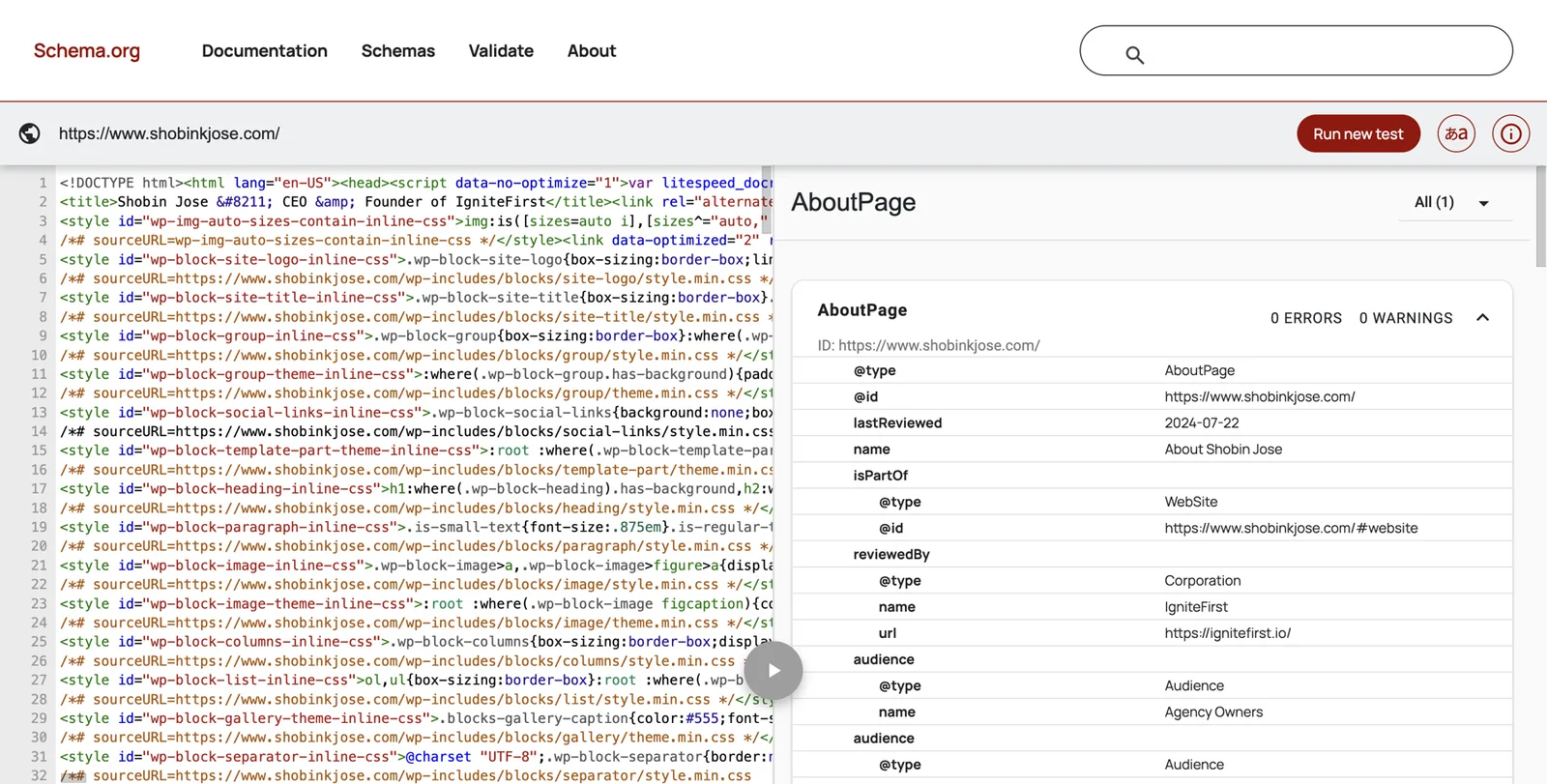
Step 3. Clean up everything you already own
This is usually the biggest quick win. Work in this order: your site, the profiles that already rank for your name, other profiles you control, then third-party pages you can ask to update.
LinkedIn.
- Click Me, then View profile.
- Click the pencil next to your name. Check your name matches your chosen form exactly.
- In Headline, write your label, topic and book, for example “Keynote speaker and author of The Calm Ask | Negotiation and high-trust selling”.
- Under Contact info, set Website to your Entity Home, type Personal.
- In About, paste your first-person bio.
- Under Experience, make your speaking or author business your current role.
- In Featured, add your speaking page, a filmed talk and your book page.
- Update your profile photo to your main headshot.
LinkedIn is often your strongest profile, but it should never be your home.
YouTube. If you speak, YouTube matters a great deal. It’s where planners watch you, and a YouTube channel is one of the accounts Google lists for claiming a panel.2
- Open YouTube Studio, then Customization, then Basic info.
- Set the channel name to your chosen name form.
- In Description, paste your standard bio with your identity sentence first.
- Under Links, add your Entity Home first, then your book page.
- Upload your main headshot as the profile picture.
- For every talk: title it with the talk name, the event and the year; start the description with one line about you and a link to your site; and only call it a TEDx talk if it was given at a named TEDx event.
- If your talk is hosted on the event’s own channel, such as the TEDx channel, add it to a playlist on yours and link to it from your Entity Home.
Your speaker reel. Many planners distrust heavily edited reels and ask for longer uncut footage of you in front of a live audience. Keep your reel, but also publish at least one full talk or a long uncut segment, clearly labelled with the event and the year.
Your one-sheet. Update it from your source of truth. Put your Entity Home address on it, use your main headshot and date it. Replace old versions wherever they’re hosted, and ask anyone hosting an old copy to swap it.
Amazon Author Central. Author Central is Amazon’s free tool for managing your author page.20
- Go to author.amazon.com and sign in with your Amazon account. (Self-published authors can also reach it from the Marketing page in KDP.)
- Search for your book by title, ISBN or ASIN, and confirm you wrote it.
- Claim every format of every book. Formats aren’t always merged automatically; if your paperback and ebook appear separately, contact Author Central support and ask them to link them.
- Add your standard bio (author first) and your main headshot.
- Check the URL of your Author Page and save it. You’ll add it to your Entity Home and your sameAs list.
- If a namesake’s book appears on your page, or one of your books appears under someone else, contact Author Central support with the ISBN and ask for it to be corrected. Amazon generally only fixes misattribution for authors with an Author Central account.
- If you write under a pen name, each name needs its own Author Page.
Goodreads. The Goodreads Author Program is free for any author with a published or forthcoming book in the Goodreads database, and Goodreads says approval emails go out within two business days.19
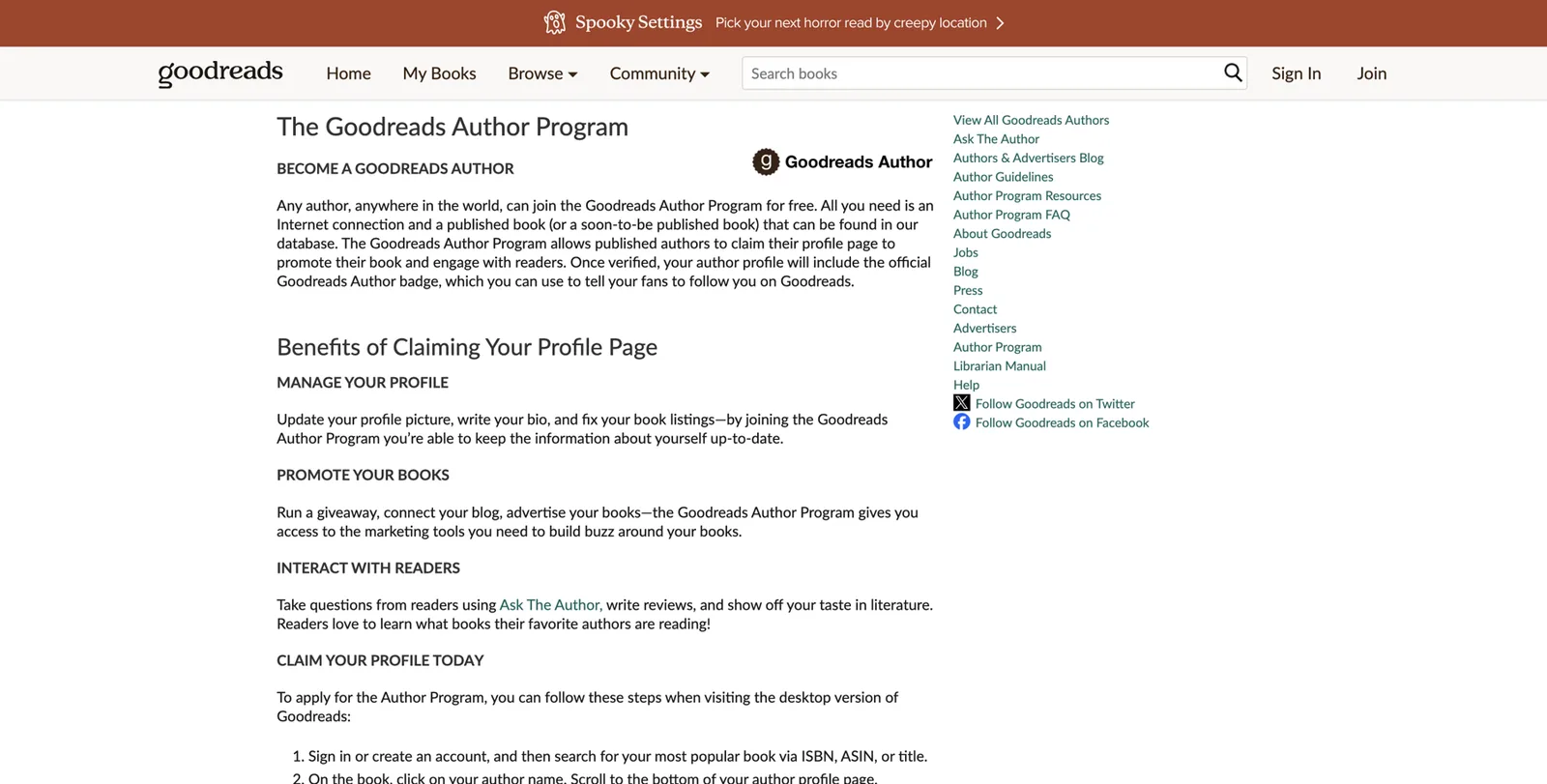
- Sign in to Goodreads.
- Search for your book by ISBN or title.
- Click your author name on the book page.
- Scroll to the bottom of the author profile and click “Is this you? Let us know!”.
- Once approved, add your photo, your standard bio and your website link.
- If your books are mixed up with a namesake’s, post in the Goodreads Librarians Group with the ISBNs and ask a librarian to separate the profiles. A distinguishing middle initial on your books is the most common long-term fix.
Google Books and Google Play Books. If you’re traditionally published, your publisher’s metadata feeds Google Books. If you self-publish, you can manage your listings in the Google Play Books Partner Center.
- Search books.google.com for each of your books and check the author name, title, subtitle and publisher.
- If you’re self-published, sign in to play.google.com/books/publish, open Book Catalog, then the book, then Book Info. Check contributors, the biographical notes field and every metadata field.
- A lock icon next to a field means Google has locked it; you’ll need to contact Partner Center support to change it.5
- If your publisher sends data by ONIX feed (the industry’s standard file for book data), the next feed overwrites manual edits, so ask your publisher to fix errors at their end.5
- Don’t change a book’s ISBN to fix a problem. Google warns this creates a duplicate and can lose reviews.5
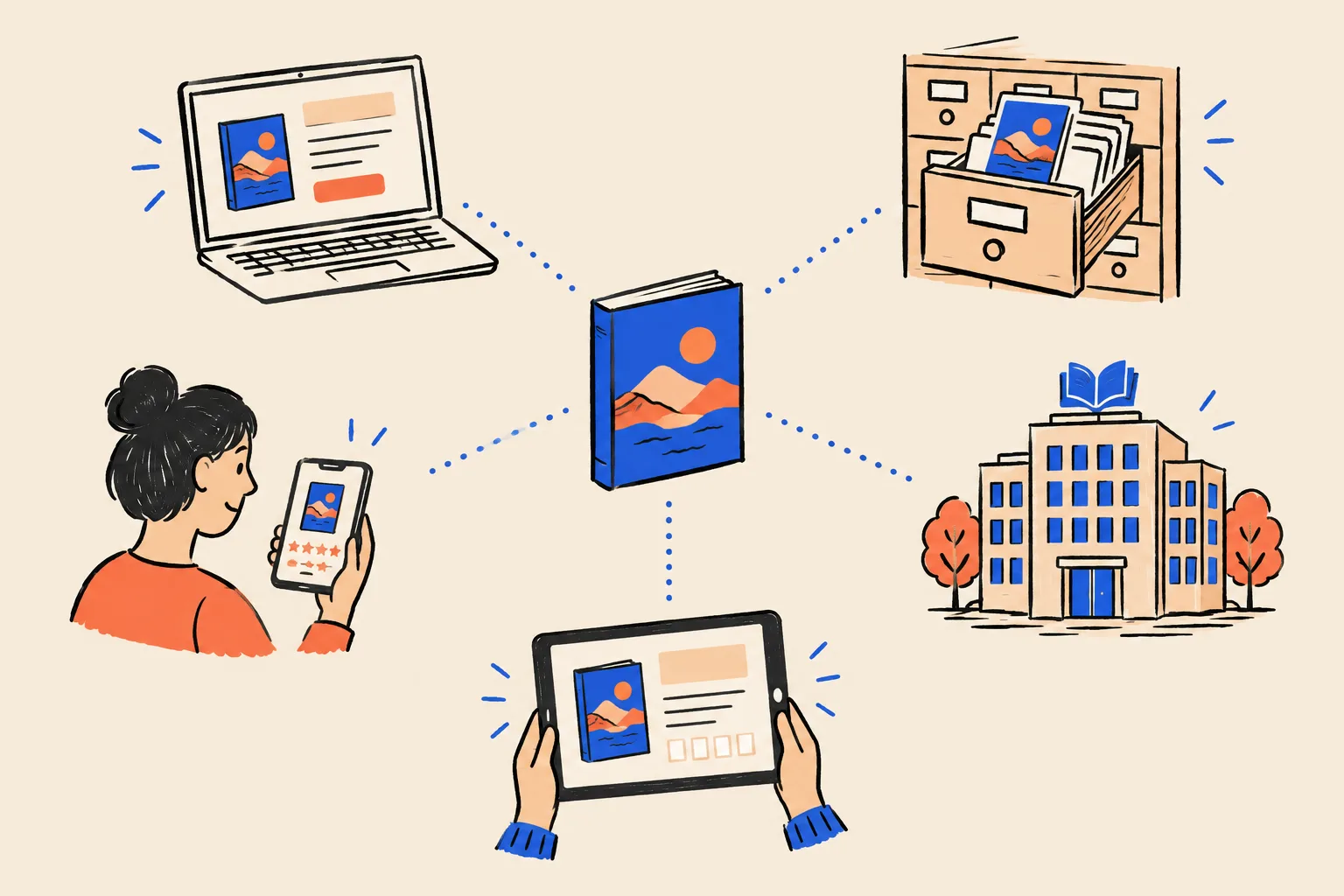
Your publisher’s author page. Email your editor or the publicity team. Ask them to update your bio to your standard version, use your main headshot and link to your Entity Home. It’s one of the most trusted pages about you, written by an independent organisation, so it’s worth the email.
Other socials. Facebook, Instagram, X, Threads, TikTok, Substack, Medium: for each one you use, set the same name, photo, one-line bio and website link. For ones you don’t use, update them and then decide whether to keep them quiet or close them. Close dead accounts only after you’ve updated or redirected them, because a profile that suddenly vanishes can remove a source Google relied on.
Old pages you don’t control. Former employer bios, old event pages, podcast hosts’ bios of you, outdated directories. Ask politely for an update. Here’s a short message you can adapt:
Hi [name], thank you again for having me on [show or event] in [year]. I’ve updated my bio since then and wondered if you could swap in the new version below and link my name to marenholt.com. Here’s the short bio and a current headshot. No problem at all if it isn’t possible. Best, Maren
Never ask an editor to add praise or change their article’s opinion. Ask only for factual updates.
One headshot set. Choose one primary headshot and use it everywhere. If you want variety, choose a deliberate second set (same photographer, same look) for press, and keep the primary on every profile. At least 1200 by 1200 pixels, face clearly visible, no illustrations or heavy filters.
Spring-clean checklist
- LinkedIn: name, headline, About, current role, Featured, website link, headshot
- YouTube: channel name, description, links, headshot, every talk titled with event and year
- Amazon Author Central: every format claimed, bio, headshot, namesake books removed
- Goodreads: author profile claimed, bio, photo, website link, strays separated
- Google Books and Play Books: author name, title, subtitle, publisher checked
- Publisher author page: bio, headshot and link requested
- Speaker directories and bureau pages: bio, headshot, talk titles and link requested
- One-sheet updated, dated and old copies replaced
- Other socials: same name, photo, one-liner and link
- Old employer, event and podcast bios: update requested
Step 4. Get your book records in order
Authors need one more step that speakers without books can skip. Book data travels from your publisher or your self-publishing dashboard to retailers, libraries, Google Books and reader sites. Errors spread, and they’re slow to fix once they have.
ISBNs. An ISBN is the 13-digit number that identifies one edition and format of one book. Each format (hardback, paperback, ebook, audiobook) should have its own.21 ISBNs are issued by national agencies: Bowker in the US, Nielsen in the UK and Ireland, and others elsewhere. If you’re traditionally published, your publisher handles this. If you self-publish, buying your own ISBNs lists you (or your imprint) as the publisher and lets you use the same number with any distributor. Free ISBNs from Amazon KDP can only be used on KDP.
Your author name in the metadata. Check that the contributor name is identical on every edition: same spelling, same initials, same punctuation. This one field causes most book mix-ups.
Library records. Libraries describe books and authors in shared catalogues, and those records are among the most trusted sources about a book. A few things are worth knowing:
- Library of Congress Preassigned Control Number (PCN). In the US, the Library of Congress assigns a free control number to forthcoming books, and self-publishers can apply through its PrePub Book Link service.22 The number helps libraries catalogue your book.
- Cataloging in Publication (CIP) is a different Library of Congress programme, and it isn’t open to self-publishers.
- Name authority records. Libraries keep standard forms of authors’ names (the Library of Congress Name Authority File, shared internationally through VIAF). Authors can’t create these records themselves; they usually follow when libraries catalogue your book. That’s one more reason to keep your name identical on every edition.
- WorldCat is the shared catalogue of libraries worldwide. Search it for your books to see how libraries list you.
ISNI. The International Standard Name Identifier is an ISO standard number for public identities, including authors and pen names, with a separate number for each pseudonym. It’s issued through registration agencies, which in the US book industry is Bowker.23 It isn’t required, and an ISNI won’t create a panel, but it’s one more consistent, authoritative record of your name. Search isni.org first, because you may already have one from library cataloguing.
Open Library and LibraryThing. Open Library lets anyone with an account correct author records, including adding pen names as alternate names. LibraryThing has an “Is this you?” option on author pages. Stick to facts on both.
BookBub. If your ebooks are sold on the major US retailers, you can claim your BookBub author profile through its partner dashboard.31 Readers follow authors there, and it’s another consistent profile.
A co-author check. For co-written books, make sure both names appear in the same order and form everywhere, and that each co-author’s Amazon and Goodreads pages list the book.
Step 5. Add the right corroborating sources
You now have a home and clean profiles. Next, choose the sources that confirm who you are. The principle: Google trusts the sources it expects for your kind of person, in your field and your region. For an author, that means book-world sources. For a speaker, it means event and speaking sources.
A practical way to find yours: search the names of three peers who have panels (speakers and authors at a similar level, on similar topics). Look at which websites their panels link to and which pages rank for their names. Those are the sources Google already trusts for people like you.
A handful of strong, matching sources beats a hundred thin listings. Kalicube’s observation is that around 20 to 30 consistent, relevant sources usually does it for people without Wikipedia. Treat that as a guide, not a target to hit with filler.
| Tier | Source | When it applies | Notes |
|---|---|---|---|
| Core | Your Entity Home | Always | The centre of everything |
| Core | Always | Strong, but never your home | |
| Core | YouTube channel | If you speak or make video | Also a claim route for your panel |
| Book world | Amazon Author Central | If you have a book on Amazon | Claim every format |
| Book world | Goodreads Author Program | If you have a book in its database | Free; approval within two business days |
| Book world | Google Books / Play Books | If you have a book | Fix metadata at the source |
| Book world | Publisher author page | If traditionally published | Ask for your bio and a link |
| Book world | Library records, WorldCat, ISNI | If you have a book | Follow from consistent metadata |
| Book world | BookBub, LibraryThing, Open Library | If you have a book | Lighter, but consistent |
| Speaking | Event and conference speaker pages | Every event you speak at | Ask for your bio, photo and a link |
| Speaking | TEDx talk page and video | If you’ve given a TEDx talk | Name the event exactly |
| Speaking | Speaker directories (SpeakerHub, eSpeakers) | If you want inbound bookings | Free profiles exist; check current plans |
| Speaking | Bureau profile pages | If a bureau represents you | Most large bureaus work by invitation |
| Speaking | Speaker associations (NSA in the US, PSA in the UK and Ireland, and other Global Speakers Federation members) | If you’re a member | Member directories; credentials such as CSP |
| Media | Podcast episode pages | Every guest appearance | Episode pages mostly about you count most |
| Media | Podchaser guest credits | If you guest on podcasts | Database of host and guest credits |
| Media | Interviews and articles about you | Whenever earned | Independent coverage weighs most |
| Media | Muck Rack | If you write regularly for outlets | Its verified profiles are for working journalists |
| Writing | Contributor or columnist author pages | If you write for publications | Author bio with a link |
| Writing | Substack or Medium | If you publish there | Same name, bio and link |
| Knowledge base | Wikidata | Only if you meet its notability rules | See Step 7 |
About speaker credentials. The Certified Speaking Professional (CSP) designation from the US National Speakers Association is one credential that’s widely recognised in the industry. Its 2027 checklist sets thresholds such as 250 paid talks over 10 years with at least five years above $75,000 in speaking income (with other pathways for fewer, higher-fee talks), a minimum fee of $500 per qualifying talk, and at least 20 client evaluations.24 If you hold it, list it exactly as NSA words it and link to the NSA directory. If you don’t, don’t imply you do.
What not to add:
- platforms irrelevant to you (film databases, startup launch sites, app stores);
- pages about many people at once, where you’re a line in a list;
- outdated pages you can’t fix;
- paid “Top 100 speakers” lists and vanity award sites;
- pseudo-wikis;
- mass directory submissions.
A10. Corroboration tracker
One row per source. Revisit quarterly.
| Source | URL | Party | % about you | Facts consistent? | Links to Entity Home? | Entity Home links to it? | Last checked |
|---|---|---|---|---|---|---|---|
| Goodreads | goodreads.com/author/show/… | 2nd | 100% | Yes | Yes | Yes | Oct 2026 |
| Lakes Leadership Forum 2025 speaker page | lakesforum.example/speakers | 3rd | 85% | Yes | Requested | Yes | Oct 2026 |
Step 6. Close the loop
The loop is what turns a pile of profiles into one connected identity.
- Your Entity Home links out to every corrected source that’s at least 80% about you, in your Find me elsewhere list.
- Each source links back to your Entity Home, in its website field, bio or show notes.
- Your structured data lists the same sources in sameAs and subjectOf.
Link wording. Use your name or a natural phrase: “Maren Holt on Goodreads”, “Maren’s interview on The Revenue Room”. Don’t stuff keywords such as “best negotiation keynote speaker Denver” into links.
Link hygiene:
- Never link from your Entity Home to a source you haven’t corrected yet. You’d be pointing Google at the contradiction.
- Link to the final address, not one that redirects.
- Check every link once a quarter. Event pages and podcast episodes move.
When a platform won’t allow a link (some directories and retailers don’t), mention your domain in the text where allowed and make sure the facts match.
Step 7. Wikidata, Wikipedia and the shortcuts that backfire
Wikipedia. You don’t need it, and most speakers and authors don’t qualify. Wikipedia’s notability standard requires significant coverage in several independent, reliable sources. Writing your own article breaks its conflict-of-interest guidelines, and a deleted article can hurt you for years. Never pay anyone to write one for you.
Wikidata. Wikidata is the structured database that sits behind Wikipedia. It has its own notability policy: an item needs a link to a Wikimedia page, or must describe a clearly identifiable entity that can be described using serious and publicly available references, or must be needed to make statements on other items useful.25
Authors are in a slightly better position here than most professionals, because published books often already have Wikidata items or can be described with library and ISBN references. Even so:
- only create or edit an item about yourself if you clearly meet the policy, using independent references;
- keep it neutral and factual, with sources for every statement;
- disclose your conflict of interest if you edit about yourself;
- never buy a Wikidata item;
- if an item about you is deleted, don’t recreate it to get around the decision. Deletion is a negative signal and repeated attempts make it worse.
Pseudo-wikis. Sites such as EverybodyWiki and Wikitia let anyone publish a “wiki” profile, often for a fee. Google treats them as low-trust, and panels that lean on them tend to be removed when reviewed.
Mass profile creation. Lists of “100 free profiles for backlinks” create pages that go stale, contradict each other and look like spam. They make you harder to identify.
Press releases. Wire distribution is paid distribution, not independent coverage. A genuine release for a book launch or a major appointment is fine. A stream of releases written only to trigger a panel looks like what it is.
Vanity books. A real book is one of your strongest signals. A thin book published only to get a panel (off-topic, padded or never meant to be read) is spam, and Kalicube lists it among the shortcuts that backfire.
Fast-panel offers, paid awards and fake interviews. “Knowledge Panel in 14 days”, pay-to-enter “Top 50 speakers” lists, AI-written interviews on sites nobody reads. How to spot them: a guaranteed date, a promise of Wikipedia, no mention of an Entity Home, and no plan for what happens if the panel is removed. They can set you back a year or more.
Builds lasting confidence
- One Entity Home on your own domain
- The same name, label and headshot everywhere
- Real event pages, podcast episodes and reviews
- Clean book metadata with one author name
- Wikidata only when you meet its policy
Tends to backfire
- Buying Wikipedia or Wikidata pages
- Pseudo-wikis and paid profile sites
- Mass directory blasts and press-release floods
- Paid Top 100 speaker lists
- Fake reviews, bought views, swapped reviews without disclosure
Step 8. Earn third-party proof as a speaker and author
Independent pages about you carry the most weight with Google, AI tools and planners. Here’s how to earn them from work you’re already doing.
The podcast guest kit. Podcasts are one of the most efficient sources of independent pages about you, because each episode page is usually mostly about the guest.
- One read-aloud introduction (from your bio ladder).
- One link: your Entity Home.
- Your standard bio and main headshot, ready to paste.
- Three or four episode angles on your topics, so you can change the angle between shows without changing the message.
- A short request to every host: “Could you use this bio and link my name to marenholt.com in the show notes?”
To find shows, look at which podcasts your peers have guested on, search Podchaser or Listen Notes for your topic, and consider matching services such as PodMatch or MatchMaker.fm (check current pricing on their sites). Guesting on other shows usually builds more independent proof than starting your own.
Journalist requests. HARO, the old Help a Reporter Out service, was shut down by its owner in December 2024 under the name Connectively, then bought and relaunched by Featured.com in 2025.29 Other services connect experts with journalists, including Qwoted, Featured.com, SourceBottle (mainly Australia and New Zealand) and, in the UK, Vuelio’s Journalist Enquiry Service. Check what each currently offers before paying. Answer clearly and helpfully, not as a sales pitch, and always give the same name and label.
Stages. Every event you speak at should end up as a page that names you. Ask the organiser for a speaker page with your bio, headshot and a link to your site. Association chapter events, industry conferences, university lectures and webinars hosted by others all count. Keep a list of past events with links on your speaking page.
TEDx. A TEDx talk is a strong, lasting video source, and the TEDx YouTube channel is widely watched. TED says TEDx speakers apply through each event’s public application and aren’t paid, and that professional circuit and motivational speakers aren’t eligible.15 If you get the chance, it’s worth doing well, and worth describing precisely afterwards.
Your book as a proof engine. Each book creates a cluster of independent pages: publisher page, retailer pages, library records, reviews, launch interviews, festival listings. Launch interviews and reviews in trade publications your buyers read count for more than general ones.
Writing. If you write regularly for publications, you may qualify for a Muck Rack profile; its verification criteria focus on working journalists.30 A column or guest article on a publication your buyers read gives you an author page with a bio. Use your standard bio and link.
Client-published proof. When a client writes up your workshop on their own blog or newsletter (with their permission and in their words), that’s an independent page about you.
Your press page. Each strong piece gets its own entry with a link and a one-line summary. Lighter mentions go in a list. Keep it current.
Fixing old coverage. If an article lists your old job title or links to a dead site, politely ask the editor to update the facts. Don’t ask for praise or changes to the editorial view.
Part 5. Index, claim, grow and protect
Get found, then track your progress
Make sure Google has read your pages.
- In Search Console, paste your About page into the URL Inspection box. If it says “URL is on Google”, it’s indexed. If not, click Request indexing.32
- Do the same for each book page, your speaking page and your press page.
- To check a profile on another site, search Google for site: followed by the page address, for example site:goodreads.com/author/show/0000000. If nothing comes up, Google hasn’t indexed it yet.
- Not every page gets indexed, and that’s normal. Don’t pay for “indexing services”; they don’t help and some are spam.
Track progress before the panel appears. A panel rarely appears all at once. Kalicube describes a ladder of levels that a person moves up as Google’s confidence grows. Here’s a simplified version you can track monthly.
Google has an ID for you
The Knowledge Panel Checker finds you, or you find a kgmid in a share link.
The name is right
Google uses your chosen name form.
A photo appears
Ideally your main headshot.
A subtitle appears
Author, Writer, Speaker or similar.
Your website is linked
Your Entity Home shows as the panel’s main link.
Profiles appear
LinkedIn, YouTube and others.
A description appears
Ideally taken from your Entity Home.
Facts and books appear
Education, books, organisations.
People also search for shows peers
Other speakers and authors on your topic.
Tabs appear
Overview, Books, Videos.
AI tools describe you correctly
Your baseline prompts come back accurate.
Other signs things are moving:
- Google autocompletes your name as you type it.
- Your own site ranks first for your name.
- A “See results about” box starts showing you as one of the options.
- Your Knowledge Graph result appears in the free checker where it didn’t before.
None of these guarantees a panel, but they show Google is learning.
Rhythm. Search your name weekly for the first three months, then monthly. Google refreshes its knowledge in cycles, so don’t worry about day-to-day swings.
A14. Monthly progress tracker
Tick each level you reach and note the date.
| Month | ID found | Name | Photo | Subtitle | Website | Books | Description | AI accurate |
|---|---|---|---|---|---|---|---|---|
| Nov 2026 | Yes | Yes | No | Writer | No | 1 of 2 | No | 1 of 4 tools |
Your panel appears: the first 30 days
When your panel shows up, do these things in order.
- Screenshot it, on a computer and a phone, and note the date.
- Find and note your KGMID from the share link.
- Check every detail against your source of truth: name, subtitle, photo, description, website, books, profiles.
- Claim it, if you can (below).
- Don’t slow down. New panels are fragile. Keep adding sources and keep your facts consistent.
Claim your Knowledge Panel
Google’s current steps, from its Knowledge Panel Help page:2
- If you don’t have one, create a Google account. Use the same account you use for Search Console and YouTube if you can.
- Go to Google Search.
- Search for yourself and find your Knowledge Panel.
- At the bottom of the panel, click Claim this knowledge panel. You might find it in the “About” section instead. On a phone, tap the three-dot menu, then Claim this knowledge panel.
- Review the information Google shows.
- Sign in to one of the official sites or profiles Google lists. The list currently includes YouTube, Search Console, Twitter (now X) and Facebook.
- If Google can’t identify any sites associated with you, you’ll be prompted to provide more information so it can verify you.
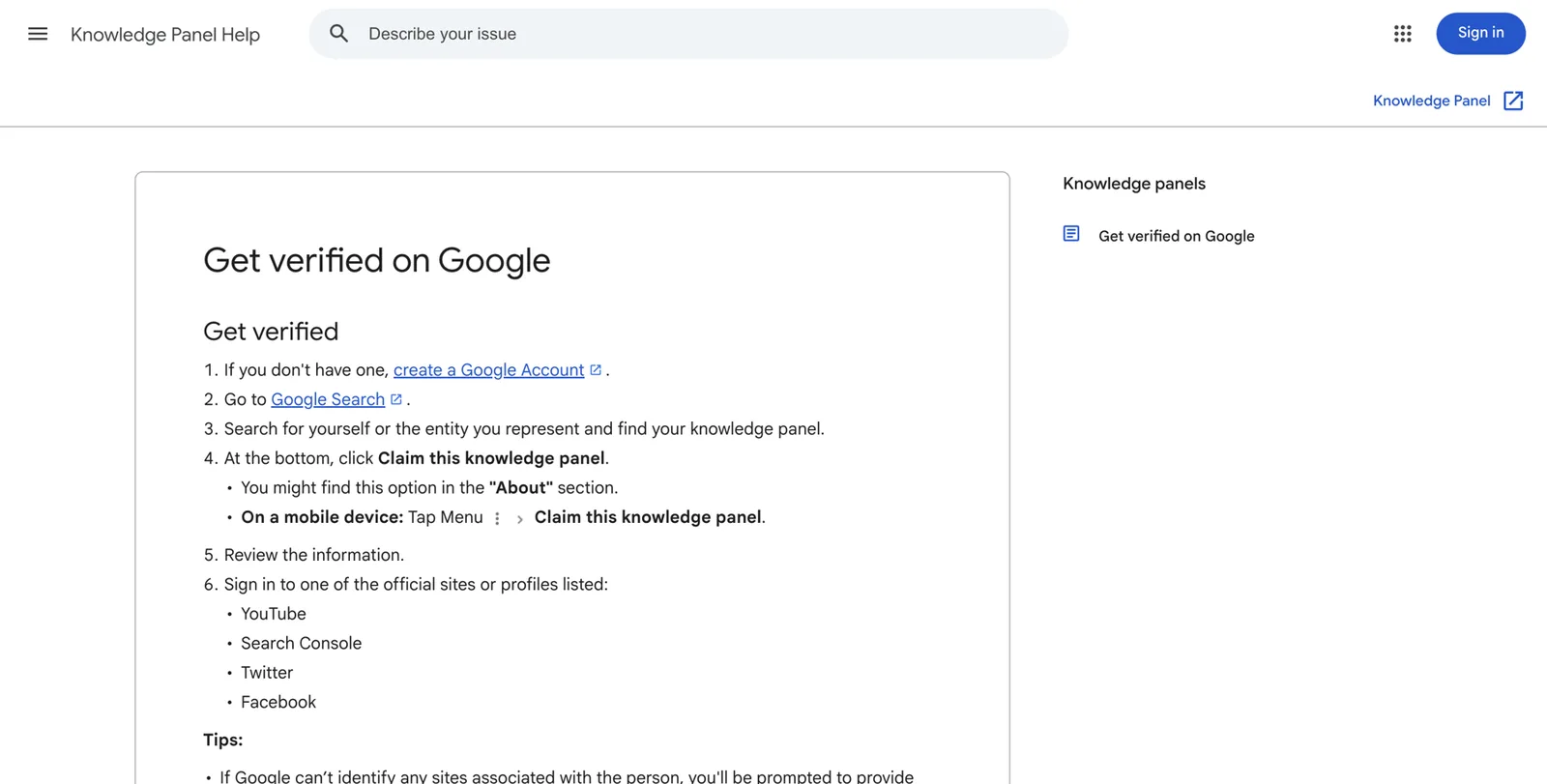
For speakers and authors, the easiest route is usually YouTube or Search Console. If your YouTube channel appears in your panel, signing in to it may verify you directly. If your Entity Home is the panel’s main website and you’ve verified it in Search Console, that route can work too. That’s one more reason to set both up early.
If there’s no Claim button, your panel may not be claimable yet, may already be claimed, or may be built from a source that doesn’t allow claiming. Keep strengthening your sources and check again monthly. If someone else (a former agent or publicist) already claimed it, Google’s help pages describe how to request access.
When to wait before claiming. If your panel is very thin, or seems to rest on weak sources, there’s a case for strengthening it first. Claiming invites a human review, and you want Google to see a solid set of sources.
What claiming gives you:
- your suggested changes are reviewed with more weight;
- nobody else can claim the panel;
- you still can’t edit it directly.
Suggest changes
Once verified, sign in with the same Google account, find your panel, and choose Suggest edits.3
- Click the item you want to change.
- Describe the change in one or two sentences.
- Give a short reason.
- Add at least two supporting links, with at least one independent of you (your publisher’s page, an event page, a library record).
- Submit once. Don’t resubmit the same request repeatedly.
Photos. Google’s help pages say a verified person can replace an existing photo but Google can’t add one where the panel has none.3 If there’s no photo, the fix is to publish your headshot consistently on your Entity Home and trusted profiles and wait.
What usually can’t be changed by request: your name as Google shows it, the subtitle, and “People also search for”. Change these by changing your sources.
The algorithm can undo human edits. Barnard’s course describes an author whose panel showed a namesake’s book. Google accepted the correction, then the algorithm put the wrong book back within a week, because a shared publisher page still mixed the two authors up. Once the publisher fixed its page, the panel corrected itself within a month. The lesson: always fix the source as well as the panel.
A13. Suggest-an-edit template
Fill one row per request. Keep it short and factual.
| What to change | Change to | One-line reason | Supporting link 1 (yours) | Supporting link 2 (independent) |
|---|---|---|---|---|
| Book shown: The Calm Room (another author) | Remove; not written by Maren Holt | Book is by a different author with a similar name | marenholt.com/books | Example Press author page |
Troubleshooting
Work through the problem that matches yours.
My panel exists but doesn’t show for my plain name. Google may not be confident enough, or a namesake may be more likely. Try your name plus your label or book title. If the panel shows for those, keep building confidence. Make sure your name form is identical everywhere. Consider a distinguishing form (a middle initial) if a namesake dominates.
It shows in some countries and not others. Google judges which person a searcher most probably means partly by location. A UK author may get a panel in the UK and not in the US. Build sources in the countries where you want to be found: events, podcasts and press there.
The subtitle is wrong (Writer instead of Author or Speaker, or an old job title). Change the first sentence of every bio to lead with your chosen label, starting with your Entity Home, then LinkedIn, Amazon, Goodreads and your speaker profiles. Then wait for at least one or two of Google’s refresh cycles. You can’t request a subtitle change directly.
My books disappeared from my panel. Check:
- Is your author name identical on each book in Google Books and on your Entity Home?
- Does each book have its own page on your site naming you as author, with ISBNs?
- Does your structured data include a Book block for each one, with author pointing to your @id?
- Is there a second ID for you, perhaps from Google Books, that isn’t joined to your main one?
Kalicube’s guidance for panels started by Google Books that stop appearing is similar: check the Google Books listing and build corroboration around your own site.6 Then wait. Books often return once the records are joined.
A namesake’s book is on my panel. Find the source that confuses the two of you. Most often it’s a retailer or publisher page, a Goodreads profile that merged two authors, or a Google Books record with the wrong contributor. Fix that source (Author Central support, a Goodreads librarian, your publisher), then suggest the edit on your panel with links.
The photo is wrong or old. Publish your chosen headshot on your Entity Home and every trusted profile. If you’re verified, suggest replacing the photo with a direct link to the image on your site. Old images Google saw first can persist for a while.
The description is old or comes from the wrong page. Look at the small link under the description to find its source. Update that page, or make your Entity Home’s first paragraph clearer so Google prefers it.
I seem to have two or more IDs. This is common for authors (one ID from Google Books, one from the main Knowledge Graph) and for people who changed careers. Keep every source consistent, make sure your Entity Home and structured data describe you as one person with all your books, and give Google time. Kalicube reports cases where duplicate IDs merged within weeks once the information was consistent, but there’s no guaranteed timeline.
My pen name and real name are tangled. Decide whether you want them connected or separate (Part 3), then make every source follow that decision. Mixed signals are what cause the tangle.
The panel disappeared. Possible causes: a Knowledge Graph update, a lost source (a deleted page, a closed account, a removed Wikidata item), or a manual review. Google’s help pages say panels are generated automatically, and they don’t offer a way to request that a panel be brought back.4 Recovery: check that your Entity Home is live and unchanged, check your core sources still exist, add new independent sources, and keep the facts consistent. Rebuilding often takes longer than the first time, so don’t panic, and don’t reach for shortcuts.
Someone else appears in my panel, or my name shows someone else entirely. Find which source joins the two of you and fix it. If another person dominates your name everywhere, a distinguishing name form is usually the long-term answer. A panel that belongs entirely to someone else is a specialist case.
A15. Troubleshooting log
One row per problem. Note the source you think is causing it and what you changed.
| Problem | Likely source | Fix made | Date | Result after 30 days |
|---|---|---|---|---|
| Subtitle shows Writer | Goodreads default label; old bios | Identity sentence updated on 9 profiles | Nov 2026 | |
Show up in AI answers
AI visibility rests on the same foundation as your panel. Kalicube describes a path from being cited, to being named, to being recommended. Each stage depends on the one before.
1. Fix the explicit questions first. Re-run your A2 prompts every month. Your goal is for every tool to describe you correctly when asked by name. When an answer is wrong, look at the sources it cites and fix those.
2. Make your expertise easy to quote.
- Put a short summary at the top of your About, speaking and book pages.
- Give each talk its own clear description: who it’s for, what the audience leaves with.
- Add an FAQ to your speaking page answering the five to ten questions planners really ask (fees range or “on request”, formats, travel, virtual options, customisation, AV needs).
- Publish a short summary of each book’s main idea on its page.
- Keep “last updated” dates visible.
3. Earn mentions in lists and comparisons. Association speaker lists, “books to read on…” features with real editorial standards, conference programmes, podcast roundups. These are the pages AI tools draw on when someone asks for a recommendation.
4. Reviews that name what you do. Genuine planner testimonials that mention your talk title and audience, and genuine reader reviews that mention your book’s topic, help AI tools connect you to the right questions. Stay inside the testimonial and review rules in Part 3.
5. One consistent message across every interview. If you’ve done 40 podcast episodes, each describing you slightly differently, AI tools inherit the confusion. Send the same bio every time.
6. Don’t block the tools you want to read you. Check your site’s robots.txt file (type yourdomain.com/robots.txt into a browser). If you see lines that block all bots or specific AI crawlers and you didn’t intend that, ask whoever built your site. Also avoid pop-ups and gates that hide your About page’s text.
7. Track topic prompts. Each month, ask two or three topic questions (“Recommend keynote speakers on [topic] for [event]”, “Best books on [topic] for [reader]”) and log who gets named and which sources are cited. The sources that keep appearing are the ones to pursue.
8. When AI says nothing or gets it wrong: fix the source data, use the tool’s feedback button (thumbs down with a short correction), and be patient through update cycles.
Nothing guarantees AI recommendations. This work raises the odds and corrects mistakes.
Keep it working
A panel needs looking after, the way a garden does.
When a fact changes (a new book, a new title, a move, a new headshot, a big new stage), update your Entity Home and structured data first, the same day. Then update every other source within the same week.
Before each new book launch, about 12 weeks out:
New book launch checklist
- Author name on the new book matches every previous book exactly
- Each format has its own ISBN; metadata checked with your publisher or in your dashboard
- A book page is live on your site before launch, with cover, ISBNs and retailer linksAdd a Book block to your structured data
- Library of Congress PCN applied for, if you are a US self-publisher
- Amazon Author Central: new book claimed in every format
- Goodreads: new book appears on your author profile
- Google Books listing checked once it appears
- Publisher author page updated to list the new book
- Bio ladder updated with the new book, and new versions sent to bureaus and directories
- Podcast and media kit updated with the new book angle
Monthly (30 minutes):
- search your name in a private window;
- run your AI prompts;
- add new coverage to your press page;
- refresh one profile.
Quarterly:
- check every link in your loop;
- validate your structured data at validator.schema.org;
- sweep for new inconsistencies (new event pages, new podcast bios).
Yearly:
- review your positioning and topics;
- update your full bio and headshot if needed;
- update your one-sheet and speaker reel.
A16. Maintenance routine
- Monthly: private-window name search and screenshots
- Monthly: AI prompts and the A2 test card
- Monthly: new coverage added to the press page
- Monthly: one profile refreshed
- Quarterly: link check across the loop
- Quarterly: structured data validated
- Quarterly: new event and podcast pages checked for your bio and link
- Yearly: positioning, full bio, headshot, one-sheet and reel reviewed
Your source-of-truth profile stays the master document. Every change starts there.
Part 6. Your roadmap and next steps
Your roadmap
10 minutes
Quick Check
Six searches, three AI prompts, a traffic-light score and screenshots saved.
One weekend
Foundation
Name-search audit, footprint inventory, identity and name decided, source of truth locked, bio ladder written, LinkedIn updated.
Days 1 to 30
Build
Entity Home with book and speaking pages, structured data validated, Search Console verified, Amazon, Goodreads, Google Books, YouTube and publisher page cleaned up.
Days 31 to 90
Corroborate
10 to 20 more relevant sources: event pages, podcast episodes, directories, library records. Loop closed. Monthly tracking begins.
Months 4 to 12
Grow and protect
Earn podcast, stage and media pages. Claim and enrich the panel when it appears. Monthly AI prompts. Maintenance routine.
A realistic weekly time budget.
- Light plan, about two hours a week: one profile or source each week, the monthly check, one podcast pitch.
- Heavier plan, about five hours a week: two or three sources a week, regular podcast and media outreach, a talk filmed and published each month.
Either works. The light plan just takes longer. What matters most is that every change follows your source of truth.
Do it yourself, or have it done for you
You can do everything in this playbook yourself. Many people do. It helps to see the size of the job honestly before you choose:
- around a dozen name searches on two devices, plus Google Books, Amazon and Goodreads checks;
- often 50 to 200 URLs to find, sort and assess;
- a source-of-truth profile with 30 or so fields, each with evidence;
- a bio ladder in seven or eight lengths;
- an Entity Home with book pages, a speaking page and structured data;
- 20 or more profiles and sources built, fixed or requested by hand, many of them needing emails to publishers, hosts and organisers;
- Wikidata’s rules, if they apply;
- Search Console and indexing;
- months of monitoring, plus the judgement calls about what not to do.
DIY makes sense if you enjoy this kind of work, you have a few hours a week, your name isn’t heavily shared, and you’re not up against a launch or a fee increase you want to support soon.
Done-for-you makes sense if your time is better spent on stages and pages, you have a launch or a season of pitching coming up, your footprint is tangled (namesakes, pen names, a career change, split book records), or you’ve tried and stalled.
Questions to ask any provider:
- Will you build or improve an Entity Home on a domain I own?
- Will I own every account and login at the end?
- Which sources will you add, and why those?
- How do you handle Wikidata and Wikipedia?
- What do you do if the panel doesn’t appear?
- What happens after the panel appears?
Red flags: a guaranteed panel in days, promises of a Wikipedia page, pseudo-wiki profiles, “500 directory listings”, no Entity Home, you don’t receive your logins, and no plan for claiming or maintenance.
How DotVisible helps speakers and authors
DotVisible’s done-for-you service is called The Authority Magnet. It combines a Google Knowledge Panel with AI visibility, which we call Referred by AI. Here’s what it includes and how it works, in plain terms. You can read the full process on How it works.
What’s included:
- A footprint audit of everything the internet says about you: your speaker page, author profiles, podcast appearances, book listings and mentions, checked against your LinkedIn so we know what’s outdated or contradictory.
- Search Signature: the Entity Home and profile work. A personal page about you, with structured data that tells Google who you are, what you speak on and which books you’ve written, and your key profiles made consistent and linked back to it.
- The first 90 days of Referred by AI: features and mentions on the sources AI tools draw from, so your name has a better chance of coming up when people ask for a speaker or author on your topic.
Your time: about 20 minutes. You return your details and approve content within five business days each time we ask, and you make the two link updates we request.
Price: the launch price is $1,997 for the first 10 clients ($2,997 after launch). You start with a $500 refundable deposit. The $1,497 balance is due only when your Knowledge Panel is live and you can find it yourself.
After 90 days: an optional monthly Referred by AI service at $497 a month.
Timing: most clients with a reasonable existing presence see their panel within about 60 days. AI visibility usually shows meaningful change around day 60.
The guarantee: if your Knowledge Panel isn’t live within 150 days of the onboarding call, you choose: a full refund of everything you’ve paid, or continued work at no charge until it appears. “Live” means it shows your correct name, photo and profession or role in an ordinary Google search for the agreed name in the agreed country, confirmed with three checks across 14 days. AI recommendations aren’t guaranteed, because no one controls them. The details are in our refund policy.
Proof. The panel shown earlier in this playbook, for DotVisible’s founder Shobin K Jose, is our own. We don’t publish client names or testimonials.
DotVisible is independent. We’re not affiliated with or endorsed by Google.
Start with the free audit
If you’re not sure where you stand, start with the free audit. You enter your name, LinkedIn URL and email. Within one business day you get a report by email showing:
- page one of Google for your name, as a stranger sees it;
- whether Google’s Knowledge Graph already recognises you;
- where your bio, topics or books differ across your profiles;
- whether AI tools mention you when people ask about you or your topic.
It’s free. There’s no call to book and no card to enter. Get your free audit.
Toolkit: worksheets, checklists and glossary
The worksheets appear in the chapters where you use them. Here’s the full list, plus the ones you haven’t met yet.
| # | Worksheet or checklist | Where it is |
|---|---|---|
| A1 | Name-search audit | Part 2 |
| A2 | AI answer test card | Part 2 |
| A3 | Footprint inventory and inconsistency log | Part 2 |
| A4 | Source-of-truth profile | Part 3 |
| A5 | Identity and subtitle picker | Part 3 |
| A6 | Bio ladder | Part 3 |
| A7 | Entity Home pre-launch checklist | Part 4 |
| A8 | Structured data checklist | Below |
| A9 | Corroboration source menu | Part 4 |
| A10 | Corroboration tracker | Part 4 |
| A11 | Podcast and speaker guest kit | Below |
| A12 | Headshot and image plan | Below |
| A13 | Suggest-an-edit template | Part 5 |
| A14 | Monthly progress tracker | Part 5 |
| A15 | Troubleshooting log | Part 5 |
| A16 | Maintenance routine | Part 5 |
A8. Structured data checklist
- One Person block, on your Entity Home only
- @id set to your About page address with #person
- name matches your chosen form exactly; alternateName lists pen names and other forms
- description starts with your identity sentence
- jobTitle uses your primary label first
- sameAs lists only corrected profiles that are at least 80% about youIf in doubt, leave it out
- A Book block for each book, with author pointing to your @id and each format’s ISBN
- No duplicate Person block from an SEO plugin
- Every value is also visible on the page
- validator.schema.org shows zero errors
A11. Podcast and speaker guest kit
Prepare once, send every time.
| Item | Your version | Ready? |
|---|---|---|
| Read-aloud introduction (about 75 words) | Our guest spent fifteen years leading sales teams… | Yes |
| One link | marenholt.com | Yes |
| Standard bio | From the bio ladder | Yes |
| Headshot | maren-holt-keynote-speaker.jpg | Yes |
| Episode angles | Negotiating price rises; calm cold calls; coaching new sellers | Yes |
| Show-notes request line | Could you use this bio and link my name to marenholt.com? | Yes |
A12. Headshot and image plan
One primary image used everywhere, plus deliberate secondary sets.
| Image | File name | Size | Used on | Alt text |
|---|---|---|---|---|
| Primary headshot | maren-holt-keynote-speaker.jpg | 2000 x 2000 px | Entity Home, LinkedIn, YouTube, Amazon, Goodreads, directories | Maren Holt, keynote speaker and author |
| On-stage photo | maren-holt-speaking-lakes-forum-2025.jpg | 2400 x 1600 px | Speaking page, one-sheet | Maren Holt speaking at the Lakes Leadership Forum 2025 |
Glossary
- AI Mode and AI Overviews: Google’s AI-generated answers. AI Overviews appear at the top of some results; AI Mode is a separate conversational search tab.
- alternateName: a structured data property for other forms of your name, such as a pen name.
- Brand SERP: the first page of Google results for your name.
- Corroboration: trusted pages that confirm what your Entity Home says.
- Entity: a person or thing Google can identify as distinct. You are one; each of your books is one too.
- Entity Home: the page you own that Google treats as the authoritative statement about you.
- Google Books: Google’s database of books and their authors, which can give an author an ID and feed book details into panels.
- ISBN: the 13-digit number that identifies one format of one edition of a book.
- ISNI: an international standard number for public identities, including authors and pen names.
- KGMID: your ID in Google’s Knowledge Graph, starting /g/ or /m/.
- Knowledge Graph: Google’s database of entities and the facts that link them.
- Knowledge Panel: the box of facts Google shows for a recognised entity.
- Metadata: the facts about a book that travel to retailers, libraries and Google: title, contributors, ISBN, dates.
- ONIX: the industry-standard file publishers use to send book metadata to retailers.
- One-sheet: a one-page summary of a speaker’s talks, bio and contact details.
- Pen name: a name an author publishes under that isn’t their legal name.
- People also search for: the row of related people Google shows in or near a panel.
- sameAs: a structured data property listing other pages that are clearly about you.
- Schema (structured data): code in a shared vocabulary that states facts for machines.
- Search Console: Google’s free tool for site owners.
- Sprout: Kalicube’s term for a thin early panel.
- subjectOf: a structured data property listing pages about you, such as interviews.
- Subtitle: the short label under your name in a panel, such as Author, Writer or Public speaker.
- TEDx: independently organised events held under a free licence from TED.
- Wikidata: the free structured database behind Wikipedia, with its own notability policy.
Frequently asked questions
Do I need a bestseller or a famous publisher to get a Knowledge Panel?
No. Google shows a panel when it understands who you are and is confident about it. Sales figures and publisher prestige don’t decide that. Clear, consistent facts on your own site, confirmed by trusted sources such as your publisher page, Amazon, Goodreads, event pages and podcast episodes, are what move the odds.
I speak but I haven’t written a book. Can I still get a panel?
Yes. A book is one strong signal, but it isn’t required. Speaker pages on real events, filmed talks on YouTube, podcast episodes about you, articles you’ve written and association memberships can all corroborate who you are.
Why does my panel say Writer when I want it to say Author or Speaker?
Google picks the subtitle itself and you can’t type over it. It tends to follow the label that your own site and your most trusted profiles use first and most consistently. Kalicube observed a large swing from Author to Writer after a 2023 Knowledge Graph update. Choose one label, put it first in every bio, and give Google time to re-read your sources.
My books used to appear on my panel and now they’ve gone. What happened?
Often the panel has been rebuilt from a different source, or your books are attached to a separate record in Google Books that hasn’t been joined to you. Check that your author name is identical across Google Books, Amazon and Goodreads, that each book has a page on your site naming you as author, and that your site’s structured data links you to your books.
Should I use a pen name, and will it hurt my chances of a panel?
A pen name is fine, but treat it as its own public identity. Use exactly the same form on every book, retailer and profile. If you also want your real name known, say so plainly on your site and list the other name as an alternate name. Mixing the two at random is what confuses Google.
Can I call myself a TED speaker if I gave a TEDx talk?
Be precise. TEDx events are independently organised under licence from TED, and TED’s rules require them to be identified as TEDx events. Describe it as a talk at the named event, for example TEDxCityName 2025, and link to the video.
Can I call myself a bestselling author?
Only if it’s true and you can say which list and when. A New York Times or USA Today list placement can be named directly. An Amazon category ranking should be stated as such, with the category and the date, because a vague bestseller claim can mislead buyers.
How long does it take to get a Knowledge Panel?
Nobody can promise a date, because Google decides. In the DIY route it can take weeks or many months depending on how clear and consistent your information already is. With DotVisible’s done-for-you service, most clients with a reasonable existing presence see their panel within about 60 days.
Is my Amazon author page or speaker bureau profile enough as my main page?
No. You don’t control either one, and both can change or disappear. Build an About page on a domain you own and make every other profile point back to it.
Will a Knowledge Panel make ChatGPT recommend me as a speaker?
It helps AI tools identify and describe you accurately, which comes first. Being recommended for a topic depends on many sources and no one can guarantee it. The same consistent footprint improves both.
Sources
- 1About knowledge panelsGoogle Knowledge Panel Help · Accessed 21 Oct 2026↩
- 2Get verified on GoogleGoogle Knowledge Panel Help · Accessed 21 Oct 2026↩
- 3Update your Google knowledge panelGoogle Knowledge Panel Help · Accessed 21 Oct 2026↩
- 4How Google’s Knowledge Graph worksGoogle Knowledge Panel Help · Accessed 21 Oct 2026↩
- 5Book metadata & informationGoogle Play Books Partner Center Help · Accessed 21 Oct 2026↩
- 6The 3 step process to getting a knowledge panel for an authorKalicube · Updated 9 May 2025↩
- 7Google Knowledge Panel: why is my subtitle Writer instead of SEO?Kalicube · Accessed 21 Oct 2026↩
- 82026 State of the Speaking Industry reportSpeakerFlow · 2026↩
- 9Survey explores speaker-planner dynamicsPCMA Convene · 15 Apr 2024↩
- 10Key takeaways from the 2023 Author Income SurveyAuthors Guild · 2023↩
- 11How much does a keynote speaker cost? A clear guide for event plannersNational Speakers Bureau · 2026↩
- 12FTC’s Endorsement Guides: what people are askingFederal Trade Commission · Accessed 21 Oct 2026↩
- 13Federal Trade Commission announces final rule banning fake reviews and testimonialsFederal Trade Commission · 14 Aug 2024↩
- 14TEDx rulesTED · Accessed 21 Oct 2026↩
- 15Speaking at TEDxTED · Accessed 21 Oct 2026↩
- 16Amazon limits how many categories a book can rank inJane Friedman · Accessed 21 Oct 2026↩
- 17Why Amazon’s #1 Best Seller badge may be misleading youBloomberg · 7 Dec 2022↩
- 18USA Today bestseller booklists returnLibrary Journal · 2023↩
- 19Goodreads Author ProgramGoodreads · Accessed 21 Oct 2026↩
- 20Author CentralAmazon Kindle Direct Publishing Help · Accessed 21 Oct 2026↩
- 21What is an ISBN?International ISBN Agency · Accessed 21 Oct 2026↩
- 22Preassigned Control Number programLibrary of Congress · Accessed 21 Oct 2026↩
- 23ISNI: International Standard Name IdentifierISNI International Agency · Accessed 21 Oct 2026↩
- 24CSP checklist 2027National Speakers Association · Aug 2026↩
- 25Wikidata:NotabilityWikidata · Accessed 21 Oct 2026↩
- 26Personschema.org · Accessed 21 Oct 2026↩
- 27Bookschema.org · Accessed 21 Oct 2026↩
- 28Americans still opt for print books over digital or audio versionsPew Research Center · 9 Apr 2026↩
- 29Featured.com acquires Help A Reporter Out (HARO) from CisionPR Newswire · Apr 2025↩
- 30Muck Rack verification criteriaMuck Rack · Accessed 21 Oct 2026↩
- 31How do I claim my author profile?BookBub Partners Support · Accessed 21 Oct 2026↩
- 32Ask Google to recrawl your URLsGoogle Search Central · Accessed 21 Oct 2026↩
- 33Profile page (ProfilePage) structured dataGoogle Search Central · Accessed 21 Oct 2026↩
- 34Speaker applicationBigSpeak · Accessed 21 Oct 2026↩