The Ultimate Knowledge Panel Playbook for Doctors & Specialists
Patients, referring doctors, editors and conference organizers all search your name before they decide. This playbook shows you, step by step and in plain English, how to make Google and AI tools describe you correctly, without breaking a single advertising or privacy rule.
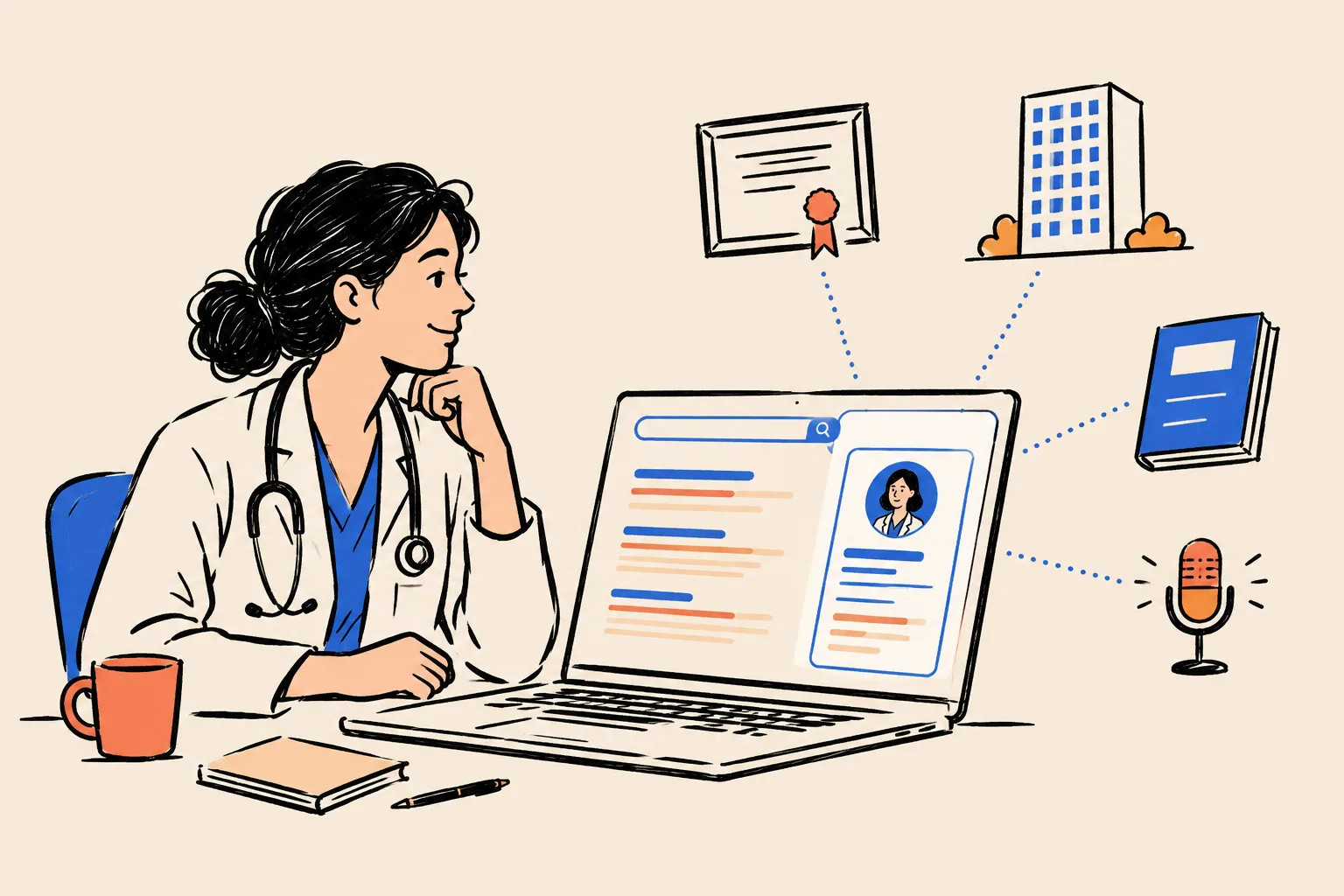
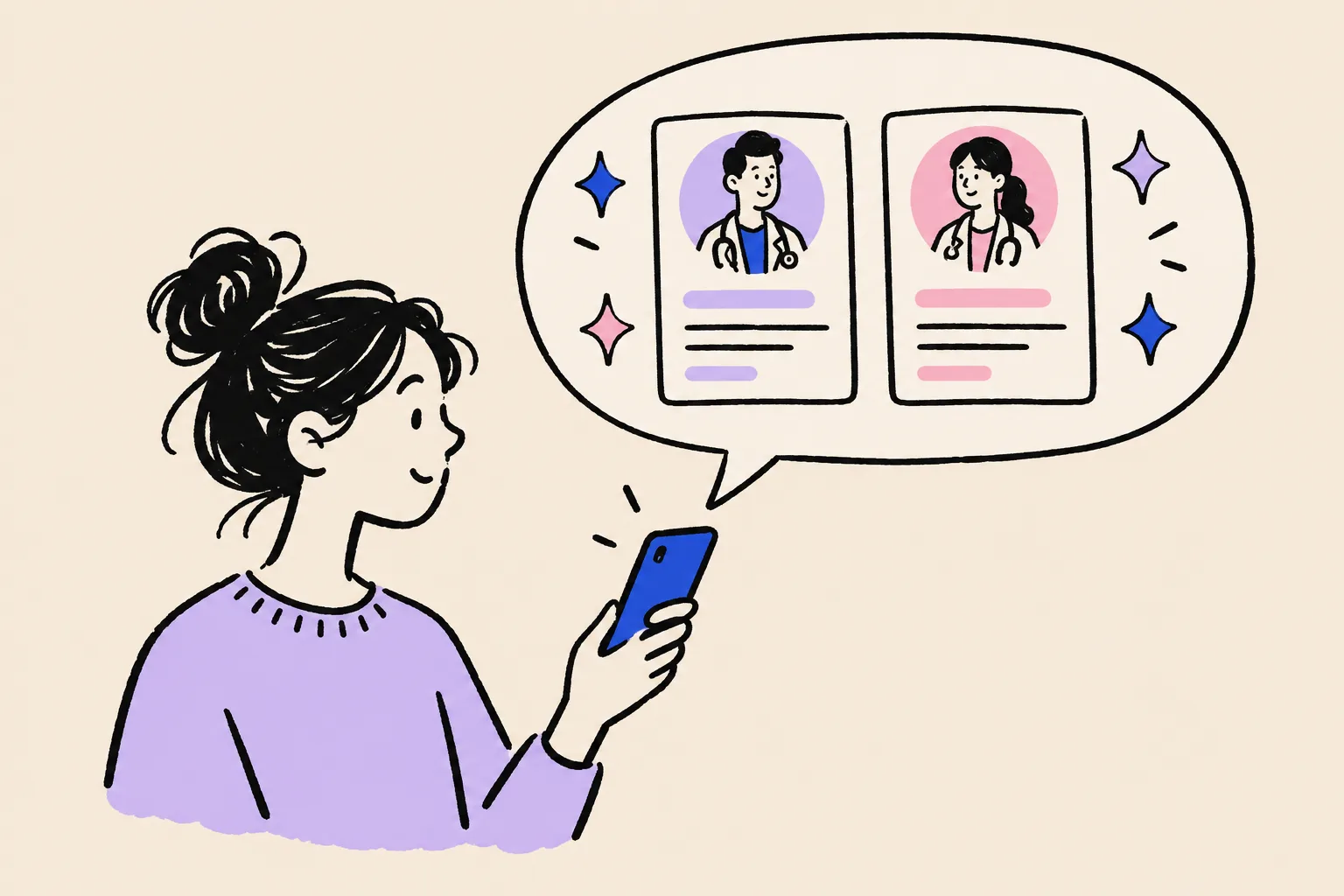
It’s 10:40 on a Tuesday night. A woman sits on her sofa with a referral slip in one hand and her phone in the other. Her family doctor gave her three names for a knee specialist. She types the first one into Google.
The first name brings up a box on the right with the surgeon’s photo, “Orthopedic surgeon” underneath, her practice, her hospital and a link to her own website. The second name brings up a Healthgrades profile with an old address and no photo, a hospital directory listing last updated years ago, and a pediatrician with the same name in another state. The third name brings up almost nothing.
She books the first one in the morning. The other two doctors will never know she looked.
That box is a Google Knowledge Panel. This playbook explains, in plain English and in the order you’d actually do it, how to earn one, how to make every profile about you agree, and how to show up correctly when patients ask ChatGPT, Gemini or Google’s AI for a specialist like you. It’s written for physicians, surgeons, dentists and specialists in private practice or groups, and for doctors building a personal brand through media, speaking, research or a book.
You don’t need any technical background. Every step is spelled out. Where a rule about advertising or patient privacy applies, we say so, in plain words.
Before you start: the 10-minute Quick Check
Do this now, before you read anything else. It takes about ten minutes and it will tell you which parts of this playbook matter most for you.
You’ll need a computer or phone, and a notepad (paper is fine). You’ll be searching as a stranger would, so Google doesn’t show you results shaped by your own history.
Open a private window
On a computer, open Chrome and press Ctrl+Shift+N (Windows) or Cmd+Shift+N (Mac). In Safari, choose File, then New Private Window. On a phone, open your browser, tap the tabs icon and choose Private or Incognito. A private window stops Google from tailoring results to you.
Search your name exactly as patients would
Go to google.com. Type your name the way it appears on your website or referral letters, for example Dr. Elena Vasquez. Press Enter. Look at the whole first page, and look at the right-hand side of the screen on a computer or the top of the results on a phone.
Search your name with your specialty
Search again with your specialty added, for example Elena Vasquez dermatologist. Then with your city, for example Elena Vasquez Denver.
Search what a cautious patient searches
Try your name plus reviews, and your name plus the name of your practice or hospital.
Ask two AI tools about you
Open ChatGPT (chatgpt.com) and Gemini (gemini.google.com). Type: Who is Dr. [your full name], the [specialty] in [city]? Then type: Who are the best [specialty] specialists in [city]? Note what each one says.
Score yourself
Use the traffic lights below. Write a color next to each of the six questions.
| Question | Green | Amber | Red |
|---|---|---|---|
| Does a Knowledge Panel (a box with your photo and role) appear for your name? | Yes, and it’s correct | Yes, but something is wrong or thin | No panel, or a panel about someone else |
| Is the first result a page you own (your own site or About page)? | Yes | It’s your practice or hospital page | It’s a ratings site, a directory or someone else |
| Do your specialty, practice and hospital match across the first page? | All match | One or two differ | Old addresses, old hospitals or wrong specialty |
| Is your photo the same, current headshot everywhere? | Yes | Mixed photos | Missing, old, or someone else’s photo |
| Does another doctor with your name appear on page one? | No | Yes, lower down | Yes, near the top or mixed into your results |
| Do AI tools describe you correctly when asked by name? | Accurate | Partly right, or vague | Wrong, silent, or describe someone else |
Source: DotVisible self-assessment. This is a rough guide for your own use, not a Google metric.
If you scored red on three or more lines, start with Part 2 and work through the playbook in order. If you scored mostly amber, the fastest wins are in Part 3 (one set of facts) and the clean-up chapter in Part 4. If you’re mostly green, jump to Part 5 to claim, enrich and protect what you have.
Part 1. Why your name search matters now
The background check you never see
Very few patients pick a specialist from a list of strangers anymore. They hear your name somewhere first. A family doctor writes it on a referral. A friend mentions you. A local news story quotes you. Your name comes up on a podcast, or in an answer from ChatGPT. Then, before they call your office, they look you up.
This isn’t a new habit, and it isn’t a guess. In a survey published in JAMA in 2014, 59% of US adults said physician rating sites were somewhat or very important when choosing a doctor. Among people who had looked at ratings in the past year, 35% said they had picked a doctor because of good ratings, and 37% said they had avoided one because of bad ratings4. Earlier, Pew Research found that 72% of US internet users had looked online for health information in the past year, and 77% of them started at a search engine such as Google5. Both studies are more than a decade old. They don’t tell you today’s exact numbers, but they show how long this behavior has been normal.
59%
of US adults said rating sites were important when choosing a physician (JAMA, 2014)
35%
of recent ratings users chose a physician because of good ratings (JAMA, 2014)
77%
of online health seekers began their last search at a search engine (Pew, 2013)
Patients aren’t the only ones looking. Think about everyone who might type your name this month:
- Patients with a referral slip, deciding which of three names to call.
- Patients choosing elective or cash-pay care, such as cosmetic procedures, fertility treatment, LASIK, dental implants or sports medicine, who compare doctors carefully because they’re paying themselves.
- Referring physicians checking who you are before they send their patients to you.
- Journalists and TV producers looking for an expert to quote, and checking you’re who you say you are.
- Conference organizers and specialty societies deciding on speakers and panelists.
- Hospitals, groups and recruiters considering you for a role, privileges or a partnership.
- Industry and research partners looking for investigators, advisers or key opinion leaders.
- Publishers and editors considering a book or an article.
Each of them forms a view in under a minute. And none of them tells you what they found.
The referral moment
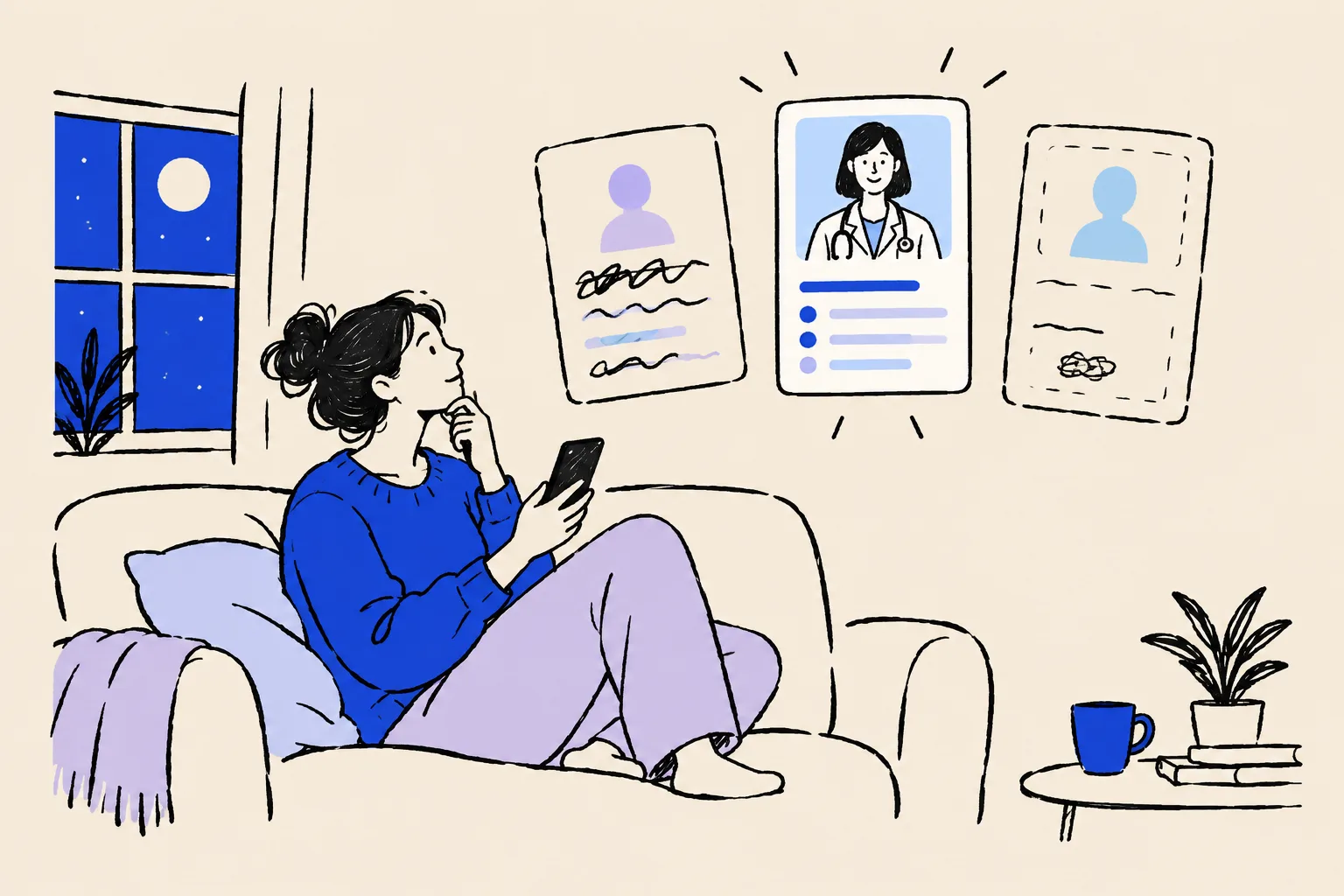
Referrals are the clearest example. A family doctor gives a patient three names. The patient doesn’t ring all three. They search all three, and they book the one who looks most established and easiest to trust.
That means a referral now has two steps. Step one is earning the referral, which you do through good medicine and good relationships. Step two is surviving the search. You can win step one and lose step two without ever finding out. The referral letter went out. The patient just never called.
Ratings sites that describe you before you do
Search almost any doctor’s name and you’ll see Healthgrades, Vitals, WebMD Care, Zocdoc, RateMDs or an insurer’s directory near the top. These sites build profiles from public records, insurance data and their own sources. Many doctors have never logged into most of them.
The result is a page of strangers’ summaries: an address you left three years ago, a hospital you no longer work at, a specialty listed as “general surgery” when you’re an orthopedic sports surgeon, a gray silhouette where your photo should be, or a single review from 2017. A patient can’t tell which details are current. They just notice that the details disagree.
You can’t delete these sites, and you shouldn’t try. Most of them let you claim and correct your profile, and Part 4 shows you how. Once they agree with each other, they stop working against you and start backing you up.
Lost under the hospital or group
If you work for a large health system or a big group, your name search may be mostly about the organization. The top results are the hospital’s “Find a Doctor” page, the group’s team page and the health system’s news releases. You appear as one of 40 orthopedic surgeons.
That page belongs to your employer. It was written for their purposes, it may be two lines long, and it disappears the day you leave. If you ever move practices, start a private clinic, build an elective service line or want to be known as an expert in your own right, you need a presence that belongs to you. Part 4 calls it your Entity Home.

Confused with another doctor
Medicine has plenty of namesakes. There may be another Dr. Sarah Chen in your city, or a Dr. James Patel in another state with a different specialty, or someone with your name who has been in the news for reasons you’d rather not be linked to. Google has to work out which one a searcher means. If it can’t tell you apart, it may blend you together, show the other person first, or show nothing at all.
This is one of the most common reasons doctors don’t get a panel, and one of the most fixable. Part 3 shows you how to choose one exact name form and pair it with your specialty and city everywhere.
Patients now ask AI
More and more patients skip the list of links and ask an AI tool: “Who’s a good knee surgeon in Phoenix for a runner?” or “Is Dr. Okafor a good surgeon?” The answer names two or three people and gives a reason for each. If you’re not one of them, you weren’t in the conversation at all. If the AI describes you wrongly, with an old hospital or the wrong specialty, the patient has no reason to doubt it.
We cover how these tools choose names, and what you can and can’t do about it, later in this part and again in Part 5.
The silent loss: an example you can rerun with your own numbers
Patients who search you and then book someone else never appear in your scheduling system. You don’t see them, so it’s easy to assume there aren’t any. Here’s a simple way to put a rough number on it. Use your own figures. The numbers below are made up for illustration and aren’t industry statistics.
| Line | Example | Your number |
|---|---|---|
| Value of one new patient across their care with you | $3,000 | |
| New patients a month who search you and then choose someone else (your guess) | 2 | |
| Months in a year | 12 | 12 |
| New patients a year who never reach your schedule | 24 | |
| Value a year (patients × value) | $72,000 |
Source: Illustration only. Replace every number with your own estimate.
For elective and cash-pay work the numbers can look very different. A single cosmetic, implant or fertility patient may be worth far more than the example above, and those patients compare doctors more carefully. Run the sum twice: once for insured referrals and once for your elective work.
| Item | Value |
|---|---|
| $1,000 per patient | 24,000 |
| $3,000 per patient | 72,000 |
| $8,000 per patient | 192,000 |
Source: Illustration: 2 lost patients a month × 12 months × value per patient. Not industry data.
The number doesn’t need to be precise. The loss repeats every month and you can’t see it, while the fix is mostly a one-time piece of work plus a light routine.
What “good” looks like when someone searches you
Here’s the result you’re working towards. When a patient, referrer or editor types your name:
- A Knowledge Panel appears with your current photo, your specialty as the subtitle, your practice, and a link to your own site.
- Your own page is the first result, and it explains who you are, what you treat, where you practice and how to book.
- Your hospital, practice, Doximity, Healthgrades and other profiles all say the same thing: same specialty, same affiliations, same photo.
- Independent sources back you up: your license record, your board certification, your publications, interviews and talks.
- AI tools describe you accurately when asked by name, and mention you when patients ask for a specialist like you.
- Nobody else with your name is mixed into your results.
How this connects to what you actually want
A Knowledge Panel is Google’s public sign that it knows who you are, and that confidence carries into the things you care about. Here’s how the work in this playbook maps to the goals doctors tell us about.
| What you want | What gets in the way today | What helps (and where) |
|---|---|---|
| More of the right patients | Ratings sites with wrong details; a thin first page | Entity Home, profile clean-up, panel (Parts 3 and 4) |
| Referrals that turn into appointments | Patients compare three names and pick the clearest one | Consistent specialty, photo and affiliation everywhere (Part 4) |
| More elective and cash-pay work | Patients paying themselves research harder | A page that explains your services and training clearly (Part 4) |
| Higher fees for elective work | Nothing shows why you’re worth more | Visible training, certification, publications, talks and media (Parts 3 and 4) |
| Media quotes and TV | Producers can’t quickly verify you | A clear Entity Home and press page; a panel that confirms you (Part 4) |
| Conference speaking | Organizers check your track record online | Speaker bio, talks listed and linked (Parts 3 and 4) |
| Research recognition | Scholar, PubMed and ORCID records not linked to you | Research profiles joined up with your Entity Home (Part 4) |
| Writing a book | Publishers look for an existing platform | Author profiles, a consistent name and a home base (Part 4) |
| Being seen as an expert or KOL | You’re one name among many on a hospital page | Independent coverage, speaking and research, all linked (Part 4) |
| Moving practices without losing patients | Old affiliations linger for years | A home you own and a same-week update routine (Part 5) |
| Being recommended by AI | AI tools can’t tell who you are, or describe you wrongly | The same clean, corroborated footprint (Part 5) |
What a Knowledge Panel is, and what it isn’t
A Knowledge Panel is the information box Google shows when you search for a person, place, organization or thing that Google holds in its Knowledge Graph1. On a computer it usually sits to the right of the results. On a phone, the same information appears at the top, often split into cards.
Think of it as Google saying, in public, “we know who this is.” You can’t buy it or fill it in: Google builds it automatically and updates it as information on the web changes1.
The Knowledge Graph, in plain words
The Knowledge Graph is Google’s database of things and the facts that connect them. It’s a bit like a huge index-card system. Each card is about one thing, called an entity: a person, a hospital, a book, a medical condition. Each card holds facts (“born in”, “works at”, “specialty”) and links to other cards (“works at” links your card to the hospital’s card).
You can be an entity. So can your practice, your book and your podcast. Each entity gets an ID number, called a KGMID (Knowledge Graph machine ID). It looks like /g/11abc12345. If Google has given you one, it has an index card about you, even if no panel appears yet.
A Knowledge Panel is simply what Google shows from your card when it’s confident enough. Having a card and having a visible panel are different things. Many people have an ID and no panel, because Google isn’t yet sure enough about the facts, or isn’t sure the person searching means you.
Anatomy of a real panel
Here’s a live panel from October 2026. It belongs to Shobin K Jose, DotVisible’s founder, who isn’t a doctor, but the parts of a panel are the same for everyone.
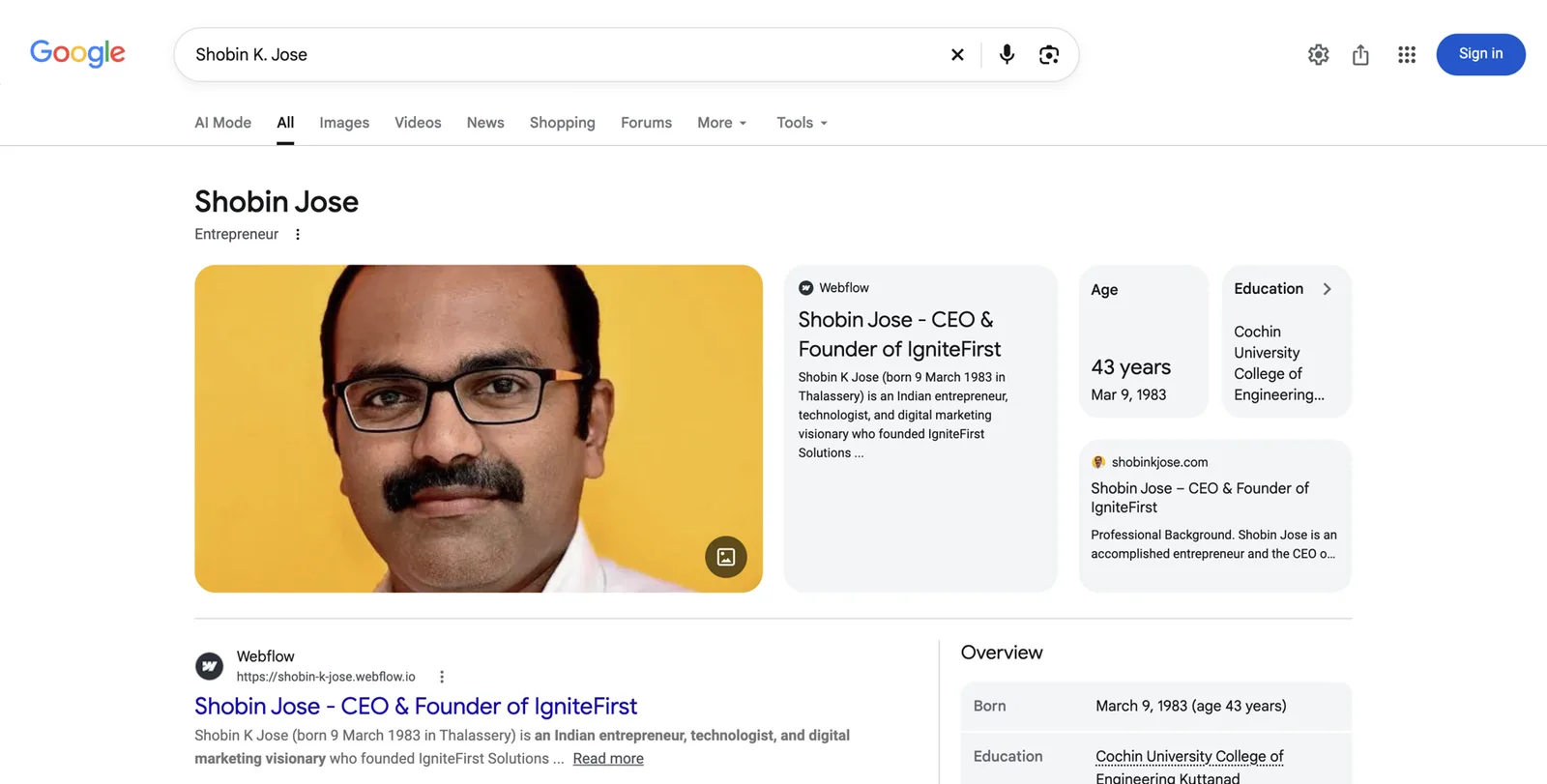
Going from top to bottom, these are the parts you’ll see, and what each one would look like for a doctor:
- Name. Google’s chosen form of your name. Notice the panel says “Shobin Jose” even though the search was “Shobin K Jose”. Google picks the form it sees most.
- Subtitle. The one-line role under the name. Here it’s “Entrepreneur”. For you it might be “Dermatologist”, “Orthopedic surgeon”, “Physician” or “Dentist”. Google chooses it from the role it sees most consistently, which is why Part 3 spends so long on your first sentence.
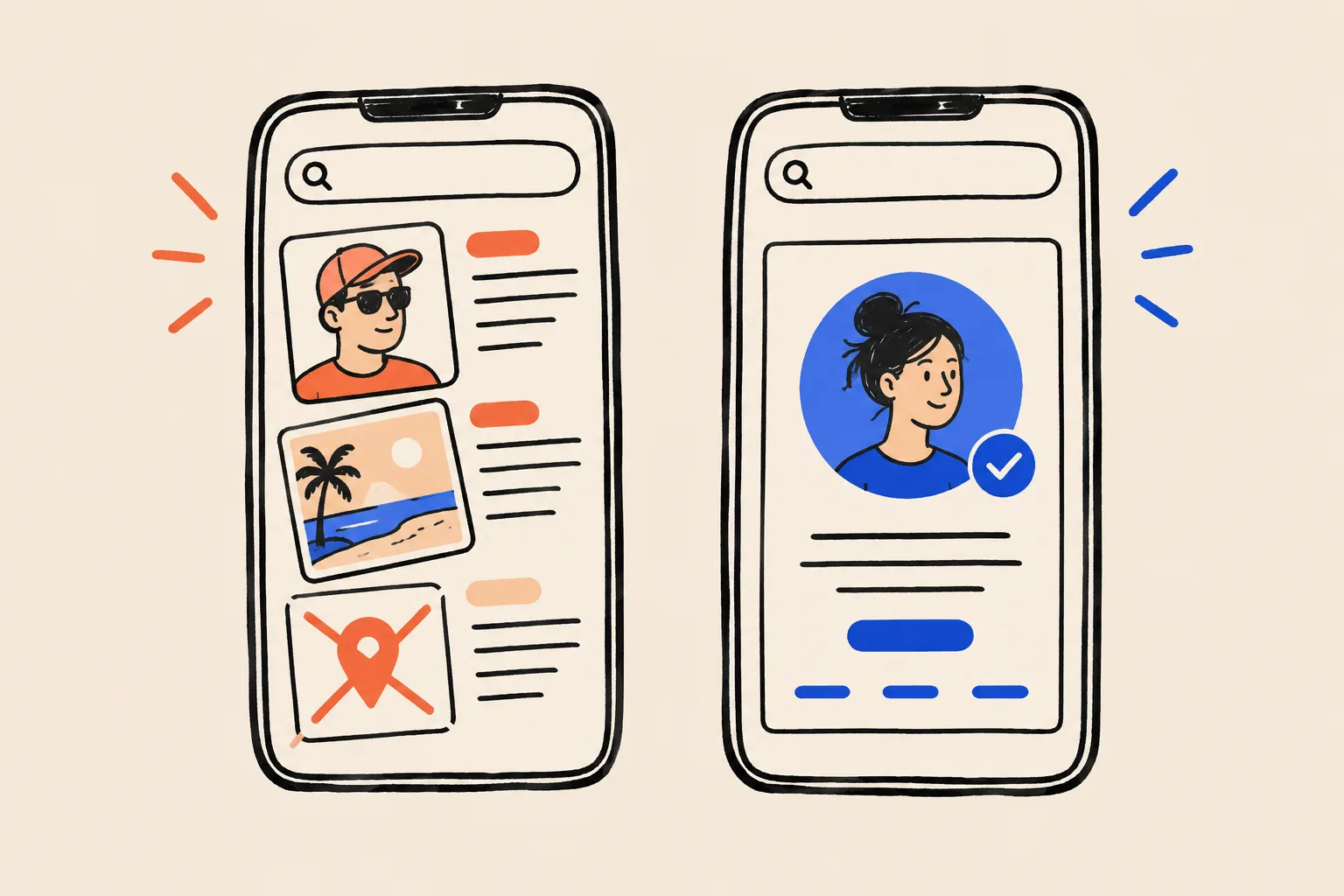
- Photo. Usually the image Google finds most often and trusts most. You can’t upload it directly; you influence it by using the same headshot everywhere.
- Website and profile cards. Links to pages Google associates with you, often including your own site. For a doctor this could be your Entity Home, your practice page or Doximity.
- Key facts. Age, education, workplace, books and so on, drawn from sources Google trusts. For a doctor, education (medical school, residency) is common.
- Overview and description. A short summary with a link to where Google got it.
- Claim option. A link that lets the real person verify and suggest changes. Part 5 shows you how.
Some panels also show “People also search for” (other people Google considers related), tabs for books or videos, and social profile icons.
Dr. Elena Vasquez
Dermatologist
Dr. Elena Vasquez is an executive leadership coach who helps first-time founders build and lead their teams. example.com
- Education
- Example State University
- Books
- The First Hundred Hires
- Organization
- Ellis Leadership Partners
Profiles
People also search for
- Name and subtitleThe name and the one-line description Google settles on.
- ImagesPhotos Google is confident show this person.
- DescriptionA short bio, usually from a source Google trusts, with a link to it.
- Key factsStructured facts pulled from the Knowledge Graph entry.
- ProfilesOfficial social profiles Google has matched to the entity.
- People also search forRelated entities, which shows how Google files this person.
- Claim this knowledge panelThe verification link the person can use to suggest edits.
What a Knowledge Panel isn’t
Several things look similar and get confused with a panel. Knowing the difference saves a lot of wasted effort.
Knowledge Panel (about you)
- Describes you as a person
- Google builds it automatically from many sources
- You can claim it and suggest changes, but not edit it
- Follows you if you change practice or hospital
- Shows when Google is confident about who you are
Google Business Profile (about your clinic)
- Describes a place: address, hours, phone, reviews
- You or your practice manage it directly
- Belongs to the location, not to you
- Shows for local searches and map results
- Formerly called Google My Business
Other look-alikes:
- A featured snippet. A box of text pulled from one web page that answers a question. It can appear on the right but it’s about a page, not about you.
- An AI Overview. Google’s AI-written summary at the top of some searches. It may mention you, but it isn’t a panel.
- A “See results about” box. A small box pointing to an entity Google thinks you might mean. If you see one for yourself without a full panel, Google knows about you but isn’t confident enough yet.
- Your Healthgrades or Doximity result. A strong search result, but still just a result.
Myths that stop doctors from trying
Only famous doctors get a Knowledge Panel.
Google needs to be confident about who you are. Fame doesn’t come into it, and plenty of community specialists have panels.
Google’s verification process is open to any person who has a panel2. What decides whether a panel appears is how clearly and consistently the web describes you.
You need a Wikipedia page.
Most personal panels, including doctors’ panels, aren’t based on Wikipedia.
Kalicube, a firm that tracks Knowledge Panels, reports that most panels for people, doctors, lawyers and authors aren’t based on a Wikipedia page24. Wikipedia also has strict rules you probably shouldn’t test. More on that in Part 4.
You can buy one, or edit it like a profile.
Google generates panels itself. You can claim one and suggest changes, but Google decides.
Once you have a panel, it’s yours for good.
Panels change and can disappear when Google updates its Knowledge Graph or loses a source it relied on.
My hospital profile is enough.
Your hospital owns that page. It may be thin, it isn’t about you alone, and it vanishes when you move.
How AI answers pick a doctor
ChatGPT, Gemini, Perplexity, Microsoft Copilot and Google’s own AI Overviews and AI Mode are now part of how patients find care. Here is what we know about how they decide whom to mention, and what we don’t.
Three ingredients, simplified
In simple terms, an AI tool answering “who is a good dermatologist in Denver?” draws on three things:
- What it learned in training. The model read a large slice of the public web before it was released. If you were described clearly and often, it may already “know” you. If the web was confused about you, so is the model.
- A live web search. Many tools now search the web while answering and then summarize what they find. They tend to quote pages that state facts clearly: an About page, a directory profile, a news article.
- Knowledge graphs. Google says its AI Overviews and AI Mode draw on its Knowledge Graph among other sources2122. Other companies use their own data.
All three read the same public web, so the work you do for Google, one clear page about you, consistent profiles and independent sources, is exactly what the other tools read too.
What a clean footprint does for AI
- It helps the AI identify you, rather than mixing you up with a namesake.
- It helps the AI describe you accurately: right specialty, right hospital, right city.
- It makes you a safer name to mention. AI tools prefer to name people they can describe with confidence.
What it doesn’t do
There’s no switch for AI recommendations, and nobody can guarantee them. There’s also no public evidence that ChatGPT reads Google’s Knowledge Graph directly, even though the claim is common. The honest framing is this: if an AI can’t describe you correctly when asked by name, it’s very unlikely to recommend you when asked for a specialist. So you fix the “by name” answer first. Part 5 has the routine.
How Google decides
Google doesn’t publish an eligibility checklist. But between what Google says and what practitioners have observed for years, the logic is clear enough to act on.
Three conditions
For a panel to show when someone searches your name, three things need to be true:
- Google understands who you are. It holds facts about you as one entity: Dr. Elena Vasquez, dermatologist, Denver, works at a particular practice, trained at particular institutions.
- Google is confident that understanding is right. Several sources it trusts agree on the same facts.
- Google judges you’re the person the searcher most probably means. If there are three Dr. Elena Vasquezes, it has to pick one. This often depends on location: you might have a panel in Colorado and not in Florida.
Teaching Google like a new resident
Think of how you’d check a new colleague’s background. You’d start with what they tell you (their CV). You’d check it against sources you trust: the license record, the board certification, the hospital that trained them. If everything agrees, you’re confident. If their CV says one residency and the hospital says another, you’d hesitate until someone cleared it up.
Google works the same way. It starts from your own account of who you are. It checks that account against sources it trusts. Repetition and agreement build confidence. Contradictions make it stay quiet.
The method everyone in this field uses
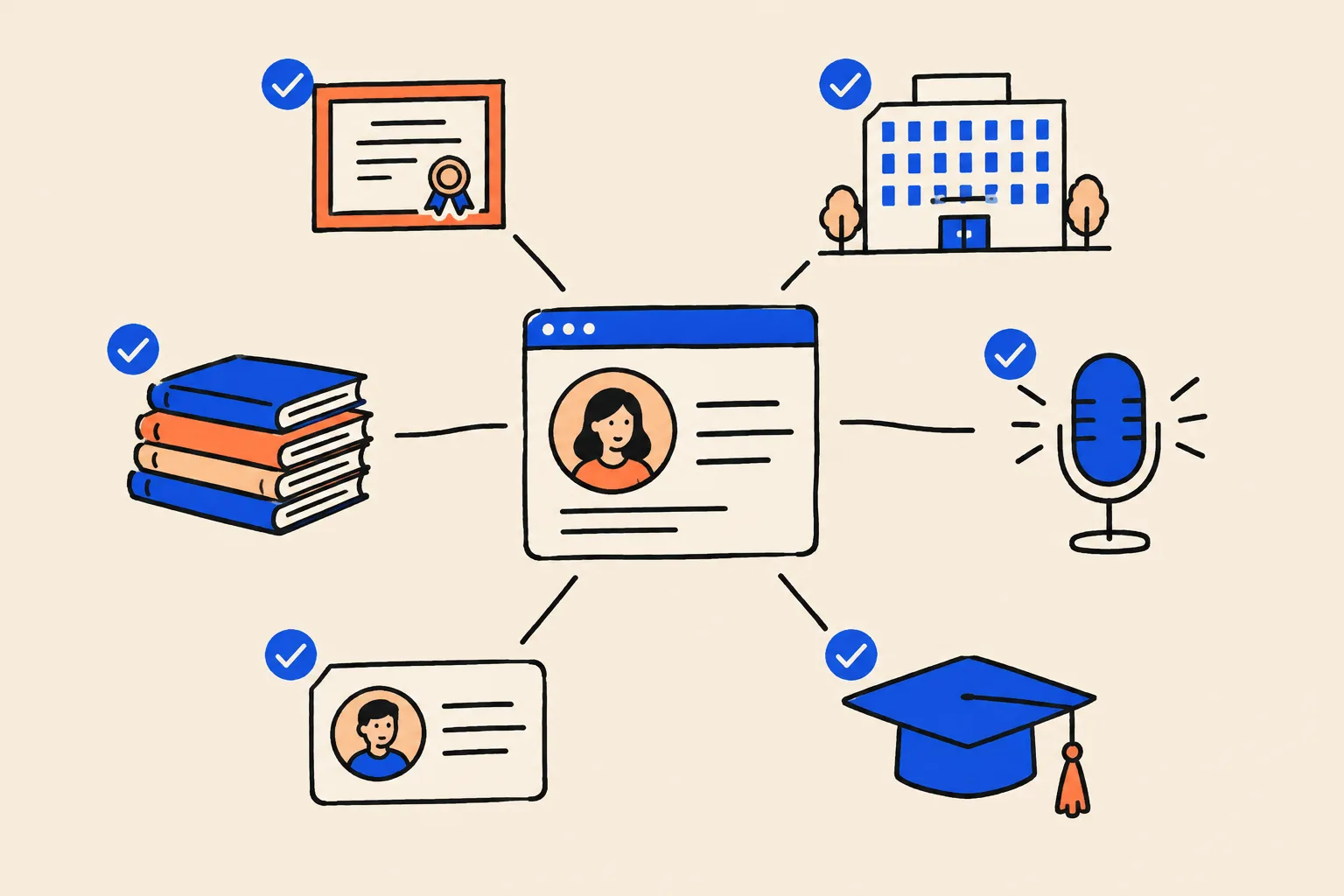
The approach in this playbook follows a three-part method that most Knowledge Panel practitioners describe, including Jason Barnard of Kalicube, who coined the term “Entity Home”:
An Entity Home
One page you own and control that clearly says who you are. Usually the About page on a website in your name. It’s your CV, as Google reads it.
Corroboration
Other sources that confirm the same facts: your license record, board certification, hospital page, Doximity, ratings sites, publications, interviews. Like references checking out.
A loop of links
Your Entity Home links to those sources, and those sources link back to your Entity Home. Structured data (schema) on your Entity Home ties it together in a form machines read easily.
Three kinds of source
- First party: yours. Your website, your own blog. You control everything.
- Second party: profiles you partly control. LinkedIn, Doximity, your Healthgrades profile once claimed, your Google Scholar profile, your ORCID record. You edit them, but they live on someone else’s site.
- Third party: independent. Your state license record, your board certification listing, a hospital page, a journal, a newspaper interview, a conference program. Someone else wrote them.
Independent sources carry the most weight because you can’t simply write them yourself. Doctors have an advantage here that many professions don’t: official registries such as the NPI Registry, state license lookups and board certification records are exactly the kind of trusted, independent source Google values.
Why consistency beats volume
The most common reason a panel doesn’t appear is inconsistency. Your website says “board-certified dermatologist”. LinkedIn says “Physician at Front Range Health”. Healthgrades says “Dermatology, Aurora” (your old office). A podcast bio says “skin cancer surgeon”. Each one is roughly true. To a machine, they look like four different people.
Twenty profiles that disagree do less than eight that agree. This playbook will keep asking you to choose one version of each fact and repeat it everywhere.
What slows things down
- A common name, or a well-known namesake.
- Old, wrong information that Google has already joined to you (an old practice, a former hospital).
- Using LinkedIn, Doximity or your hospital page as your “home”, so Google has no page of your own to anchor on.
- Using different name forms: Elena Vasquez, Elena M. Vasquez, Dr. E. Vasquez-Ruiz.
- Having very little independent coverage yet.
How long it takes
Google gives no timeline. Practitioners report a wide range, from a few weeks to a year or more for a first panel when the groundwork is done well, and longer before a panel is stable. Kalicube, for example, has published estimates of roughly two to three months for an ID and photo, and six to twelve months for a stable panel, but these are Kalicube’s own observations, not Google facts25. What drives the spread is how much of the groundwork already exists, how common your name is, and how consistent your sources are. Anyone who promises a date is guessing, or selling something.
Part 2. Diagnose: see what patients see
You can’t fix what you haven’t seen. This part takes about an hour, maybe two if your name is common. Put the kettle on. Have the worksheets in the Toolkit open, or a blank spreadsheet with the same columns.
Step 1: The name-search audit
Set-up. Use a private window (see the Quick Check). Do the searches on a computer first, then repeat the first two on your phone, because results differ. If you’re curious, repeat a couple on Bing (bing.com) too, since Microsoft Copilot leans on Bing.
The searches. Run each of these and note what you see. Replace the brackets with your details.
Searches to run
- [Your name as patients know it]For example: Dr. Elena Vasquez
- [First name] [last name] without “Dr.”Google and patients often drop the title.
- [Name] [specialty]For example: Elena Vasquez dermatologist
- [Name] [city]Use the city where you practice now.
- [Name] MD (or DO, DDS, DMD)Credential searches often surface registries and old pages.
- [Name] reviewsThis shows which ratings sites rank for you.
- [Name] [practice or hospital name]Shows whether Google links you to your current workplace.
- Who is [name]Sometimes triggers a panel or AI Overview.
- Name variantsWith and without middle initial, maiden or married name, hyphenated name, nickname.
What to write down for each search:
- Panel: yes or no. If yes, write down the subtitle, which photo it shows, where the description comes from, and which website link it shows.
- The first ten results. For each one: is it about you, about someone else, or about your employer? Is the information current? Is it a page you control?
- Old or wrong details. Old addresses, previous hospitals, specialties you don’t practice, an old photo.
- Namesakes. Any other person with your name on page one, and what they do.
- “People also search for” and “See results about”. Note any names that appear.
- Anything negative or sensitive. Legal records, a bad article, a board action, Open Payments listings. Just note them for now.
A1. Name-search audit
One row per search result. Do this for your plain name first, then for name plus specialty.
| Search | Position | Site | About me? | Accurate and current? | Who controls it? | Action |
|---|---|---|---|---|---|---|
| Elena Vasquez | 1 | healthgrades.com | Yes | No: old Aurora address, no photo | Partly (claimable) | Claim and correct |
| Elena Vasquez | 2 | frontrangehealth.org find-a-doctor | Yes | Old: says Associate, two lines | Employer | Ask to update bio and link |
| Elena Vasquez | 4 | another site | No: a realtor in Texas | n/a | No | Disambiguate with specialty and city |
Fictional example rows.
Step 2: Does Google already know you?
Even without a visible panel, Google may already hold you as an entity in its Knowledge Graph. Here are three ways to check, easiest first.
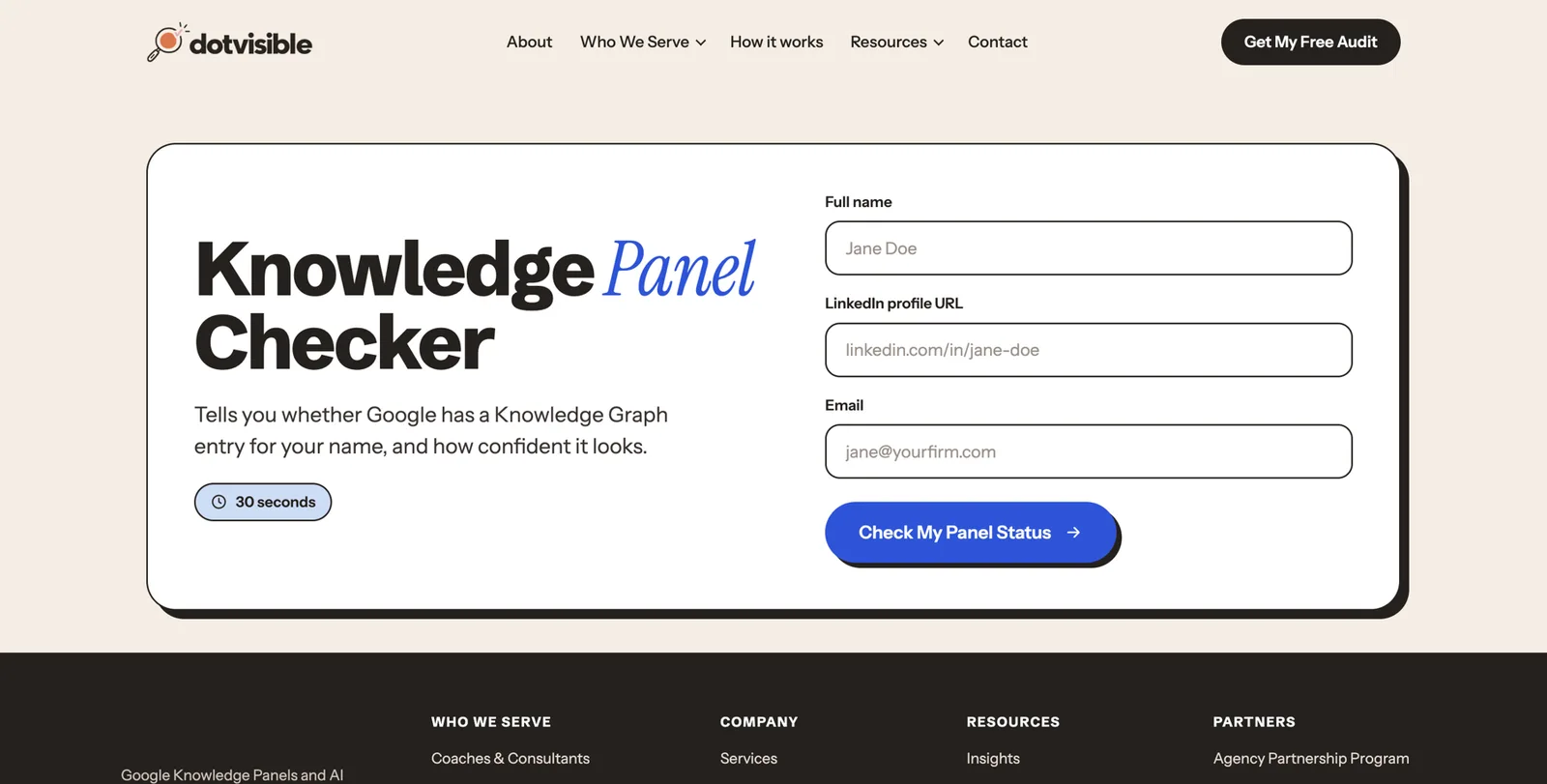
- Use a free checker. DotVisible’s free Knowledge Panel Checker looks your name up in Google’s Knowledge Graph and tells you what it found, in about a minute.
- If you do have a panel, click the three dots or the share icon on it and copy the link. If the link contains
kgmid=/g/followed by letters and numbers, that’s your ID. Write it down. You’ll use it in your schema later. - Use Google’s Knowledge Graph Search API if you’re comfortable with technical tools. It returns entities that match a name, with an ID and a description23. Most readers can skip this.
If you find more than one ID that could be you (say one tied to an old book chapter and one tied to your practice), Google sees more than one of you. That’s fixable, and Part 5 explains how.
Step 3: The AI baseline
Now ask the AI tools. Do this in a fresh chat or a private window so earlier conversations don’t influence the answer.
Pick your tools
ChatGPT, Gemini, Perplexity, Microsoft Copilot, and Google itself (look for an AI Overview at the top of a search, or try AI Mode if it’s available where you are).
Ask the same four prompts in each
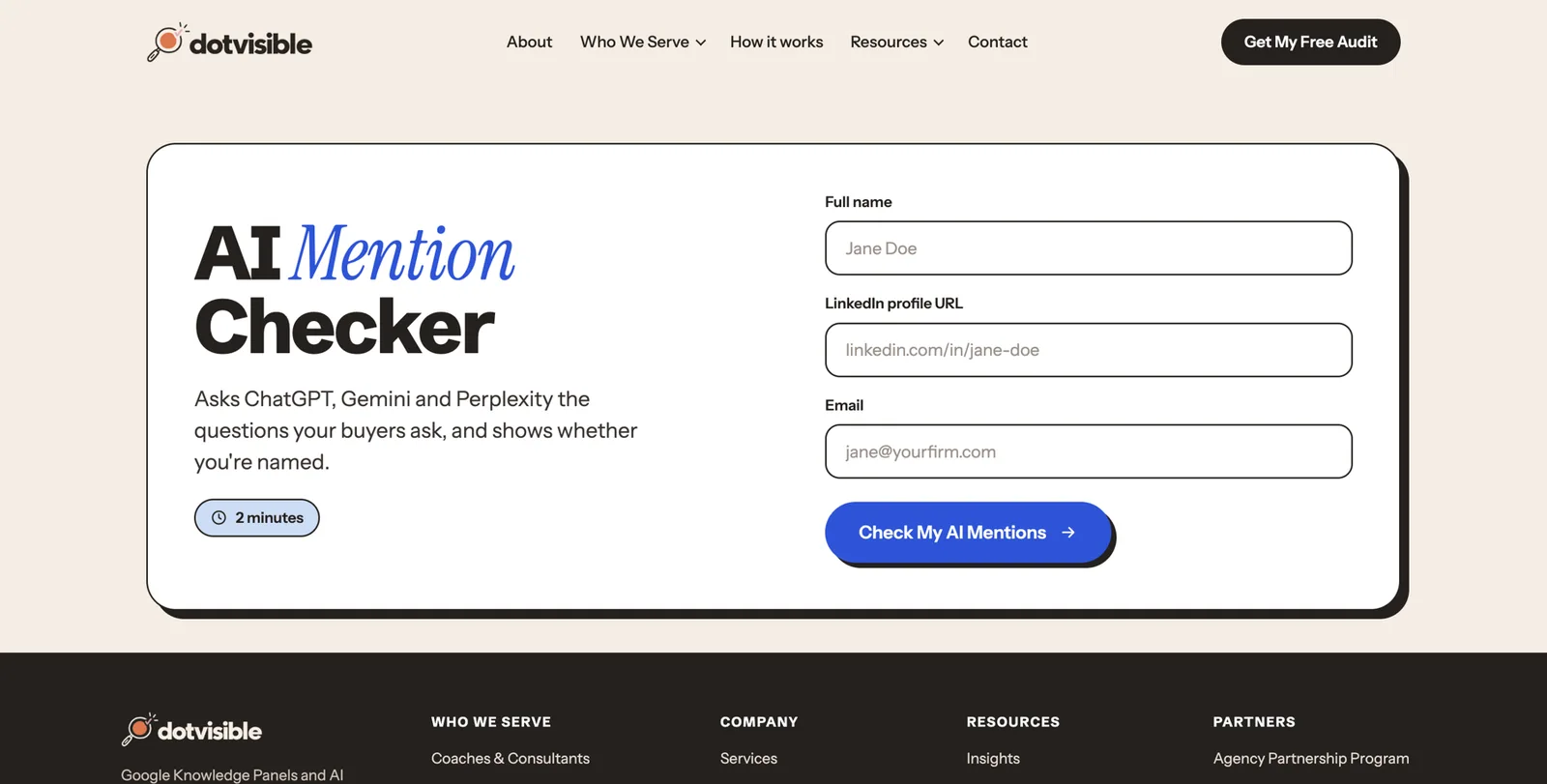
1) Who is Dr. [full name]? 2) Who is Dr. [full name], the [specialty] in [city]? 3) Who are the best [specialty] specialists in [city] for [condition or patient type]? 4) What do patients say about Dr. [full name]?
Record the result
For each answer, mark Accurate, Inaccurate or Absent. Write down any wrong facts and, if the tool shows them, which websites it cited.
Save the date
Write today’s date at the top. You’ll repeat this every month, and the change over time is what matters.
A2. AI answer test card
Mark each cell Accurate, Inaccurate or Absent, and note the sources each tool cites.
| Prompt | ChatGPT | Gemini | Perplexity | Copilot | Google AI | Sources cited |
|---|---|---|---|---|---|---|
| Who is Dr. Elena Vasquez, the dermatologist in Denver? | Inaccurate: says Aurora clinic | Absent | Accurate | Absent | Absent | healthgrades, old hospital page |
Step 4: Inventory your digital footprint
Now turn your notes into one list of every place your name lives online. This is the list you’ll work through in Part 4. Most doctors are surprised by how long it gets: 40 to 100 entries is normal.
Search for each of these, and add any you find:
| Priority | Sources to look for |
|---|---|
| 1. Your own and core | Your website or practice site, LinkedIn, Doximity, your practice’s Google Business Profile, any Wikidata or Wikipedia entry |
| 2. Official records | NPI Registry, your state license lookup, board certification (Certification Matters or the osteopathic or dental equivalent), Medicare Care Compare, CMS Open Payments |
| 3. Ratings and booking sites | Healthgrades, WebMD Care, Vitals, Zocdoc, RateMDs, US News Doctor Finder, insurer directories |
| 4. Employers and affiliations | Hospital “Find a Doctor” pages, group practice team pages, university faculty pages, past employers |
| 5. Research | Google Scholar, PubMed, ORCID, ResearchGate, Scopus, journal author pages |
| 6. Media and speaking | News articles, TV station pages, podcasts, conference programs, webinar pages, specialty society events |
| 7. Social and content | YouTube, Instagram, Facebook, X, TikTok, a blog or newsletter |
| 8. Other | Old directories, data broker sites, forums, outdated bios from earlier roles |
The “how much is about you” rule. For each page, ask what share of it is about you.
- Mostly about you (roughly 80% or more): a core source. Clean it up, and link it from your Entity Home.
- Partly about you (roughly 20 to 80%): a hospital team page, a podcast episode with several guests. Fix it if you can and list it on your press or media page.
- Barely about you (under 20%): a long list of 300 doctors. Ignore it unless it’s wrong.
Step 5: Check every fact, field by field
For each core source, compare these fields with the truth. Use the inventory worksheet below.
Fields to check on every profile
- Name (exact form, including middle initial and credential letters)
- Specialty and subspecialty
- Practice name and address
- Hospital affiliations
- Photo (same, current headshot?)
- Board certification (correct board named, current?)
- Education and training (medical school, residency, fellowship)
- Languages spoken
- Insurance accepted and whether you’re accepting new patients
- Website link (does it point to your Entity Home?)
- Bio text (does it match your current bio?)
A3. Footprint inventory and inconsistency log
One row per source. Use the severity guide below the table.
| Source and URL | Party (1st, 2nd, 3rd) | % about me | What’s wrong | Severity | Can I edit it? | Fixed (date) |
|---|---|---|---|---|---|---|
| Vitals profile | 3rd, claimable | 100% | Lists old hospital | High | Yes, after claiming | |
| Insurer directory | 3rd | 100% | Specialty: general surgery | High | Via credentialing office | |
| Podcast episode page | 3rd | 60% | Calls me skin surgeon | Medium | Ask host | |
Severity guide (a self-assessment, not a Google score):
- Critical: someone else’s photo or details on your profile, or your profile merged with another doctor’s.
- High: wrong specialty, old practice or hospital, old address on a booking site.
- Medium: bios that differ, missing board certification, missing photo.
- Low: formatting, such as “M.D.” versus “MD”.
- Info: facts you could add, such as a new publication.
If you like a single number, start at 100 and take off 20 for each critical issue, 10 for each high, 5 for each medium and 2 for each low. It’s only a way to see your progress over time. Google doesn’t use it.
Step 6: Group by how much control you have
Sort your list into three piles, and work in this order:
- Direct control: your website, LinkedIn, social accounts, Google Scholar, ORCID.
- Partial control: profiles you can claim or request changes on, such as Doximity, Healthgrades, WebMD Care, Vitals, Zocdoc, your NPI record, your hospital bio (through the medical staff office or marketing team).
- No direct control: news articles, old directories, other people’s pages. You can ask politely, and sometimes that’s enough.
Step 7: Which situation are you in?
| What you found | What it means | Where to focus |
|---|---|---|
| No panel, very little about you online | Google has little to work with | Parts 3 and 4 in full |
| No panel, but plenty of profiles | Google has material but it doesn’t agree | Part 3, then the clean-up and loop in Part 4 |
| A “See results about” box or an ID, but no full panel | Google knows you but isn’t confident yet | Corroboration and the loop (Part 4), then Part 5 |
| A panel with wrong or old details | Google has learned from out-of-date sources | Find and fix those sources (Parts 4 and 5) |
| A panel that comes and goes | Confidence is borderline | Strengthen sources; don’t panic (Part 5) |
| More than one ID that could be you | Google thinks you’re several people | One name form, schema with all IDs (Parts 3, 4 and 5) |
| A panel that shows a different doctor | A namesake dominates, or details are mixed | Disambiguation (Part 3); specialist help if the mix-up is serious |
Part 3. Define who you are to machines
This part is mostly thinking and writing. It’s also the part people skip, which is why so many doctors end up with five slightly different descriptions of themselves. Get it right once and every later step gets easier.
Choose your primary identity
Google shows one subtitle under your name. It picks it from the role it sees most often and most consistently. So you need to decide what that role is, and then say it the same way everywhere.
For most doctors the right primary identity is your specialty, said the way patients say it:
- Dermatologist, Mohs surgeon, or pediatric dermatologist
- Orthopedic surgeon, or orthopedic sports medicine surgeon
- Cardiologist, interventional cardiologist
- Plastic surgeon
- Obstetrician-gynecologist, or reproductive endocrinologist (fertility specialist)
- Family physician, internist
- Dentist, orthodontist, periodontist, oral and maxillofacial surgeon
- Psychiatrist
A few tips:
- Use the word patients search. “Dermatologist” is searched far more than “dermatological surgeon”. If you want the subspecialty known, put it second: “Elena Vasquez is a dermatologist and Mohs surgeon…”.
- Choose a role Google recognizes. Google seems to choose subtitles from a set list of familiar roles. Standard specialty names do well. Invented titles such as “skin longevity architect” don’t.
- Match your actual training. Your primary identity should match your board certification or recognized specialty. Calling yourself a “plastic surgeon” when you’re certified in another specialty is both confusing to Google and, in many states, a regulatory problem.
The identity order every bio follows
Every description of you, from your website to your Doximity summary, should present facts in the same order:
- Primary identity, plus your practice: “Dr. Elena Vasquez is a board-certified dermatologist and Mohs surgeon at Front Range Dermatology.”
- Location and who you treat: “in Denver, Colorado, where she treats adults with skin cancer and complex skin conditions.”
- What you do: services, procedures, areas of focus.
- Credentials: certification, training, memberships, publications, media, books.
- Background: earlier career, research, teaching, personal notes.
The first sentence decides the subtitle
The single most important sentence you’ll write is your identity sentence. Use this formula:
[Name] is a [primary identity] at [practice] in [city] who [what you do for whom].
For example (fictional):
Dr. Elena Vasquez is a board-certified dermatologist and Mohs surgeon at Front Range Dermatology in Denver, Colorado, who treats adults with skin cancer and complex skin conditions.
Practitioners call this a “semantic triple”: a subject (you), a relationship (“is a”) and an object (dermatologist). Machines find these easy to read. The first role you name is the one Google tends to pick for your subtitle, so put your chosen identity first, every single time.
If you wear several hats
Many doctors are also researchers, teachers, authors, media contributors, founders or medical directors. That’s an asset, but it can confuse machines if every profile leads with a different hat.
Pick one primary identity. Everything else becomes a secondary facet that appears later in the bio. A surgeon who also hosts a podcast should be “orthopedic surgeon” first, everywhere, with the podcast mentioned in the third or fourth sentence. If, over time, you want the subtitle to change (say from “Physician” to “Author”), you change the first sentence everywhere at once, and you wait.
If you’ve moved or changed direction
Changing practice, leaving a hospital for private practice, moving states or shifting from general to elective work all create old information that lingers. The approach is the same:
- Lead with the new identity on your Entity Home and every profile you control.
- Update rather than delete old references. Ask your old employer to update your bio (“Dr. Vasquez practiced here from 2015 to 2022 and now practices at Front Range Dermatology”) or redirect it. A deleted page loses a link; a redirect or a note keeps the trail clear.
- Do it all in the same week. Gradual changes create months where half the web says one thing and half says another.
- Watch the subtitle. Your measure of success is Google showing the new role.
Your name, decided once
Choose one exact form of your name and use it everywhere: website, LinkedIn, Doximity, ratings sites, journal bylines, conference programs, media.
- Decide on the title. Patients search with and without “Dr.”. Use “Dr. Elena Vasquez” in headings and bios, and make sure “Elena Vasquez” also appears plainly on your Entity Home.
- Decide on credential letters. Pick “MD” or “M.D.” and stick with it. Same for “DO”, “DDS”, “DMD”, “FACS” and so on.
- Common name? Add a middle initial or full middle name (Elena M. Vasquez), and always pair your name with your specialty and city.
- Maiden, married or hyphenated names. Choose the one you practice under. List the others as alternate names in your schema (Part 4) and mention them once on your Entity Home (“formerly published as Elena Ruiz”). This matters a lot for research records, which often stay under an old name.
- Don’t name your practice exactly after yourself if you can avoid it. “Vasquez Dermatology” is fine. “Elena Vasquez” as the practice name makes Google wonder whether you’re a person or a business.
- Renaming later is a full rebrand. If you change your name, update every major source within days, keep your domain and handles, and add the old name as an alternate name.
Your ideal patient, described for machines
Machines match people to questions. The more specifically you describe who you treat, the easier it is to match you to the right patient’s question. Fill in:
- Who: adults, children, athletes, women, older adults, a particular community or language.
- Conditions: the five to ten conditions you most want to treat.
- Procedures or services: the ones patients search for by name.
- Where: your city, neighborhoods, and whether you see patients from out of state.
- How they pay: insurance, Medicare, cash-pay, financing for elective care.
“Patients with skin problems” isn’t findable. “Adults in the Denver area with skin cancer needing Mohs surgery” is.
A5. Identity and name picker
Fill this in once, then copy it exactly into every profile.
| Item | My decision | Notes |
|---|---|---|
| Exact name form | Dr. Elena M. Vasquez, MD | Common surname, so middle initial always |
| Primary identity (subtitle target) | Dermatologist | Mohs surgeon as second facet |
| Identity sentence | Dr. Elena M. Vasquez is a board-certified dermatologist and Mohs surgeon at Front Range Dermatology in Denver, Colorado… | |
| Alternate names | Elena Vasquez; Elena Ruiz (published 2009 to 2013) | Goes in schema alternateName |
Your source-of-truth profile and the compliance rules
Now write down every fact about you in one place, with proof. This becomes your single source of truth. Every bio, profile and schema field copies from it. When a fact changes, you change it here first.
The fields
Source-of-truth fields for a doctor
- Full legal name, the name you practice under, and any other names (maiden, married, earlier publications)
- Credential letters (MD, DO, DDS, DMD) and fellowship letters (FACS, FAAD and so on) you’re entitled to use
- Primary identity and subspecialty
- Practice name, address, phone, website; whether you own it or are employed
- Hospital affiliations and privileges (current only)
- Board certification: the exact board name, specialty, and status
- State licenses (states only; you don’t need to publish license numbers)
- NPI number (it’s already public in the NPI Registry)
- Education: medical or dental school, residency, fellowship, with institution names and years
- Academic appointments and teaching roles
- Professional memberships (specialty societies, state medical society)
- Conditions treated and procedures offered
- Languages spoken
- Insurance accepted and new-patient status
- Publications (with links), Google Scholar, ORCID and PubMed details
- Talks and conferences (with links to programs)
- Media appearances (with links)
- Books (title, publisher, year, ISBN)
- Awards and honors (with who awarded them)
- Advisory, board or industry roles, and any you must disclose
- Every profile URL
- Your chosen headshot files
Evidence ladder: which proof counts most
Not all proof is equal. When two sources disagree, the stronger one wins. Strongest first:
- Official records and credential issuers: your state license record, the NPI Registry, ABMS board certification on Certification Matters, osteopathic or dental board records, your medical school or residency program.
- Your Entity Home and verified profiles: your own site, Doximity, LinkedIn.
- Institutional pages: hospital, university, practice and society pages.
- Independent editorial coverage: news stories, interviews, journal articles with your name.
- Directories and ratings sites: Healthgrades, Vitals and the like.
- Paid press releases and self-published reposts. Useful for spreading news, but they don’t prove anything.
Lower-ranked sources can help you discover a fact you’d forgotten, but they should never override a stronger source that disagrees.
Give every claim a status
As you fill in the profile, label each fact:
- Verified: you have an official or independent link proving it.
- Partial, confirm: probably right but needs checking (a year, a title).
- Self-reported: true, but nothing public proves it yet. Use it on your own site only.
- Exclude until confirmed: don’t publish it anywhere yet.
Never invent or round up
Don’t publish any of these unless you can prove them exactly
- Years in practice worked out from a rough memory of your timeline
- Patient or procedure counts (“over 5,000 procedures”)
- Success rates, complication rates or outcome claims
- “Top doctor” or “best in [city]” claims from paid or pay-to-display lists
- Media logos (“as seen on”) without a link to the actual piece
- Speaking or publication credits you can’t link to
- Board certification in a specialty you’re not currently certified in
- Memberships that have lapsed
The compliance rules that shape everything you publish
Doctors work under rules most professions don’t have. This playbook only asks you to publish factual, verifiable, professional information, which sits comfortably inside them. Here’s what to know, in plain English.
HIPAA: keep patients out of it. The HIPAA Privacy Rule protects patients’ health information. Using a patient’s information for marketing, which includes a testimonial or a before-and-after photo that identifies them as your patient, generally needs the patient’s written authorization8. Even confirming that someone is your patient counts. In 2019, the US Department of Health and Human Services announced that a Dallas dental practice paid $10,000 to settle allegations that it disclosed patients’ information in replies to online reviews9. The safest rule for this whole playbook is simple: none of the work needs patient information, so don’t use any.
Your state board’s advertising rules. Every state regulates how doctors advertise, usually through the medical practice act and board rules. The details differ, but the shared idea is that advertising must be truthful and not misleading. The American Medical Association’s Code of Medical Ethics (Opinion 9.6.1) puts it the same way: advertising is fine as long as it’s true and not materially misleading. It warns that testimonials can mislead if they don’t reflect the results patients generally get, that quality claims must be supportable, that claims of exclusive skills are generally deceptive, and that implying certain cures is deceptive6. Look up your own board’s rules and keep a copy.
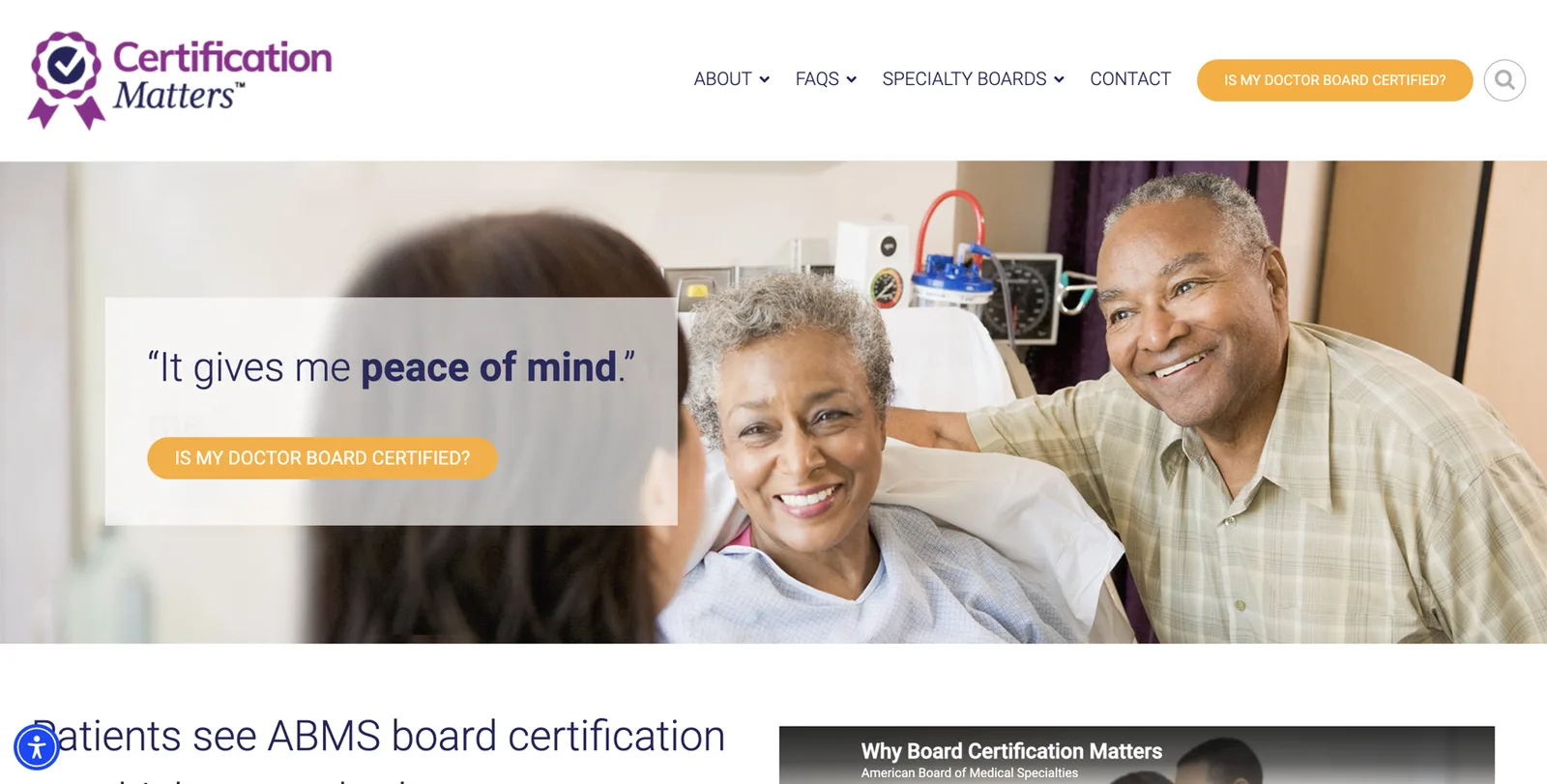
Board certification claims. Say “board-certified” only when it’s true and current, and name the board: “board-certified in dermatology by the American Board of Dermatology.” The American Board of Medical Specialties (ABMS) has 24 member boards, and patients can check certification at Certification Matters1213. Osteopathic physicians are certified through the American Osteopathic Association’s boards, and dental specialties have their own recognized certifying boards. Several states regulate how certification can be advertised. California, for example, addresses it in Business and Professions Code section 65127.
Reviews and endorsements (FTC). The Federal Trade Commission’s Endorsement Guides say endorsements must reflect honest experience, connections such as payment or free services must be disclosed, and results claims must be backed up10. In August 2024 the FTC also announced a rule banning fake reviews (including AI-written ones), buying reviews that are conditioned on being positive or negative, undisclosed reviews by staff, and using threats to suppress negative reviews11. You may ask every patient for honest feedback. You may not pay for good reviews, write them, or have staff post them.
Social media professionalism. The AMA’s Opinion 2.3.2 reminds physicians that personal and professional personas online can’t be fully separated, that patient information must never be posted without consent, that financial interests in content should be disclosed, and that what you post is likely permanent7.
Industry relationships. If you consult for or receive payments from drug or device companies, those payments may appear in CMS’s public Open Payments database, which anyone can search19. If you speak or publish about related products, disclose the relationship as your institution and the FTC require.
Outside the US. Rules are often stricter. In Australia, for example, Ahpra’s advertising guidance restricts testimonials about clinical aspects of care20. If you practice elsewhere, check your regulator’s guidance first.
Safe to publish (when true)
- Your specialty, training and board certification, with the board named
- Practice and hospital affiliations
- Conditions you treat and procedures you offer
- Publications, talks, media and books, linked
- Languages, insurance accepted, new-patient status
- General educational content for patients
Needs care, authorization or legal review
- Patient testimonials (written HIPAA authorization; board rules)
- Before-and-after photos (authorization; typical-results rules)
- Fees, discounts and financing offers
- Comparisons with other doctors
- Awards and “top doctor” lists (how was it decided?)
Don’t
- Any patient detail in a review reply
- Outcome guarantees or success rates you can’t substantiate
- “Board-certified” without the board, or when lapsed
- Fake, bought or staff-written reviews
- Claims of exclusive or secret treatments
Lock the profile
Once your source-of-truth profile is complete and checked, approve it and save it somewhere safe (a document in your practice files is fine). From now on, every bio and profile copies its facts word for word. You only change length, person (“I” or “she”) and format. Never the facts.
A4. Source-of-truth profile
One row per fact. Only publish facts marked Verified, except on your own site where Self-reported is acceptable.
| Field | Value (exact wording) | Proof link | Status |
|---|---|---|---|
| Board certification | Board-certified in dermatology, American Board of Dermatology | certificationmatters.org record | Verified |
| Fellowship | Micrographic Surgery and Dermatologic Oncology fellowship, 2014 | Program alumni page | Partial, confirm year |
| Procedures performed | (none stated) | Exclude: no counts | |
Fictional example rows.
Write your bio ladder
Now turn the profile into ready-to-paste text in every length you’ll need. Patients, editors, conference organizers and directories each want something different. If you write all of them now, from the same facts, you’ll never improvise an inconsistent bio again.
The Entity Executive Summary
Start with a short summary of 20 to 50 words that opens with your identity sentence. You’ll paste it, word for word, anywhere a short bio fits. Jason Barnard calls this the “Entity Executive Summary”.
Fictional example. Dr. Elena M. Vasquez is a board-certified dermatologist and Mohs surgeon at Front Range Dermatology in Denver, Colorado. She treats adults with skin cancer and complex skin conditions, and teaches dermatology residents at a Colorado medical school.
The ladder
| Rung | Length | Where it’s used |
|---|---|---|
| Headline | 5 to 12 words | LinkedIn headline, Doximity title, social bios |
| One-liner | About 150 characters | X, Instagram, podcast guest listings |
| Short bio | About 50 words | Directories, ratings sites, conference programs |
| Standard bio | 100 to 150 words | LinkedIn About, Doximity summary, hospital page |
| Full bio | 300 to 500 words | Your Entity Home |
| First-person intro | 80 to 120 words | Patient-facing pages, welcome videos |
| Spoken intro | About 30 seconds | Read aloud by podcast hosts, TV presenters, conference chairs |
| Practice description | 50 to 100 words | Practice listings, Google Business Profile description |
| Entity Home page title and description | 60 and 155 characters | Search results for your About page |
| Photo alt text | One sentence | Every place your headshot appears |
The full bio as modules
Write the full bio as an “upside-down life story”: today first, the past last. Give each module its own heading on your Entity Home. That makes it easy for patients to scan and for machines to read.
- What you do today: identity sentence, practice, city.
- Who you treat and how: patient groups, conditions, procedures.
- Training and certification: school, residency, fellowship, board.
- Research, teaching and publications.
- Media, speaking and books.
- Memberships and service.
- Background: earlier roles, what led you to your specialty, languages, community.
Writing rules
- Short sentences. Subject, verb, object.
- Proper names in full the first time: “the American Board of Dermatology”, not “ABD”.
- Name the institutions you’re connected to. Each one is a link machines can follow (school, hospital, society, publisher).
- Include your city for disambiguation.
- No superlatives: “leading”, “top”, “world-class”, “best”. They add nothing for Google and they’re exactly what advertising rules frown on.
- Third person on your Entity Home and directories. First person where a platform expects it (LinkedIn About, a welcome video).
- No patient stories or outcome claims.
Worked examples (all fictional)
Fictional example 1: an orthopedic surgeon in a group practice.
Headline: Orthopedic sports medicine surgeon, Camelback Sports Orthopedics, Phoenix
Short bio: Dr. Marcus T. Hale is a board-certified orthopedic surgeon specializing in sports medicine at Camelback Sports Orthopedics in Phoenix, Arizona. He treats knee and shoulder injuries in athletes of all levels and completed a sports medicine fellowship before joining the practice. He is affiliated with a Phoenix-area medical center.
Spoken intro: Our guest today is Dr. Marcus Hale, an orthopedic sports medicine surgeon at Camelback Sports Orthopedics in Phoenix. He treats knee and shoulder injuries in athletes, from weekend runners to college teams.
Fictional example 2: a periodontist who owns her practice.
Headline: Periodontist and implant surgeon, Cole Periodontics, Austin
Short bio: Dr. Hannah R. Cole, DDS, is a board-certified periodontist and the founder of Cole Periodontics in Austin, Texas. She treats gum disease and places dental implants for adults referred by general dentists across central Texas. She lectures on implant planning to dental study clubs.
Fictional example 3: an academic cardiologist building a media profile.
Headline: Cardiologist, heart failure specialist and associate professor of medicine
Short bio: Dr. Samuel K. Osei is a board-certified cardiologist and heart failure specialist at a Midwest university medical center, where he is an associate professor of medicine. His research on heart failure in older adults has appeared in peer-reviewed journals. He writes and speaks for general audiences about heart health.
Notice that each one opens with the same structure: name, “is a”, primary identity, practice, city. Notice also what’s missing: patient counts, success rates, “top” claims and patient stories.
A6. Bio ladder
Write each rung from your locked profile. Check every one starts with the same identity and name form.
| Rung | My text | Word or character count | Checked against profile? |
|---|---|---|---|
| Short bio | Dr. Elena M. Vasquez is a board-certified dermatologist and Mohs surgeon at… | 51 words | Yes |
Part 4. Build your Entity Home
Your Entity Home is the one page on the internet that you own and control, and that exists to say who you are. Google uses it as its reference point: it reads what you say there, then checks it against everything else. Think of it as your CV on file with Google.
Where should your Entity Home be?
Best option first:
- An About page on a website in your own name, such as drelenavasquez.com/about. This is the strongest choice for almost every doctor, because it stays yours whatever happens to your job.
- The homepage of that personal site, if the site is just one or two pages.
- A page about you on a practice website you own, if you own the practice outright and expect to keep it. Make it a dedicated page about you, not the team page.
Not a good choice:
- Your hospital or group’s “Find a Doctor” page. You don’t control it, it’s often thin, and it disappears if you leave.
- A shared team page with ten other doctors on it.
- LinkedIn, Doximity or a ratings profile. They’re strong sources, but you don’t own them, and you can’t add schema to them.
The minimum version
You don’t need a big website. Two pages on a domain in your name are enough:
- Home: your name, identity sentence, headshot, how to book (which can simply link to your practice’s booking page).
- About: the full Entity Home described below.
Choosing a domain. Buy a .com in your name if you can (firstnamelastname.com, or drfirstnamelastname.com, or firstnamelastnamemd.com). Use a country domain such as .co.uk or .com.au if you practice outside the US. Register it in your own name, not your employer’s.
Building the site. Any simple website builder works: Squarespace, Wix, WordPress or Webflow. If you already have a practice site, you can still use a separate personal domain for your Entity Home and link the two together.
The page blueprint
Here’s what goes on your Entity Home, top to bottom.
Page title (H1): your name
For example: About Dr. Elena M. Vasquez, MD. One H1 per page.
Your identity sentence, first
The exact sentence from Part 3, in the very first paragraph.
Your main headshot near the top
The same photo you’ll use everywhere, at least 1200 by 1200 pixels, face clearly visible. Use a descriptive file name such as elena-vasquez-dermatologist-denver.jpg and alt text such as Dr. Elena Vasquez, dermatologist in Denver.
Modular sections with H2 headings
What I treat; Training and board certification; Hospital affiliations; Research and publications; Media and speaking; Books; Memberships; Background. Use your full bio, one module per section.
A credentials table
Medical school, residency, fellowship, board certification with the board named, licenses (states), each with a link to the official record where one exists.
Media, talks and publications with links
List each item with a link to the original. Strong pieces get a one-line summary.
“Find me elsewhere”
Links to your verified profiles: Doximity, LinkedIn, Healthgrades, Google Scholar, ORCID, your hospital page and so on. Only list profiles you’ve already corrected.
Practice and booking details
Practice name, address, phone and a link to book. Make sure they exactly match your Google Business Profile.
A visible “last updated” date
For example: Updated October 2026. Change it when you update the page.
Disclaimers your board or hospital requires
For example a note that the page is for information and isn’t medical advice.
Choose it before Google chooses for you
If Google already shows a website link in a panel or “See results about” box for you, find out which page it is. If it’s a page you control, build on that page rather than starting a new one. Moving the Entity Home later is slow, because Google has to relearn where your official page lives. If it’s a page you don’t control, such as an old practice site, start your new Entity Home now and point every source at it.
The photo rule
Google tends to keep the image it sees most often from the sources it trusts most, and the first strong image it learns can stick for a long time. So choose your headshot now, publish it on your Entity Home first, and use the same one everywhere in the same week. If you want variety, choose a deliberate second set (same photo, different crop or background) rather than ten different photos.
Headshot checklist
- Professional, recent, well lit, face clearly visible
- At least 1200 × 1200 pixels
- No sunglasses, masks, filters, cartoons or group shots
- Same image on your Entity Home, LinkedIn, Doximity, ratings sites and hospital page
- Descriptive file name and alt text
- You own the rights to the photo (check with your photographer)
Add it to Google Search Console
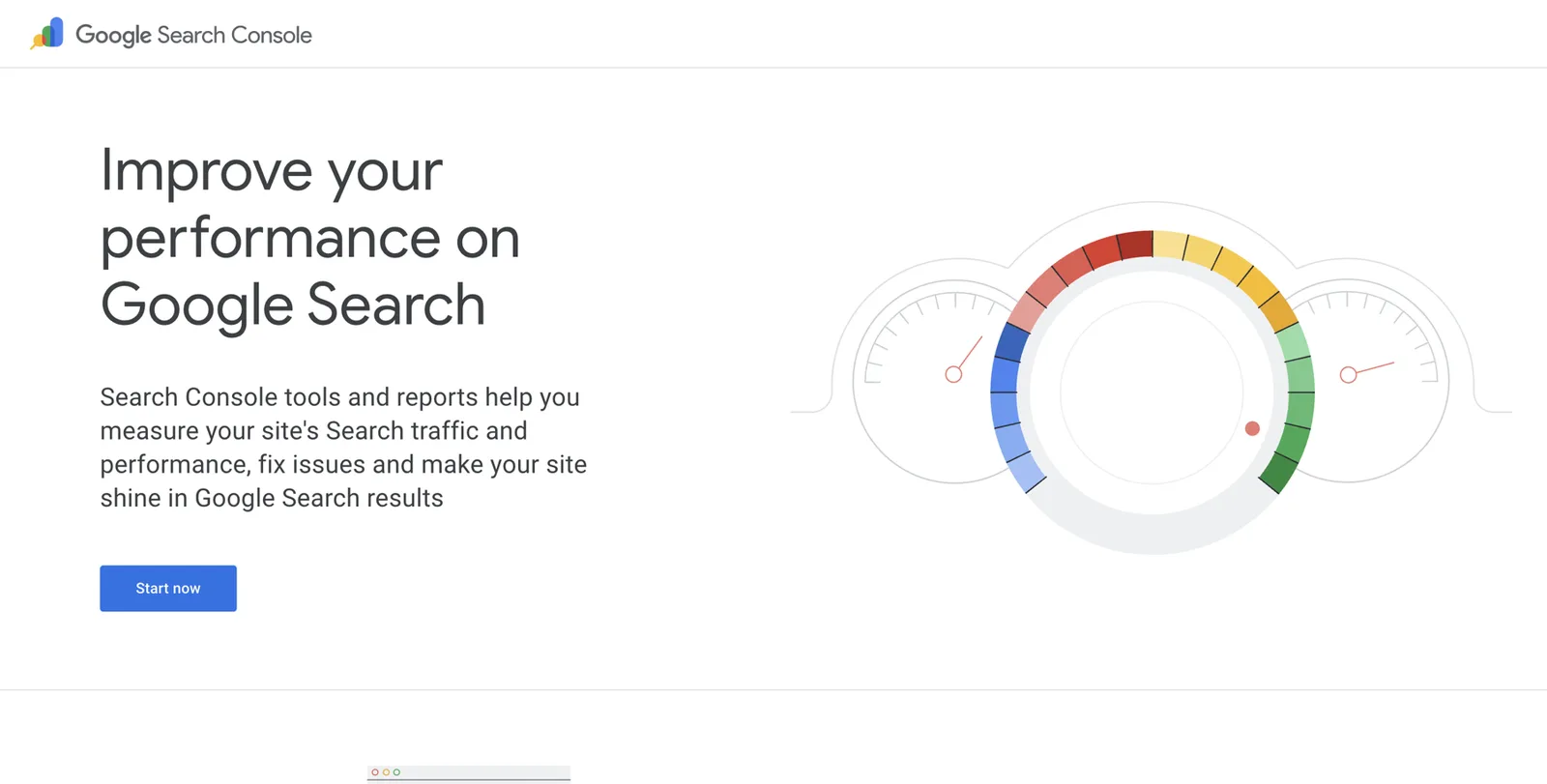
Google Search Console is Google’s free tool for website owners. It tells you whether Google has found your pages and lets you ask Google to look at a page again. It’s also one of the official accounts Google accepts when you claim a panel later2.
Go to Search Console
Visit search.google.com/search-console and sign in with the Google account you’ll use for your professional life (not a shared practice login).
Add your domain
Choose Domain, type your domain (for example drelenavasquez.com) and follow the instructions to verify it. Most website builders have a help page for this step.
Submit your Entity Home
Paste the address of your About page into the search box at the top (URL Inspection) and click Request indexing.
Check back weekly
Within days to weeks, the page should show as indexed.
A7. Entity Home pre-launch check
Tick each line before you start pointing profiles at your Entity Home.
| Check | Done? | Notes |
|---|---|---|
| Identity sentence is the first sentence on the page | Yes | |
| Headshot near top, alt text added | ||
Person schema in plain English
Schema (also called structured data) is a hidden label you add to your Entity Home. Visitors don’t see it. Machines do. It says, in a format they read reliably: “This page is about this person. Here are the facts. Here is where you can confirm them.”
Think of it as the barcode on a medicine box. The label on the front is for people. The barcode is for the scanner. Both describe the same thing.
Where it goes
On your Entity Home only, not every page of your site. One person, one page, one block of schema.
Which type to use
Use the Person type14. Schema.org also has “Physician” and “IndividualPhysician” types, but both are classed as organizations or places, meant for listing a practitioner or office as a medical business15. Your Knowledge Panel is about you as a person, so Person is the right core type. You can describe your practice separately as a medical organization and link to it.
The properties a doctor needs
| Property | What it means | Doctor example |
|---|---|---|
@id | A permanent ID for you, usually your Entity Home address plus #person | https://drelenavasquez.example/about#person |
name | Your chosen name form | Elena M. Vasquez |
alternateName | Other names you’re known by | Dr. Elena Vasquez; Elena Ruiz |
honorificPrefix / honorificSuffix | Title and credential letters | Dr. / MD |
url | Your Entity Home | The About page address |
image | Your main headshot | Full address of the image file |
description | Your Entity Executive Summary | The 20 to 50 word summary |
jobTitle | Your primary identity | Dermatologist and Mohs surgeon |
worksFor | Your practice, as an organization | Front Range Dermatology |
affiliation | Hospitals or universities you’re affiliated with | A hospital, a medical school |
alumniOf | Schools and training programs | Medical school, residency program |
hasCredential | Board certification and similar | Board certification by the American Board of Dermatology |
memberOf | Societies | American Academy of Dermatology |
knowsAbout | Your areas of expertise | Skin cancer, Mohs surgery |
identifier | Official IDs | Your NPI number, your ORCID iD |
sameAs | Profiles mostly about you | Doximity, LinkedIn, Healthgrades, ORCID, Google Scholar, Wikidata (if any), your Knowledge Graph ID once you have one |
subjectOf | Articles, interviews or episodes about you | A news interview, a podcast episode |
knowsLanguage | Languages you speak | English, Spanish |
A full annotated example (fictional)
Below is a complete example for a fictional doctor. The domain uses .example, a web address reserved for examples that can’t belong to anyone. The NPI number is a placeholder. Every URL must be replaced with your own real, working address.
<script type="application/ld+json">
{
  "@context": "https://schema.org",
  "@graph": [
    {
      "@type": "Person",
      "@id": "https://drelenavasquez.example/about#person",
      "name": "Elena M. Vasquez",
      "alternateName": ["Dr. Elena Vasquez", "Elena Vasquez, MD", "Elena Ruiz"],
      "honorificPrefix": "Dr.",
      "honorificSuffix": "MD",
      "url": "https://drelenavasquez.example/about",
      "image": "https://drelenavasquez.example/images/elena-vasquez-dermatologist-denver.jpg",
      "description": "Dr. Elena M. Vasquez is a board-certified dermatologist and Mohs surgeon at Front Range Dermatology in Denver, Colorado. She treats adults with skin cancer and complex skin conditions, and teaches dermatology residents.",
      "jobTitle": "Dermatologist and Mohs surgeon",
      "worksFor": { "@id": "https://drelenavasquez.example/about#practice" },
      "affiliation": [
        { "@type": "Hospital", "name": "Example Medical Center", "url": "https://hospital.example/" },
        { "@type": "CollegeOrUniversity", "name": "Example University School of Medicine", "url": "https://university.example/" }
      ],
      "alumniOf": [
        { "@type": "CollegeOrUniversity", "name": "Example University School of Medicine" },
        { "@type": "MedicalOrganization", "name": "Example Dermatology Residency Program" }
      ],
      "hasCredential": {
        "@type": "EducationalOccupationalCredential",
        "credentialCategory": "Board certification",
        "name": "Board certification in dermatology",
        "recognizedBy": { "@type": "Organization", "name": "American Board of Dermatology", "url": "https://www.abderm.org/" }
      },
      "memberOf": { "@type": "Organization", "name": "American Academy of Dermatology", "url": "https://www.aad.org/" },
      "knowsAbout": ["Dermatology", "Skin cancer", "Mohs surgery", "Melanoma"],
      "knowsLanguage": ["English", "Spanish"],
      "identifier": [
        { "@type": "PropertyValue", "propertyID": "NPI", "value": "1234567890" },
        { "@type": "PropertyValue", "propertyID": "ORCID", "value": "https://orcid.org/0000-0000-0000-0000" }
      ],
      "sameAs": [
        "https://www.doximity.com/pub/your-profile",
        "https://www.linkedin.com/in/your-profile",
        "https://www.healthgrades.com/physician/your-profile",
        "https://scholar.google.com/citations?user=YOURID",
        "https://orcid.org/0000-0000-0000-0000"
      ],
      "subjectOf": [
        { "@type": "NewsArticle", "name": "Interview title", "url": "https://news.example/interview" },
        { "@type": "PodcastEpisode", "name": "Episode title", "url": "https://podcast.example/episode" }
      ]
    },
    {
      "@type": "MedicalClinic",
      "@id": "https://drelenavasquez.example/about#practice",
      "name": "Front Range Dermatology",
      "url": "https://practice.example/",
      "address": {
        "@type": "PostalAddress",
        "streetAddress": "100 Example Street, Suite 200",
        "addressLocality": "Denver",
        "addressRegion": "CO",
        "postalCode": "80000",
        "addressCountry": "US"
      },
      "medicalSpecialty": "Dermatology"
    }
  ]
}
</script>
Reading it line by line, in plain English:
@contexttells machines you’re using the schema.org vocabulary. Never change it.@graphis just a container that holds two descriptions: you, and your practice.@type: Personsays this is about a human being.@idis your permanent ID. Keep it the same forever, even if you redesign your site.worksForpoints to the practice description lower down by its@id, so machines know they’re linked. If you’re employed by a hospital, point it at the hospital instead.hasCredentialnames your board certification and the board that granted it. Only include certifications that are current.identifiercarries your NPI (already public on the NPI Registry) and your ORCID iD. Both are unique to you, which helps disambiguation a lot.sameAslists profiles that are mostly about you. Only list profiles you’ve already corrected. When you have a Knowledge Graph ID, add the addresshttps://www.google.com/search?kgmid=/g/YOURIDhere too.subjectOflists independent pieces about you: interviews, episodes, articles.MedicalClinicdescribes your practice as a medical organization, with its address. Make the address match your Google Business Profile exactly.
Rules that keep schema helpful
- Mirror the page. Everything in schema should also be visible on the page. Don’t put claims in schema that you don’t show to patients.
- Accurate and current only. If in doubt, leave it out.
- Start lean. Get the core right (name, image, description, jobTitle, worksFor, sameAs) and add more as you verify it.
- One Person, not two. Some website plugins (Yoast, Rank Math) add their own schema. If yours does, either configure it with your details or make sure your block uses the same
@id, so machines don’t see two different people. - Revalidate after every change.
How to add it
- WordPress: add a Custom HTML block at the bottom of your About page and paste the code, or use your SEO plugin’s schema settings.
- Squarespace: Page settings, then Advanced, then Page Header Code Injection.
- Wix: Settings, then Custom Code (or the page’s SEO settings, Advanced, Structured Data Markup).
- Webflow: Page settings, then Custom Code, Inside head tag.
If you have a web person, send them this section and your completed source-of-truth profile.
How to check it
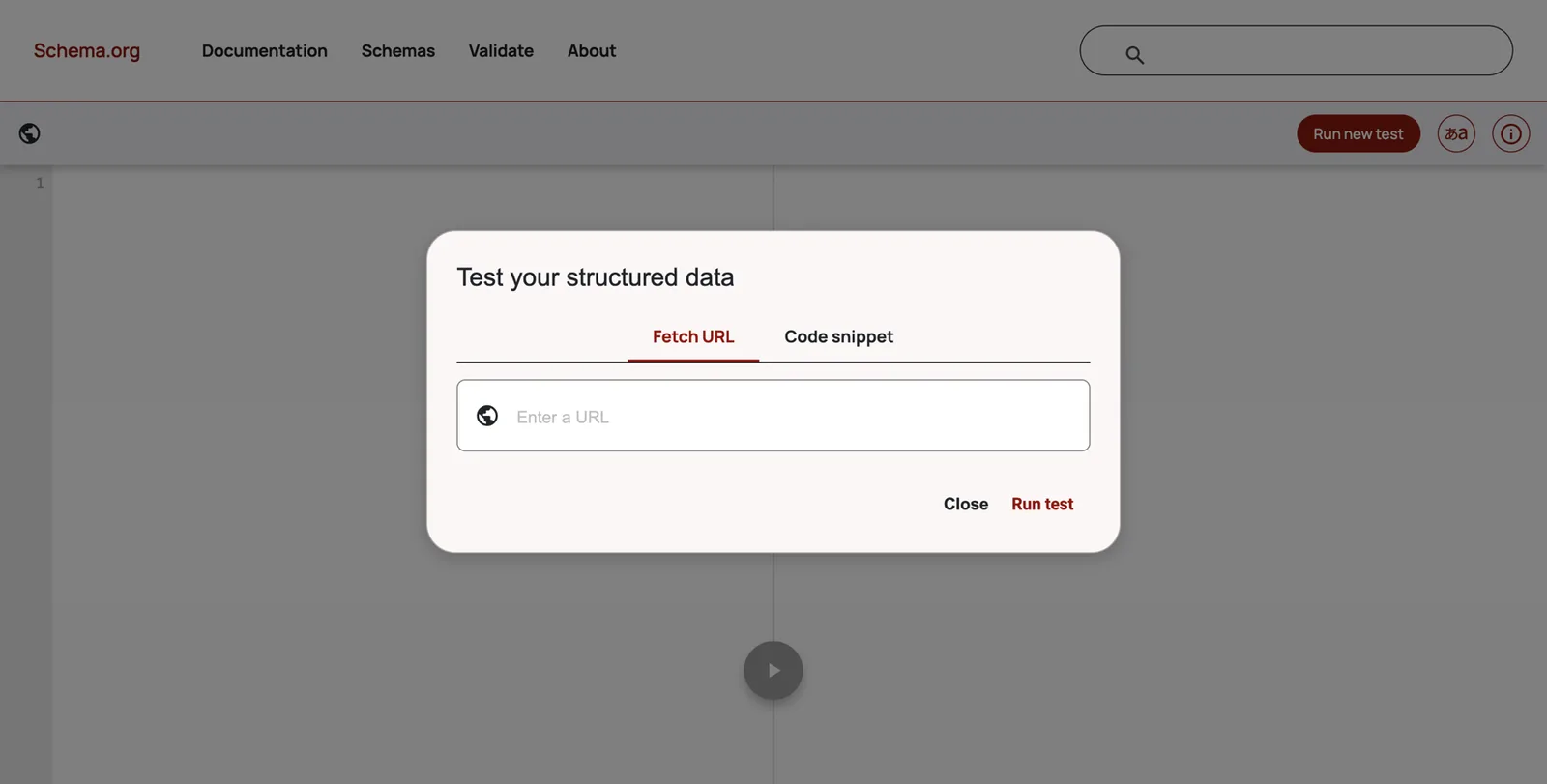
Go to validator.schema.org
This is the official free checker from schema.org.
Paste your Entity Home address
Click Run test. Or paste the code itself under Code snippet.
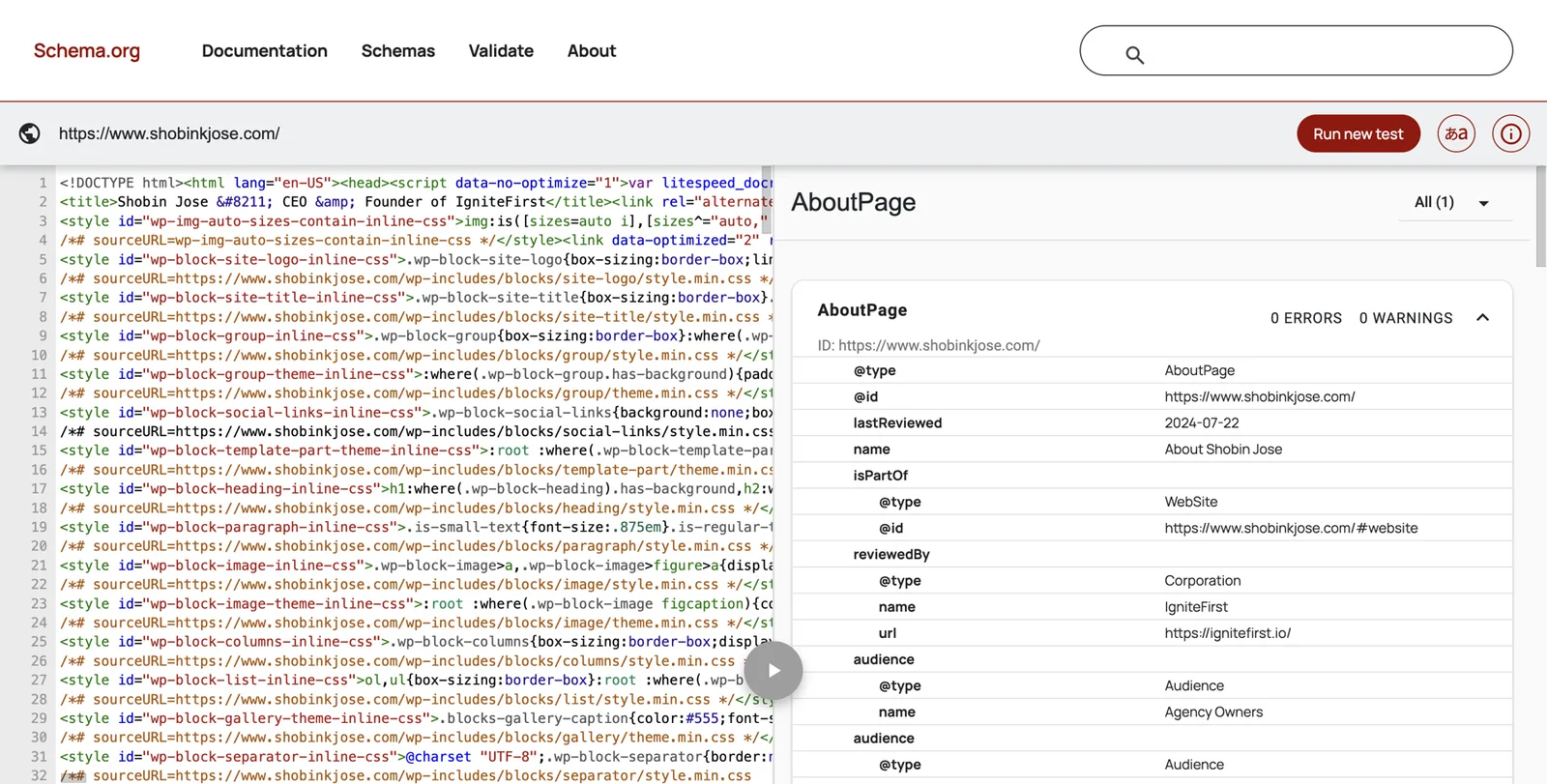
Look for 0 errors and 0 warnings
The results show each type it found (Person, MedicalClinic) and list any problems. Fix errors before moving on.
Optional: Google’s Rich Results Test
At search.google.com/test/rich-results. It checks that Google can read the code, though Person schema doesn’t produce a special result of its own. Google’s old Structured Data Testing Tool has been retired.
Clean up the profiles you already have
This is usually the biggest quick win. You already have dozens of profiles. Making them agree with each other, and with your Entity Home, often matters more than creating anything new.
Order of work
- Your own website and Entity Home (done above).
- The profiles that already rank on page one for your name.
- The official records and other profiles you can edit.
- Third-party pages you need to ask someone else to update.
Do as much as you can in the same week. Gradual updates leave Google with a long period of contradictions.
Official records first
These are the sources Google and patients trust most, and doctors are lucky to have them.
NPI Registry. The National Provider Identifier (NPI) is the unique 10-digit number CMS issues to US healthcare providers. Your NPI record, including your practice location and specialty (taxonomy), is public on the NPI Registry at npiregistry.cms.hhs.gov28. Many directories and insurers copy from it.
Look yourself up
Go to npiregistry.cms.hhs.gov, enter your first and last name and state, and click Search. Open your record.
Check every field
Name, primary practice address, mailing address, phone, primary taxonomy (specialty). Old addresses here spread to other sites.
Update through NPPES
Sign in at nppes.cms.hhs.gov (the National Plan and Provider Enumeration System) with your account, or ask the person in your practice who manages credentialing. Update the practice location and taxonomy.
State license lookup. Your state medical or dental board publishes license records. Check that your name, address of record and any listed practice details are current. Address changes are usually required by the board anyway. The Federation of State Medical Boards also runs DocInfo.org, a public lookup that collects license information across states.
Board certification. Look yourself up on Certification Matters (certificationmatters.org) for ABMS boards, or the AOA’s physician finder for osteopathic certification, and check your name and status. Your name here should match the form you’ve chosen.
Medicare Care Compare. If you see Medicare patients, you probably have a profile at medicare.gov/care-compare. Its details come from Medicare enrollment records (PECOS), so corrections go through enrollment, usually via your credentialing contact.
LinkedIn, in detail
LinkedIn often ranks near the top for doctors, and AI tools read it. It’s your strongest second-party profile, but it’s never your home.
LinkedIn for doctors
- Name field: your chosen name formUse the credential letters in the last-name field only if that’s how you appear everywhere else.
- Headline: your bio-ladder headlineFor example: Dermatologist and Mohs surgeon | Front Range Dermatology, Denver
- Photo: your chosen headshot
- About: your standard bio (first person is fine here)
- Current experience: your practice and hospital roles, with the right datesEnd-date old roles. Don’t leave three ‘current’ jobs.
- Education: medical school, residency, fellowship
- Licenses and certifications section: board certification with the board named
- Contact info, Website: your Entity Home
- Featured: interviews, talks, publications
- Custom public profile URL: linkedin.com/in/yourname
Doximity
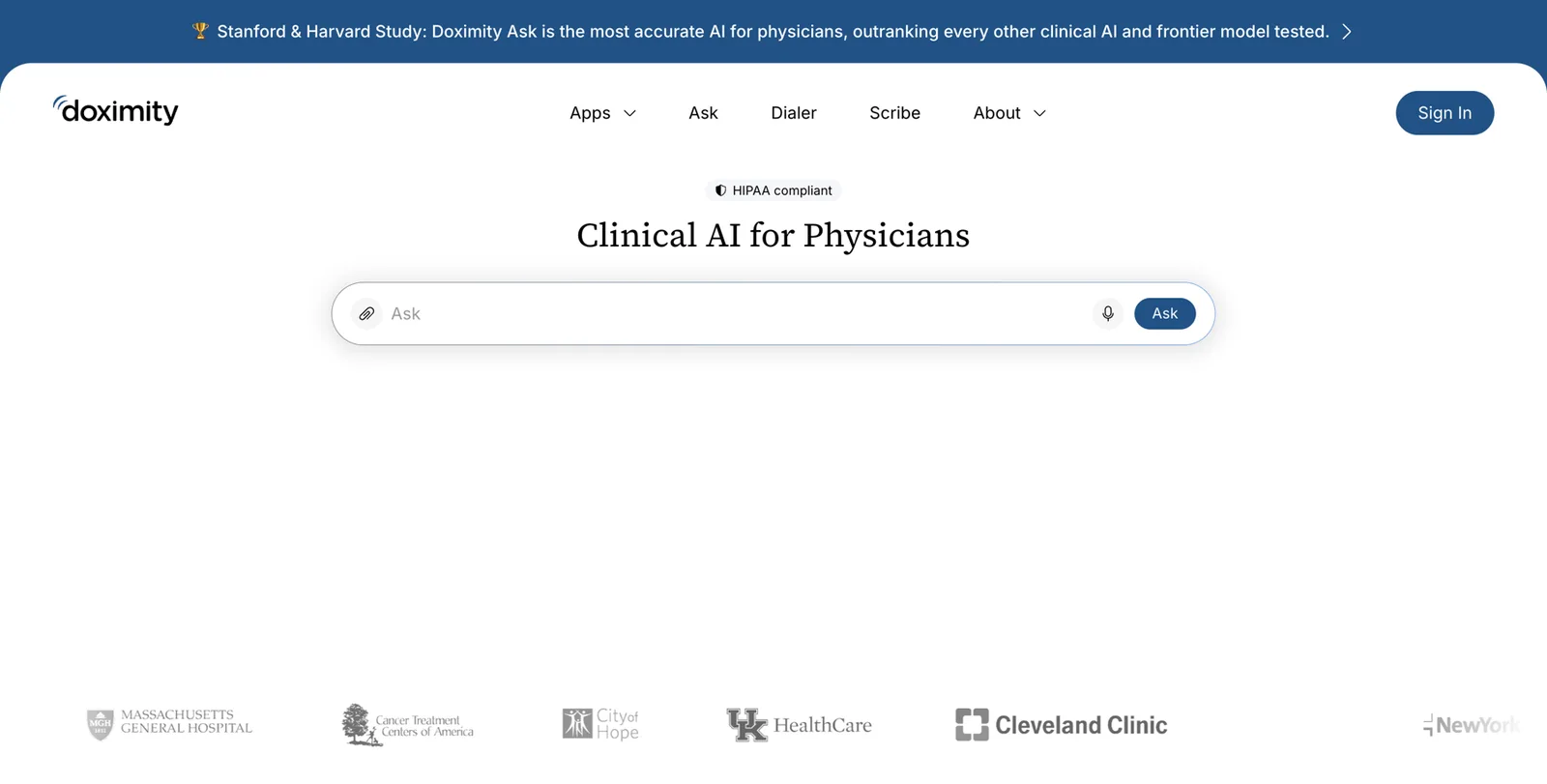
Doximity is a professional network for US physicians and other clinicians. It creates public profiles for physicians that often rank well for their names, and you can claim yours and edit it.
Sign in or register
Go to doximity.com and click Sign In. If you’ve never used it, register; Doximity verifies physicians, typically using your NPI and other details.
Open your profile and click Edit
Update your photo, specialty, current practice and hospital affiliations, education and training, board certification and languages.
Paste your standard bio
Use the bio from your ladder, unchanged.
Add publications and your website
Doximity can pull in publications; check they’re yours. Add your Entity Home as your website.
Check the public view
Log out (or use a private window) and search your name plus Doximity to see what patients see.
Ratings and booking sites
These sites matter because they rank for your name and because patients trust them. Most let you claim your profile for free. Each site’s process changes from time to time, so look for a link such as “Are you this doctor?”, “Claim your profile”, “For providers” or “Update your profile” on your listing.
- Healthgrades. Search for yourself at healthgrades.com, open your profile and look for the option to update or claim it. You’ll be asked to verify your identity. Update your photo, practice, address, specialty, board certification, education, languages and insurance. Healthgrades also lets you respond to reviews; see the warning below.
- WebMD Care (doctor.webmd.com). Find your profile and use the provider option to claim and update it.
- Vitals. Find your profile and follow its link for doctors to claim or update it. The route has changed over the years, so start from your own listing.
- Zocdoc. Zocdoc profiles exist mainly for practices that pay to offer online booking. If your practice uses it, check your profile through the practice account. If not, you may not have one, and that’s fine.
- RateMDs. Search your name and use the doctor option to claim your profile.
- US News Doctor Finder (health.usnews.com/doctors). Profiles are built largely from public data. If details are wrong, fix the underlying records (NPI, license, board) and use the site’s contact options.
- Insurer directories. Corrections usually go through credentialing with each insurer. Ask your practice manager or credentialing contact; insurers are generally required to keep these accurate.
Hospital, group and university pages
Your employer owns these pages, but they’re usually happy to update them. Email the medical staff office, the physician relations team or the marketing department. Here’s a template:
Subject: Request to update my physician profile
Hi [name],
Could you please update my profile at [URL]? I’ve attached my current headshot and a short bio approved for public use. The details that need changing are: [specialty / title / photo / bio]. If possible, please add a link to my professional page, [Entity Home URL], in the bio.
Thank you, Dr. [Name], [Department]
If you’ve left an employer, ask them to update the page to say you’ve moved, or to redirect it to your new page, rather than simply deleting it.
Other social accounts and channels
- YouTube: channel name in your chosen name form, description from your ladder, link to your Entity Home. YouTube is also one of the accounts Google accepts for claiming a panel.
- Facebook and Instagram: professional page or profile with the same name, photo and short bio, and a website link to your Entity Home.
- X (formerly Twitter): same name, photo, one-liner bio and link.
- TikTok: same, if you use it.
- Close or merge duplicates only after updating them or pointing them to your current account.
Old pages
Old speaker pages, past employers’ bios, an old practice site you no longer run, outdated directories: update them, redirect them, or ask the owner to. Deleting is the last resort, because a deleted page can leave Google with only the older, wrong copies elsewhere.
A10. Profile clean-up tracker
Work down the list in priority order. Only add a profile to your Entity Home and schema once it’s been corrected.
| Profile | Claimed? | Name | Specialty | Photo | Practice and hospital | Bio | Links to Entity Home? | Date checked |
|---|---|---|---|---|---|---|---|---|
| Doximity | Yes | ✓ | ✓ | ✓ | ✓ | ✓ | ✓ | Oct 2026 |
Your corroboration source menu
Once your existing profiles agree, you add the right new sources. The principle: Google trusts the sources it expects to see for someone like you, in your profession and region. For a doctor, that means official registries, credential bodies, hospitals, specialty societies, research databases and health media, not random business directories.
A handful of strong, matching sources beats a hundred thin listings. Kalicube suggests a rule of thumb of roughly 20 to 30 consistent, relevant sources for a person without Wikipedia or Wikidata. Treat that as their observation, not a target you must hit.
Doctor and specialist source menu, by tier
| Tier | Source | What it confirms | Notes |
|---|---|---|---|
| 1. Official | NPI Registry (CMS) | Name, specialty, practice location | Public for every US provider; update via NPPES |
| 1. Official | State medical or dental board license lookup | License, status | Keep your address of record current |
| 1. Official | DocInfo.org (Federation of State Medical Boards) | License information across states | Public lookup |
| 1. Official | Certification Matters (ABMS) | Board certification | Or AOA for DOs; recognized dental boards for dental specialists |
| 1. Official | Medicare Care Compare | Practice, specialty, affiliations | If you see Medicare patients |
| 2. Institutional | Hospital and health system “Find a Doctor” page | Affiliation, specialty | Ask for a link to your Entity Home |
| 2. Institutional | Practice website team or doctor page | Practice, role | Must match your Entity Home |
| 2. Institutional | University faculty page | Academic role | Common for academic physicians |
| 2. Institutional | Specialty society directories | Membership, specialty | For example AAD Find a Dermatologist, ASPS Find a Surgeon, AAOS, ADA. Check eligibility |
| 3. Professional | Doximity | Specialty, training, affiliations | Claim and edit |
| 3. Professional | Career, education | Never your home | |
| 4. Ratings and booking | Healthgrades, WebMD Care, Vitals, RateMDs, US News, Zocdoc (if used) | Practice, specialty, photo | Claim, correct, keep current |
| 5. Research | Google Scholar profile | Publications | Create and verify (see below) |
| 5. Research | ORCID | A unique researcher ID | Free; links your publications to you |
| 5. Research | PubMed (via My NCBI bibliography) | Publications | Your papers are already indexed if published in indexed journals |
| 5. Research | Scopus, ResearchGate, journal author pages | Publications | Check name form matches |
| 6. Media | News articles, TV station pages, health publications | Expertise | Independent: weighs the most |
| 6. Media | Podcast episode pages | Expertise, voice | Ask hosts to use your bio and link |
| 7. Speaking | Conference programs, grand rounds listings, CME course pages, society meeting pages | Expertise | Ask for a speaker page with a link |
| 8. Books | Amazon Author Central, Goodreads, Google Books, publisher author page | Authorship | One author name; use the ISBN |
| 9. Knowledge bases | Wikidata | Structured facts | Only if you meet its notability rules (below) |
Research profiles, step by step
If you’ve published, research databases are some of the strongest sources you have. They’re independent, they’re trusted, and they connect your name to specific topics. Many doctors’ records are scattered across name variants, so this step also helps disambiguation.
ORCID. An ORCID iD is a free, unique, persistent identifier that links you to your research18.
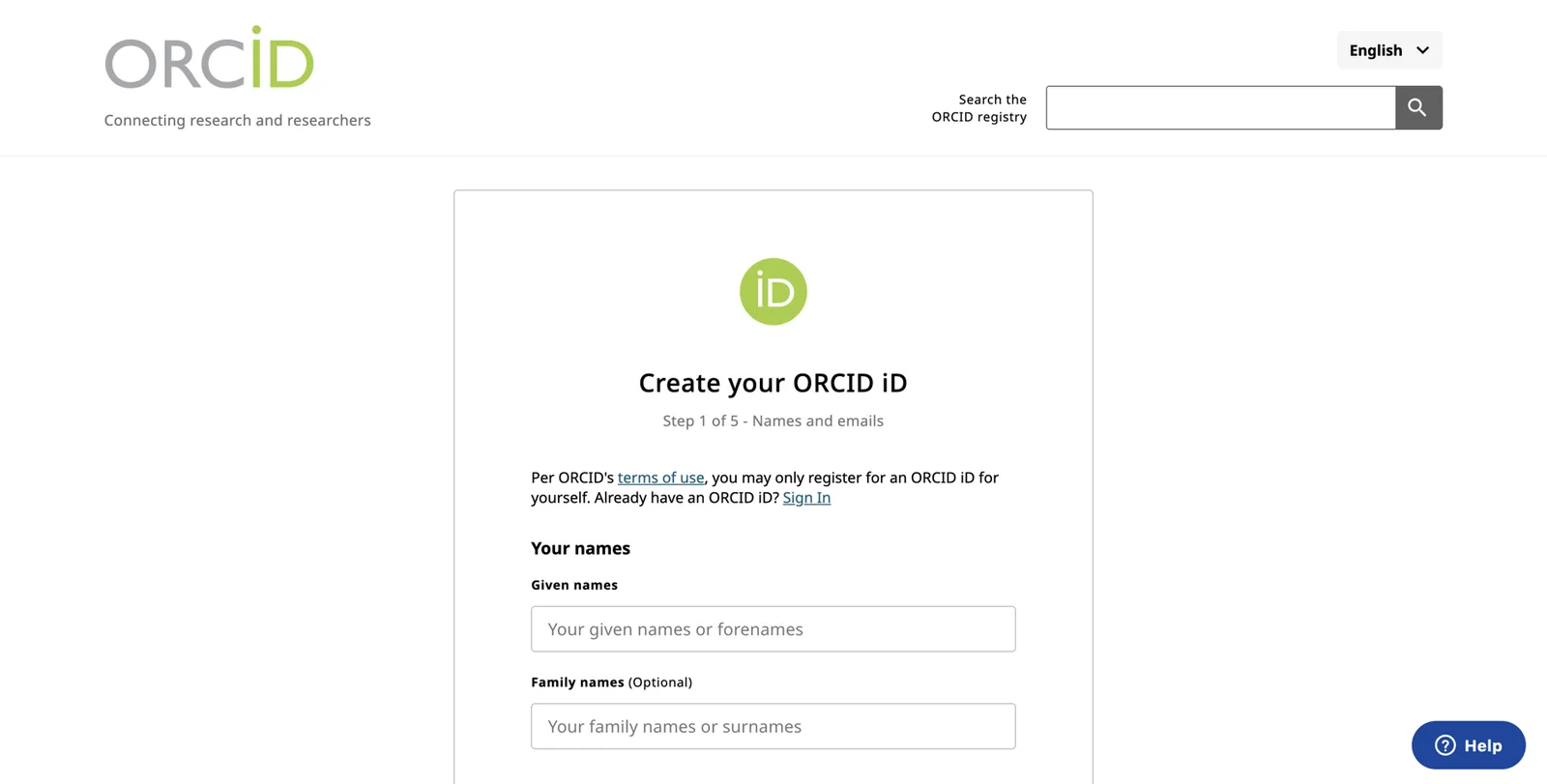
Register
Go to orcid.org, click Sign in / Register, and register with your professional email.
Fill in your record
Add your name as you publish (and other names under Also known as), your current employment, education and a short bio. Add your Entity Home under Websites and social links.
Add your works
Use Add works, then Search and link, to import publications from databases such as Crossref, PubMed or Scopus. Check each one is yours.
Make it public
Set the visibility of your record and works to Everyone.
Google Scholar.
Create a profile
Go to scholar.google.com, sign in with your Google account, and choose My profile.
Enter your details
Name (your chosen form), affiliation (your current institution), areas of interest (your specialty topics), and an institutional email to verify it.
Add your articles
Scholar suggests groups of articles; pick only yours. Watch out for namesakes.
Make it public
Tick Make my profile public. Add your Entity Home as your homepage.
PubMed and My NCBI. PubMed indexes biomedical literature; you don’t create a PubMed profile, but you can build a public bibliography in My NCBI (ncbi.nlm.nih.gov/myncbi) and link it from your Entity Home. If your publications appear under different name forms, note them as alternate names on your Entity Home and in your schema.
What not to add
- Platforms that have nothing to do with you (film databases, startup launch sites, random business directories).
- Pages about many people at once, unless they’re official (a hospital directory is fine; a list of 500 “top doctors” isn’t).
- Pseudo-wikis and pay-to-publish “encyclopedias”.
- Mass directory submissions and “100 backlinks” packages.
- Pay-to-play awards and “Top Doctor” plaques that anyone can buy. Some lists are based on peer nomination and research; others are advertising. Check how inclusion is decided before you mention one.
A9. My corroboration plan
Two columns of sources: where your medicine is validated, and where your patients and referrers look.
| Where my medicine is validated | Where my patients and referrers look | Status |
|---|---|---|
| Certification Matters | Healthgrades | Both checked |
| Society directory (AAD) | Local TV health segment | Pitch planned |
Close the loop
The last part of the method ties everything together. Your Entity Home links out to each source. Each source links back to your Entity Home. Google follows the links in both directions and sees one consistent story.
How to do it
- From your Entity Home: list your corrected profiles in “Find me elsewhere”, and link each publication, interview and talk to its original page. Put the same profile links in your schema’s
sameAs. - From each profile: put your Entity Home address in the website field. On LinkedIn it’s Contact info; on Doximity it’s the website field; on ORCID it’s Websites and social links; on YouTube it’s the channel links.
- From third parties: when a host, editor, hospital or society publishes something about you, ask for one link: your Entity Home.
Anchor text
The clickable words of a link are called anchor text. Keep them natural: your name, “Dr. Vasquez on Doximity”, “Dr. Vasquez’s interview on [show]”. Don’t stuff keywords (“best Denver dermatologist skin cancer doctor”). It looks spammy to Google and it’s the kind of claim advertising rules dislike.
Link hygiene
- Never link your Entity Home to a profile you haven’t corrected yet. You’d be telling Google to trust the wrong facts.
- Link to the final address, not one that redirects.
- Check links every quarter. Hospital sites in particular reorganize often and break old addresses.
When a platform won’t allow a link
Some directories and ratings sites don’t allow outside links. That’s fine. Make sure the facts match exactly, and mention your website in the text if the platform permits it.
Wikidata, Wikipedia and shortcuts that backfire
This chapter protects you from the most common expensive mistakes.
Wikipedia
You don’t need it, and for most practicing doctors it isn’t realistic. Wikipedia includes people who have received significant coverage in multiple reliable, independent sources17. A doctor who has led major research, held national office in a specialty society or been the subject of substantial independent press may qualify. Most excellent clinicians don’t, and that says nothing about their quality.
Wikipedia also has conflict-of-interest rules: you shouldn’t write or pay someone to write an article about yourself. Articles created this way are often deleted, and a deleted article can leave Google less trusting than before. Never pay anyone who promises a Wikipedia page.
Wikidata
Wikidata is a free, structured database run by the Wikimedia Foundation, and Google uses it. It has its own notability policy: an item should refer to a clearly identifiable entity that can be described using serious, publicly available references, or that fills a structural need16. Many physicians with an ORCID iD and peer-reviewed publications have Wikidata items already, often created automatically from publication data.
If you’re a published researcher:
- Search wikidata.org for your name. If an item already exists for you (check the publications listed), you can make sure it’s accurate, citing serious sources: your ORCID, your institution’s page, your publications.
- Keep it neutral and factual. No promotional language.
- Never buy a Wikidata item. If an item is deleted, don’t recreate it to get around the decision.
If you’re not a published researcher, leave Wikidata alone for now. Build your other sources first.
Pseudo-wikis
Sites that look like Wikipedia but let anyone (or anyone who pays) publish a page, such as EverybodyWiki or Wikitia, are low-trust. Panels that rest on them tend to get removed, and Kalicube warns that recovering from spam is far harder than building cleanly in the first place26.
Mass profiles and press-release blasts
- “We’ll create 100 profiles for you.” They go stale, contradict each other and look like spam. For a doctor they also create 100 places where an old address can linger.
- Press releases. A press release sent through a paid wire service is paid distribution, not independent coverage. Used honestly, for real news (you joined a practice, you published a study), one can help. Mass releases sent only to trigger a panel are treated as spam.
Other red flags
What actually helps
- One clear Entity Home in your name
- Official records that match
- Claimed, corrected ratings profiles
- Real interviews, talks and publications
- Patience and a monthly routine
What backfires
- “Knowledge Panel in 2 weeks, guaranteed”
- Paid Wikipedia or Wikidata pages
- Pseudo-wikis and fake encyclopedias
- Bought reviews or staff-written reviews
- Vanity “Top Doctor” awards you pay to receive
- AI-written fake interviews or articles
Fast, cheap shortcuts can set you back by a year or more. Google has a long memory.
Earn third-party proof: media, stages, research and books
Independent sources weigh the most, and they’re also the ones that move you towards the bigger goals: being quoted, being invited to speak, being seen as the expert. Here’s how doctors earn them without breaking any rules.
Media and TV
Journalists and producers need doctors who can explain health topics clearly and quickly. Local TV health segments, newspaper health sections, trade publications and health websites are all realistic places to start.
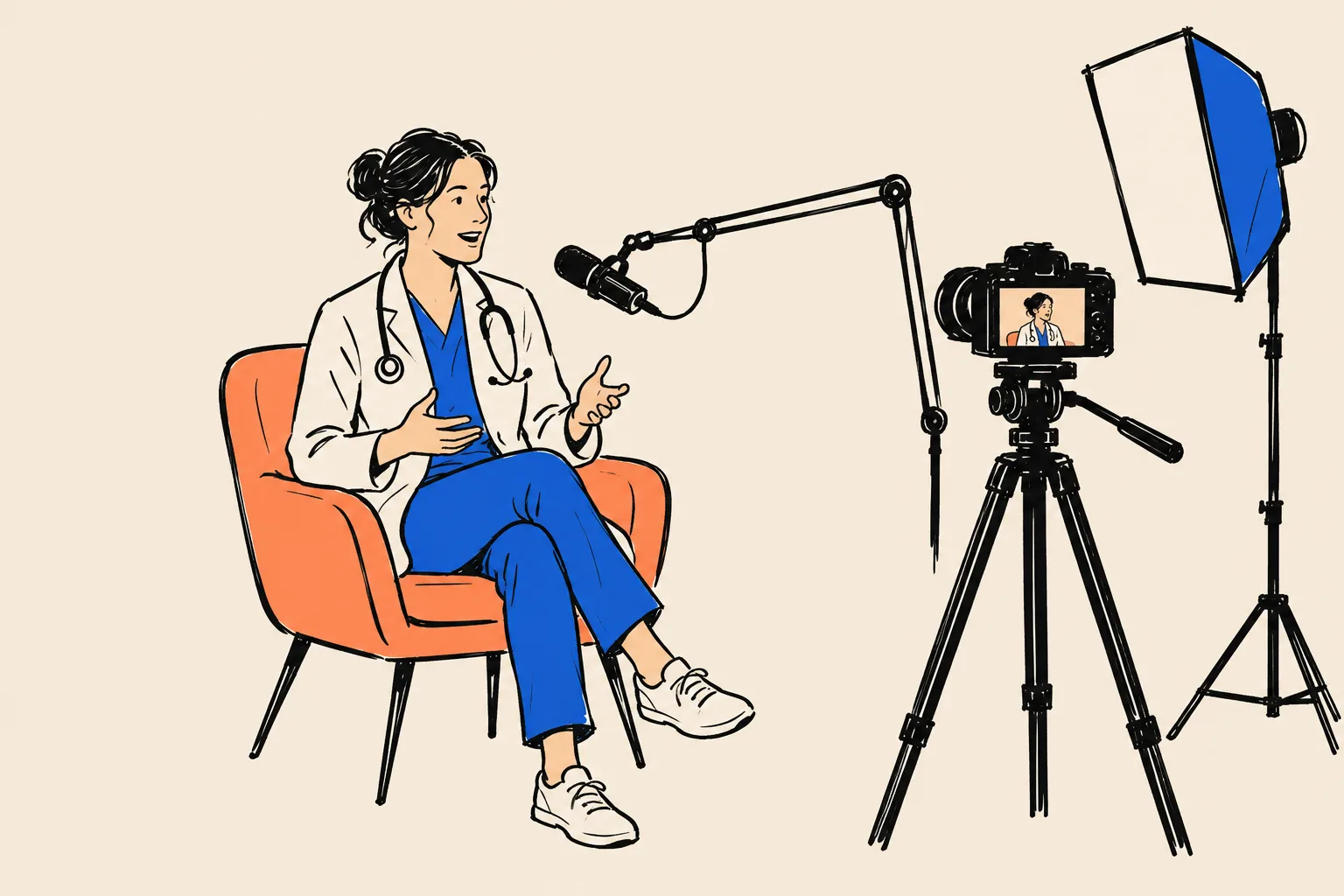
Start with your institution
Most hospitals and many groups have a communications team that fields media requests. Tell them your topics and that you’re available.
Use expert-source platforms
Services such as Qwoted and Featured connect journalists with expert sources. Answer requests in your specialty clearly and briefly.
Pitch local outlets
A short email to a local health reporter, offering a timely, useful angle (seasonal skin cancer checks, running injuries before a marathon), works more often than you’d expect.
Prepare a media kit
Your headshot, short bio, spoken intro, topics list and Entity Home link, all from your bio ladder.
Ask for the details to be right
Politely ask that your name, specialty and practice appear exactly as you give them, with a link to your Entity Home if the outlet allows links.
When you speak to media, the usual rules apply: general education, no patient details, no outcome promises, and disclose any relevant industry relationships.
Conference speaking and grand rounds

- Start close to home: grand rounds at your hospital and neighboring ones, regional society meetings, CME courses, referral-physician dinners and study clubs (for dentists).
- Then specialty societies: submit abstracts and offer to sit on panels at state and national meetings.
- Patient education events: community talks, support groups, health fairs. These often have web pages too.
- Ask for a speaker page with your headshot, short bio and a link to your Entity Home. List every talk on your Entity Home with a link to the program.
- Record talks where allowed, and post them to your YouTube channel with a consistent description.
Research and publications
If you publish, your research is already some of the strongest evidence of who you are. The work is to make sure it’s all connected to the same you:
- Use the same name form in every byline from now on.
- Link your ORCID iD when you submit papers.
- Keep Google Scholar and ORCID current.
- Add a Publications section to your Entity Home with links.
- If you publish on a topic, write a plain-English summary for patients on your own site (no patient details, of course).
Podcasts
Podcasts are a growing source for doctors, both medical podcasts for peers and general health podcasts for patients. Every episode page that’s mainly about you counts as a source.
Podcast guest kit
- One consistent spoken intro (from your bio ladder)
- One link: your Entity Home (not five)
- Your standard bio and headshot for the show notes
- A short list of topics you can speak on
- A reminder of what you won’t discuss (individual patient cases)
- Change the angle from show to show, but never the core message or your identity
Writing a book
A real book from a real publisher, or a well-made self-published book with a proper ISBN, strengthens your authority and adds book-related sources: Amazon Author Central, Goodreads, Google Books, the publisher’s author page. Use your exact name form on the cover. Claim your Amazon Author Central page and your Goodreads author profile, and link both to your Entity Home.


Avoid “Knowledge Panel books”: rushed, thin books produced only to trigger a panel. Kalicube classes them as panel spam26, and for a doctor, a weak book with your name on the cover does more harm than good.
Becoming a recognized expert or KOL
“Key opinion leader” status comes from a combination of research, teaching, speaking and peer recognition. Online, it shows up as a name search full of independent sources that agree: society roles, invited talks, publications, media. The work in this playbook doesn’t create that standing, but it makes sure the standing you’ve earned is visible and correctly attributed to you. If you have industry relationships, remember they may be visible on Open Payments; make sure your own disclosures are complete and consistent19.
Your press and media page
Add a “Media and speaking” section or page to your Entity Home. Give each strong piece its own entry with a link and a one-line summary. Put lighter mentions in a simple list. This page becomes the place you point producers and organizers to, and a hub Google can follow.
Fixing old articles
If an old article lists your previous practice or a wrong title, it’s fine to email the editor politely and ask for a correction or an added note. Ask for facts, never praise.
Part 5. Get indexed and track progress
Make sure Google has found your pages
Google can only use pages it has found and stored, which is called indexing. Here’s how to check:
Check your Entity Home
In Search Console, paste your About page address into URL Inspection. If it says URL is on Google, you’re fine. If not, click Request indexing.
Check your profiles
In Google, type site: followed by the profile address, for example site:doximity.com/pub/your-profile. If it appears, it’s indexed.
Be patient with the rest
Not every page gets indexed, and that’s normal. Focus on your Entity Home and your strongest sources.
Avoid paid “indexing services” that promise to force pages into Google. They don’t add trust and some use spammy methods.
Signs of progress before a panel appears
A panel rarely appears all at once. These smaller signs usually come first:
Early
Your Entity Home ranks first for your name
Often the first visible win.
Early
Your profiles agree on page one
Ratings sites, Doximity and your hospital page all show the same specialty and photo.
Middle
Google’s autocomplete shows your specialty
Typing your name suggests your name plus your specialty or city.
Middle
A Knowledge Graph ID appears
The free Knowledge Panel Checker finds an entity for you.
Middle
A “See results about” box
Google knows you but isn’t yet confident enough for a full panel.
Later
A panel with name, photo and subtitle
Sometimes only for name plus specialty or city at first.
Later
The panel shows for your name alone
Then gains facts: education, website, profiles.
Ongoing
AI tools describe you accurately
Then, gradually, mention you for specialty questions.
A14. Monthly progress tracker
Tick what you see each month. Progress is rarely a straight line, so look at the trend.
| Month | Entity Home ranks #1 | Knowledge Graph ID | See results about | Panel: name+specialty | Panel: name alone | Correct subtitle | Correct photo | AI accurate (of 5) |
|---|---|---|---|---|---|---|---|---|
Rhythm. Check weekly for the first three months, then monthly. Google refreshes its knowledge in cycles, so day-to-day changes mean little. Don’t panic if something appears and disappears; that usually means confidence is close.
When your panel appears: claim it
When a panel first appears, don’t celebrate by stopping. New panels are fragile.
First, record it
- Take a screenshot on a computer and on your phone.
- Write down the date, the exact search that triggered it, and your country and city.
- Find your Knowledge Graph ID: click the share option on the panel and copy the link. The part after
kgmid=is your ID. - Add the address
https://www.google.com/search?kgmid=/g/YOURIDto your schema’ssameAs.
Claim it
Claiming (Google calls it getting verified) lets you suggest changes with priority and stops anyone else claiming your panel. Here’s Google’s current process2:
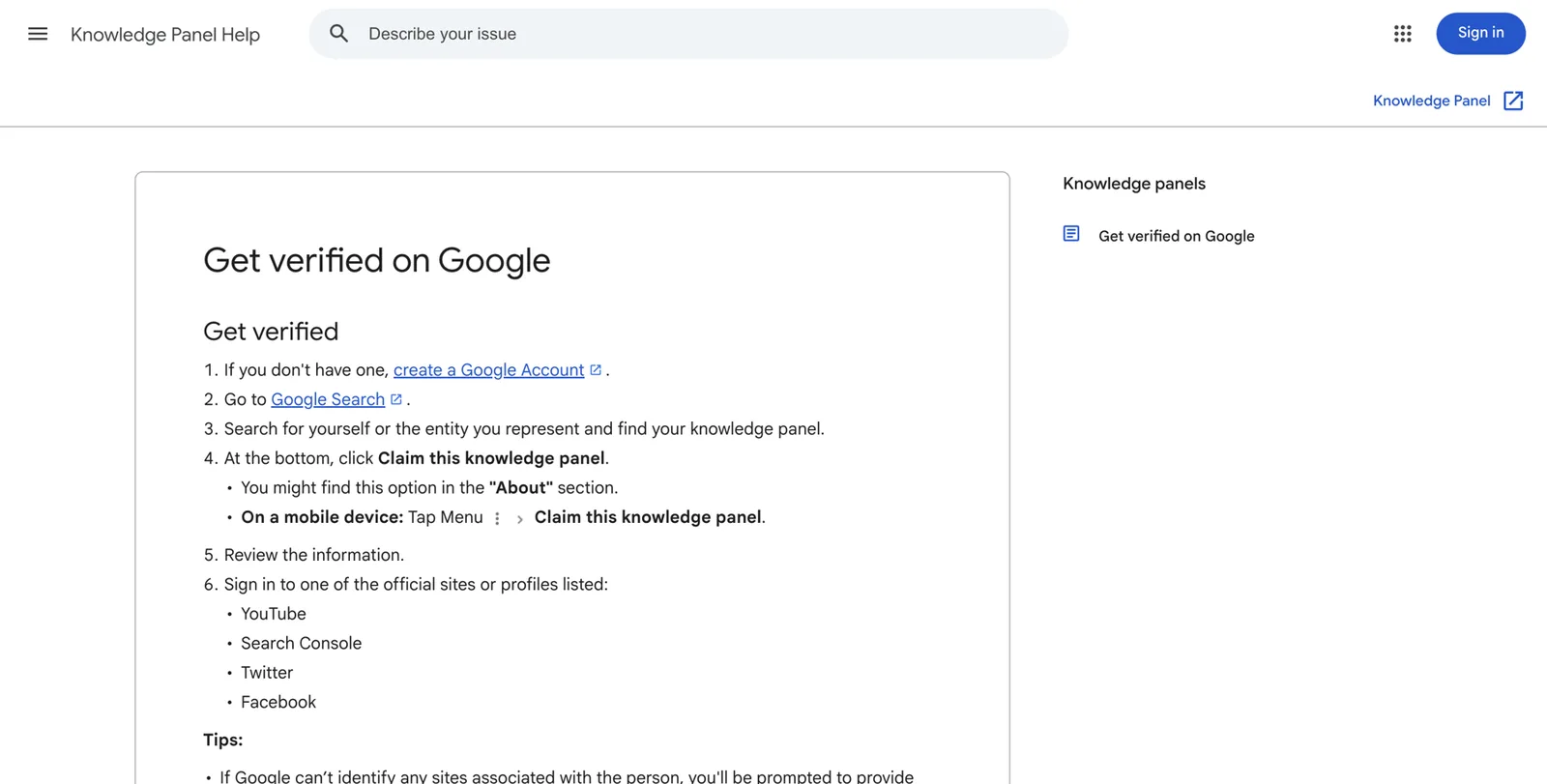
Sign in to the right Google account
Use the account you’ll keep for your professional life, ideally the same one you used for Search Console or your YouTube channel. Not a shared practice account.
Search your name
Search for yourself on Google so your panel appears.
Find “Claim this knowledge panel”
It’s usually at the bottom of the panel, sometimes in an About section. On a phone, open the panel’s menu and choose the same option.
Review the information
Google shows what it will verify. Make sure it’s you.
Sign in to an official profile Google lists
Google offers official sites or profiles it already associates with you, such as YouTube, Search Console, X (Twitter) or Facebook. Signing in to one proves you’re the person.
If none are listed
Google will ask you for more information to verify you. Follow the instructions.
Wait for confirmation
Google emails you when you’re verified.
If you don’t see a claim option: not every panel is claimable yet. Google suggests checking back from time to time. If someone else has already claimed your panel and you don’t know who, Google has an account recovery process through its Knowledge Panel support2.
When to wait. If your panel is very thin (only a name and a picture), or rests mostly on weak sources, it can be wise to strengthen it for a few weeks first. Practitioners report that thin or poorly supported panels sometimes disappear after a manual review.
What claiming gives you, and what it doesn’t
Claiming lets you
- Suggest changes, with priority
- Prevent someone else claiming your panel
- Add authorized representatives (for example your practice manager)
- Suggest a featured image in some cases
Claiming doesn’t let you
- Edit the panel directly
- Write your own subtitle or description
- Choose who appears in “People also search for”
- Remove facts just because you don’t like them
Suggesting changes
Use the feedback option on the panel while signed in to your verified account3. A good request has:
- The change: “Please update the subtitle” or “The photo shows another person.”
- One line of context: “I’m a dermatologist at Front Range Dermatology in Denver; the panel shows my former practice.”
- At least two supporting links, one of them independent: for example your Entity Home and your state license record or hospital page.
Don’t resubmit the same request again and again. And remember that Google’s algorithms can reverse a human edit if the web still disagrees. The lasting fix is always the source.
Enrich it
Once the panel is stable, you can help it grow: more education details, your books, your affiliations, more linked profiles, videos. Each one comes from the same method: state it on your Entity Home, add it to schema, and make sure an independent source confirms it.
Don’t slow down
Panels can disappear during Google’s Knowledge Graph updates. Kalicube reports that Google removes a meaningful share of entities each year (its own figure is about 15%) and that big updates can reshape many panels at once25. Those are Kalicube’s observations. What’s certain is that panels that rest on clear, current, well-supported information survive updates better.
Troubleshooting
A15. Troubleshooting tracker
Write down the problem, the source you think is causing it, and what you changed.
| Problem | Likely source | What I changed | Date | Result after 4 to 8 weeks |
|---|---|---|---|---|
The panel exists but doesn’t show when I search my name. Google isn’t confident enough that searchers mean you. Try your name plus specialty or city. Strengthen independent sources, make sure every profile uses your chosen name form, and keep linking to your Entity Home.
It shows in my city but not elsewhere. That’s normal. Google shows the person a searcher most probably means, and that’s often location-sensitive. For most doctors, being clear in your own area is what counts.
The subtitle is wrong (“Physician” instead of “Dermatologist”, or an old title). Check that your identity sentence opens every bio with the same role. Change any profile that leads with something else, then wait for a refresh cycle. Google appears to choose subtitles from a set list, so use a standard specialty name. Suggesting a subtitle change through feedback rarely works on its own.
The photo is wrong or old. Put your chosen headshot on your Entity Home, in your schema, on LinkedIn, Doximity, the ratings sites and your hospital page, all in the same week. Then suggest the photo change through feedback. Old images can persist for a while; consistency wins over time.
The description is old or comes from the wrong page. Look at the link under the description. That’s the source Google is using. Fix that page if you can, or ask its owner to.
Another doctor with my name dominates. Go local first. Use a disambiguating name form (middle initial), always pair your name with specialty and city, add your NPI and ORCID to your schema, and build local sources: your hospital, local media, local society. Being the clear choice in your own region is a realistic goal.
Details from another doctor appear in my panel. Find the page that mixes you up. Common culprits are research databases that merged two authors, insurer directories, and old hospital pages. Ask the owner to fix it, and make your own pages unmistakable.
I seem to have two Knowledge Graph IDs. List every ID in your schema’s sameAs, keep all your facts consistent, and give Google time. Duplicates usually come from different sources describing you differently, such as a research record under a maiden name. Kalicube has documented cases of duplicate IDs merging after the underlying data was cleaned up.
My panel disappeared. Possible causes: a Knowledge Graph update, a lost source (a deleted page, a closed account, a removed Wikidata item), or a review. Don’t panic. Check that your Entity Home still works, that your schema is valid, and that your key sources are still live. Then keep strengthening. Rebuilding usually takes longer than building, which is another reason to avoid shortcuts.
I moved practices and the old one still shows. Update your Entity Home and schema first, then NPI, licensing board, Doximity, LinkedIn, ratings sites and insurer directories in the same week. Ask the old practice to update or redirect your page. Suggest the change through panel feedback with links to the new practice and your updated official record.
The panel shows a completely different person. If the panel is about someone else entirely, or merges you with someone in a way that affects your reputation, this is a specialist case. Get experienced help rather than experimenting.
Show up in AI answers
The foundation you’ve built is what AI tools read. This routine builds on it.
The path from mention to patient
Kalicube describes a progression: first an AI tool cites your content, then it names you, then it recommends you clearly enough that the patient’s next step is to book. Each stage depends on the one before. That’s why the first job is always to make sure AI describes you correctly by name.
Step by step
Fix the by-name answer first
Rerun your A2 prompts every month. If an AI tool gets something wrong, look at the sources it cites and fix those pages.
Make your expertise easy to quote
On your site, add a clear page for each main condition or procedure you treat, written for patients, with a short plain-English summary at the top and a visible last-updated date. Keep it educational and general, with no outcome promises.
Answer the questions patients really ask
An FAQ on your site with the five to ten questions you hear most (what to expect, recovery time in general terms, how referrals work, insurance). AI tools quote clear answers.
Be consistent in every interview
Describe yourself the same way on every podcast, panel and article. One hundred slightly different descriptions confuse machines.
Earn mentions where AI looks
Health media, society pages, hospital news, reputable directories and lists with real editorial standards. Log which sites AI tools cite for your specialty in your city, and work towards being described on those sites.
Reviews that are real
Ask every patient for honest feedback on the platforms you’ve claimed. Never buy, write, filter or incentivize reviews based on what they’ll say.
Don’t block the machines
Make sure your site isn’t hiding content behind pop-ups, logins or settings that block search engines. If you’re unsure, ask your web person to check that the site can be crawled.
Prompts to track
Track a few “implicit” prompts, where patients ask for a type of doctor rather than your name:
- “Best [specialty] in [city] for [condition or patient type]”
- “Who should I see for [condition] in [city]?”
- “Which [specialists] in [city] accept [insurance]?”
- “Is Dr. [name] a good [specialty]?”
Log who gets named and which sources are cited. Those sources are your shortlist.
When AI says nothing, or says something wrong
- Fix the source data. Most errors trace back to an old directory, an old hospital page or a namesake.
- Use the tool’s feedback buttons (thumbs down, report). It doesn’t change things overnight, but it’s free.
- Be patient. AI tools update on their own schedules. Months, not days.
Keep it working
A panel is easier to keep than to rebuild. Here’s a light routine.
When a fact changes (new practice, hospital, title, photo, book)
- Update your source-of-truth profile
- Update your Entity Home and schema the same day
- Update NPI (NPPES), licensing board and certification records if relevant
- Update LinkedIn, Doximity and ratings sites the same week
- Email hospitals, societies and hosts with the new details
- Recheck your name search and AI answers four weeks later
Monthly (about 30 minutes)
- Search your name in a private window and note any changes
- Run your AI prompts and mark Accurate, Inaccurate or Absent
- Add new media, talks and publications to your Entity Home
- Refresh one profile
- Read new reviews; reply only in general terms if at all
Quarterly
- Check every link on your Entity Home still works
- Validate your schema at validator.schema.org
- Sweep your main profiles for inconsistencies
- Check your NPI Registry and license records are current
Yearly
- Review your primary identity and ideal-patient description
- Update your full bio and headshot if needed (then everywhere at once)
- Review your compliance notes with your board’s current rules
Part 6. Your roadmap
10 minutes
The Quick Check
Search your name, ask two AI tools, score yourself.
One weekend
Foundation sprint
Name-search audit, identity and name decision, source-of-truth profile, bio ladder, Entity Home draft, LinkedIn and Doximity updated.
Days 1–30
Build and clean
Entity Home live with schema, Search Console verified, NPI and official records checked, ratings sites claimed and corrected, hospital page update requested.
Days 31–60
Corroborate
Research profiles (ORCID, Scholar), society directories, the loop of links, first media or speaking outreach.
Days 61–90
Earn and track
Interviews, talks and podcast appearances, a media page, monthly tracking of name search and AI answers.
Months 4–12
Claim, enrich, maintain
Claim the panel when it appears, enrich it, keep earning independent sources, and run the monthly routine.
| Light plan | Heavier plan | |
|---|---|---|
| Weekly time | About 2 hours | 4 to 5 hours |
| Weekend sprint | Spread over two weekends | One full weekend |
| Profiles cleaned per week | 3 to 4 | 8 to 10 |
| Media or speaking outreach | One pitch a month | One pitch a week |
| Best for | Busy clinicians | Doctors building an elective practice, a media profile or a book launch |
Do it yourself, or have it done for you
An honest tally of the work
A motivated doctor can do everything in this playbook, but it adds up. Here’s the honest size of the job:
- Dozens of searches, on two devices and several AI tools, repeated monthly.
- 40 to 100 or more pages about you to find, sort and check field by field.
- A 20-plus field source-of-truth profile, with proof for each line and a compliance review.
- Bios in about ten lengths.
- An Entity Home page, written, designed and published, with valid schema.
- Official records, ratings sites, hospital pages and research profiles claimed and corrected by hand, each with its own login and process.
- Wikidata decisions, link checks, indexing and months of monitoring.
- Judgment calls on what not to do.
When DIY makes sense
- You enjoy this kind of work, or have a capable team member who does.
- Your name is distinctive and your records are already mostly consistent.
- You have a few hours a week for three months.
When it probably doesn’t
- Your clinic hours are full and your evenings are precious.
- You share a name with another doctor, or have moved practices several times.
- You’re launching an elective service, a book or a media profile and want it right first time.
- You’ve tried before and things got more confusing.
Questions to ask any provider
Red flags when hiring help
- Guarantees a panel within days or weeks
- Promises a Wikipedia page
- Uses pseudo-wikis or “100 profiles” packages
- Doesn’t build or use an Entity Home you own
- Keeps your account logins
- Offers reviews, awards or “Top Doctor” listings for a fee
- Asks for patient information (they never need it)
- Can’t explain how they’ll stay inside your board’s advertising rules
How DotVisible helps
DotVisible’s done-for-you service is called The Authority Magnet. It covers the work in this playbook for you: a Google Knowledge Panel plus AI visibility, which we call Referred by AI. It needs about 20 minutes of your time, on one call to approve your details and bios.
What’s included:
- The footprint audit: everything the internet says about you, checked against the facts you approve.
- Search Signature: your Entity Home and profile work, so your specialty, training, affiliations and photo read the same everywhere.
- The first 90 days of Referred by AI: features and mentions on sources AI tools draw from.
The terms (October 2026):
- The launch price is $1,997 for the first 10 clients ($2,997 after launch).
- You start with a $500 refundable deposit. The $1,497 balance is due only when your Knowledge Panel is live and you can find it yourself.
- Guarantee: if the Knowledge Panel isn’t live within 150 days of your onboarding call, you choose a full refund of everything you’ve paid, or continued work at no charge until it appears. “Live” means it shows your correct name, photo and profession in an ordinary Google search for the agreed name in the agreed country, confirmed with three checks across 14 days. AI recommendations aren’t guaranteed.
- Most clients with a reasonable existing presence see their panel within about 60 days, and AI visibility usually shows meaningful change around day 60.
- After 90 days, Referred by AI continues monthly at $497 a month if you choose.
- Your part: return your details and approve content within 5 business days each, and make the two link updates we ask for.
We work only with your professional facts. We never need or use patient information, and everything we publish is factual information you approve first. DotVisible is independent and isn’t affiliated with or endorsed by Google. Read more on The Authority Magnet, how it works and our refund policy.
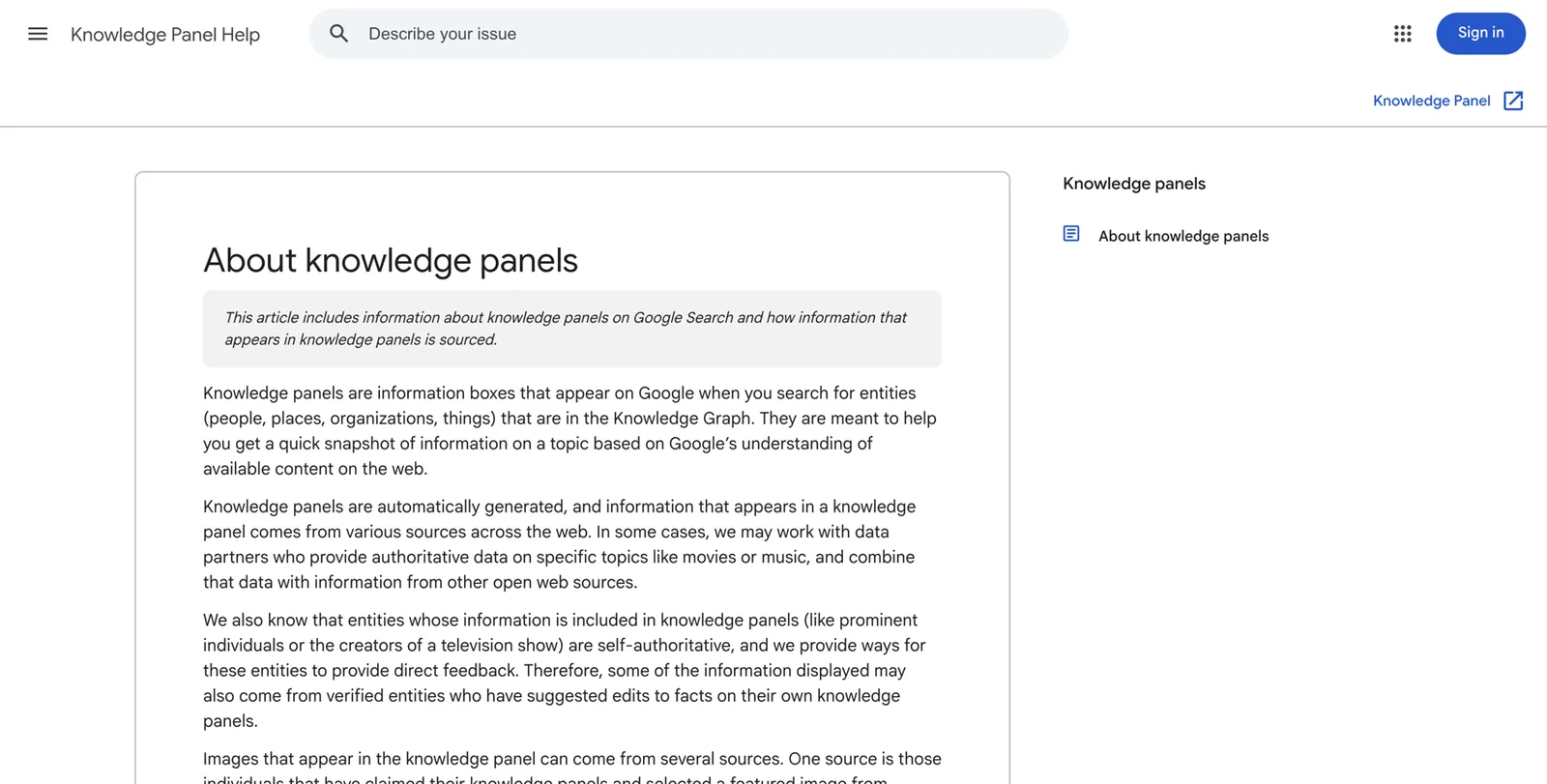
Start with the free audit
Whichever route you choose, the free audit is the sensible first step. Enter your name, LinkedIn URL and email. Within 1 business day you’ll get a report by email showing your name search as a stranger sees it, whether Google’s Knowledge Graph recognizes you, where your profiles disagree, and whether AI tools mention you. It’s free, with no call and no card. You keep the report and can act on it yourself.
Toolkit: worksheets and glossary
All the worksheets appear in the chapters above. Here they are again in one place, with a few extras. Copy them into a spreadsheet or print this page.
A1. Name-search audit (summary)
| Search | Panel? | Subtitle | Photo correct? | Top result mine? | Namesakes? |
|---|---|---|---|---|---|
A8. Schema check
Tick each before and after every schema change.
| Check | Before | After |
|---|---|---|
| Person type with @id | ||
| name, image, description, jobTitle | ||
| worksFor points to practice or hospital | ||
| sameAs lists only corrected profiles | ||
| validator.schema.org: 0 errors | ||
A11. Media and speaker kit
| Item | Ready? | Where it lives |
|---|---|---|
| Headshot (1200 px+) | ||
| Short and standard bio | ||
| 30-second spoken intro | ||
| Topics list | ||
| Entity Home link | ||
| Disclosure note for industry ties | ||
A13. Suggest-an-edit template
Use this when you send feedback on your claimed panel.
| Field | What to write |
|---|---|
| Change requested | Please update the subtitle / photo / workplace |
| Context (one line) | I’m a [specialty] at [practice] in [city] |
| Supporting link 1 (mine) | Entity Home URL |
| Supporting link 2 (independent) | License record, hospital page or certification record |
Compliance self-check before you publish anything
- No patient names, photos, stories or identifiable details
- No confirmation that any reviewer is a patient
- Board certification stated only if current, with the board named
- No outcome guarantees, success rates or unsupportable “best” claims
- No paid, incentivized or staff-written reviews
- Industry relationships disclosed where relevant
- Employer or hospital policy checked for personal pages and media
- Your state board’s advertising rules checked
Glossary
| Term | What it means |
|---|---|
| Knowledge Panel | The box Google shows about a person, place or thing it recognizes, with a photo, subtitle and key facts |
| Knowledge Graph | Google’s database of entities and the facts that connect them |
| Entity | A single, distinct thing Google can identify: you, your practice, your book |
| KGMID | Your Knowledge Graph ID, which looks like /g/11abc12345 |
| Entity Home | The one page you own that explains who you are; Google’s reference point |
| Corroboration | Other sources confirming the same facts about you |
| First, second, third party | Pages you own; profiles you partly control; independent sources |
| Schema (structured data) | Hidden code on your Entity Home that describes you in a format machines read |
| sameAs | The schema property that lists profiles about you |
| subjectOf | The schema property that lists articles or episodes about you |
| Semantic triple | A simple fact in subject–relationship–object form: “Elena Vasquez is a dermatologist” |
| Subtitle | The one-line role under your name in a panel |
| Brand SERP | The first page of results for your name (SERP means search engine results page) |
| Indexing | Google finding and storing a page so it can appear in results |
| Search Console | Google’s free tool for website owners |
| Sprout | A thin panel with very little information that shows rarely |
| NPI | National Provider Identifier, the unique 10-digit number for US healthcare providers |
| NPPES | The CMS system where NPI records are created and updated |
| ABMS | American Board of Medical Specialties, the umbrella body for 24 member boards |
| ORCID | A free, unique, persistent identifier for researchers |
| AI Overview, AI Mode | Google’s AI-written summaries and conversational search |
| Google Business Profile | Google’s listing for a business location (formerly Google My Business) |
| HIPAA | The US law protecting patients’ health information |
| Open Payments | CMS’s public database of industry payments to physicians |
| Myth | Reality |
|---|---|
| Only famous doctors get panels | Google needs confidence, not fame |
| You need Wikipedia | Most personal panels aren’t based on it |
| You can buy one | Google generates panels itself |
| Claiming gives you control | Claiming lets you suggest changes; Google decides |
| Schema alone triggers a panel | It helps, but it’s one signal among many |
| More profiles is always better | Consistent, relevant profiles beat volume |
| It’s permanent once it appears | Panels change and can disappear |
| AI recommendations can be guaranteed | Nobody can guarantee them |
Frequently asked questions
Frequently asked questions
Is a Knowledge Panel the same as my practice’s Google Business Profile?
No. A Google Business Profile describes a place: your clinic’s address, hours, phone number and reviews. You or your practice manage it directly. A Knowledge Panel describes you as a person. Google builds it automatically from what it knows about you, and it follows you if you change practices or hospitals.
Can I pay Google for a Knowledge Panel?
No. Google generates panels automatically and doesn’t sell them. Nobody outside Google can guarantee one appears. What you can do is make your information clear, consistent and backed up by trusted sources, which is what Google needs before it shows a panel.
Does any of this involve patient information?
It shouldn’t, and in this playbook it never does. Everything here uses your professional facts: training, licenses, board certification, affiliations, publications, talks and media. Patient stories, photos and testimonials need written HIPAA authorization and must follow your state board’s advertising rules, so the playbook keeps them out of the core work.
Can I say I’m board-certified on my website and profiles?
Only if it’s true and current, and you should name the board, for example “board-certified in dermatology by the American Board of Dermatology.” Several states, California among them, regulate how board certification can be advertised. Patients can check ABMS board certification on Certification Matters.
Do I need a Wikipedia page to get a Knowledge Panel?
No. Most personal panels aren’t based on Wikipedia. Wikipedia has strict notability and conflict-of-interest rules, and a deleted article can hurt you. Your own Entity Home page, consistent profiles and independent sources such as your license record, hospital page and publications matter far more.
I share my name with another doctor. Can I still get a panel?
Often, yes, but it takes more care. Use one exact form of your name everywhere (for example with a middle initial), always pair it with your specialty and city, and build the sources that clearly describe you. Google tends to show the person a searcher most probably means, and that is often location-sensitive.
I’m moving to a new practice. What should I do first?
Update your own Entity Home page and its schema on the day you move, then your NPI record, LinkedIn, Doximity and the ratings sites in the same week. Ask your old practice or hospital to update or redirect your bio rather than delete it. Contradictions between old and new details are what confuse Google most.
How long does it take to get a Knowledge Panel?
Google gives no timeline. Practitioners report anything from a few weeks to a year or more, depending on how clear and well corroborated your presence already is. DotVisible’s own clients with a reasonable existing presence usually see their panel within about 60 days, but that is a service observation, not a promise for DIY work.
Will a Knowledge Panel make ChatGPT recommend me?
Not directly, and nobody can guarantee AI recommendations. Google says its AI Overviews and AI Mode draw on the Knowledge Graph, so being clearly understood helps there. Other AI tools draw on the same public web, so the clean, consistent and corroborated footprint you build for Google is also what they read.
Can I edit my Knowledge Panel once it appears?
Not directly. Once you claim it, you can suggest changes with supporting links, and Google gives verified people’s feedback priority. Google still decides. The lasting way to change a panel is to correct the sources it learns from.
Should I reply to bad reviews on Healthgrades or Google?
If you reply, keep it general and never confirm that the reviewer is your patient or mention any detail of their care. HHS has fined practices for disclosing patient information in review replies. Many doctors invite the reviewer to call the office instead.
Is this legal or compliance advice?
No. This playbook explains common US rules in plain English so you know what to ask about. Your state medical or dental board, your hospital’s compliance office and a healthcare attorney are the right people to confirm what applies to you.
Sources
- 1About knowledge panelsGoogle Knowledge Panel Help · Accessed 21 Oct 2026↩
- 2Get verified on GoogleGoogle Knowledge Panel Help · Accessed 21 Oct 2026↩
- 3Submit feedback on content about youGoogle Knowledge Panel Help · Accessed 21 Oct 2026↩
- 4Public Awareness, Perception, and Use of Online Physician Rating Sites (Hanauer DA, Zheng K, Singer DC, Gebremariam A, Davis MM)JAMA 2014;311(7):734–735 · 2014↩
- 5Health Online 2013Pew Research Center · 15 Jan 2013↩
- 6Opinion 9.6.1: Advertising & PublicityAMA Code of Medical Ethics · Accessed 21 Oct 2026↩
- 7Opinion 2.3.2: Professionalism in the Use of Social MediaAMA Code of Medical Ethics · Accessed 21 Oct 2026↩
- 8Marketing (HIPAA Privacy Rule guidance)US Department of Health and Human Services · Accessed 21 Oct 2026↩
- 9Dental practice pays $10,000 to settle social media disclosures of patients’ protected health informationUS Department of Health and Human Services · 2 Oct 2019↩
- 10Guides Concerning the Use of Endorsements and Testimonials in Advertising, 16 CFR Part 255Federal Trade Commission (eCFR) · Accessed 21 Oct 2026↩
- 11Federal Trade Commission announces final rule banning fake reviews and testimonialsFederal Trade Commission · 14 Aug 2024↩
- 12American Board of Medical SpecialtiesABMS · Accessed 21 Oct 2026↩
- 13Certification Matters: is your doctor board certified?ABMS · Accessed 21 Oct 2026↩
- 14Personschema.org · Accessed 21 Oct 2026↩
- 15IndividualPhysicianschema.org · Accessed 21 Oct 2026↩
- 16Wikidata:NotabilityWikidata · Accessed 21 Oct 2026↩
- 17Wikipedia:Notability (people)Wikipedia · Accessed 21 Oct 2026↩
- 18What is ORCID?ORCID · Accessed 21 Oct 2026↩
- 19Open PaymentsCenters for Medicare & Medicaid Services · Accessed 21 Oct 2026↩
- 20Advertising hubAhpra (Australian Health Practitioner Regulation Agency) · Accessed 21 Oct 2026↩
- 21AI features and your websiteGoogle Search Central · Accessed 21 Oct 2026↩
- 22Expanding AI Overviews and introducing AI Mode (Robby Stein)Google blog · 5 Mar 2025↩
- 23Knowledge Graph Search APIGoogle for Developers · Accessed 21 Oct 2026↩
- 24Google Knowledge Panel for a doctor: how to get, manage and optimiseKalicube · Accessed Oct 2026↩
- 25Kalicube homepage timeline and Knowledge Graph update trackingKalicube · Accessed Oct 2026↩
- 26Knowledge panel spam: what you need to knowKalicube · Accessed Oct 2026↩
- 27Business and Professions Code section 651California Legislative Information · Accessed 21 Oct 2026↩
- 28NPI RegistryCenters for Medicare & Medicaid Services · Accessed 21 Oct 2026↩